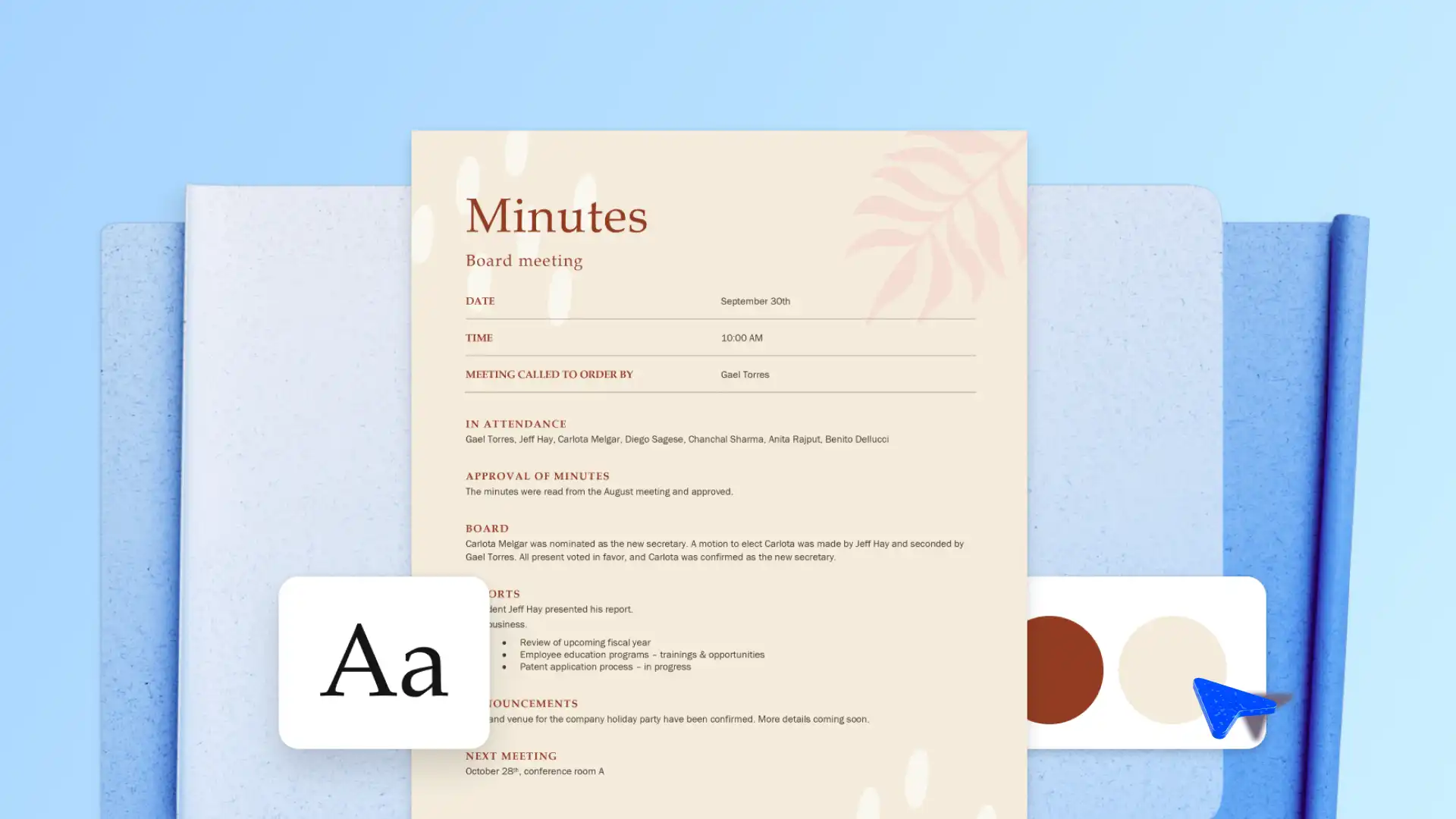
A well-defined agenda is the key to keeping meetings on track and ensuring all action points are covered. Structured agendas list action items and current priorities to keep discussions focused, efficient, and goal driven. Use meeting agendas to simplify meeting preparation, stay on top of busy schedules, and achieve meeting goals faster.
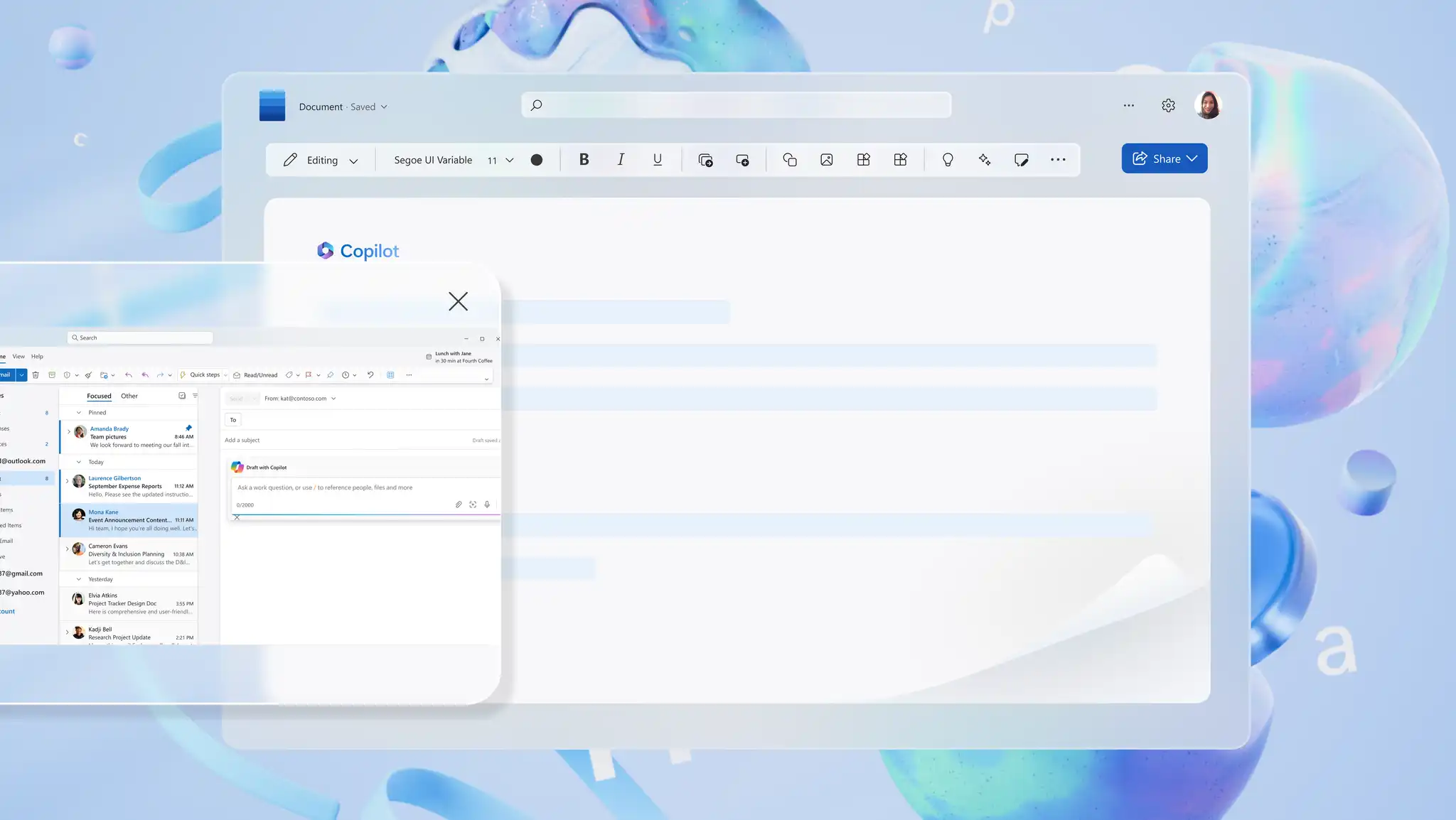
Create a polished version in minutes using pre-formatted templates or easily generate a draft from scratch with Copilot in Word. Read on to learn more about building clear, outcome-led agendas for upcoming meetings.
Essential elements of meeting agendas
An agenda with defined sections shapes a productive and focused discussion. It also helps all participants understand the meeting purpose, prepare relevant pre-reads, and stay aligned on priorities. Adapt the agenda format below to make sure meetings run smoothly and lead to actionable outcomes.
Title, date, and time
State the meeting purpose and title at the start of the agenda. Describe the focus of the meeting in the title, for example, ‘Marketing weekly sync’. Include the meeting date, start time, and duration. This gives participants a high-level overview of what to expect during the meeting.
Meeting location or platform
Indicate where the meeting will take place, either virtually or in-person. For virtual meetings, name the platform that will be used, like Microsoft Teams, with a copy of the meeting link included in the calendar invite. If a meeting is taking place in person, mention the name of the meeting room, along with an address, for example, ‘Conference Room B, Level Five, 123 Market Street, San Francisco, CA 94103’. For hybrid meetings, make sure to specify both the address and the meeting link.
Participants and meeting presenters
A meeting agenda should always list participants or team members that are expected to attend, with their names, job titles, and roles if needed. Optional attendees can also be listed.
Review of previous meeting minutes
Make sure all participants are up to date with relevant information and prepared for the upcoming meeting by reviewing notes from earlier meetings. Address any follow-up items from previous meetings to confirm that all action items are complete.
Meeting objectives
Keep discussions focused and purposeful by identifying key objectives for the meeting. Clear objectives can help all meeting participants understand goals and desired outcomes, prioritizing what matters the most; for example: establishing a new SOP template, identifying the root cause of an incident, and finalizing an improved onboarding structure.
Meeting agenda items
Agenda items will outline each topic that will be discussed. Allocate time to all topics, ensuring that every action point is covered. Keep discussions flowing by setting a logical order: start off with the agenda, then priority topics, followed by brainstorming and action points. Assign time to close the meeting with questions from attendees. Capture meeting minutes faster with structured agenda items.
Open discussions
It’s important to allow time for open discussions within a meeting agenda to make sure participants can raise questions, share insights, or address topics that weren’t planned for. An open discussion time slot can encourage engagement and ensure emerging incidents or issues aren’t overlooked. Keeping a meeting structure flexible makes it easier for speakers to adapt in real time as discussions evolve.
Meeting agenda example
Meeting title: Weekly team sync Date: December 10, 2026 Time: 10:00am – 10:45am PST
Topics of discussion:
1. Project updates (15 minutes)
2. Key blockers (15 minutes)
3. Next steps and actions (15 minutes)
Action items: confirm deadlines and assign follow-ups
How to write a meeting agenda using templates in Word
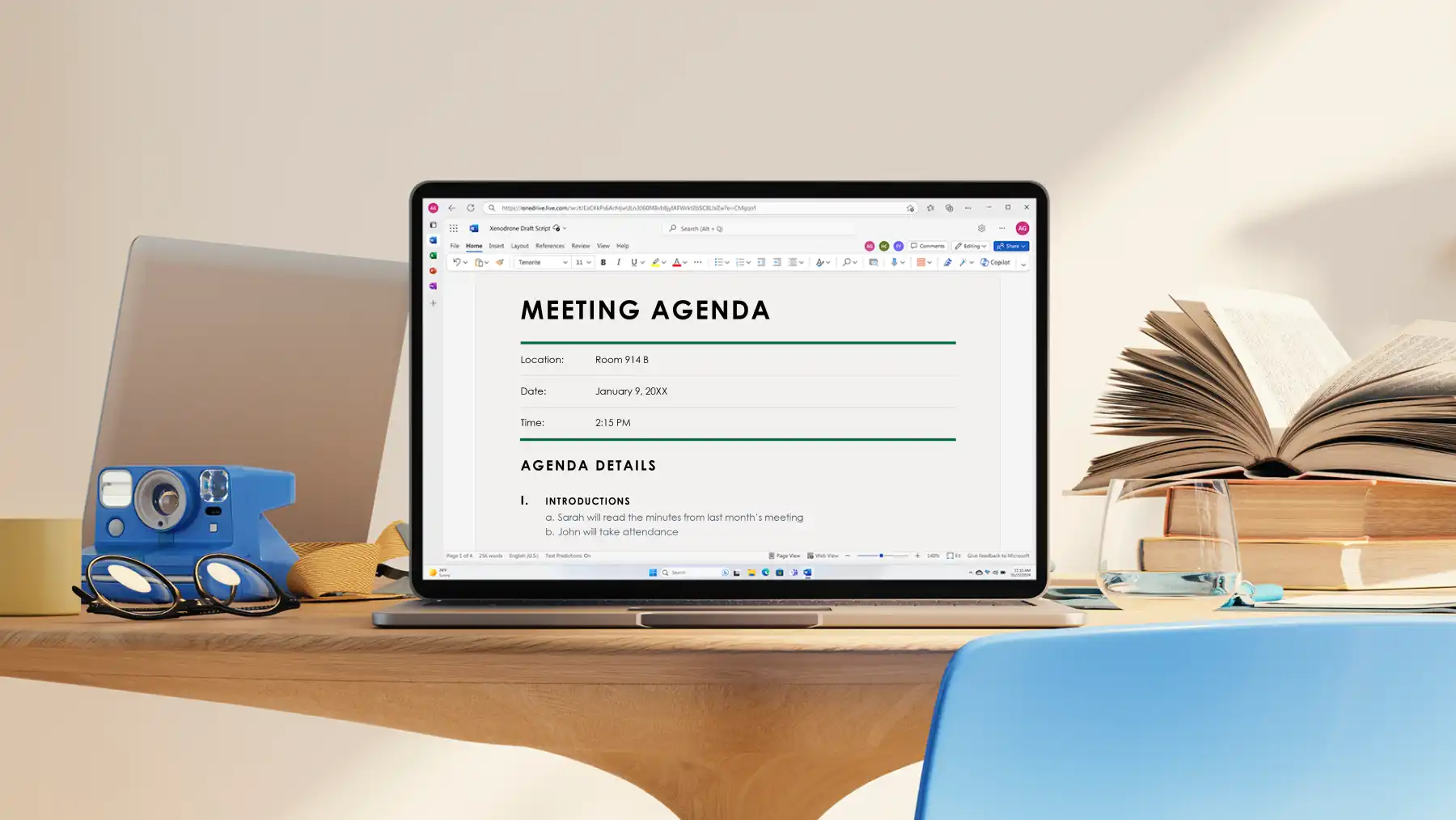
Drafting a meeting agenda is a quick task that may take only a few minutes, but ends up providing teams with an efficient plan. Create a helpful meeting agenda using the steps below.
Explore meeting agenda templates on Word for the web and choose the one that aligns closely with meeting goals.
Add important details like time, attendees, key discussion points, and pre-reads in the dedicated sections in the chosen template.
Use document editor to refine the agenda. Adjust tone, improve clarity, or fix formatting errors to prepare the document for sharing.
Once finalized, share the document as a OneDrive link, or export it as a PDF to print or send externally.
Meeting agenda formatting guidelines
Start with a meeting agenda template or generate a draft with Copilot, then apply formatting using document editor.
Add headers and footers: write clear headers in bold or a larger font size. If sharing confidential files, add labels with organization names in the footer. Do this by personalizing a pre-formatted agenda template in Word.
Organize content with lists: make sure meeting agendas are written in a scannable format, using simplistic number or bullet lists, making it easier for readers to review.
Use business branding: align professional meeting agendas with brand guidelines by adding brand logos, color schemes, and fonts to the document.
Organize a meeting agenda to drive decisions
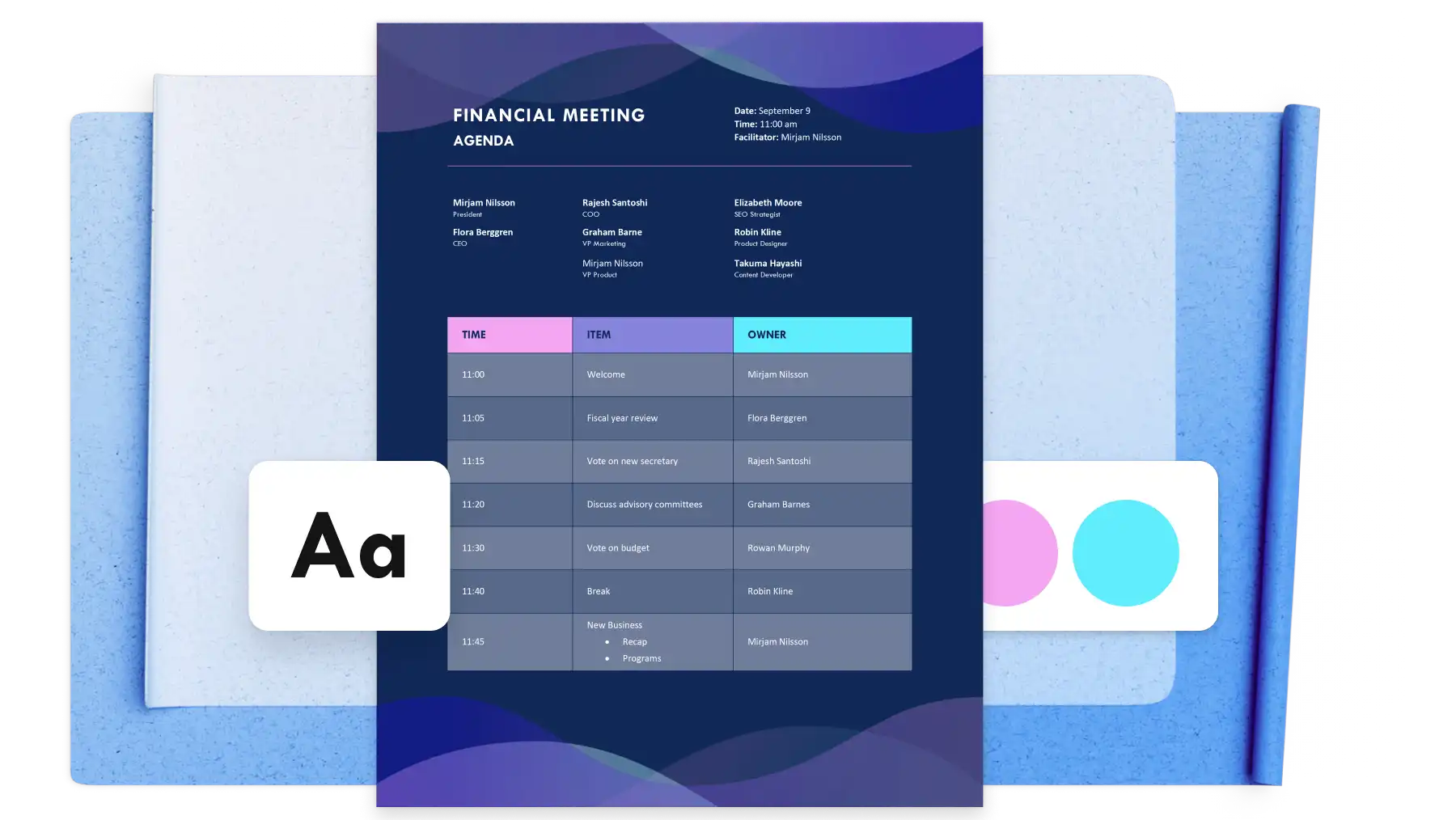
A strong, efficient meeting agenda does more than just organize discussion points. It guides decision making, aligns teams, and establishes goals. Keep these tips in mind while creating and reviewing an agenda to achieve better outcomes and turn decisions into clear next steps.
Choose a decision-focused agenda template
Try to keep agendas concise and focused on key decisions that require action. Agenda templates in Word come with dedicated sections for organizing objectives, attendees, and outcomes, so each decision is communicated clearly to everyone.
Use headings and time limits to keep discussions on track
Break the agenda into scannable headings that provide readers with an easy-to-follow overview to help improve meeting preparation. Mention a time limit next to each heading to define the meeting schedule and assign an owner to each agenda item, so attendees understand discussions before the meeting.
Share pre-reads to gather feedback before the meeting
Package a meeting agenda to include suitable links, supporting documents, and relevant references to give attendees the context they need before the meeting. Gather feedback on agendas directly through comments in Word, making it easy to move to the decision-making stage faster after the meeting.
Capture decisions and distribute next steps
Store meeting recordings, outcomes, and decisions within the agenda document to build a unified reference file for all stakeholders. Share the updated file with stakeholders via a OneDrive link or export as a PDF to print copies for distribution or record-keeping, so everyone reviews outcomes and next steps from a single source.
Communicate meeting goals with clarity, give discussions an effective structure, and gain productive outcomes by drafting well-written meeting agendas in Microsoft Word.
For help taking accurate and fast meeting minutes, read how to create meeting minutes with AI, or explore how to generate email drafts with Copilot.
Frequently asked questions
- How to use AI to redesign agendas?
Copilot in Word can help re-design agendas using AI. Restructure layout, enhance clarity, add time allocations, and format agendas for sharing through Outlook, Teams, or OneNote with help from Copilot. Whether working on a leadership meeting, content planning session, or recurring business meeting, use Copilot to refine wording, add objectives or outcomes, and create reusable agenda templates. Simply share an existing meeting agenda then redesign it together.
- What to include in board meeting agendas?
An effective board meeting agenda includes clear sections that support structured discussion and decision‑making. Start with opening remarks and approval of previous minutes to align the group. Include financial and operational updates, followed by strategic discussion and any decisions or approvals required. Allow time for committee reports, key events or incidents, and open discussion.
- What to include in staff meeting agendas?
A staff meeting agenda keeps teams focused and informed. Open with a brief welcome, then move into team or project updates. Highlight key discussion topics and announcements and allow time for questions and feedback. Close with clear follow‑ups from a business memo and outline action items with clear next steps.
- How do meeting outcomes turn into business documents?
Objectives and decisions captured in a meeting can feed straight into other documents. Copilot in Word can help reshape agenda notes into a structured plan, proposal, or report. Explore business planning templates for every stage of work to take meeting outcomes further in Word.