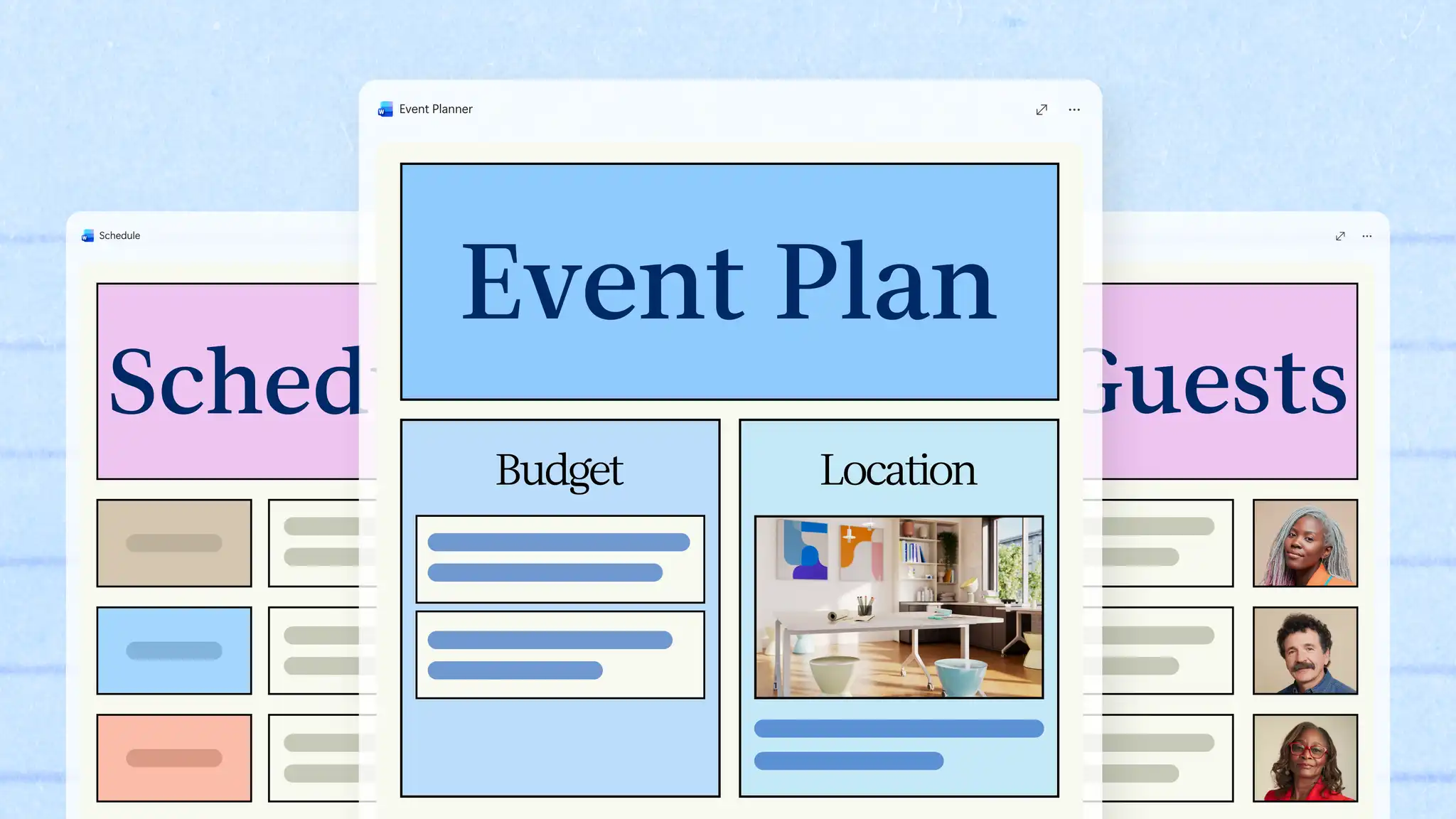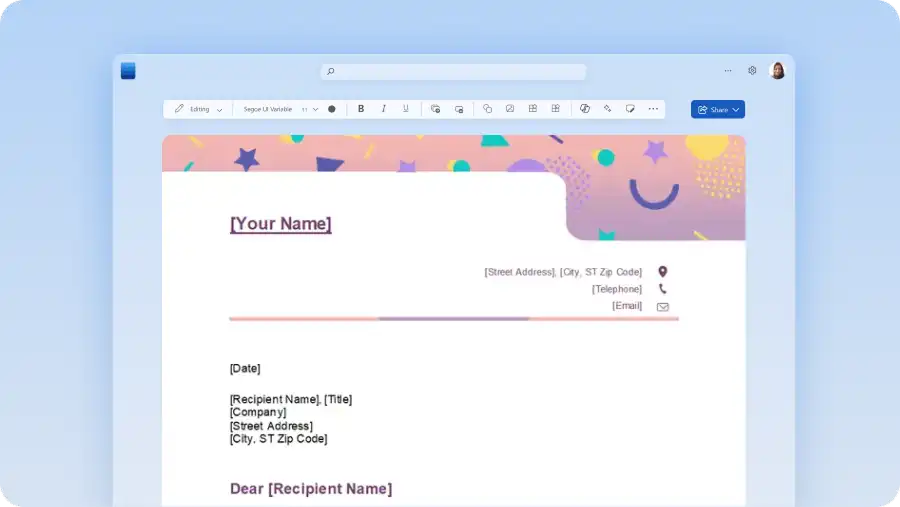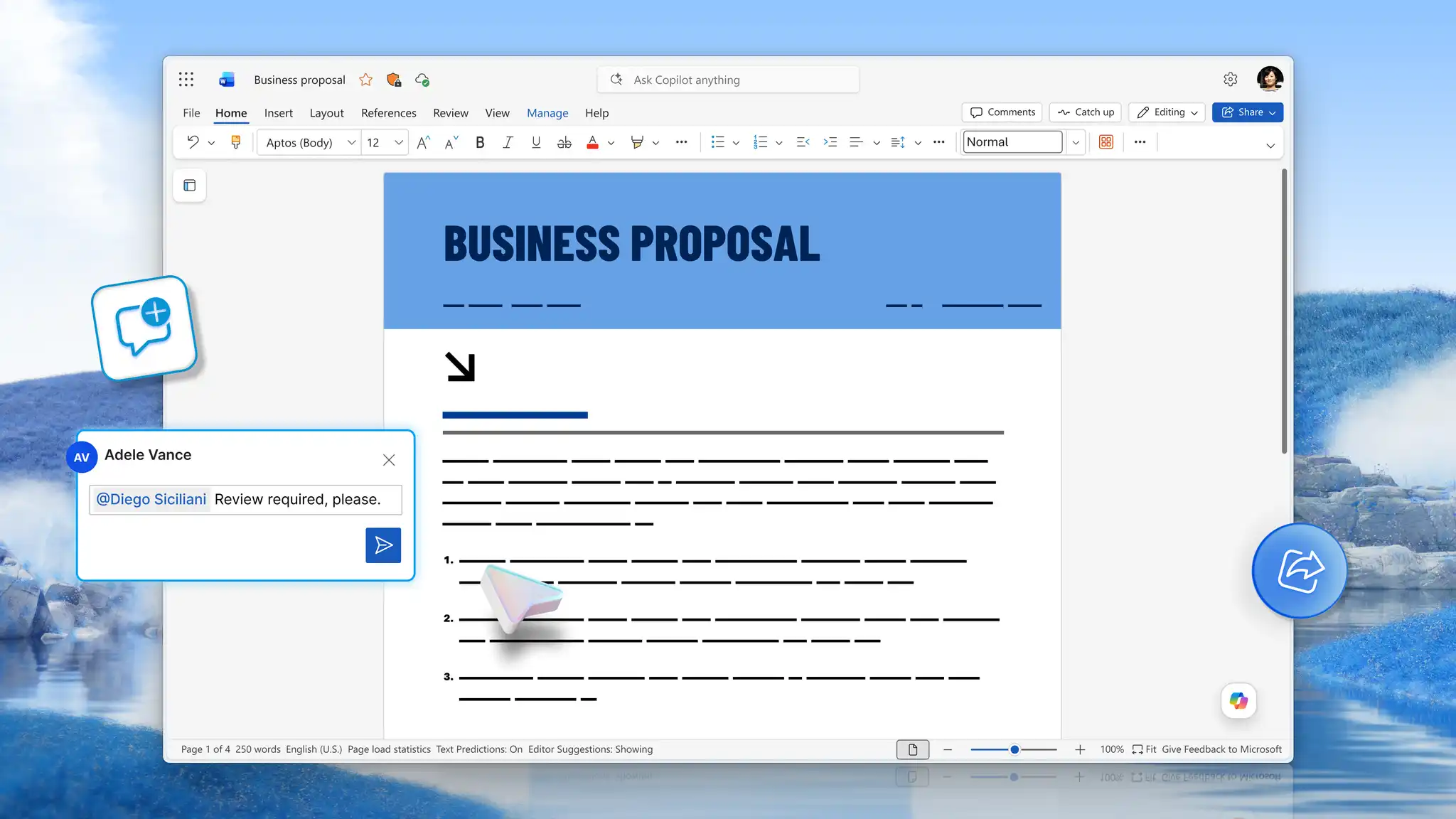
Turning an idea into a plan depends on the right business documents. Some initiatives begin with a business plan or business case, others start from a project brief that already has approval. As the work moves forward, different documents help support planning and delivery.
Drafting each document in Microsoft Word keeps approved information easy to reuse and check. Microsoft Copilot, the AI assistant built into Word, can help turn a plan into a proposal outline or notes into a status update.
Explore what each document covers and where Copilot in Word supports the business planning process, so the answer to what document comes next is always clear.
Define goals with a business plan
A business plan sets out the goals, the market it serves, and the financial information. Add the approach the business will take, how it runs day to day, and the next steps, so a reviewer can follow the idea from opportunity to plan of action.
When to write a business plan
Founders write a business plan when starting a new business or seeking funding. It shows an investor or a bank the opportunity, the operating model, and the financial projections behind a growth goal. Every later document draws on that foundation rather than recreating it, so figures shown to an investor at the start can be compared to future results.
Start a business plan with a template or Copilot
Start with a business plan template when reviewers expect a familiar structure, like when writing grant applications, loan applications, and first-time funding rounds. Copilot can also help outline the plan section by section when writing from scratch.
A finished plan gives the business proposal its goals and its evidence. For section-by-section guidance, read how to write a business plan.

Request approval with a business proposal
A business proposal uses the material in a business plan to request one specific decision. It states the problem or opportunity, the proposed solution, and the deliverables. Scope, timing, and resources follow, and the proposal ends on the decision being requested.
Turn a business plan into a proposal
A business plan describes what a business or project sets out to do across goals, market, and operations. In contrast, a business proposal asks for something specific, usually funding, budget, or sign-off on a defined piece of work. Inside an organization, a business proposal may also be known as a business case, which weighs the options considered against the recommended one before funding is approved.
Draft a proposal outline with Copilot
Turn a business plan into a proposal outline with Copilot, which can help rewrite and organize the existing sections, ready for review.
A completed proposal makes a focused case for one decision, built from the business plan that already exists.
Set project scope with a project brief
Once approval is granted, a project brief records the approved scope, objectives, and constraints in a short document to check against later. It also names who is responsible and how decisions get made.
Approval often changes the work itself, as reviewers cut phases, change budgets, and move timelines. The brief records the agreed version, so the project plan builds on what was approved rather than what was originally proposed.
When to use a project brief
Project briefs suit organizations with corporate guidelines, several stakeholders, or external funding conditions. Smaller businesses often move straight from approval to the project plan and record the same detail in its opening section.
Confirm approved scope with checklists
Use a project initiation checklist to confirm the approved budget, the named owners, and the agreed milestones before work begins. At the start, clarify who does what, how often the team meets, and who handles blocked work. Keep both short, then review the headings and structure in the document editor before circulating the brief. With the brief in place, the project plan has a clear record of approved scope to build on.

Organize work and actions with a project plan
With the scope agreed, a project plan turns approved goals into deliverables, tasks, and owners with dates against them. Milestones and dependencies set the order of the work, while risks and checkpoints keep it under review. Every task connects back to the goals set in the business plan, so anyone can check progress against what was approved.
The proposal supplies the scope and deliverables, and the brief outlines the constraints and who is responsible for what. The project plan adds the dates, the order of work, and the owners. Start from a project plan template when tasks, owners, and milestones need to appear in one view.
Write a project plan when launching a business, product, or service to turn approved goals into milestones, responsibilities, and timelines that everyone involved can see.
Track tasks and risks with checklists
A project checklist inside a project plan is also a great way to help track ongoing project action items. These could include:
Task checklist: what must be produced and who produces it.
Risk checklist: potential delays, who monitors it, and what happens at each checkpoint.
Organize a project plan with Copilot
Ask Copilot to turn the approved plan and brief into a project plan. Using the information provided, Copilot can help surface missing information and dates in the timeline. Share the project plan draft with the people named in it and invite comments in real time using Collaborate in Word, so every owner can confirm their responsibilities before the plan is finalized.
Track progress with status reports
A status report measures active work against the approved goals, covering milestones met, current blockers, and next steps. It also captures any decision taken since the last update and any risks to consider.
Status reports and the final project report differ by timing. A status report circulates while the work is underway, whereas the final report records what the work achieved once it ends. Both measure against the same approved goals, so the closing report can be built from the updates that came before it.
Set a status report schedule
Teams can share status reports on a regular schedule, such as weekly updates for the project team and less frequent summaries for other stakeholders. Using a repeatable structure like a project status report template means readers find the same information in the same place each time.
Draft a status report with Copilot Upload a week of meeting notes and project files to the Copilot chat, and AI can generate a draft status report from them. Review the draft and confirm the status, dates, risks, and decisions against the source notes before sharing it. For updates that work better as an email than a document, read how to generate emails from documents with AI.
Close the project with a final project report
A final project report is the document that closes a project. It compares the final outcomes with the goals set in the business plan, and records any change to scope, timing, or budget made during delivery. Because that comparison uses the goals the plan started with, stakeholders can trace the close back to what they approved.
The report also records the lessons learned, which is what makes it useful to the next project. It names what worked, what caused delay, and what future teams can do differently, then lists recommendations and follow-up actions against named owners.
Hand over with a project closure checklist
Alongside the report, a project closure checklist covers the remaining tasks, from final deliverable sign-off and budget reconciliation to outstanding contracts. Handover then transfers the documentation and the access to whoever manages ongoing operations.
Draft a final project report with AI
Because the status reports already record most of this information, ask Copilot to draft the closing overview, then confirm every outcome, change, and recommendation against the record before it is circulated.
Highlight key information with executive summaries
An executive summary is a short opening section that puts the key decision or outcome at the top of a longer document. It is a layer rather than a stage, so place one at the front of a proposal, a project plan, or a final report, not only a business plan.
Cover the recommendation or outcome, the evidence behind it, and the next action requested, then give the resources, the timing, and the main risks a line each. One or two pages is enough, matched to the decision the summary supports.
Executive summary example for a business plan
A two-page summary gives reviewers the decision and the outcome first, before they read the detailed plan behind it. An executive summary for a business plan might read like this, from a fictional bakery planning to open a second site.
The second site opens in the riverside district by March 2028, serving weekday office trade and weekend families. Fit-out and first-year operations require $215,000, with break-even projected at month 16. The recommended next action is approval of the lease deposit by October 15, 2027.
Summarize a document with AI
Ask Copilot to rewrite a completed document into a summary written for a specific audience, then check that the decision, the evidence, the limitations, and the next action all remain.
Choose the documents each workflow needs
Each workflow needs a different set of documents. The scenarios below show which to write and what each one does.
Launch a new service offer
Launching a new service requires essential documents like a business plan, a business proposal, a project plan, and status reports.
Business plan: sets the goals, the market, and the pricing.
Business proposal: requests the decision to fund the launch.
Project plan: turns the approved offer into tasks, owners, and dates.
Status reports: track the build and the launch against those dates.
The team sets pricing, positioning, and timing once, so the idea reaches delivery without repeated rewrites.
Request and spend a budget
Requesting and spending a budget needs a business case, a project brief, and a final project report.
Business case: sets out the options, the costs, and the recommendation.
Project brief: records the scope and the budget that were approved.
Final project report: measures the result against that approved budget.
The funded amount and the delivered result stay traceable to each other.
Deliver an approved project
Delivering an approved project needs a project brief, a project plan, status reports, and a final project report.
Project brief: records the scope reviewers approved.
Project plan: breaks that scope into tasks, owners, and dates.
Status reports: track progress through delivery.
Final project report: closes the work against the original goals.
The plan reflects the scope reviewers approved rather than what the original proposal asked for.
Close and hand over work
Closing and handing over work needs a final project report and an executive summary.
Final project report: records the outcomes, the changes, and the lessons.
Executive summary: puts the decision and the result on the first page.
Move a business idea from first plan to formal close by drafting each document in Microsoft Word, with a clear answer to what document comes next at every stage. Approved goals, scope, and figures move forward from the plan into approval, planning, delivery, and reporting, which saves time recreating them. For help drafting and summarizing at each stage, explore Copilot. To start at the first document, read how to write a business plan.
Frequently asked questions
- What comes after a business plan?
A business proposal or business case usually comes next, presenting the plan as a request for funding, budget, or approval. After approval, a project brief captures the agreed scope, and a project plan template organizes the work into tasks, owners, and milestones.
- What is the difference between a business plan and a business proposal?
A business plan describes what a business or project sets out to do, covering goals, market, and finances. A business proposal presents a specific offer and asks for a decision, such as funding, budget, or partnership. Start from business proposal templates when the document needs to secure approval rather than explain the idea.
- What is a business case?
A business case justifies one specific project or investment for the people who approve spending, usually before any work starts. It compares the options considered, names the recommended one, and sets out the costs, benefits, and risks of each. Create a draft with Copilot from a completed business plan, then verify the costs, benefits, and risks before it goes to reviewers.
- What is a project brief?
A project brief records the scope reviewers approved, along with the objectives, constraints, and responsibilities. It sits between approval and detailed planning, giving the project plan an agreed starting point. Review the brief for structure and clarity with document editor before circulating it.
- What is the difference between a status report and a project report?
A status report tracks work in progress, covering milestones, blockers, and next steps for the current period. A final project report closes the work and records outcomes, scope changes, and lessons learned. Both measure against the goals set in the original plan. Use a project status report template for regular updates and a report template for the close.
- What should a project closure checklist include?
A project closure checklist covers final deliverable sign-off, budget reconciliation, and contract close, followed by documentation handover and access transfer. It can also record lessons learned and assign owners to any outstanding actions. Build the checklist inside the final report template rather than tracking it in a separate file.