
Free business plan templates
Prepare a professional business plan to share with investors or partners using customizable templates and AI in Microsoft Word.

Smart tools for clear business plans

Structure a plan with templates
Organize essential details with a business plan template. Add financial projections, market analysis, and goals to a built-in layout that readers can follow from start to finish.

Draft plan sections with AI
Turn research, meeting notes, and early ideas into a focused plan with Copilot in Word. Draft new sections, refine existing content, and connect goals and strategy to clear next steps.

Finalize a plan together
Bring comments from partners or collaborators into one shared document. Keep track of changes with version history (opens in a new tab) to compare edits and agree on the final plan.
Choose a business plan template for each stage of growth
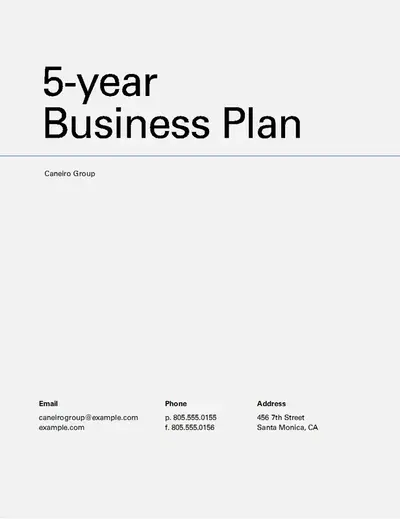
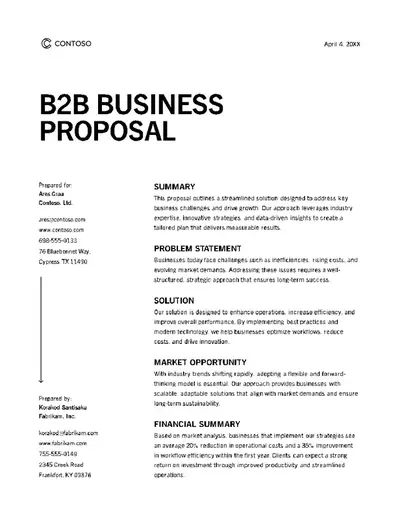
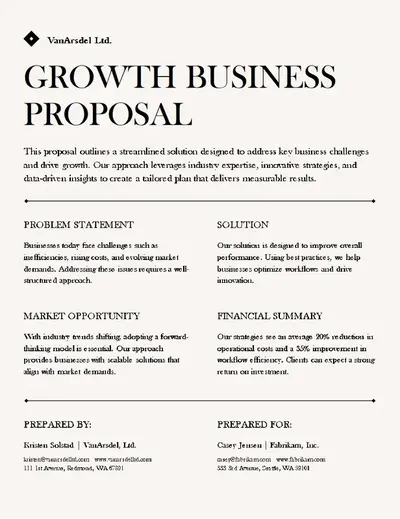
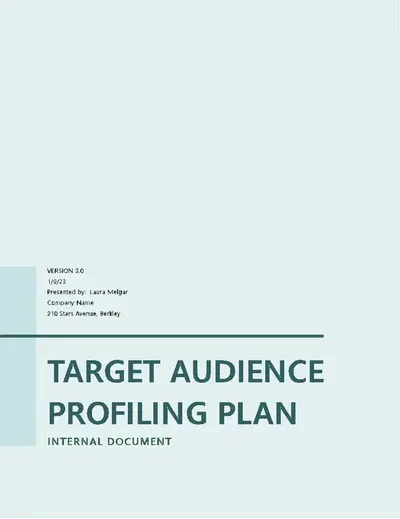
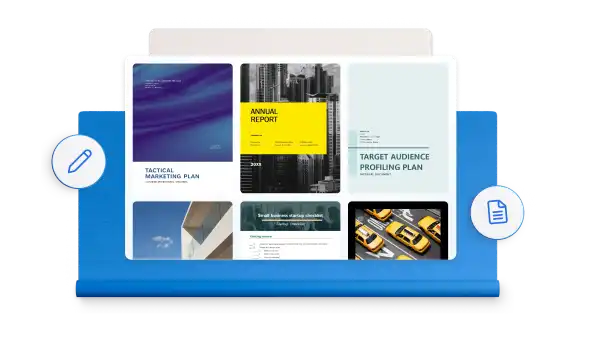
Browse templates with ready-made sections for goals, budgets, and priorities, from launch through to expansion. Update colors, fonts, and styles to match the brand, and replace placeholder text with details of the business.






How to use business plan templates in Microsoft Word
Explore business plan templates in Word for the web and select one that suits a new launch, an established business, or a growth plan.
Replace the placeholder text like the executive summary, company description, and financial projections.
Add research or notes to a Copilot chat and ask Copilot to draft or rewrite a section. Check the drafted section against the source notes, reviewing every fact and figure.
Save the plan as a PDF or share a link to send it to a lender or investor.
Watch and learn
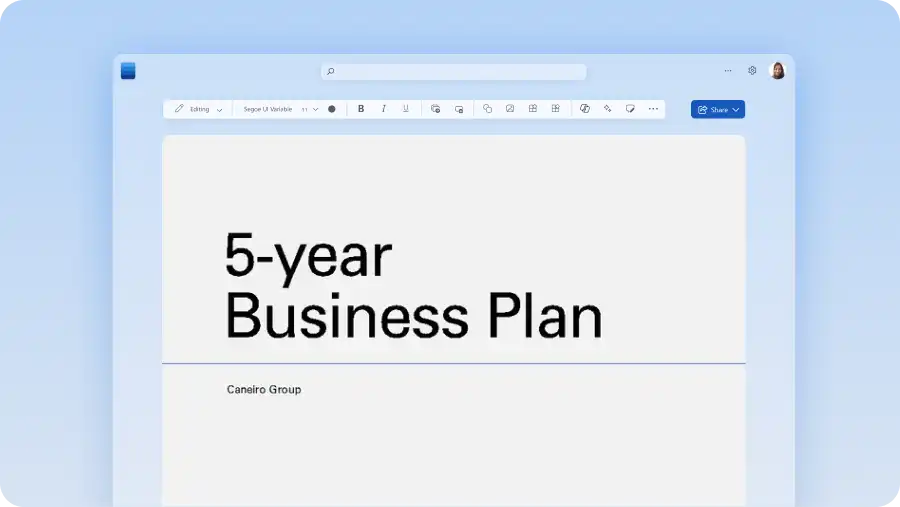
Draft a business plan with Copilot in Word
Discover how Copilot can help write and refine each section of a business plan.
Refine the plan as the business grows
Expand a new or one-page business plan as the business grows. Add recent sales figures or market research to a Copilot chat and ask Copilot to suggest updates to the financial or forecast sections. Check each revised figure against the source report before sharing the plan.