How to write a letter of interest — tips and examples
Unlock new job opportunities and make a memorable impression on potential employers...
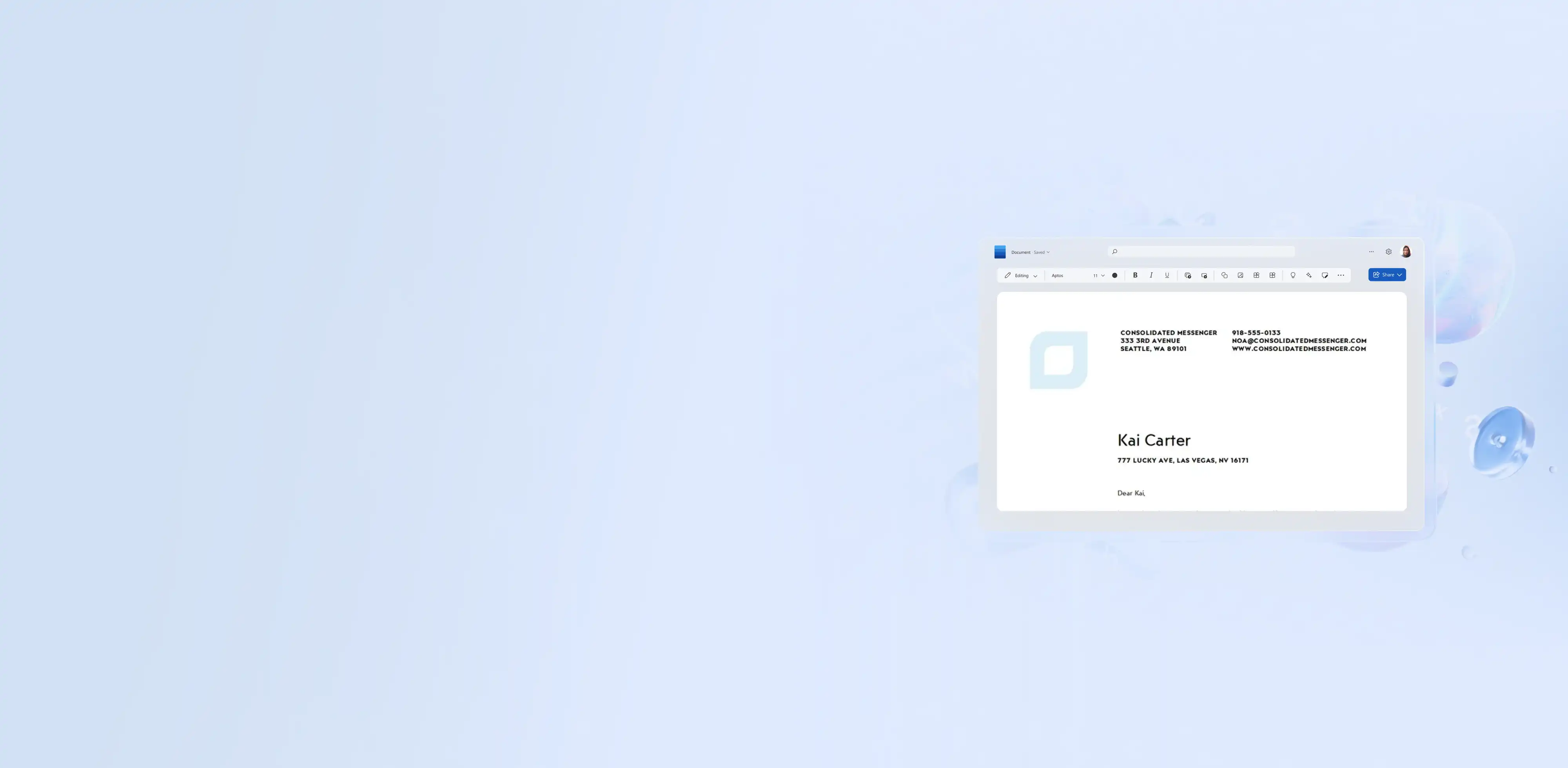
Write, format, and send professional business letters in Microsoft Word using pre-formatted templates and Copilot.


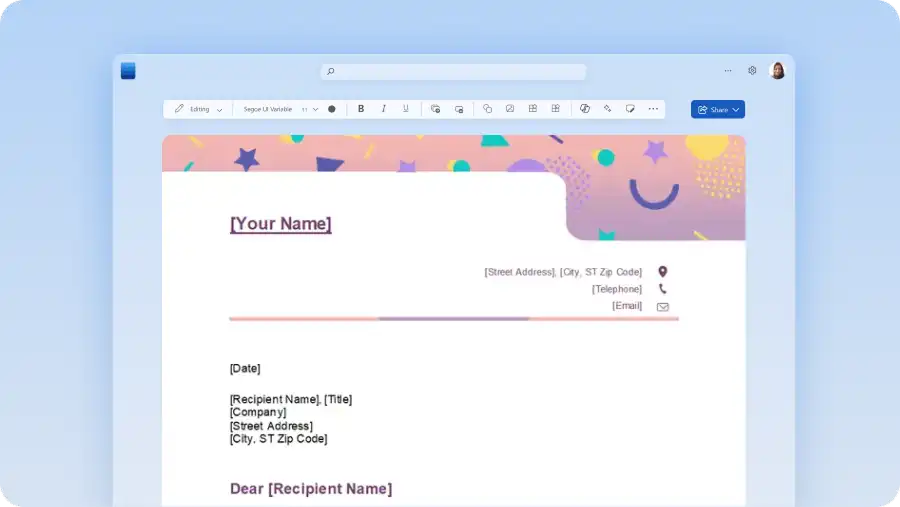
Choose from professionally-designed business letter templates built for every occasion. Open, customize, and send a well-formatted letter without starting from scratch.

Keep business letters consistent and submission-ready with professional font styles, sizing, and automatic margins to position content to business communication standards.

Chat with Copilot in Word to turn notes into a letter, rewrite an existing draft, or refine tone and phrasing for any audience. Make every message clear and ready to send.
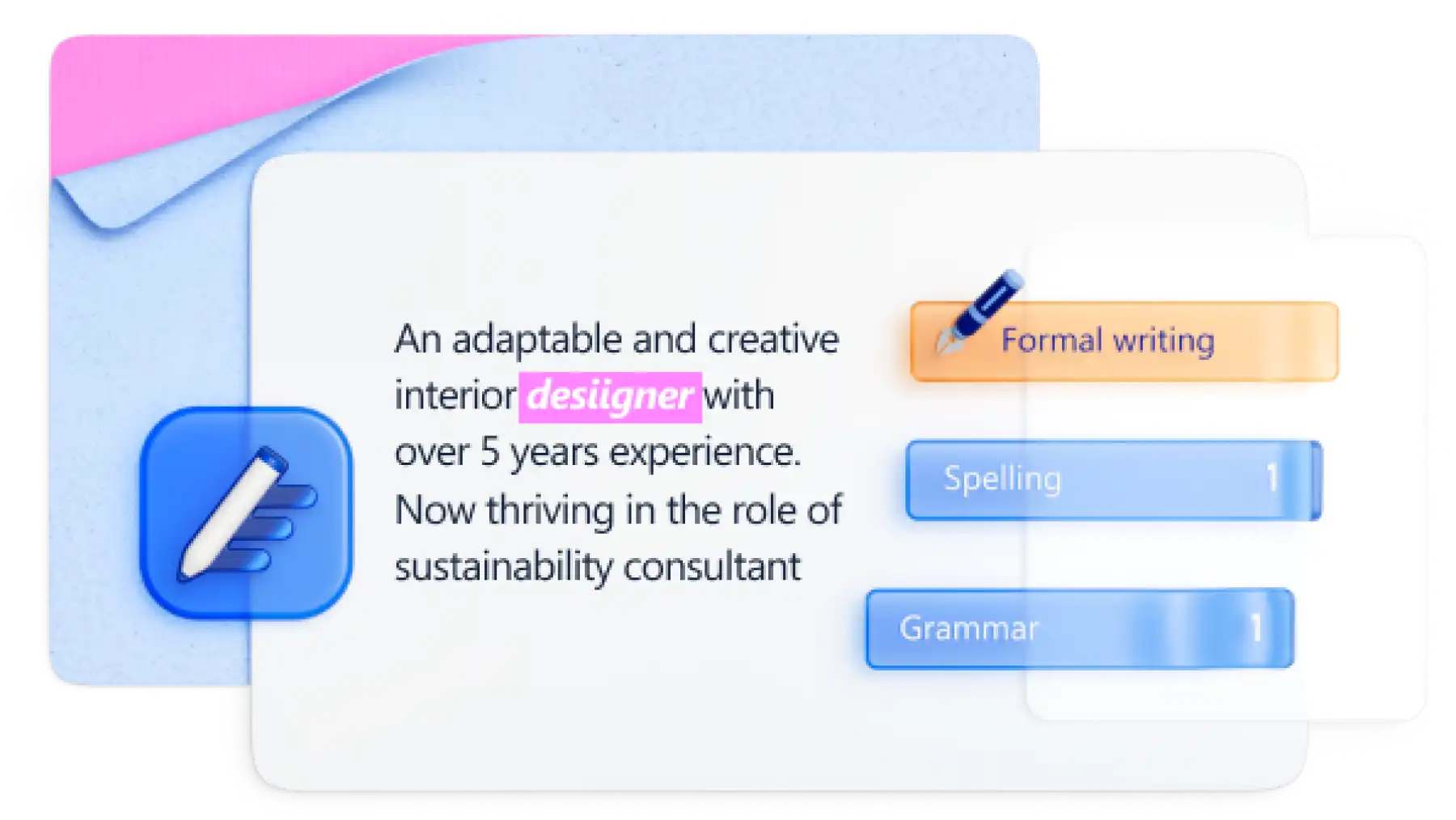
From formal requests to everyday correspondence, write with confidence using real-time writing tools. Apply automatic grammar checks to sharpen messages and quickly eliminate spelling errors before sharing. Find page word count at a glance to keep letters focused and concise.
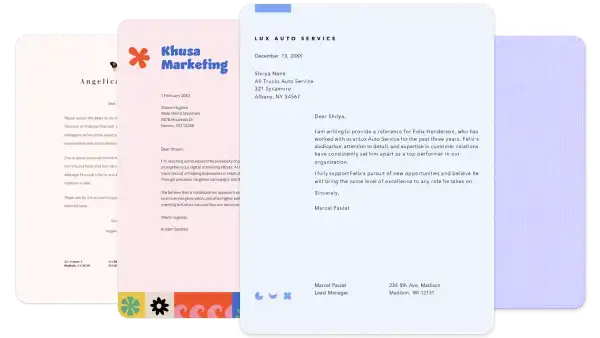
Create polished documents that follow standard business letter formatting for clients, partners, or internal stakeholders. Using integrated formatting tools, clearly identify sections for dates, addresses, and signatures, while keeping margins, spacing, and page alignment consistent.
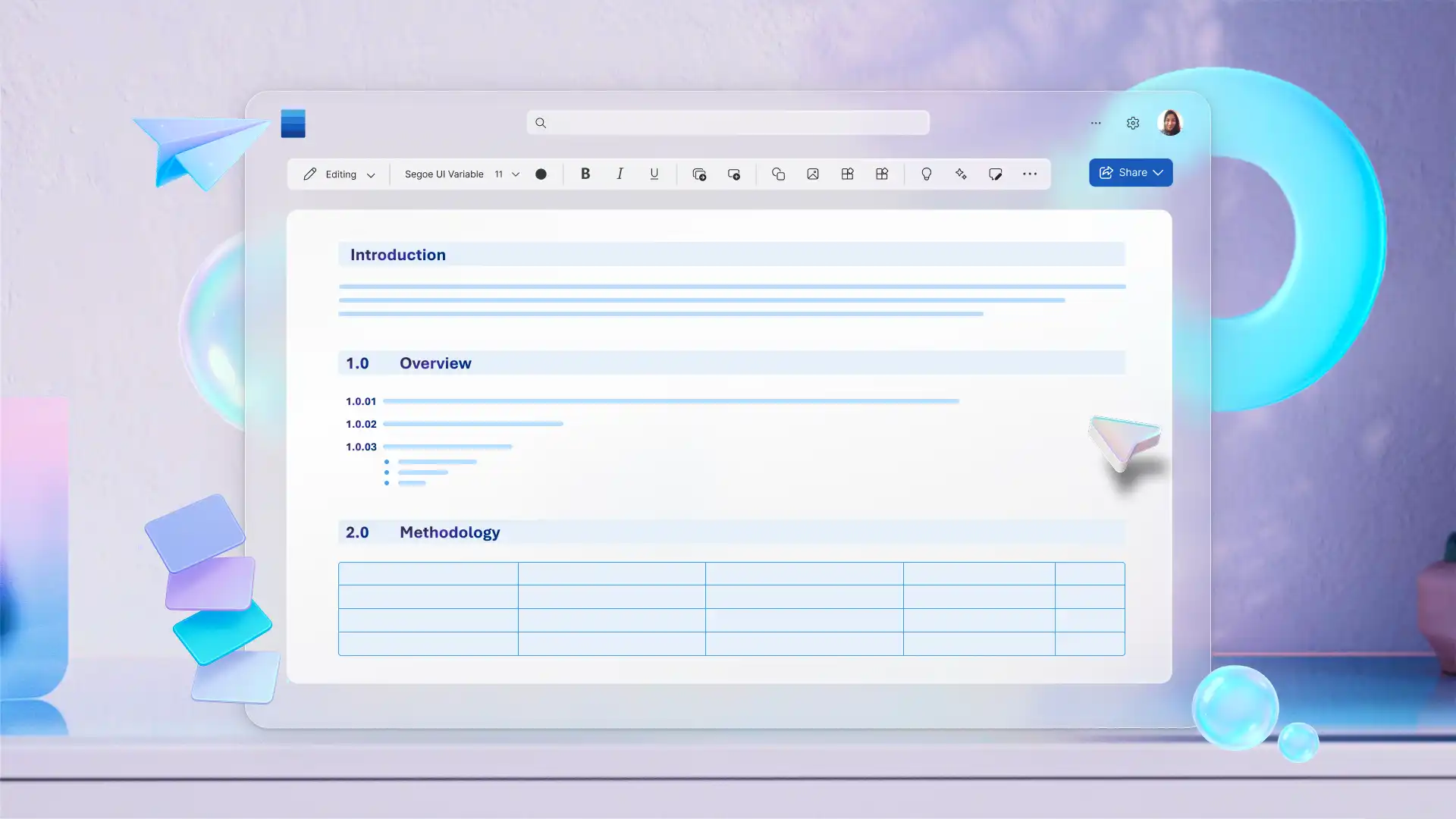
Customize business letter templates to match unique branding with logos, watermarks, and footers. Save personalized letters as a reusable template to avoid starting from scratch on every draft. Easily create clear status updates or policy notifications to export and share online or print in HD quality.
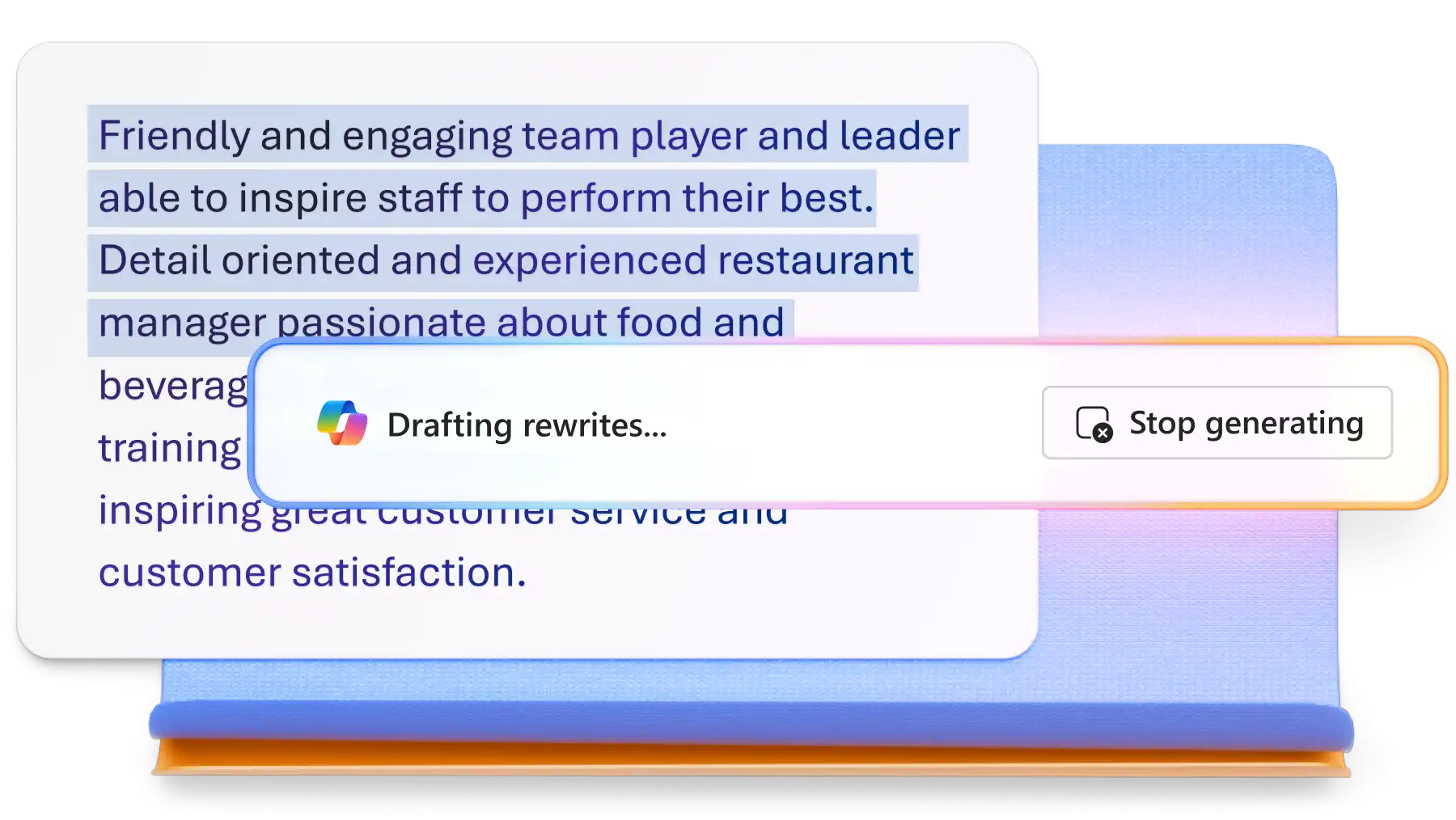
Use Copilot to refine existing letters by clarifying language, improving flow, and aligning tone for professional communication. From leadership updates to company‑wide announcements, AI helps polish messages, reduce ambiguity, and ensure files read clearly and confidently from start to finish.
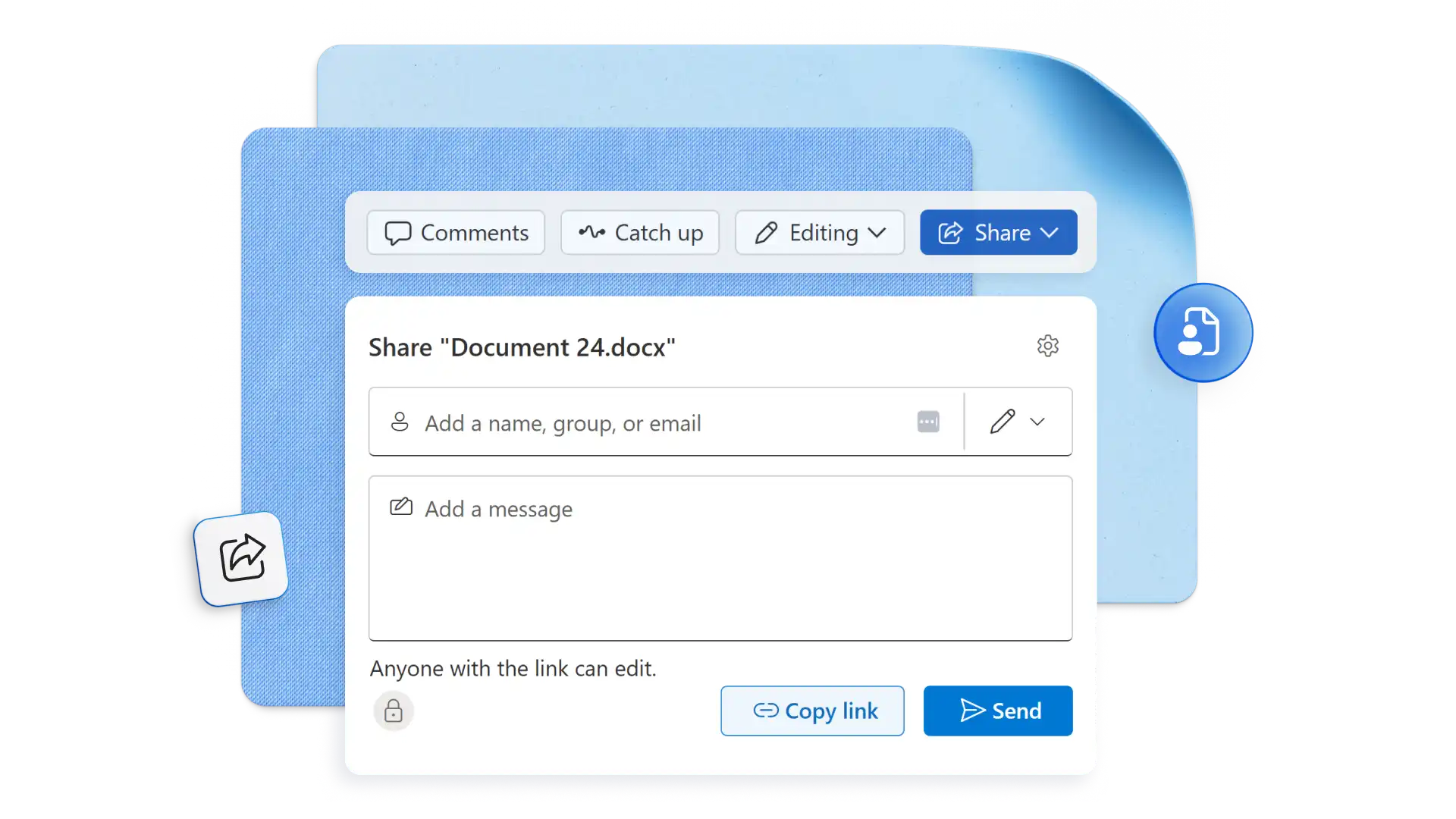
Collaborate on business letters with comments and track changes for clear, actionable feedback. Share documents securely and move escalation responses, complaint letters, and formal notices through approvals with confidence. Every edit is attributed to the contributor, so the final letter reflects the full review.
Protect business letters with sensitivity labels by saving to OneDrive or SharePoint while staying organized, versioned, and accessible. Share a secure link directly to colleagues for easy online access or export files as a PDF to seamlessly distribute, print, or attach.
Open Word for the web and start a new document.
Select a pre-formatted template or use Copilot in Word to generate a letter outline.
Add names, dates, addresses, and any relevant details.
Run spelling, grammar, and clarity checks using the document editor.
Save business letters to OneDrive or SharePoint.
Share a Word document link or export as a PDF for sending or printing.
Business letters are used across a wide range of professional situations, each with its own conventions for tone, structure, and format. HR correspondence, formal requests, compliance notices, client updates, and company announcements are all standard types. They can also be apart of a job application kit. Microsoft Word includes letter templates for each of these, formatted and ready to personalize.
A standard business letter includes seven key elements: the sender’s address, the date, the recipient’s address, a salutation, the body, a closing, and a signature. Some formal letters may also include a subject line or reference number above the salutation. Pre‑formatted business letter templates in Microsoft Word include these core sections, ready to refine and edit.
Block style is the most widely used business letter format, with all text aligned to the left margin, single line spacing within paragraphs, and a blank line between each section. Margins are typically one inch on all sides with a clean font at 11 to 12pt. Pre-formatted business letter templates apply this structure automatically, so every letter meets professional standards without manual adjustments.
A business letter opens with the sender's details and date, followed by the recipient's address and a formal salutation. The body covers the purpose clearly in two to four paragraphs, then closes with a professional closing and signature. Use AI to generate a structured outline from notes, then refine the tone and wording to fit the situation.
The five C's of business writing are Clear, Concise, Complete, Correct, and Courteous. This framework helps write messages that are easy to read, accurate, and professional.
Each principle addresses a different dimension of quality, covering word choice, grammar, tone, and completeness. Apply all five when drafting a business letter or use Copilot to review and refine a draft against each standard.