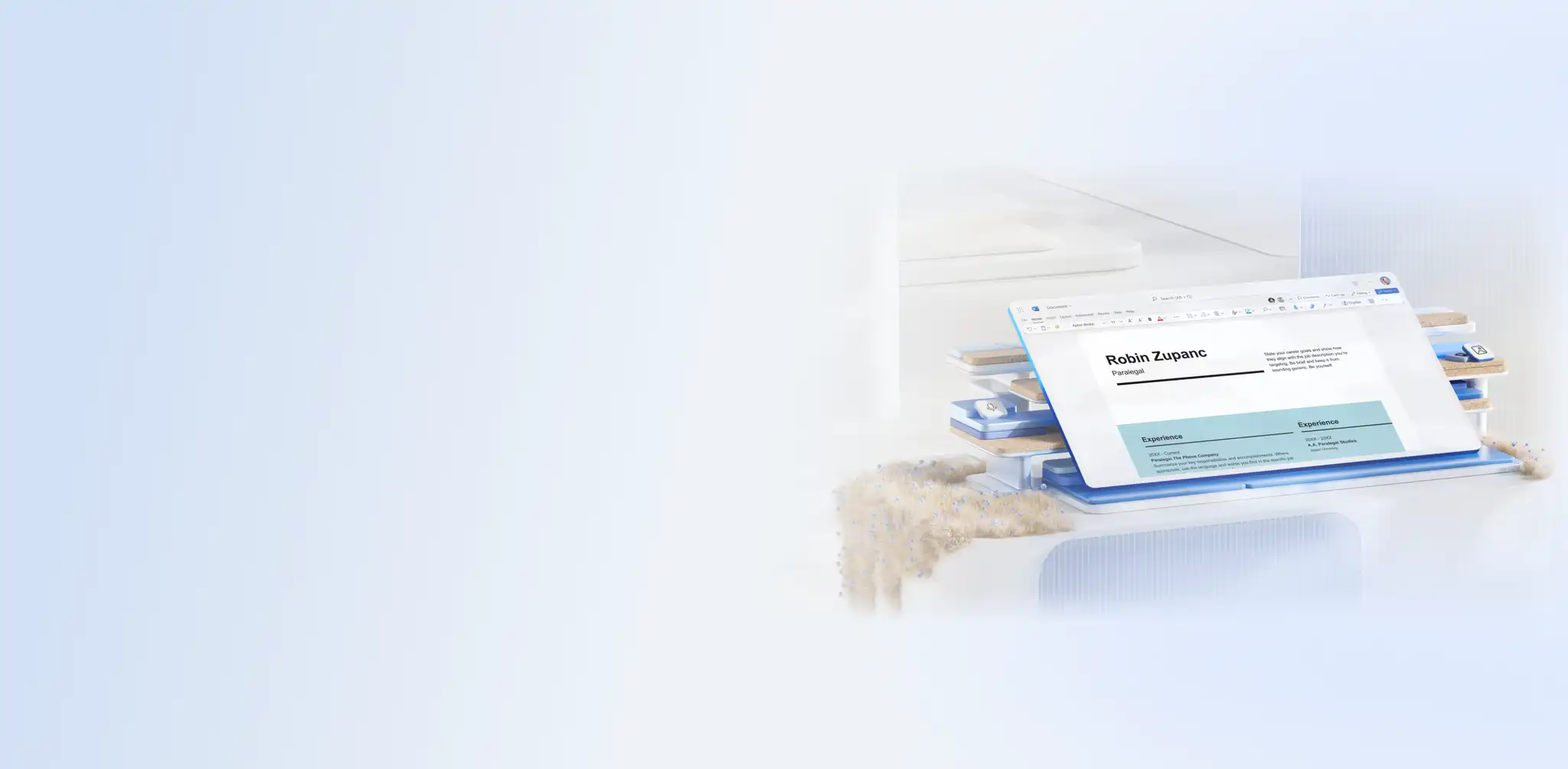
A new career chapter starts with the right documents, and Microsoft Word creates the whole set in one place. Build a complete set of job application documents, including resumes, cover letters, recommendation letters, and resignation letters, from ready-made templates designed for every career moment.
Chat with Copilot in Word to draft skills, work history, and education into finished documents ready for a new job, internal moves, or a full career pivot.
Match each file to the right career moment, then follow a simple five-step workflow to build a job-ready, ATS-friendly document set quickly. Create everything a career move needs with Word online, using templates and Copilot to go from blank page to finished kit.
How to build a job application document set
Every job posting includes its own rules, and the documents a role requires shift with the employer and the stage of hiring. A resume anchors the application, a cover letter connects it to the specific job, and supporting letters add proof or close out a current role at exactly the right moment. Match each document to what the job posting asks for, and the whole document set comes together as one clear application.
Resume
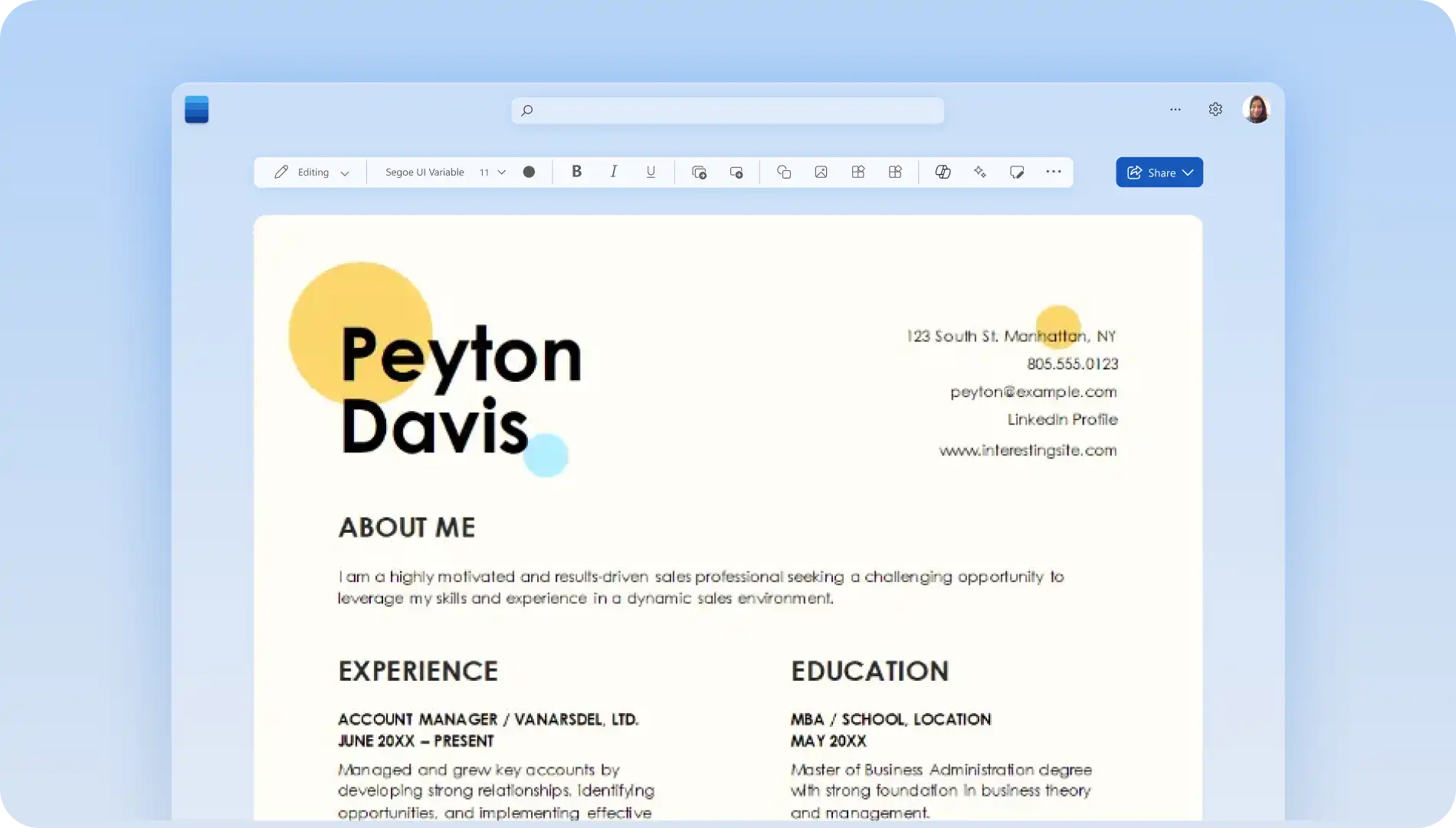
A resume is the foundation of any application, presenting skills, experience, and achievements to show a candidate is right for the role. Begin with an ATS-friendly template to structure the resume with a clean, professional layout that passes automated screening and reaches recruiters. Tailor the wording with Copilot for a new industry, a senior move, or a career change.
Cover letter
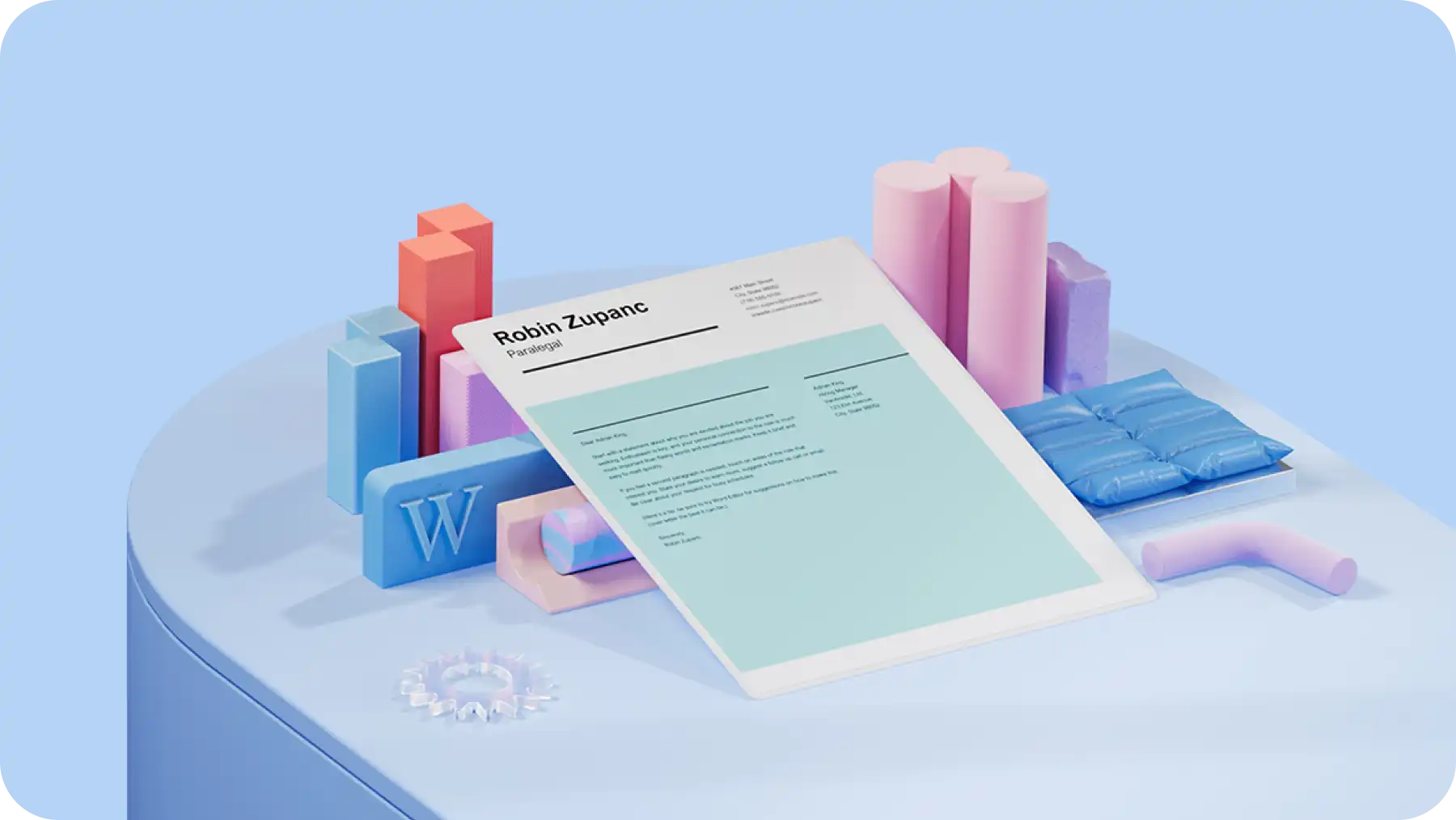
A cover letter gives an application its voice, connecting a resume to a specific role and explaining why a candidate is the right fit. It carries real weight in competitive roles, career changes, and applications where experience is still growing. Begin with a cover letter template to structure a clear, confident introduction and keep the focus on the most relevant achievements. Draft those achievements into a persuasive case with AI writer, and easily adapt the letter for a new field, a step up, or a first role.
Recommendation letter
A recommendation letter is a written endorsement from someone who has worked closely with a candidate, vouching for their skills, character, and achievements. Hiring teams and selection panels often request one for new roles, scholarships, and internal moves, where independent proof makes a strong difference. A recommendation letter follows four parts, an introduction, a summary of strengths, a short evidence story, and a clear endorsement. Use a template to structure the letter, then refine rough notes into a finished reference with AI rewriter.
Resignation letter
A resignation letter is a formal notice that confirms an employee's decision to leave a role and sets a clear final working date. It is generally sent when moving to a new job, accepting an internal transfer, or giving an official written notice ahead of a departure. A warm, professional tone protects working relationships and keeps the door open for future references. A resignation template structures the essentials, leaving the focus on a clear, considerate message.
A simple five-step workflow to create a full job kit in Word
Five stages carry a job application from blank page to final send, starting with the resume and extending to every supporting document. Follow them in order and the whole set stays consistent without backtracking.
1. Start with the right structure
Get started with the online resume builder and ready-to-use templates that include pre-formatted fonts, sizes, and headings. Each one gives a resume a clean, readable structure from the outset, setting the template the rest of the kit can follow.
2. Set the resume format
Choosing the right resume format shapes how experience reads. A chronological layout leads with work history, a functional one highlights skills, and a combination suits a career change.
3. Draft with Copilot, then perfect the detail
Write each section faster with Copilot, turning a job title, a description, and a LinkedIn profile into a summary, skills, and experience. Make every line accurate and personal, adding measurable results and a tone that fits the person applying.
4. Write ATS-friendly documents
Use standard headings and a simple layout in every section of the resume and cover letter, and start with an ATS-friendly template built to pass screening. Ask Copilot to suggest ATS keywords from the job description to naturally weave throughout the resume and cover letter.
5. Export and share
Save each document in Word as a .docx first to keep full editing access for the next role or quick update. When ready, export the set as PDFs to keep the formatting steady across devices and screening systems.
Resume and cover letter alignment
A resume and cover letter do their best work as a pair, each carrying a different part of the same story. The resume sets out the evidence, while the cover letter adds the motivation and connects that track record to the specific role. Aligning the two makes an application read as one clear case.
One foundation, two formats: build both from the same career facts, presented as a structured list on the resume and as a short, persuasive narrative in the cover letter.
Shared keywords, different sentences: carry the same role keywords from the job description across both documents, phrased fresh in each so the language reinforces rather than echoes.
Achievements into proof: take two or three of the strongest resume achievements and expand them in the cover letter into brief stories that show how the result happened.
A consistent voice: hold the same confident, specific, measurable tone in both, so the application sounds like one person speaking throughout.
Selection criteria, answered directly: use the cover letter to address the key criteria a resume can only list, linking each one to real experience.
Each document earns its place: give the cover letter a focus the resume does not, the reasons behind a move, the fit with the team, the motivation for this role now.
Job application templates and letter examples
Ready-made templates turn each document from a blank page into a structured starting point. The job application sets below are designed to work together, so the formatting, tone, and keywords stay aligned across every piece.
Resume and cover letter sets that work together
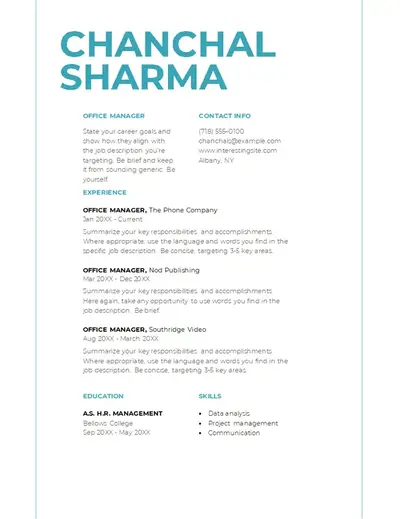
Make a strong first impression with a clearly named header that carries across both documents. A matching layout keeps a resume and cover letter visually connected, so the pair reads as one application at a glance.
Recommendation letter template
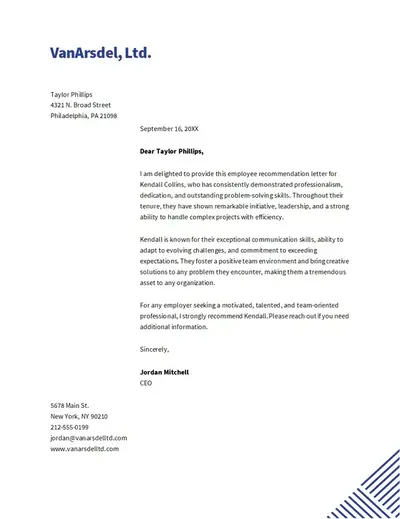
Add a company logo at the top to give a reference instant credibility and a professional, official look. A simple corporate layout helps the letter of recommendation stay easy to scan and understand for hiring managers and admissions teams.
Resignation letter template
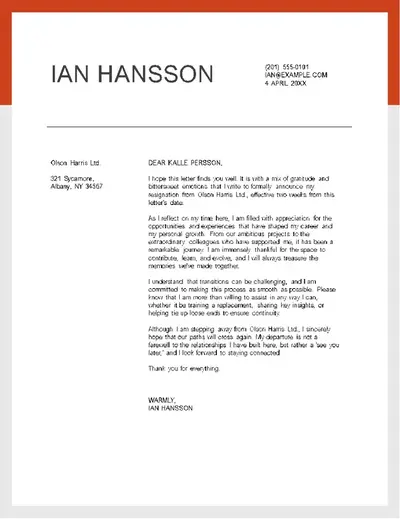
Keep a resignation letter clear and professional with a modern template that strips back the design to the essentials. A simple layout puts the focus on a brief, gracious message, making it quick to personalize and ready to send.
Job application kit checklist
Before sending an application, check these final details that make a strong, professional impression.
Proofread every document: run a grammar check across the resume, cover letter, and any supporting letters to catch spelling and grammar mistakes before a recruiter sees them.
Sharpen any weak lines: send flat or repetitive sentences through AI rewriter for a stronger, more specific version.
Read each document aloud: hearing the words highlights anything that reads awkwardly or runs too long.
Confirm the key details: double-check names, dates, job titles, and the company name, since a single error here can cost an interview.
Name the files professionally: save each file with a clear name like Firstname-Lastname-Resume rather than a default or draft title.
Export and attach the right version: save the final documents to PDF and confirm the correct files are attached before sending.
Prepare for an interview with Copilot in Word
An interview invitation means the application is successful. Prepare an interview gameplan that builds confidence and helps keep answers on target. Use Copilot to anticipate potential questions and shape answers from genuine achievements. Here's how to use AI for interview preparation:
Anticipate the questions: paste the job description into Copilot and ask for the interview questions most likely to come up for the role. Review the list, then prepare answers specific for role or team structure.
Turn achievements into answers: upload two or three resume highlights in the Copilot chat and ask AI to shape each into a situation, task, action, and result (STAR) story, so strong examples are easy to recall.
Sharpen the tough answers: name the hardest question, then ask AI rewriter to shape a confident, honest response, then personalize the wording.
Research beyond the job ad: ask Copilot to compile a company briefing covering products, mission, and market, then verify the details against the company website and recent sources before referencing them.
Arrive with questions ready: draft a few considered questions about the team, the role, and the first 90 days, ready to raise to engage with the interviewer.
Everything for a job-ready kit comes together in one place with Microsoft Word. Get started with the online resume builder today and write and refine everything from resumes to matching cover letters, with Copilot speeding up every step.
For more job application tips, explore how to write a letter of interest or a thank you letter after the interview.
Frequently asked questions
- What is an ATS-friendly resume?
An ATS-friendly resume uses a clean, single-column layout and standard headings that applicant tracking systems can read without errors. Including keywords from the job description helps the application reach a recruiter rather than getting filtered out early.
- What resume format should be used for a career change?
A functional format works well for a career change, leading with transferable skills rather than a chronological work history. A combination format also suits the situation, pairing those skills with a brief timeline to show both capability and progression.
- Is it better to submit a resume in Word or PDF?
Save and edit the resume in Word as a .docx to keep full control over the content, then export to PDF when submitting. A PDF keeps the formatting consistent across devices, and most applicant tracking systems read it without trouble.
- How can a cover letter match a resume without repeating it?
Use the same role keywords and a consistent tone, then take the resume's strongest achievements and expand them into short, specific stories. The resume presents the facts, while the cover letter explains the motivation and context behind them.
- What should be included in a recommendation letter?
A recommendation letter opens with an introduction, summarizes a candidate's key strengths, and shares a specific example that backs them up. It closes with a clear endorsement, and the recommender's contact details for any follow-up.
- How can Word help with interview preparation?
Ask Copilot to generate the interview questions based on a job description in the chat, then draft answers that link each one to a real achievement. Review, personalize every response, and verify any company details before the interview.