A cover letter is a one-page document that sits alongside a resume and introduces the applicant to a hiring manager. While a resume lists experiences and skills, a cover letter explains how they align with a specific role. They're perfect for career changers, recent graduates, or those returning to work provide context a resume may not capture.
Easily write a cover letter from scratch with help from AI or start with a customizable template in Microsoft Word. Create with confidence using clearly defined sections for seamless editing. Just personalize with information and expertise, and add custom fonts, colors, and images online.
Learn what to include in a cover letter, browse short cover letter samples, and explore tips to create and refine a draft with Copilot in Word and templates.
What to include in a cover letter
Each section of a cover letter has a specific purpose, from introducing the application to highlighting relevant experience. Use these sections below to organize qualifications and skills in an easy-to-scan structure.
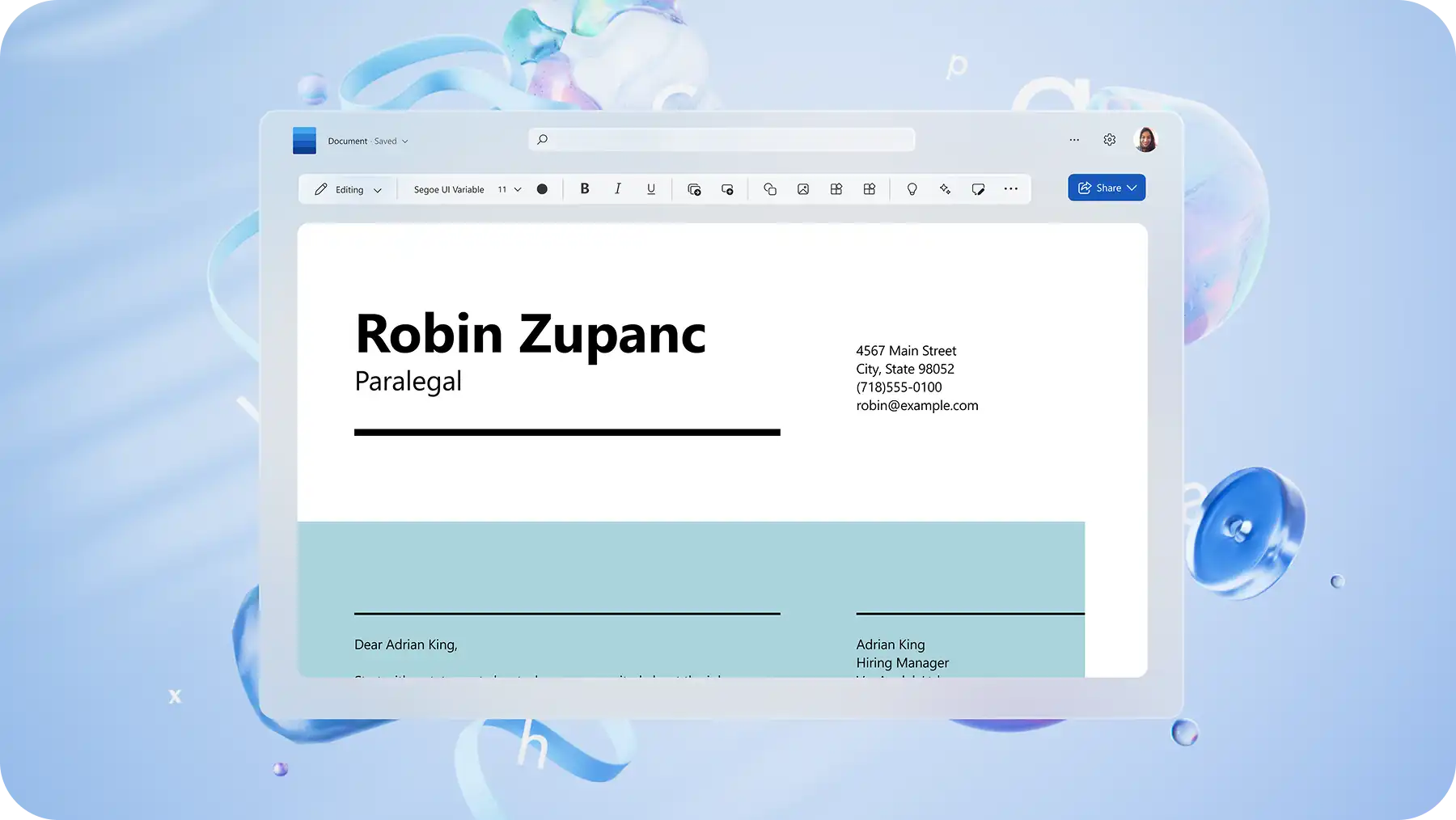
Letter header: add a date, full name, phone number, professional email address, or a portfolio link, if available. The recipient’s name and title, company name, and company address then follow below.
Greetings: address the hiring manager by name, when possible. If a name is unavailable, use an appropriate professional greeting.
Opening paragraph: start by explaining the position the application is for, why the role is appealing, and the relevance of the experience, along with any referrals.
Body paragraph: use this space to connect achievements and skills to the company requirements through concrete examples, including figures or percentages.
Closing paragraph: here, reinforce interest in the role, thank the reader for their time, and invite further conversation.
Sign-off: end with a professional sign-off that matches the tone of the letter. "Sincerely," "Best regards," or "Kind regards" are good options, followed by a full name.

How to write a cover letter using a template in Word
Editable templates in Word have key sections and formatting in place to help provide a structured framework. Explore the steps below for creating a letter.
Explore cover letter templates in Word for the web.
Select a template that best suits the job type and preferred tone.
Replace the placeholder text with personal information and application details.
Tailor the text to match the role, working in keywords from the job description.
Review the draft using document editor to check spelling and grammar or refine language.
Save, print, or export a cover letter as a PDF or a secure shareable link.
Three ways to write a cover letter for a job with AI
For a more tailored approach, Copilot can help generate a first draft either from scratch or existing resumes or notes, making it easier to customize a version for specific roles. Explore different ways to build or enhance a cover letter with AI.
1. Generate a cover letter with Copilot
If starting from scratch with no reference points, use AI writer to develop a targeted first draft based on details such as the role, relevant experiences, key qualifications, or a job description. Copilot can also help refine language and adjust the writing tone to bring the working draft closer to a finished version.
2. Turn a resume into a cover letter
Build a cohesive job application by using Copilot to develop a cover letter using skills and experiences from an existing resume. Expand qualifications mentioned in a resume and better connect experience to the role with help from AI.
3. Tailor a cover letter to a job role
Personalize cover letters for each application with Copilot, from tailoring existing documents to a new application. Use AI rewriter to help adjust the tone for a creative role versus a corporate one or rework a paragraph to emphasize leadership experience.
Cover letter examples for different applications
Cover letters can highlight different strengths depending on the applicant’s experience and reason for applying. Use these short cover letter samples as starting points, then personalize and build on the details with relevant figures and facts to reflect the role, organization, and achievements.
Internship or first job cover letter example
As a final-year communications student with experience creating content for university projects, I was excited to find the Marketing Intern role at ABC Company. Through my coursework and volunteer experience, I have developed strong writing, research, and organizational skills that would support the team’s upcoming campaigns. I would welcome the opportunity to discuss how I could contribute while continuing to develop my marketing experience.
Career change cover letter example
After five years in customer service, I am ready to bring my communication, problem-solving, and relationship-building experience to the Customer Success Specialist role at ABC Company. In my current position, I regularly resolve complex enquiries and help customers find practical solutions. I’d be happy to discuss how these transferable skills could support ABC Company’s customers and the wider team.
Returning to work cover letter example
With eight years of project coordination experience, I am excited to return to the workforce and apply my planning, communication, and stakeholder-management skills at ABC Company. During my career break, I continued developing these strengths through community projects and professional learning. I would welcome the opportunity to discuss how my previous experience and current skills align with the Project Coordinator role.
Key cover letter structure and writing tips
Explore ways to strengthen cover letter writing with these practical tips, from proofreading with AI to formatting for ATS.
Understand the job description and company: analyze the job posting and research the company to identify the skills, training, and experience most relevant to the role.
Highlight unique skills and achievements: before writing, list the skills, unique perspectives, or achievements that align with the role. With the right details in place, the letter flow improves to help an application stand out.
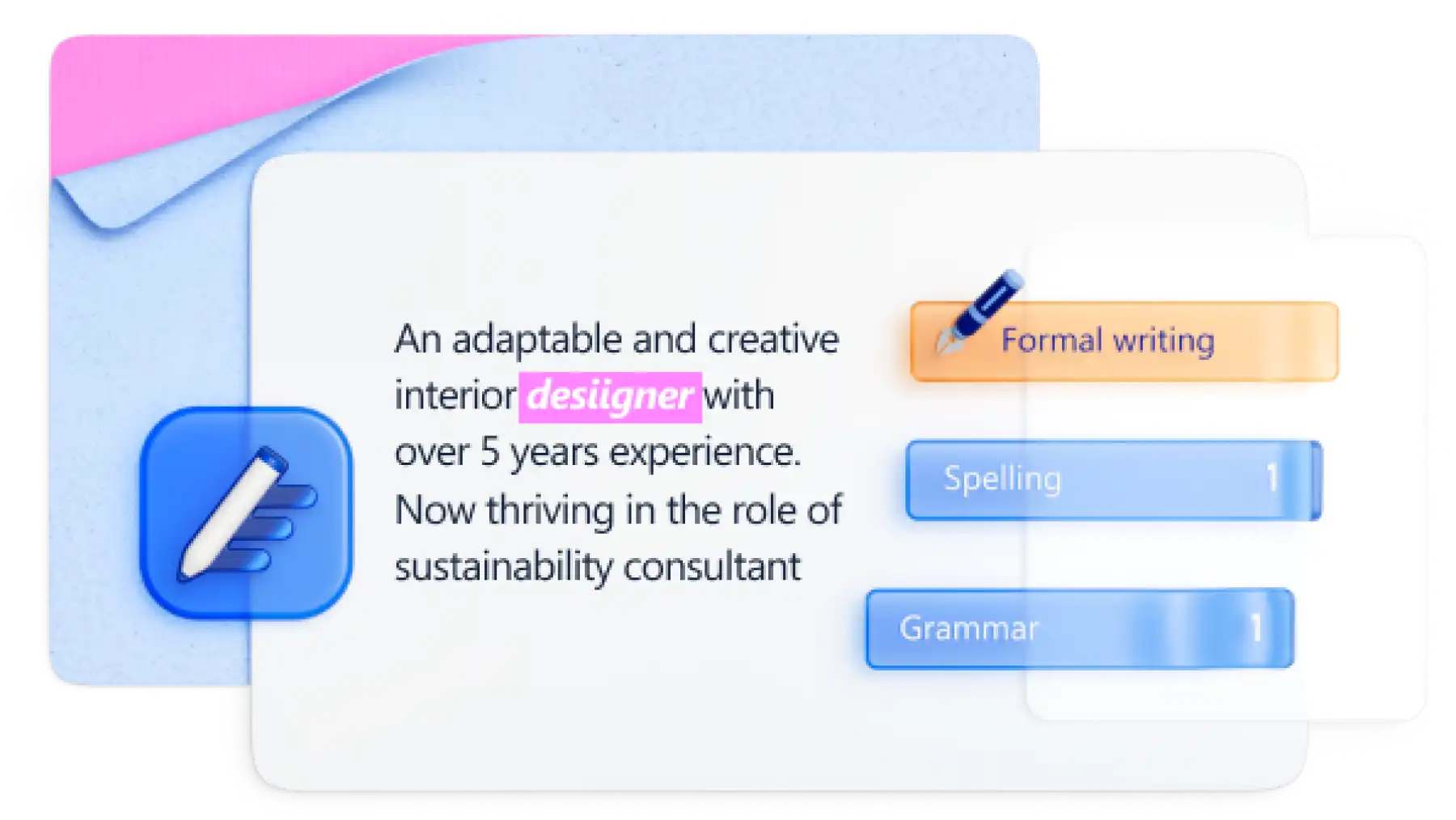
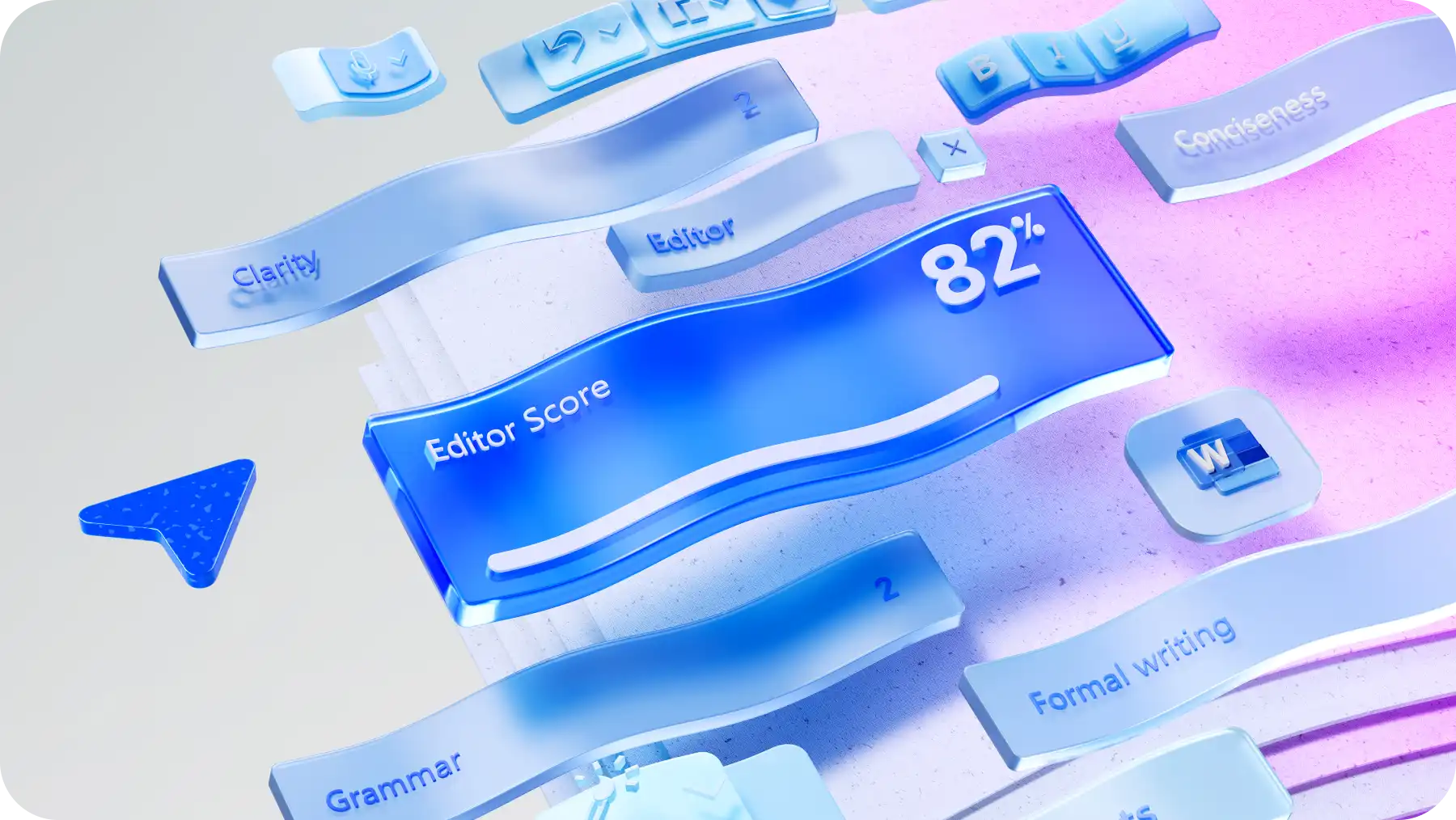
Proofread cover letters with AI: find helpful suggestions on improving writing by chatting with Copilot, or spot and fix typos and grammar mistakes by using document editor.
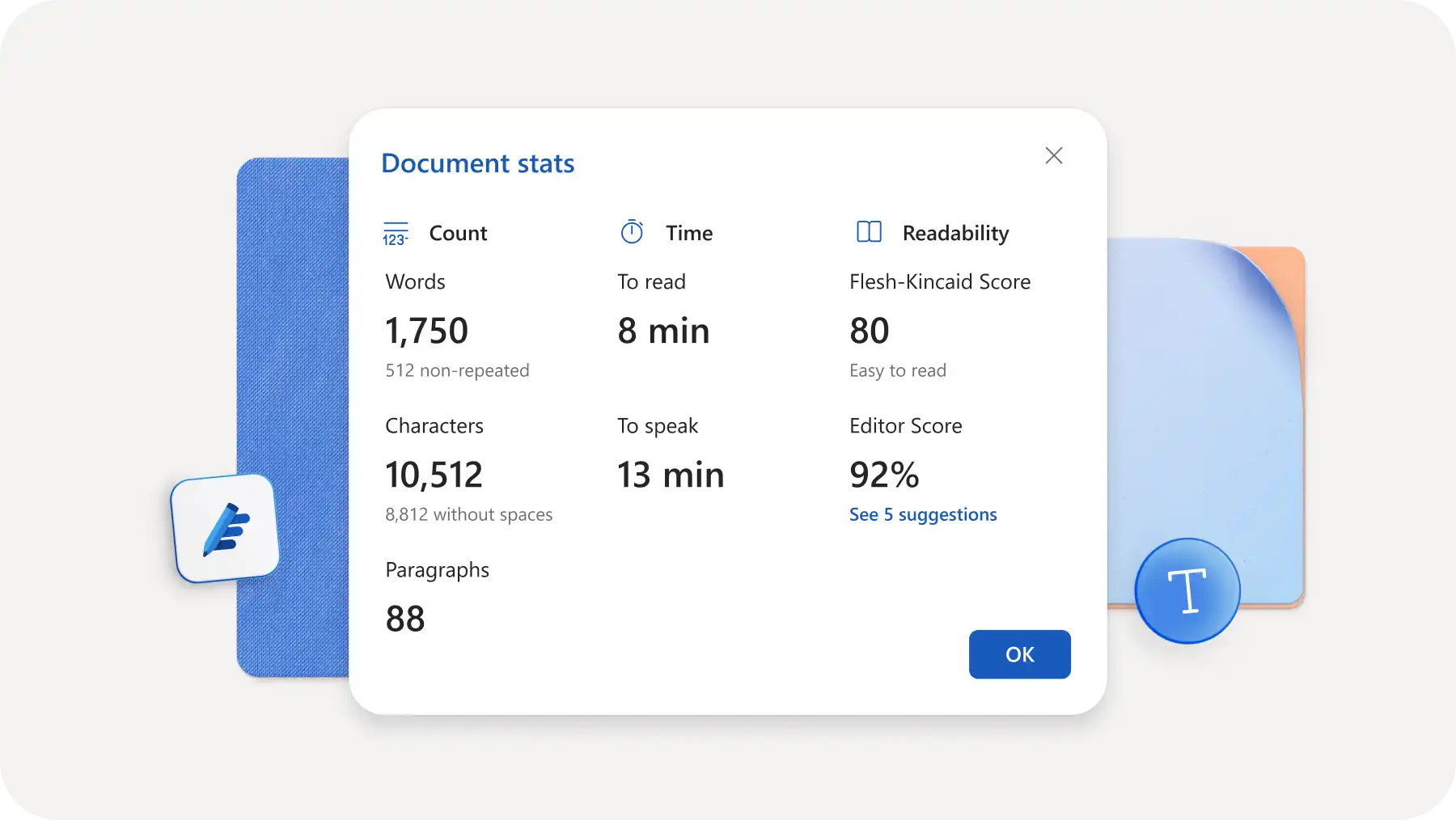
Keep cover letters short, approachable, and professional: aim for 250 to 400 words, so the letter is easy to read and analyze for hiring managers. Use word counter to keep length in check or make adjustments in real time.
Add examples to showcase skills: specifics provide a better picture to hiring managers than broad descriptions. For example, replace "hard worker" for statements such as "increased sales by 25 percent" or "managed a team of 12."
Mistakes to avoid when writing a cover letter
A strong cover letter pays attention to key details. Below are four common mistakes to avoid when writing a cover letter.
Repeating the resume: keep examples specific and distinct so hiring managers can derive real value from a cover letter.
Using the same cover letter for every role: adapt the most relevant skills and examples to role requirements for a unique draft, instead of attaching the same letter to every application.
Making broad claims without examples: support strong achievements with specific experience or results wherever possible.
Missing the final review: double check names, role details, language errors, and AI-generated suggestions before preparing the final letter for submission.
Start writing a clear cover letter today with AI cover letter generator, or choose a pre-formatted template for a structured approach in Microsoft Word. Explore how to write a resume with AI or how to write a letter of interest for writing guidance on other professional documents.
Frequently asked questions
- How to know if Copilot in Word is enabled to write a cover letter?
Copilot appears in Word when an active Microsoft 365 subscription with Copilot is available. When it’s enabled, the Copilot icon shows at the top of the Word window. Select the icon to open the chat panel and begin writing.
- How to write a cover letter for an internship?
To write a cover letter for an internship, follow the same structure as a standard cover letter but focus on academic achievements, relevant coursework, extracurriculars, and transferable skills from volunteering or part-time work. For example, a marketing internship applicant might highlight a university project managing social media for a student club. Show eagerness to learn and explain why this company matters. A cover letter template is a good starting point.
- How to download a cover letter as PDF in Word?
Download a cover letter as a PDF in Word for the web by selecting File, then Export, and Download as PDF. If using the desktop app, select File, then Save as, and choose PDF from the File Format dropdown. Saving as PDF preserves formatting and ensures the document looks professional when sending to recruiters or uploading to job application portals.
- How long should a cover letter be?
A cover letter should be 250 to 400 words, fitting on a single page. This ensures qualifications, reasons behind interest in the role, a call to action are clearly outlined to help hiring managers easily read and reference the letter. Use the word counter in Word to keep letter length in check.