Show appreciation and express enthusiasm after an interview with a professional thank you letter or email. No matter what the interview is for, a well-written message of thanks shared with hiring managers or HR helps an application stand out and demonstrates continued interest in the role.
Learn how to format a thank you letter, what to include, and how to skip the blank page with ready-to-personalize thank you letter templates and Copilot in Microsoft Word.
Why send a thank you letter after an interview?
A thank you letter strengthens a candidacy long after the interview ends. The message surfaces standout experiences and qualifications, clears up a missed interview answer, clarifies a certification, explains a tool used in a previous role, or reinforces a collaboration example from a past team.
A considered follow-up also shows continued interest in the role, a clear understanding of the company's needs, and leaves hiring managers with a warm, lasting impression.
How to format a thank you letter or thank you email
Write a clear email subject line
The subject line decides the fate of an email before a hiring manager opens it. Keep it short, specific, and professional, and include the role and the words “thank you” so the email is easy to spot in a busy inbox. Examples include “Thank you for the marketing manager interview” or “Great to meet, thank you for the product designer conversation.”
Keep messages concise with short paragraphs
Aim for 150 to 250 words for a thank you email and up to one page for a printed or attached thank you letter. Short paragraphs of two or three sentences keep the message scannable and put the strongest points up front. Track the draft length with the word counter in Word.
Choose an appropriate sign-off
Match the sign-off to the tone of the interview and the industry. “Kind regards” or “Best regards” work for most professional roles. “Sincerely” suits formal industries like law or finance. “Warm regards” or “Many thanks” fit creative and people-centered roles where the conversation felt more relaxed.
Reply to the interview invite when possible
Replying directly to the original interview invite keeps the full conversation threaded in one place. The hiring manager can see the interview details and the thank you note side by side, which makes the follow-up easy to find when the team is making decisions.
Avoid sending attachments unless requested
Keep the thank you message in the body of the email. Attachments can trip spam filters and slow the email down on its way to the inbox. If the interview ended with a request for additional materials, attach them as a single PDF with a clear file name so the hiring manager can open them easily.
Add contact details below a signature
Close the message with a professional signature that includes full name, phone number, email address, and a link to a portfolio or LinkedIn profile if relevant. That way the hiring manager has everything in one place and can follow up without hunting through earlier emails.
What to include in a thank you letter
Start with a note of appreciation
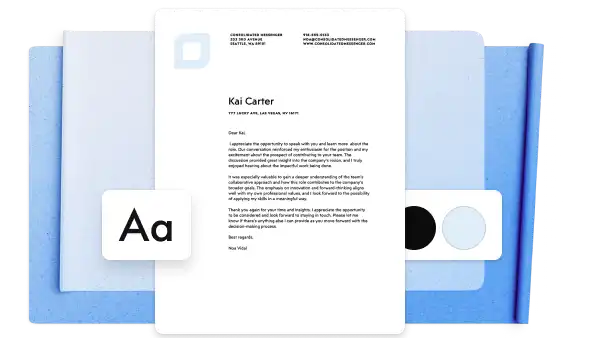
Open with a genuine thank you for the interviewer’s time and the opportunity to discuss the role. One or two sentences is sufficient, and a specific detail like the date of the conversation or the panel members involved proves the message belongs to that interview alone.
Refer to a discussion point from the interview
Mention a moment from the conversation that stood out. A detail about the team, a project underway, or a challenge the company is working through makes the message feel personal and proves the candidate listened closely during the interview. For longer panel conversations, paste interview notes into Word and use AI summarizer to surface the strongest moments to reference.
Reinforce relevant qualifications
Tie one or two key experiences back to the responsibilities of the role. Highlight the skills most relevant to the position rather than walking through a full resume, so the hiring manager sees the connection between the candidate and the job in a single line.
Clarify or expand on some responses
A thank you letter provides a second chance to address anything that came up short during the interview. Expand a question that felt rushed, clarify a tool or certification that got a quick mention, or add context to an example that needed more detail. A brief follow-up signal's reflection and commitment to the role.
Express continued interest and next steps
Close with a clear line about continued interest in the role and an offer to share anything else that might help. Reference the next steps if they came up in the interview and invite any follow-up questions. A confident close keeps momentum going toward the next stage.
How to tailor thank you messages for different interview types
After a first-round interview: if there’s more than one interviewer, the message should acknowledge the entire group. A short reference about how different departments work together shows the role fits inside a bigger team picture, and a brief mention of cross-team experience sets up the next round.
After a leadership or final-round interview: point the message at the bigger picture. Mention something specific from the vision or priorities that came up and tie the role back to the kind of impact the team is hiring for. Ask Copilot to rewrite the draft in a more confident, measured tone to match the seniority of the room.
After an internal interview: acknowledge the existing relationship but treat the message as seriously as any external application. Reference contributions made in the current role, link them to what the new position needs, and make the interest in the next step clear.
After a virtual interview: keep the message warm and personal so the tone of the call carries through. Call out a specific moment from the video chat, confirm any tech details for the next round, and keep the enthusiasm for the role front and center.
Interview thank you letter writing tips and mistakes to avoid
Keep letters brief and focused: aim for around 150 to 250 words for an email and one short page for a printed letter. Use word counter to keep track.
Personalize the message: reference details from the interview, such as challenges or projects discussed. Avoid generic copy-paste follow-ups.
Use a professional tone: keep messages warm and professional while mirroring the language used in the interview. Slang, shorthand or emojis can be read as unprofessional.
Reference the role: name the role, the company, and the date of the interview, so the message is quick to place.
Send messages promptly: share a thank you letter or email within 24 to 48 hours of the interview, so the conversation is fresh and reaches the hiring manager while the interview is still recent.
Proofread and edit: check spelling, grammar, structure, and formatting before sending. Use the document editor or refine the draft with Copilot to sharpen the flow before the final send.
How to draft a thank you letter or email with Copilot
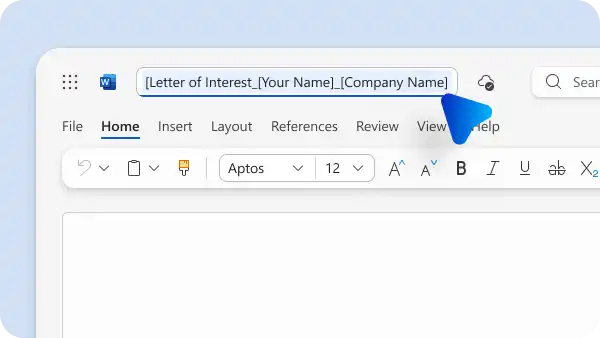
Open a new blank document in Word for the web.
Click on Copilot in Word to start a new chat.
Ask Copilot to draft a thank you letter or email. Include the role, the company, and anything from the interview worth referencing.
Review the AI-generated outline and use AI rewriter to adjust the tone to match the role.
Polish the draft with the grammar checker to catch any remaining issues before sending. For an extra review, share the document with a trusted peer or mentor through collaboration tools in Word.
Save the final version as a PDF or send the thank you letters straight to Outlook.
How to use thank you letter templates in Microsoft Word
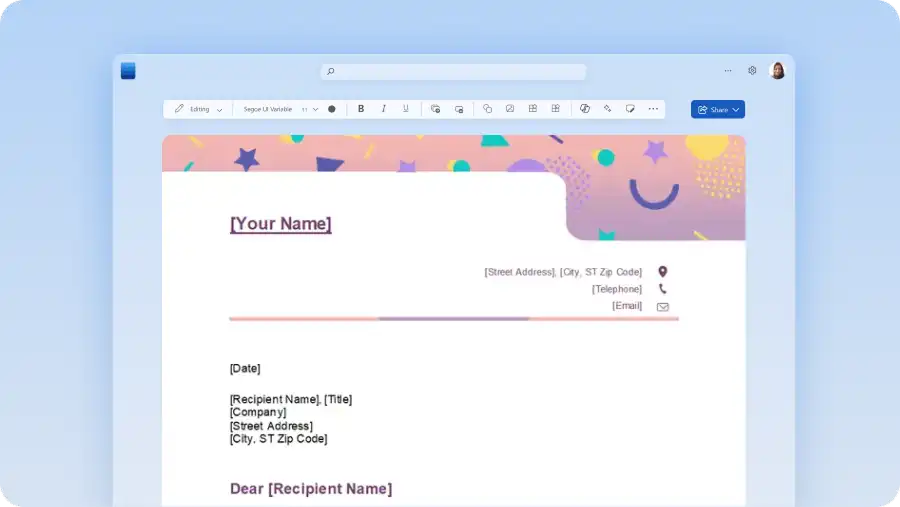
Explore thank you letter after an interview template examples in Word, then follow the steps below to personalize.
Open Microsoft Word online.
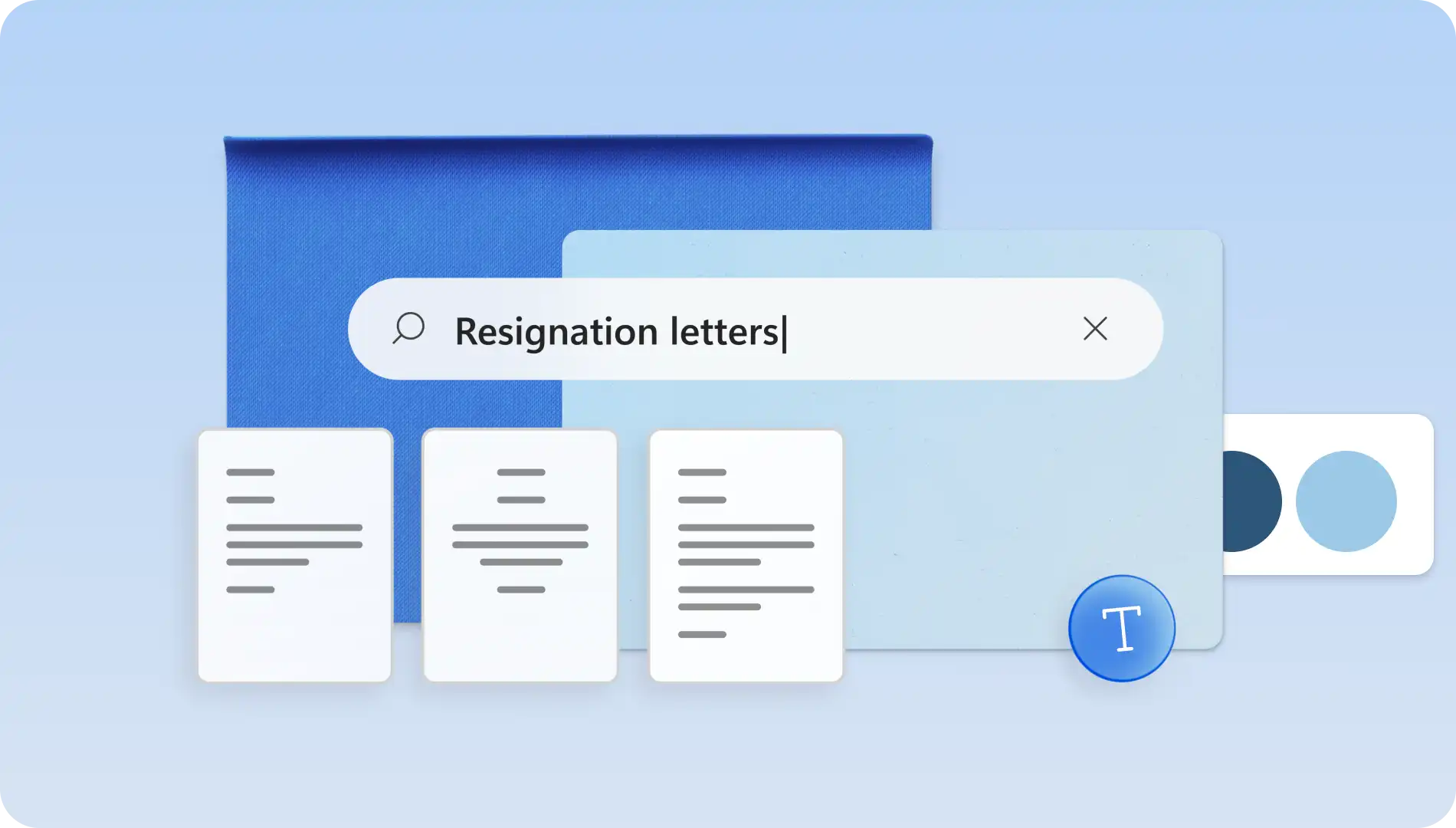
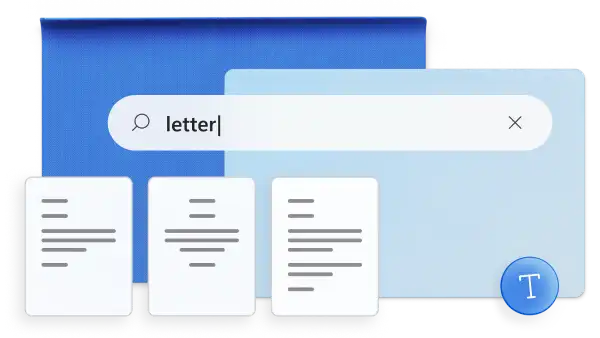
Search letter in the search bar, then select the templates category.
Select a thank you letter template to begin.
Customize the template with personal information, role details, and references from the interview.
Ask Copilot to rewrite any sections to match the tone of the position and review with the spell checker before exporting.
Export as a PDF for easy sharing or send straight to Outlook to email it.
A thoughtful thank you letter or email keeps an application visible to hiring managers during the decision stage and shows genuine interest in the role. Put together a polished, personalized message with Copilot and ready-to-use templates in Microsoft Word.
Explore more job-application guides like how to write a cover letter and how to write a resume with AI for every stage of a professional career.
Frequently asked questions
- How to adapt thank you letters for second or final interviews
Thank you letters for second or final interviews should build on earlier conversations. Use Copilot to reference previous interview stages, show a stronger understanding of the role, and connect relevant experience to the company’s priorities. A short closing line confirming continued interest and readiness for next steps helps reinforce fit and momentum.
- What are the best thank you letter examples
The strongest thank you letter examples are the ones tailored to a specific role, interview, and hiring manager. Start from a thank you letter template in Word for a solid structure, then personalize the copy with details from the interview. Templates span professional, classic, artistic, and modern designs to suit different job roles and tones.
- Can Copilot in Word write a simple thank you email after an interview
Copilot can draft a thank you email in seconds. Provide a few details, such as the role, the company, and a key moment from the interview, then refine the draft for tone and length. Use the document editor to review spelling and grammar suggestions before sending via email in Outlook.