Document editor
Create and edit web-based documents with Microsoft Word. Store documents online and...

Fix grammatical errors and improve document clarity with the online grammar checker and Copilot in Microsoft Word.

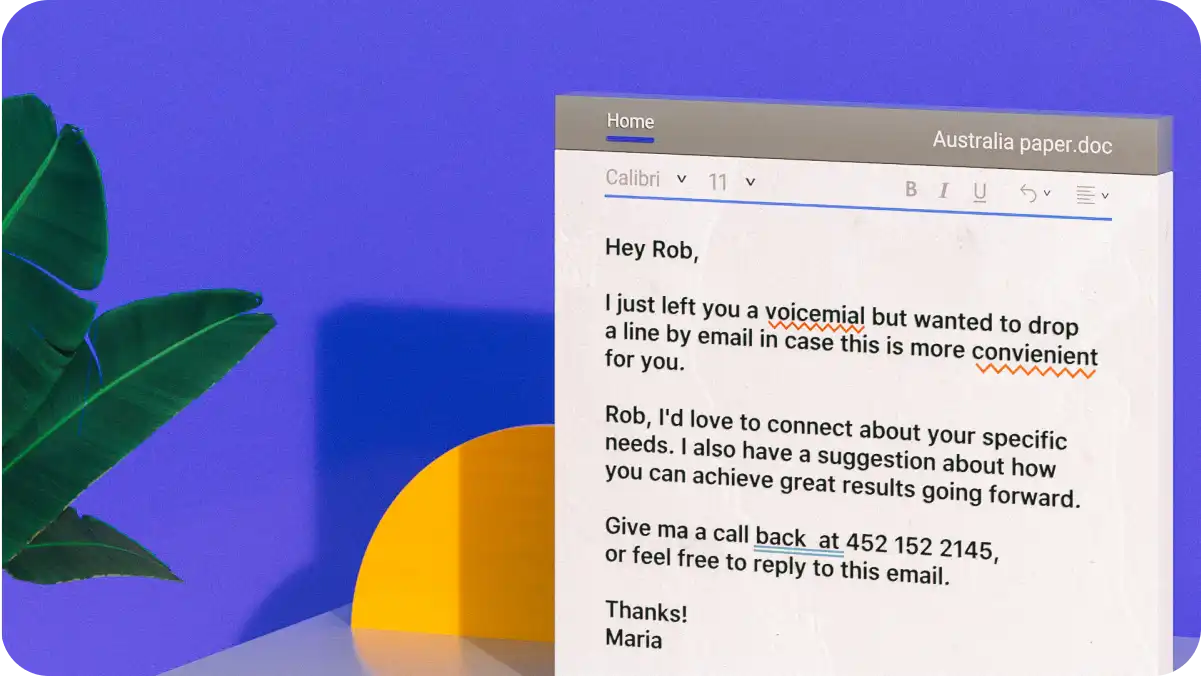
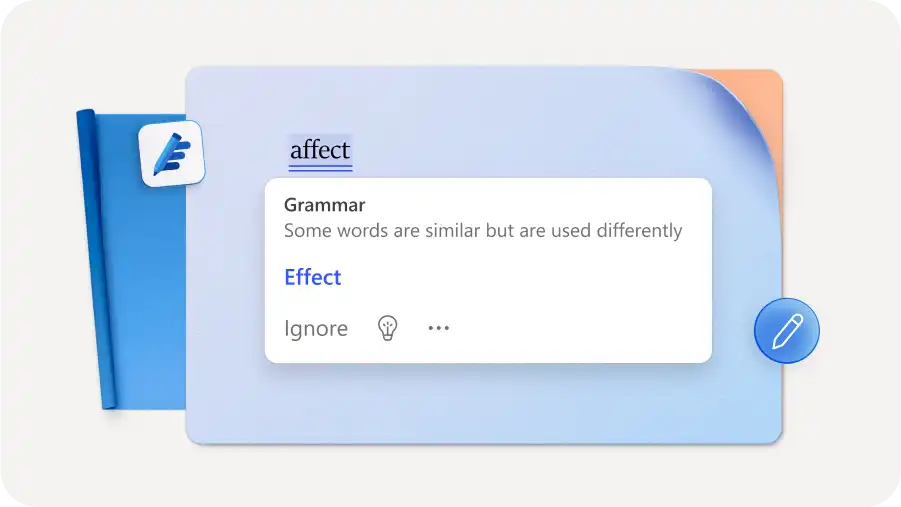
Catch grammar mistakes easily with underlined text and real time inline suggestions, helping fix errors immediately. Keep drafting accurate and uninterrupted without manual reviewing.

Keep document editing seamless by accepting or dismissing grammar suggestions as you type. Grammar corrections consider a full sentence's meaning to preserve the original voice and flow.
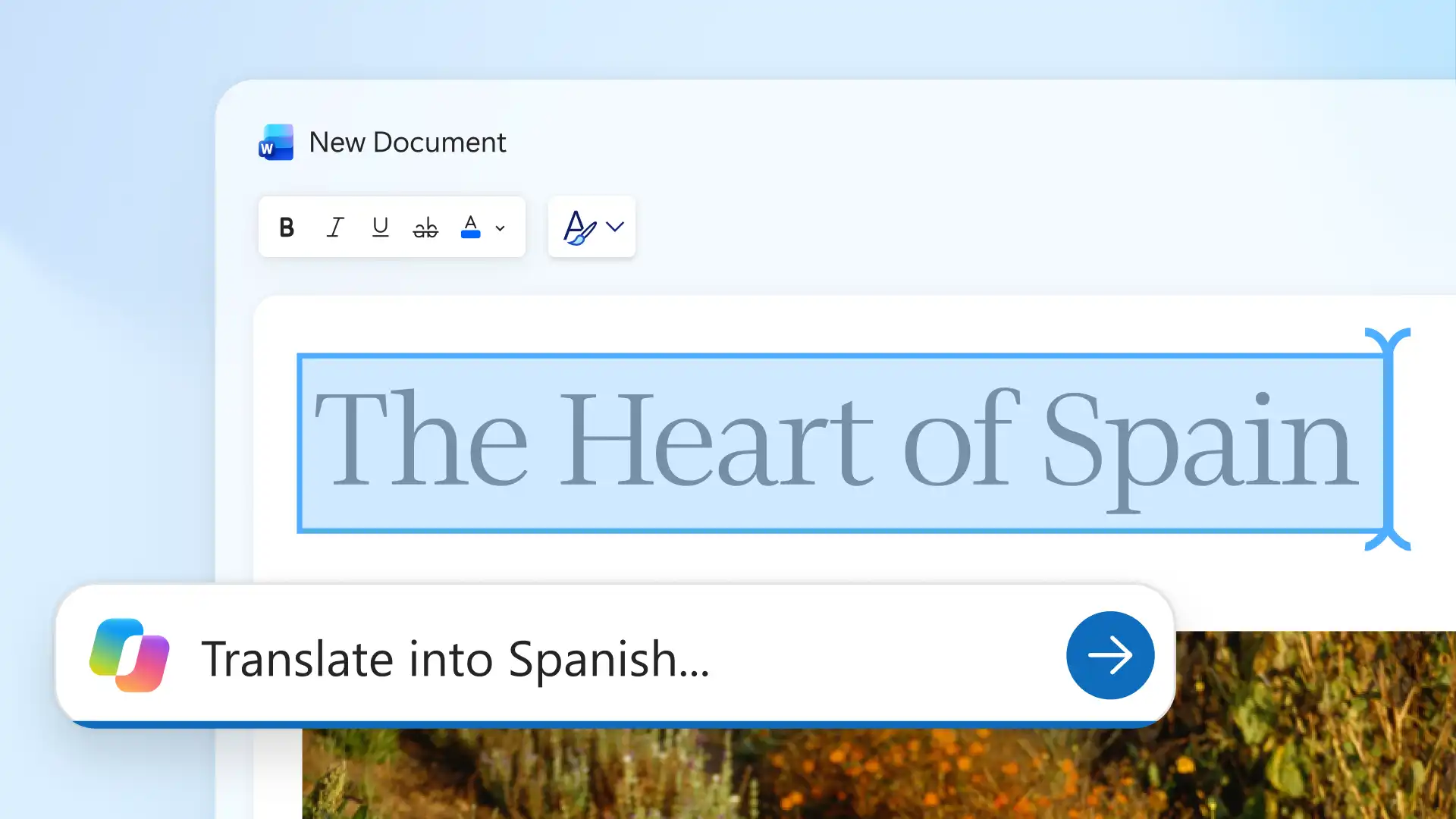
Strengthen writing quality beyond grammar checking with Copilot in Word. Instantly rewrite sentences or summarize lengthy documents so copy reads clearly and professionally.


Identify grammar errors across long essays and business reports and easily fix as each document develops. Set editing suggestions to a formal, professional, or casual writing style to suit any document type.
Maintain credibility across blog posts, marketing copy, and legal documents with context-aware grammar checking. Grammar corrections keep a sentence's original meaning ensuring writing stays clear, consistent, and true to voice.
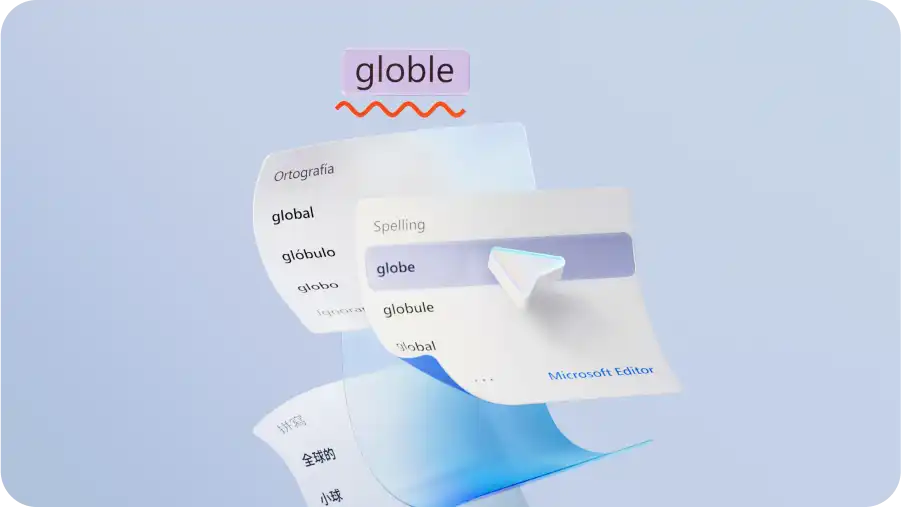
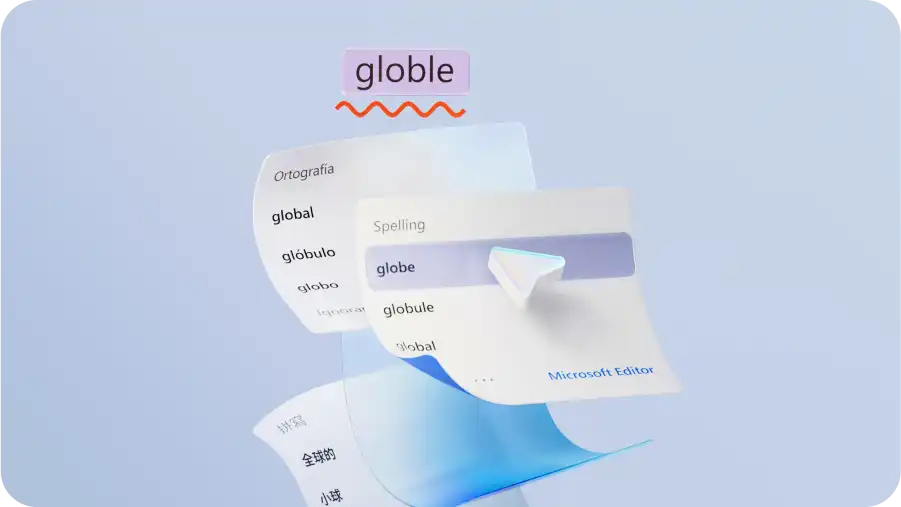
Write confidently for different regions and languages with inline suggestions. Change between English variants like US, UK, Canadian, and Australian English, or check grammar in other languages to keep writing clear and accurate for any audience.
Fix grammar issues quickly and improve clarity across any draft. Further refine tone, restructure sentences, and condense long copy with Copilot in Word, so reports and research papers are polished and ready to share.

Check and edit grammar online in one secure place to keep documents private and protected. Confidential files, including technical documents, stay secure while editing online. Collaborate and share documents as a link or via OneDrive with view, edit, and download controls.
Create a new document or open an existing file in Word for the web.
Enter text or copy and paste text into the document to review grammar.
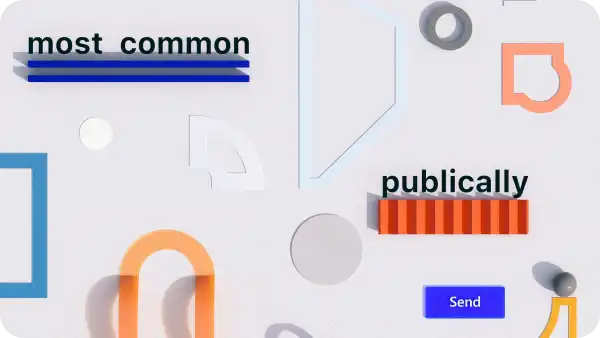
Check for grammar issues highlighted directly in the document as writing progresses.
Review each suggestion and select a recommended correction to apply changes.
Save the updated file online to OneDrive, send with a shareable link or export as a PDF.
The online grammar checker in Microsoft Word is free to use with no sign-up or subscription required. Open a new or existing document in Word for the web and start checking grammar, spelling, and punctuation instantly.
The grammar checker works directly in the browser through Word for the web, with no download or installation required. Create or upload a document and grammar suggestions appear automatically as text is entered or edited.
The grammar checker in Word finds spelling mistakes, punctuation errors, and sentence structure issues directly in the document, so fixes happen without interrupting a workflow. AI also helps improve tone, clarity, and overall quality, making it useful for everything from assignments to blog posts and social content.
The grammar checker in Word supports multiple languages and regional English variants including US, UK, Canadian, and Australian English. Switch proofing languages by selecting Set Proofing Language in the Review tab to suit any global audience or market.
The grammar checker in Microsoft Word processes text locally, so confidential content stays private throughout. No data is shared with third parties. Finished documents can be saved securely or shared as a Word link via OneDrive with full access controls.