Copilot in Word
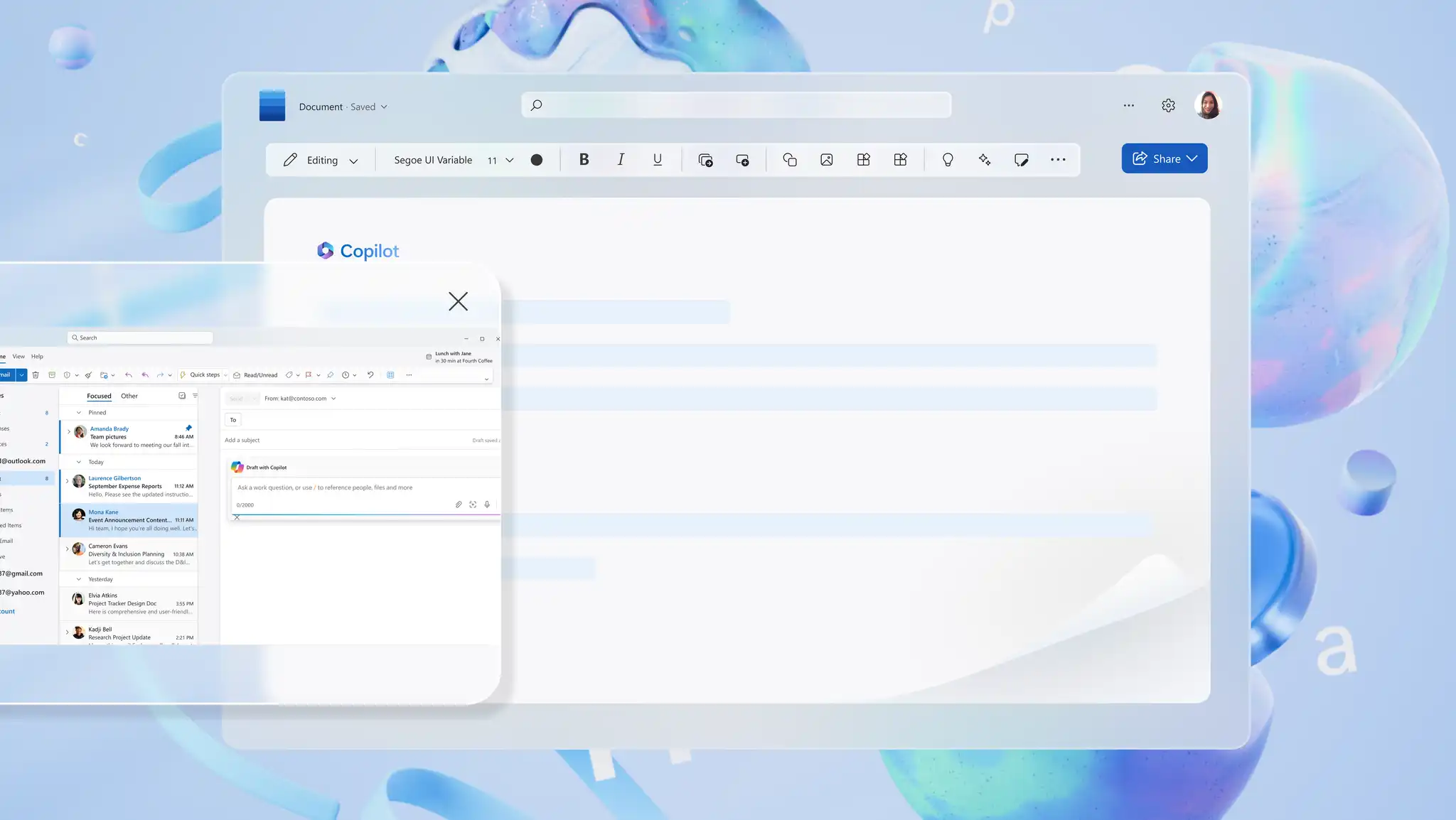
Write new content, edit for clarity, and summarize documents with AI writing assistant...
Translate, review, and refine text in Microsoft Word.

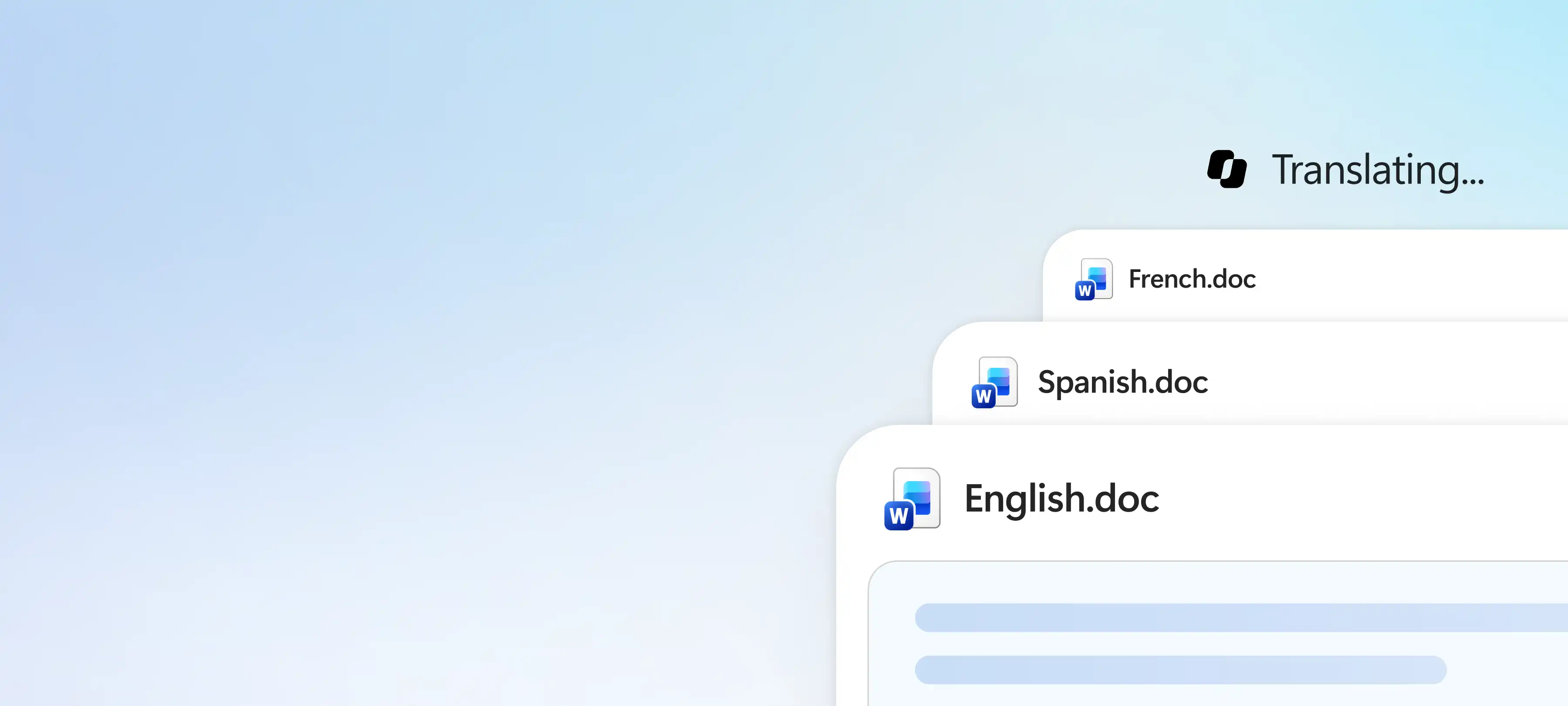
Translate a document using Translator in the Review tab. Word creates a separate translated copy that keeps page formatting, without changing the original file.

Ask Copilot in Word to translate a section or whole document into a supported language. Use AI suggestions to fine-tune the translation to retain the intended meaning and tone.

Review and apply spelling and grammar suggestions to improve a translated draft. Modify the document flow for clarity if needed before sharing.

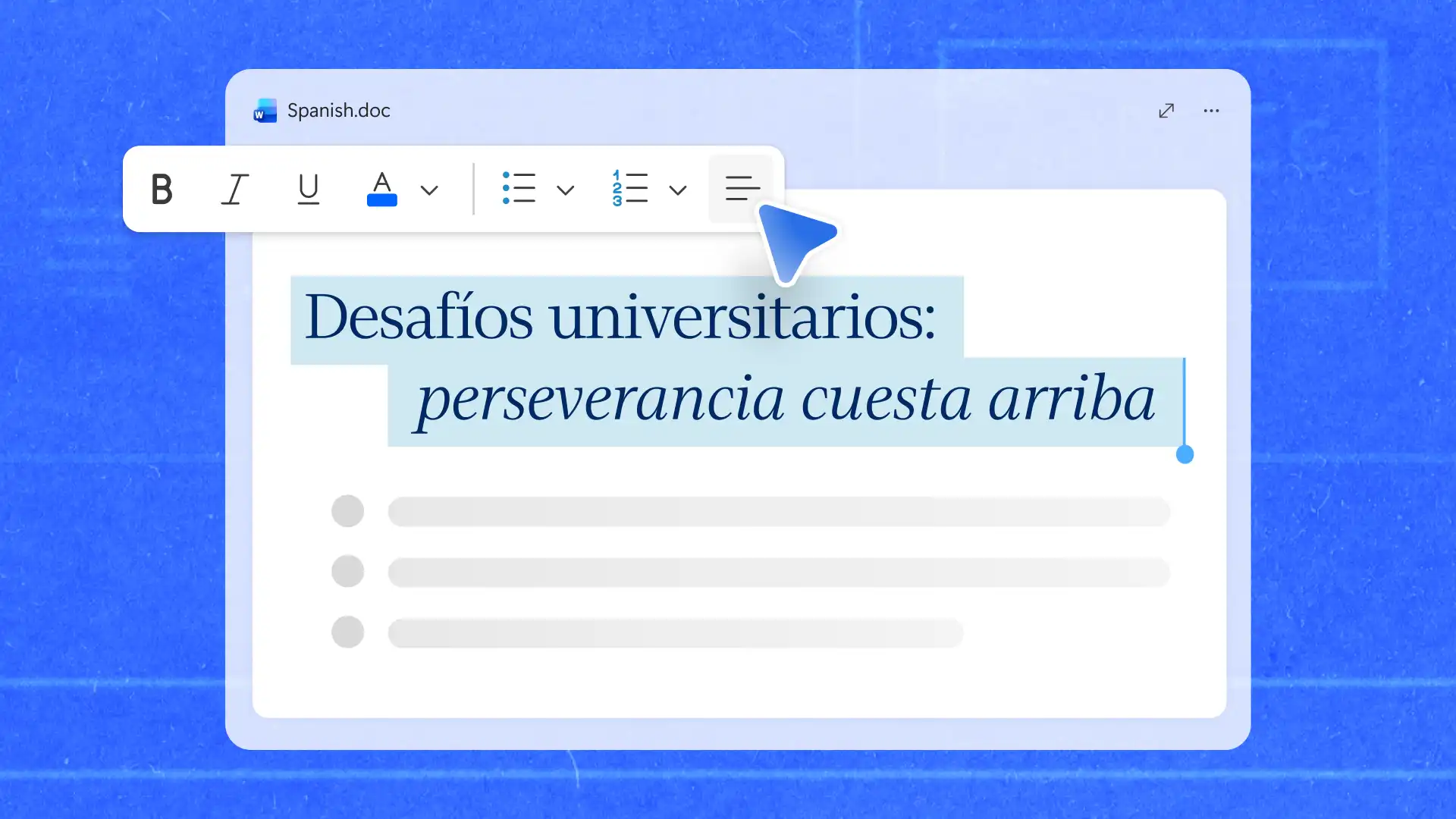
Translate files like training manuals or SOPs without losing document structure or formatting. The built-in Translator in Word creates a direct translation as a separate copy, keeping documents consistent across languages. Available for Microsoft 365 subscribers and Office 2021 users, Translator creates files ready to use without having to recreate the layout.
Use Copilot in Word to shape translated content for different goals and audiences. Chat with Copilot and describe the tone, key message, and readers to create a meaningful translation. Review and apply suggestions to make the content relevant to the audience, like adapting business letters for teams who work in another language.
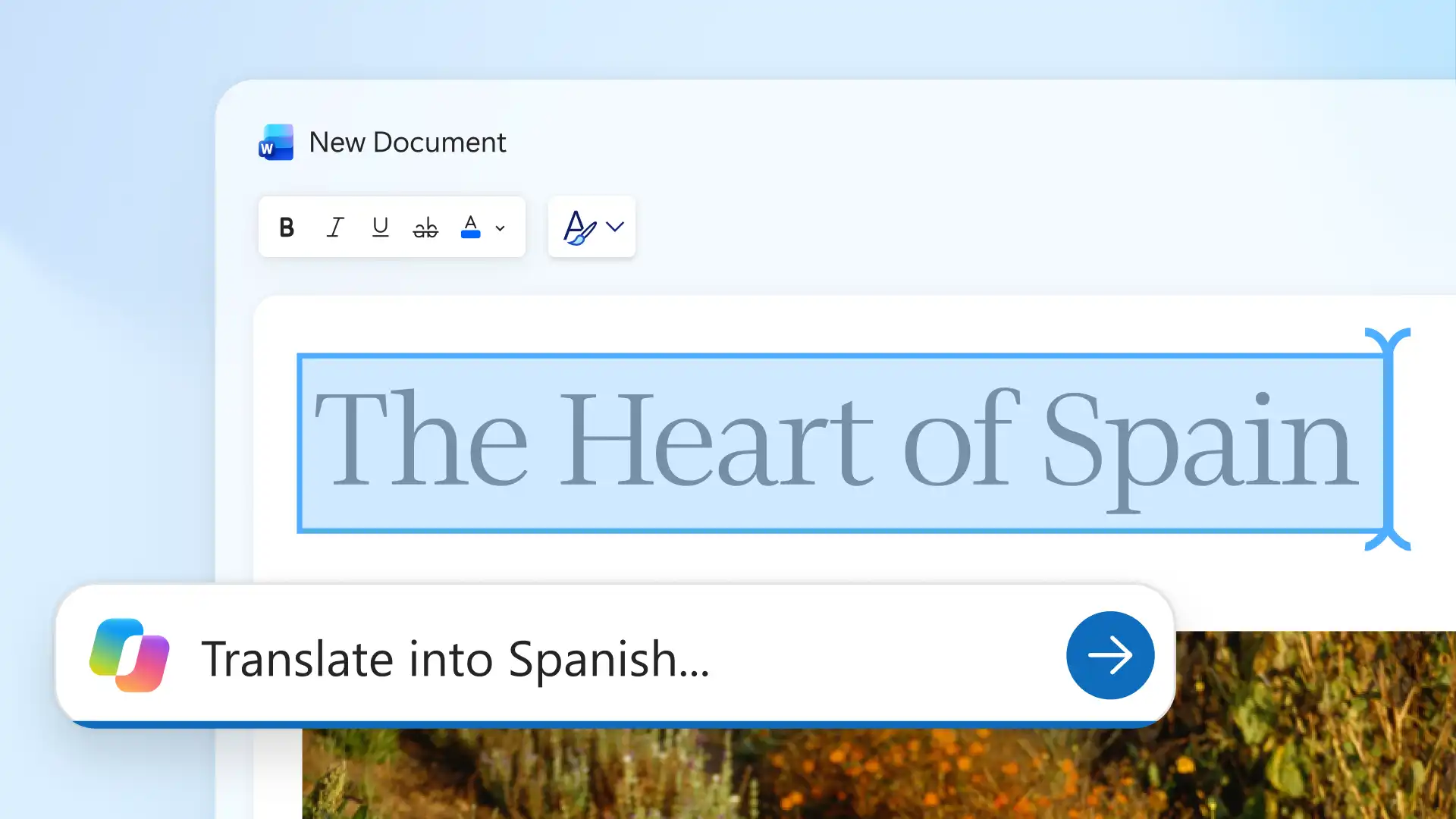
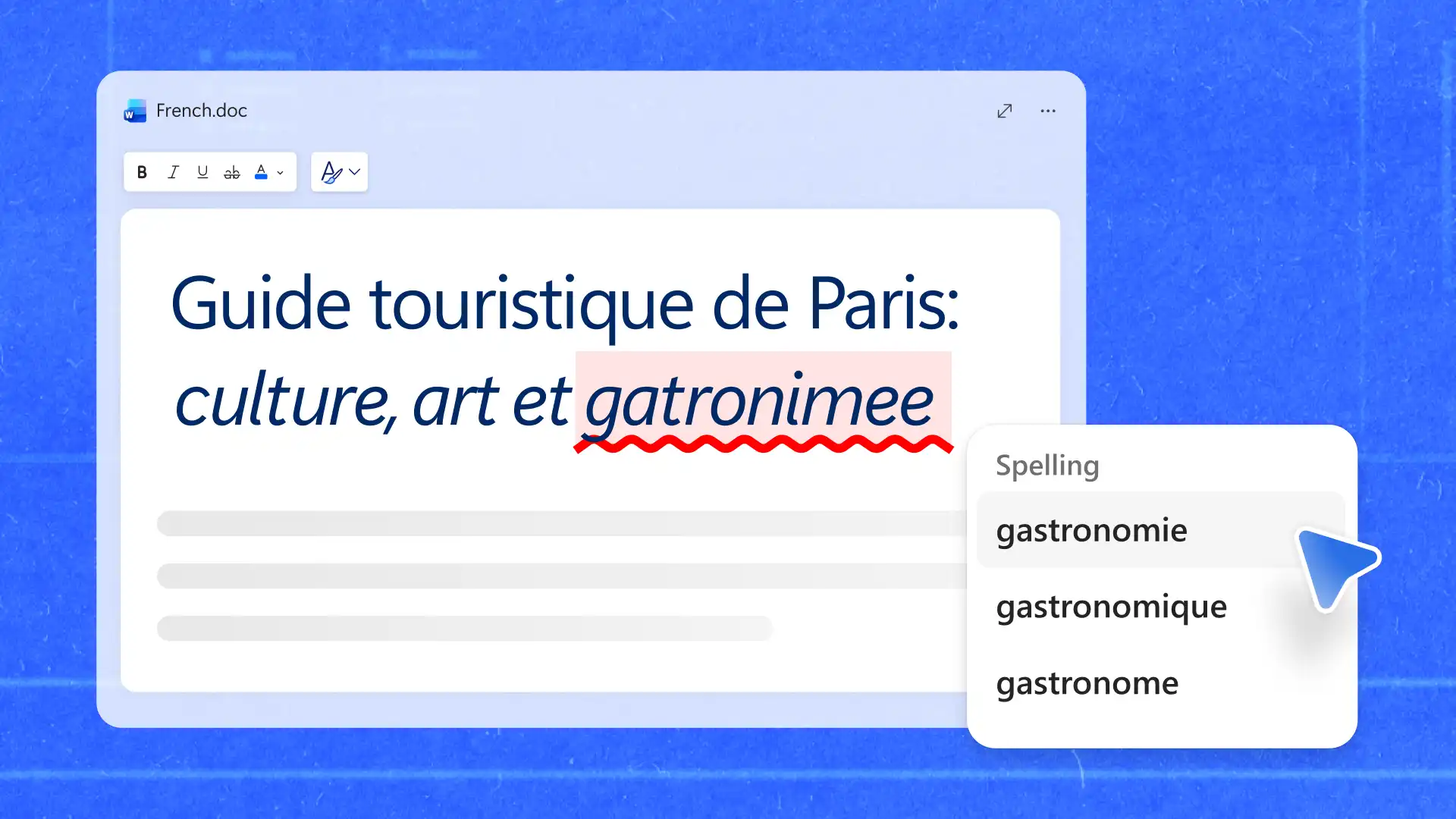
Proofread copy in multiple languages, even when working in a less familiar language. Review translated documents with built-in grammar and spelling suggestions to spot mistakes and improve clarity. Apply the same review process to everything from personal emails to business proposals.
Keep translations easy to access and ready for others to review or use. Send a translated file as a link, with view, edit, and download permissions set for collaborators. Save the document in OneDrive when others need to review or update it, or download as PDF for a finished version to share.
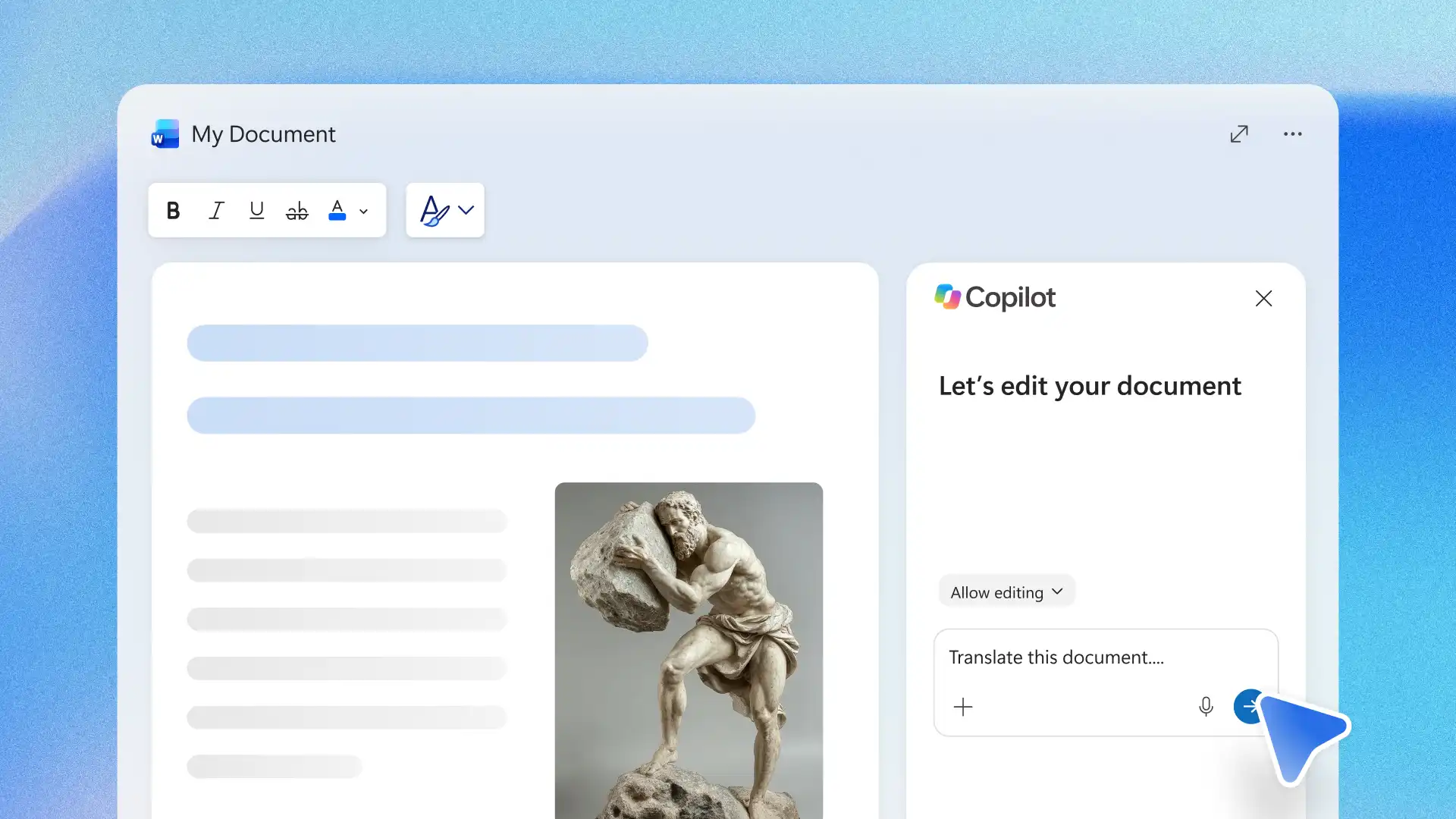
Open the document to translate in Word for the web.
Ask Copilot to translate text into the preferred language.
Adjust the translation by adding details about the purpose and audience of the document in the chat.
Check AI translations, grammar, spelling, and document phrasing.
Save, share secure online links, or export as a PDF.
Copilot in Word can help translate and adapt content for a specific audience, with guidance on wording, tone, or phrasing. The Translator (opens in a new tab) in Word creates a separate translated copy of a document while leaving the original unchanged. Use Copilot when content needs adaptation and Translator when a direct translated copy is needed.
Review layouts, headings, tables, and spacing after translation is completed to confirm the document appears as intended. Formatting may vary depending on the document structure, length, and language.
Word supports a wide range of languages and dialects, including Spanish, French, German, Japanese, and Simplified Chinese. Review the full list on the Microsoft language support page (opens in a new tab) for the current available languages.
Copilot in Word requires an eligible Microsoft 365 plan (opens in a new tab) that includes Copilot. For current Translator availability and requirements, check the Microsoft support article (opens in a new tab).
Formal documents can be translated and reviewed in Word, with editing and approval staying in one file. Ensure important files like legal and business documents are checked before sharing. This legal document accuracy guidance covers what to look for.