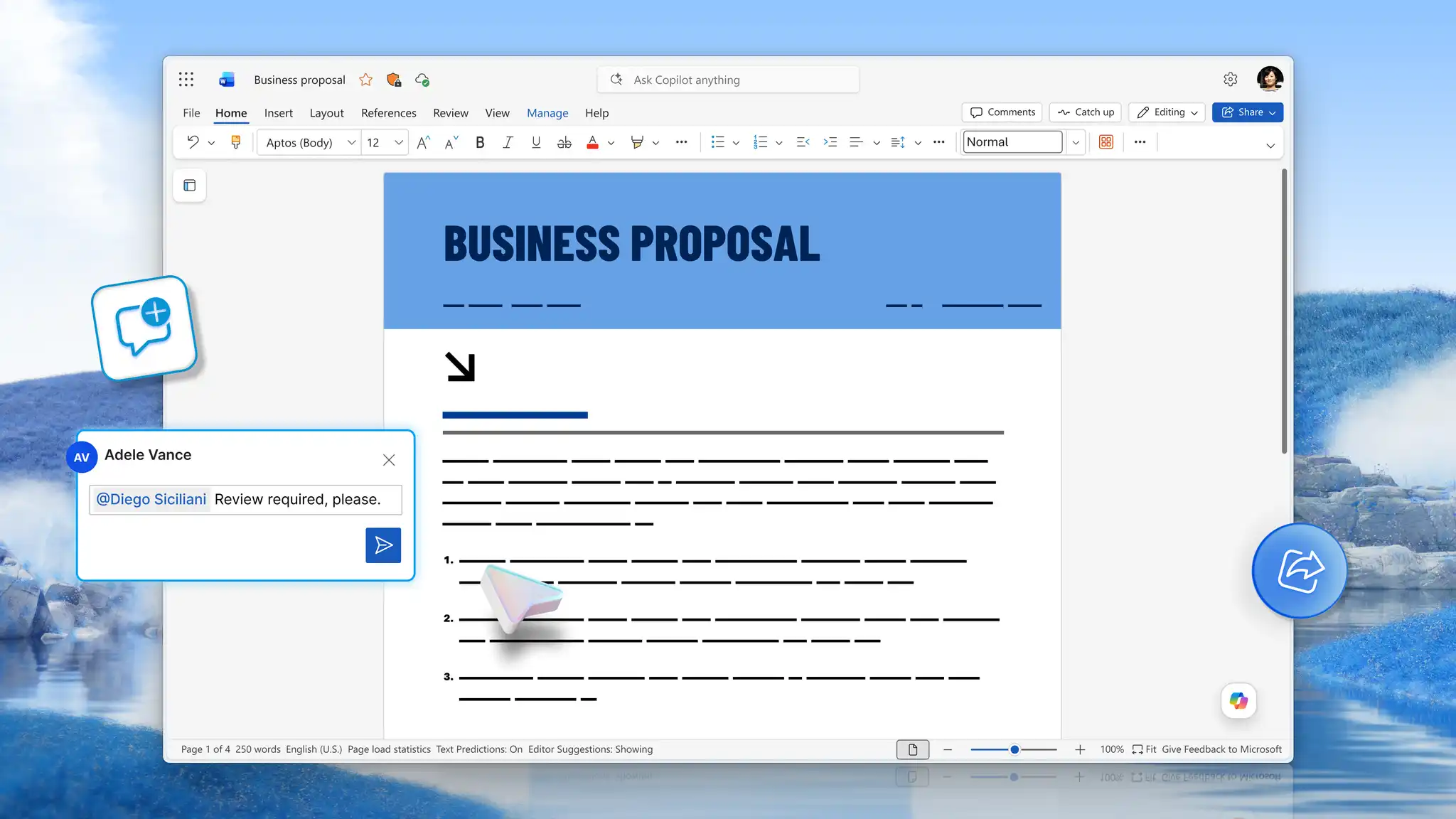
Business reports carry findings across teams, inform stakeholders, and create records that hold up across reporting cycles. From financial summaries and feasibility assessments to progress updates and compliance documentation, each report type serves a specific purpose and audience. When structure is clear and formatting is consistent, reports communicate with authority and the decisions that follow are stronger.
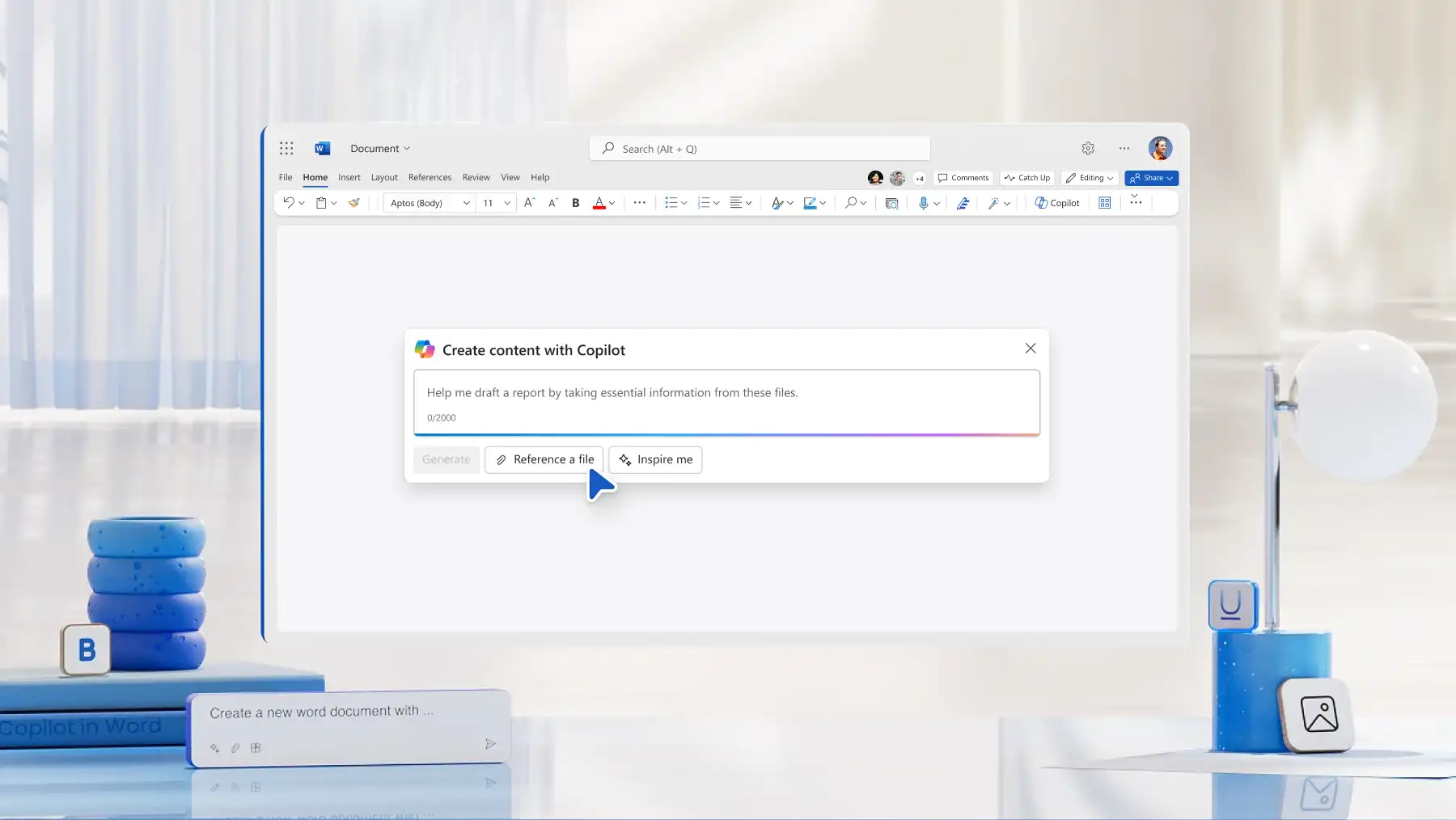
Copilot in Microsoft Word makes that standard easier to achieve. Chat with Copilot to draft a structured business report outline with the specified sections, ready to review and build on. Save the final document as a reusable template, and the whole team starts every report from a consistent, professional baseline.
Explore business report types, a seven-part report formatting guide, and a step-by-step tutorial on writing one in Microsoft Word online.
Seven types of business reports with examples
Identifying the right report type before writing begins makes every decision that follows easier, from how to structure documents to how much detail the audience needs. Explore seven popular types of business reports to inspire you below.
1. Progress and status reports
Project managers, department leads, and campaign sponsors regularly use these reports to track milestones, highlight blockers, and outline next steps. This shared record keeps everyone aligned and eliminates the need for extra check-ins. Examples to create in Word include:
Weekly project status
Monthly campaign performance
Sprint progress report
2. Financial reports
Financial reports detail revenue, expenses, and profitability for a specific period, giving leadership and investors a clear view of business performance. Organizations use these authoritative records to assess results and make budget decisions. Industries rely on several types, including:
Quarterly profit and loss report
Annual financial summary
Budget variance report
3. Research and analysis reports
Business leaders commission research and analysis reports before making major decisions. These reports provide actionable findings from market research, competitor analysis, or customer investigations in a clear format that decision-makers can apply. Well-structured examples in Word include:
Market entry feasibility report
Competitor analysis report
Customer satisfaction research report
4. Annual reports
Organizations publish annual reports each year to present performance, strategy, and outlook to shareholders, regulators, and the public. These reports build credibility and provide clear records for planning. Annual report formats include the following:
Corporate annual report
Non-profit impact and financials report
Departmental year-in-review
5. Feasibility reports
Analysts evaluate costs, risks, and projected outcomes before committing resources to a new project or investment. Teams prepare these reports ahead of a major commitment to present a structured case to leadership or the board. Feasibility report types used to support business decisions include:
New product launch feasibility study
Office expansion feasibility report
Technology investment assessment
6. Compliance and audit reports
Compliance and audit reports formally document how organizations adhere to regulations, internal policies, and quality standards, creating the evidence trail regulators, auditors, and risk teams require. Consistent formatting is essential since reviewers often scrutinize these reports. Examples to create and format in Word include:
Internal audit findings report
Regulatory compliance review
Health and safety compliance report
7. Recommendation reports
Recommendation reports present options, support a preferred action with evidence, and clarify decisions for stakeholders. Clear organization eliminates ambiguity and streamlines approval. Examples to structure and draft in Word include:
Vendor selection report
Process improvement recommendation
Policy change proposal

How to format a business report: seven core parts
Most professional business reports follow the same foundational structure. Each section serves a distinct purpose, and a consistent format helps readers locate and understand findings quickly. Use Copilot to generate a complete report outline, draft individual sections, or work through the full report from start to finish.
Title page
The title page identifies the report. Include the report title, author name, submission date, and the relevant department or organization.
Executive summary
Once documentation is complete, the executive summary distills a purpose, key findings, and recommendations into one page. Decision-makers often read this section before anything else, so clarity and brevity matter more here than anywhere.
Introduction
The introduction sets the context before the analysis begins, explaining the background, objectives, and scope of the report, and making clear who it was written for and why.
Methodology
Findings are only as credible as the process behind them. The methodology section explains how information was gathered and analyzed, covering research methods, data sources, tools used, and any assumptions made, so readers can assess the reliability of what follows.
Findings and analysis
Core data, insights, and results are presented in a structured, logical order, using tables and charts to make complex information easier to interpret. Each visual should be paired with a brief written explanation so the key insight is immediately clear.
Conclusions and recommendations
The conclusions section summarizes what the findings mean for the business. Recommendations should be specific, actionable, and tied directly to the evidence presented.
Appendices
Appendices contain supporting material referenced in the body of the report, such as detailed data tables, charts, references, or a glossary. Number each appendix clearly so readers can locate them quickly.
How to write a business report with Copilot in Word
Open a new Word document online to start writing business report.
Click Copilot and ask AI to generate a business report structure, specifying the report type and intended audience.
Review the AI‑generated outline and ask Copilot to draft, adjust, or expand sections as required.
Check word count, readability, and run a spell check before finalizing.
Save and share a final report, export it as a PDF, or reuse it as a template for future reporting.
The best business report writing tips
Apply built-in headings: use heading styles to create a logical hierarchy. Consistent headings make documents easier to navigate and allow Word to generate a table of contents automatically, saving time and reducing manual updates in longer reports.
Review report structure: turn on the Navigation Pane from the View tab to see a live outline of headings. This helps writers and reviewers quickly scan the report, check logical flow, and move between sections without scrolling.
Keep the executive summary to one page: lead with the conclusion, not the background. A strong executive summary shares what was found and what to do about it, without needing to read the full report.
Present data visually: use tables and charts inside the Insert tab to display detailed or complex information. Good visuals help surface patterns in the data, and simple explanations make it easier to understand what the data means.
Write in an objective, professional tone: support each section with facts and data, not personal views, to build trust in the results. Use AI rewriter to help edit tone, phrasing, or language to a more objective style.
Use white space to aid readability: adjust margins and line spacing from the Layout tab to improve page format. Short paragraphs, bullet points, and clear subheadings break up dense sections and make long copy easier to scan.
Check for clarity and accuracy: run spell and grammar checks from the Review tab or use document editor for proofreading. A final review before sharing catches issues that are easy to miss mid-draft.
Close with specific recommendations: make sure to tie every recommendation directly to a finding presented earlier in the report. Specific actions with clear owners and timeframes give readers easy-to-follow next steps after sign off.
Every professional report starts with a solid structure. Build a business report with AI in Word today. Explore more related business writing guides like how to create a standard operating procedure and how to write an incident report template.
Frequently asked questions
- What is the format of a business report?
A business report follows a structured format that includes a title page, executive summary, introduction, methodology, findings and analysis, conclusions and recommendations, and appendices. The format may vary by report type and audience, but a consistent structure ensures the report is easy to navigate and professionally presented. Find a structured starting point with a report template in Word.
- What are the seven parts of a business report?
The seven core parts are the title page, executive summary, introduction, methodology, findings and analysis, conclusions and recommendations, and appendices. Each section serves a distinct purpose, and together they give readers the full context needed to understand and act on the findings.
- How to write a business report in Microsoft Word?
Open a new document in Word and use Copilot to generate a complete report structure based on the report type and audience. Work through each section, using Copilot to draft or refine the document, then apply consistent heading styles using the document editor. Save the finished document as a Word template to reuse across reporting cycles.
- How to write an annual report for a small business?
A small business annual report includes a summary of the year’s performance, financial results, key milestones, and an outlook for the period ahead. Start with an executive summary, then add sections covering financials, highlights, and goals. Use Copilot to generate a structure tailored to the business size and intended audience.
- How to write an executive summary for a business report?
An executive summary captures the purpose of the report, key findings, and recommendations typically on one page. Draft it once the full report is complete, so it accurately reflects the content of the report. Copilot can help draft an executive summary directly from the completed report body using the AI writer in Word.