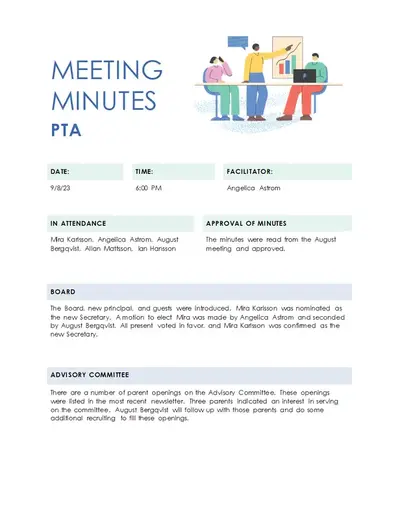
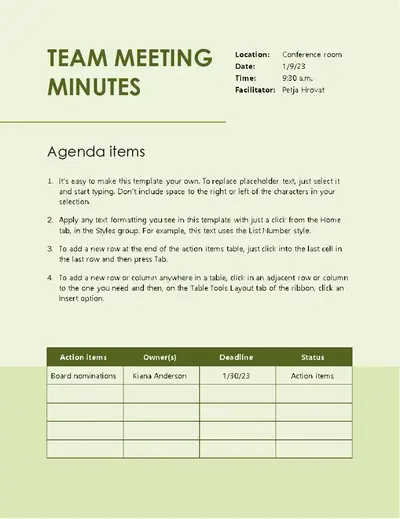
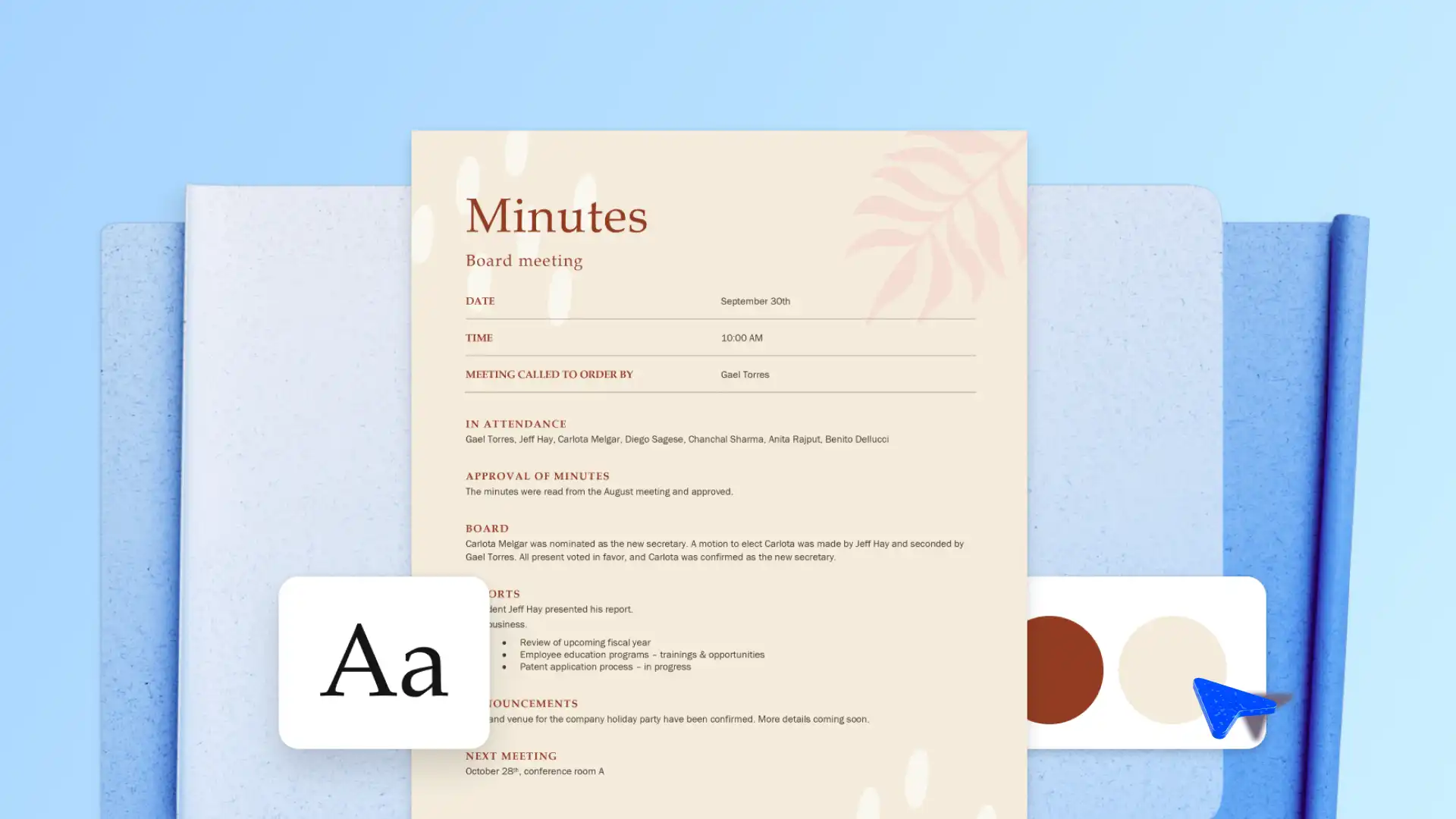
How to take meeting minutes with AI
Learn how to write meeting minutes in Microsoft Word with a step-by-step process...

Turn meeting notes, transcripts, and files into organized minutes using AI and editable templates in Microsoft Word.


Write structured meeting minutes with a pre-made template. Well-defined headings, sections, and formatting provide a starting point for drafting minutes that are easy to read and reference.

Use Copilot in Word to help prepare a first draft from meeting notes or transcripts. Highlight action items, refine wording, and check for language errors with AI and editing tools to share polished text.

Invite contributors to edit, review, and prepare meeting minutes together for wider sharing. Record key meeting outcomes and confirm next steps to keep teams aligned and support future decision-making.
Quickly take professional meeting notes to share with attendees and stakeholders using an easy meeting minutes template. Keep everyone updated by organizing key points, highlights, and action items using meeting minutes examples.
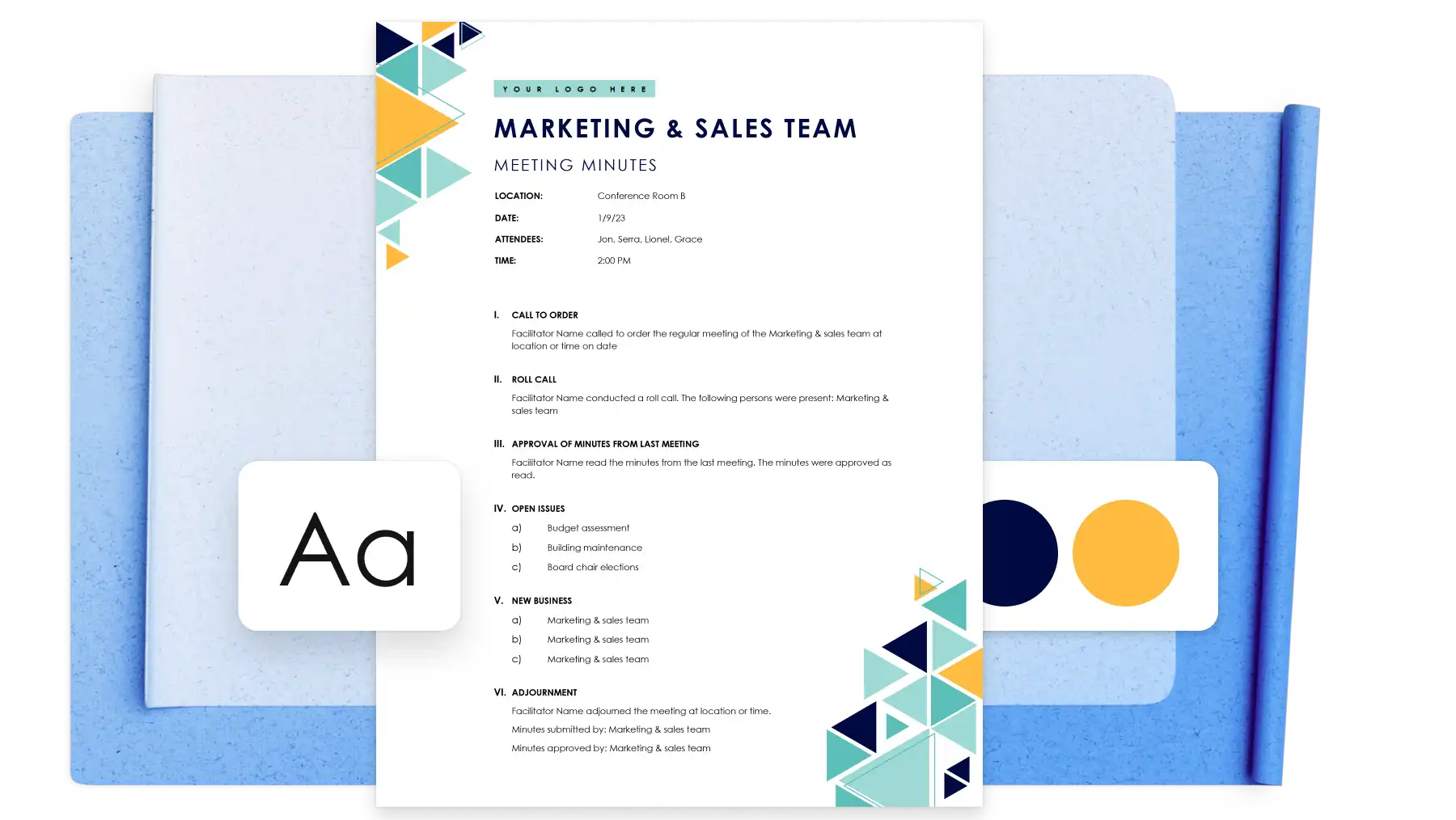
Simplify keeping meeting minutes by organizing notes into categorized template sections. Enhance document readability by asking Copilot to organize notes per discussion topic or simply polish language with AI. Seamlessly insert valuable reference links into meeting minutes for readers or stakeholders to access. From corporate and staff meeting minutes to lesson summary and stand-ups, keep effective minutes confidently with Word.
Whether you’re sharing meeting minutes to a classroom, leadership team, or external stakeholders, reinforce credibility and brand recognition with a clear meeting minutes design. Overlay company logos, use unique color schemes, and write in custom brand fonts. Add customizable icons to indicate speakers, apply personalized headers and footers, or use bold text to highlight key decisions.
Word online allows multiple authors to edit meeting minutes and add clarifications in real time. Communicate quickly with other team members by tagging colleagues to specific sections, tasks, or follow up actions within minutes. Use comments to ask questions or suggest edits without changing the content directly.
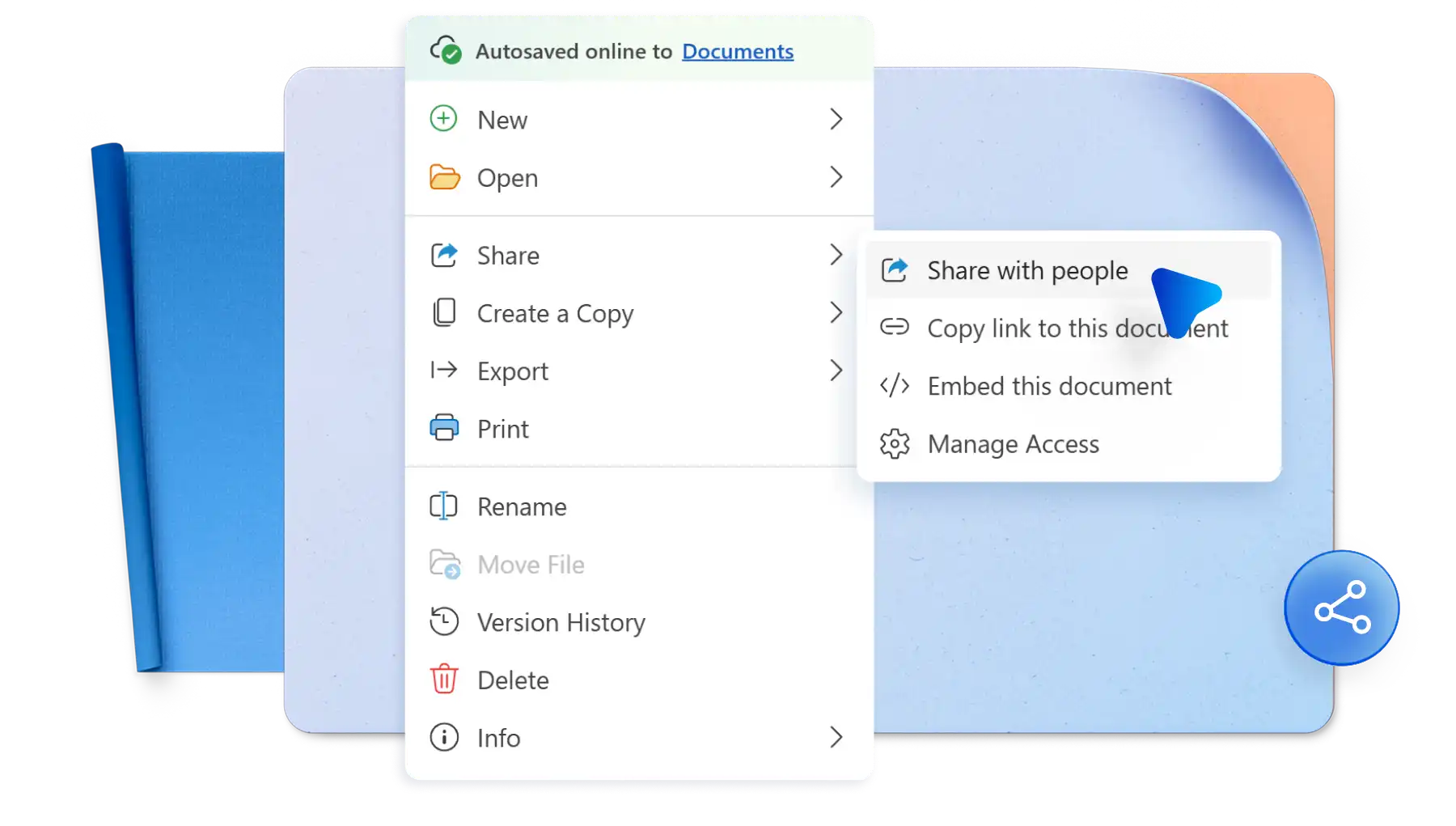
Share meeting minutes directly online via OneDrive links, Outlook, or save as a PDF for review and approval. Download and print meeting notes to present to stakeholders in-person or to reference hard copies in future meetings.
Open Microsoft Word for the web to explore all minutes templates.
Double click on the meeting minutes template to edit online.
Replace the text with personal information.
Save, print, or share meeting minutes as a PDF.
Include essential meeting information such as who was in attendance, agenda items, important decisions, and action items to make follow up tasks easier. Structure the meeting minutes document in no time by using a pre-made meeting minutes template by Word.
Make sure to write clear, concise, and accurate information in meeting minutes. Try to capture the main goal and essence of the meeting discussed, without turning the minutes into a detailed meeting transcript. Use the AI rewriter to refine writing if needed. Focus only on key elements within the meeting, like decisions made, action items, a meeting summary, and important updates or outcomes.
Start with a main heading, including all the basic details of the meeting like date and time, location, and speakers. Next, add in an agenda overview, main discussions and outcomes, then any action items. Finish off with follow-up items like future meeting details. Find guidance for creating a structured draft with a pre-made meeting minutes template in Word online.
Start with a ready-to-use meeting minutes example complete with essential sections and an easy-to-follow structure. Each easy meeting minutes template is designed with formatting to suit any agenda or topic. Using the correct meeting minutes format and design helps key information stand out to create effective meeting minutes.
Upload a meeting transcript in a Copilot chat and AI can help identify key points, decisions, and owners to provide a strong starting point for a first draft. Easily review and improve the generated draft using editing tools, grammar checker, or rewrite sections with AI to refine and finalize text.
Meeting notes capture useful details, ideas, and discussion points, while meeting minutes provide a more structured record of decisions, action items, and owners. If there are notes or a meeting transcript available, Copilot can help summarize and organize the information into a first draft of meeting minutes to review and refine.