Copilot AI rewriter
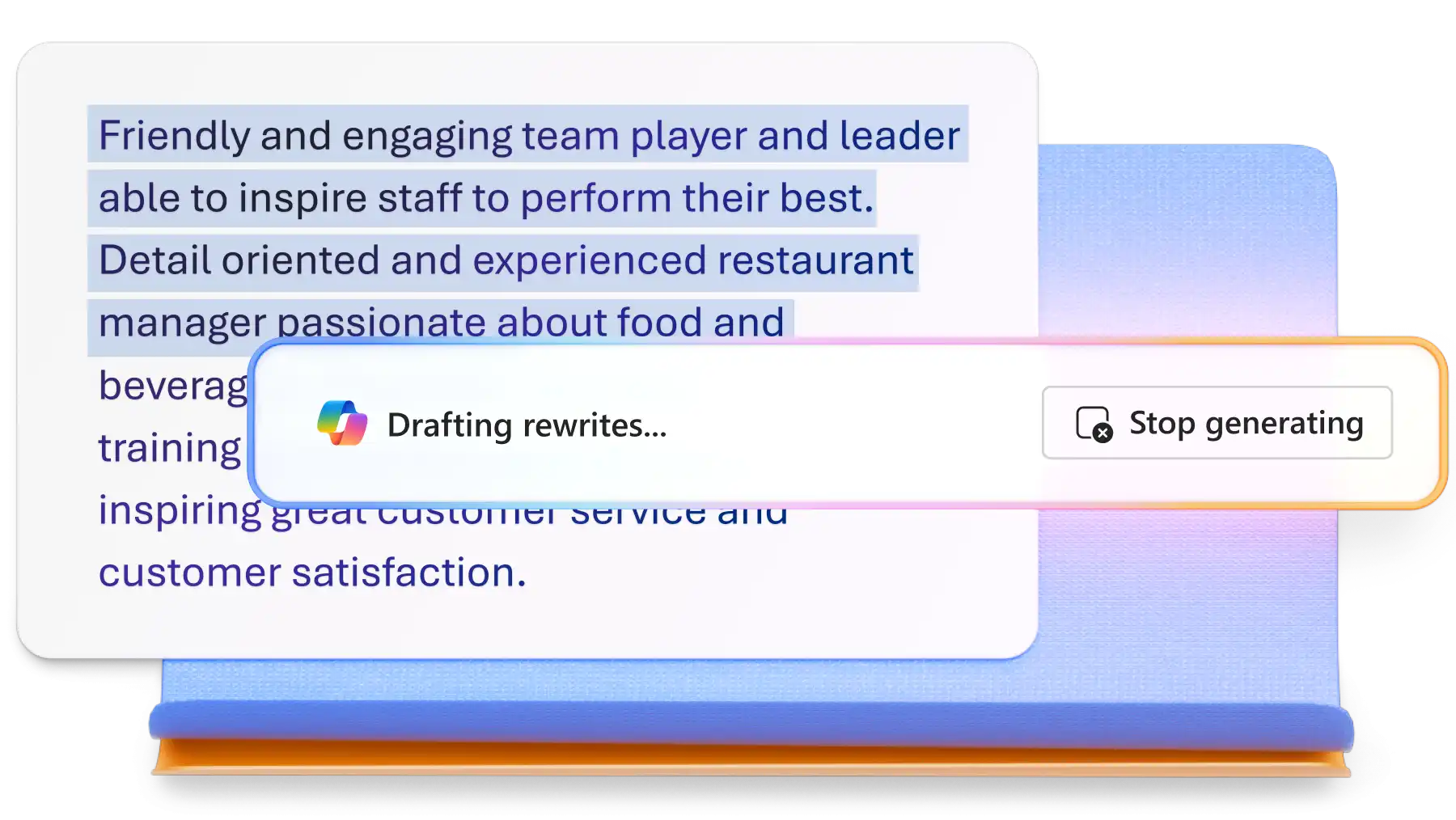
Learn how AI rewriting can help you clarify your content and improve readability...
Enhance meeting preparation and inform attendees faster using customizable agenda templates and Copilot in Microsoft Word.

Draft organized meeting agendas with editable sections, tables, and clear formatting to keep teams aligned and discussions on track. Define objectives, assign tasks and follow-ups, and make sure participants leave with next steps in place.

Turn notes, transcripts, or meeting minutes into defined agendas with Copilot in Word. Describe meeting goals to generate focused agendas, organize key discussion points and action items, and quickly refine or adjust as needed.

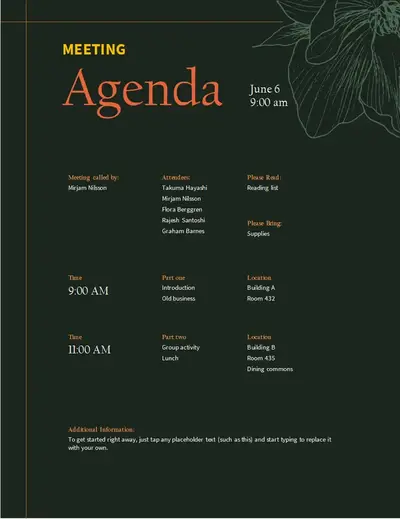
Choose the right layout for every meeting with agenda formats tailored for team, board, or project meetings. Use built-in sections for current priorities, pre-reads, and time blocks, helping teams arrive well-informed.

Browse a variety of ready-to-use templates in different layouts and designs to suit any meeting type. Create agendas for board and staff meetings, team syncs, project updates or business reviews instantly.
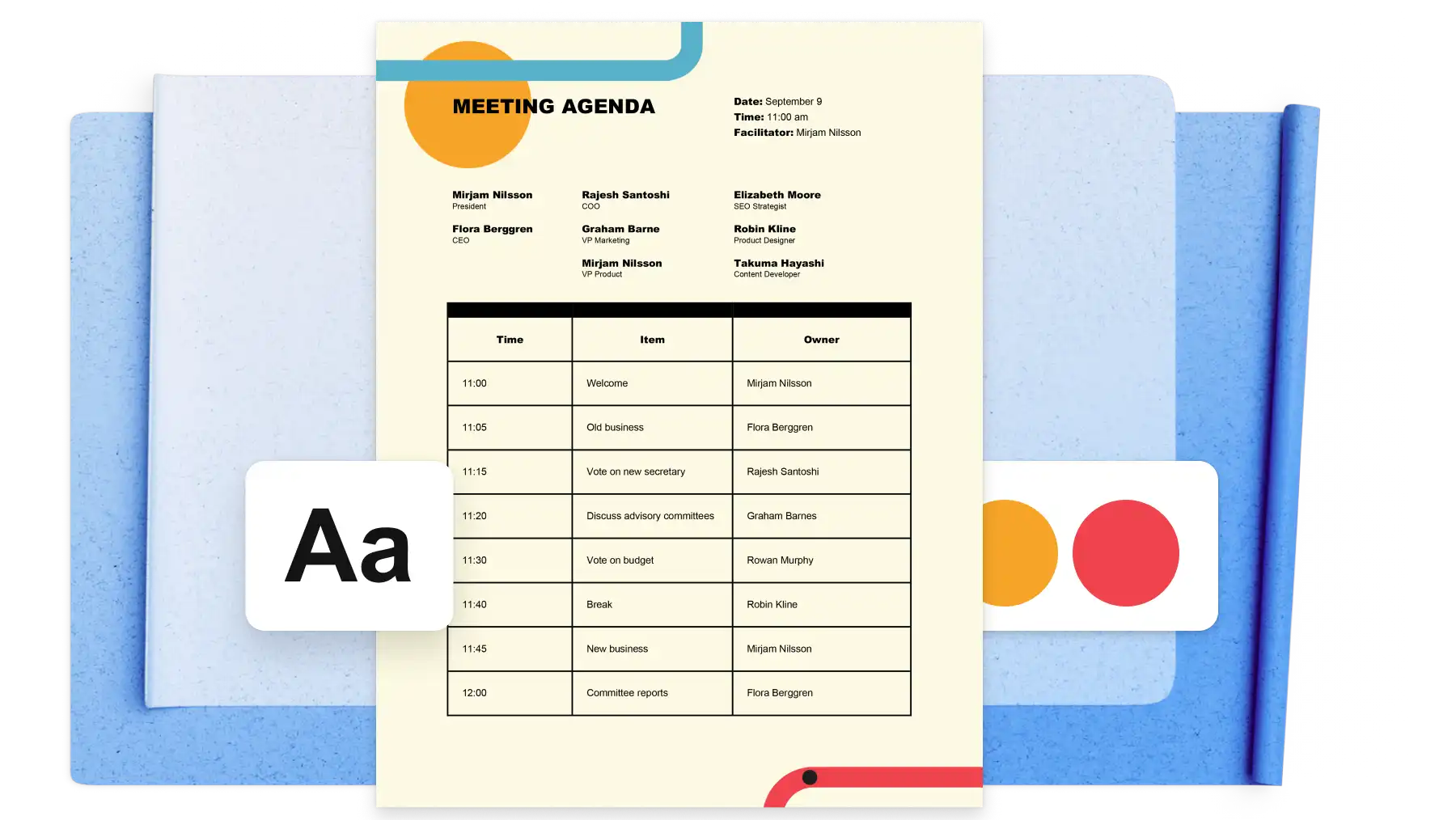
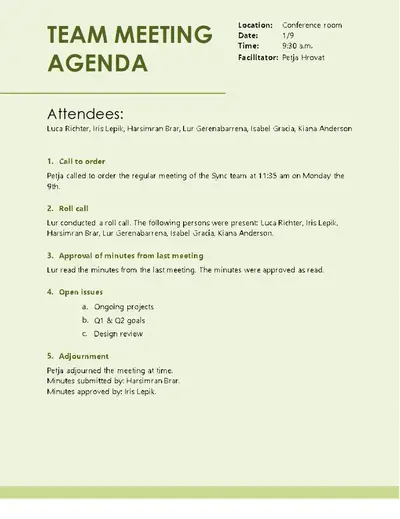
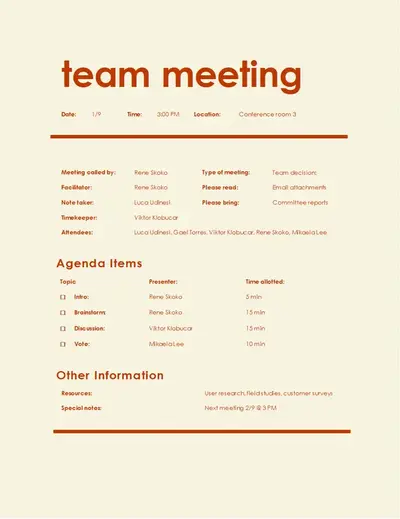
Set up meeting agendas with pre-made templates designed for speed and consistency. Replace text with meeting details to arrange action items, reading materials, and previous meeting notes into a logical flow. Keep discussions running smoothly by reusing the same format across recurring group syncs, product launches, and business reviews.
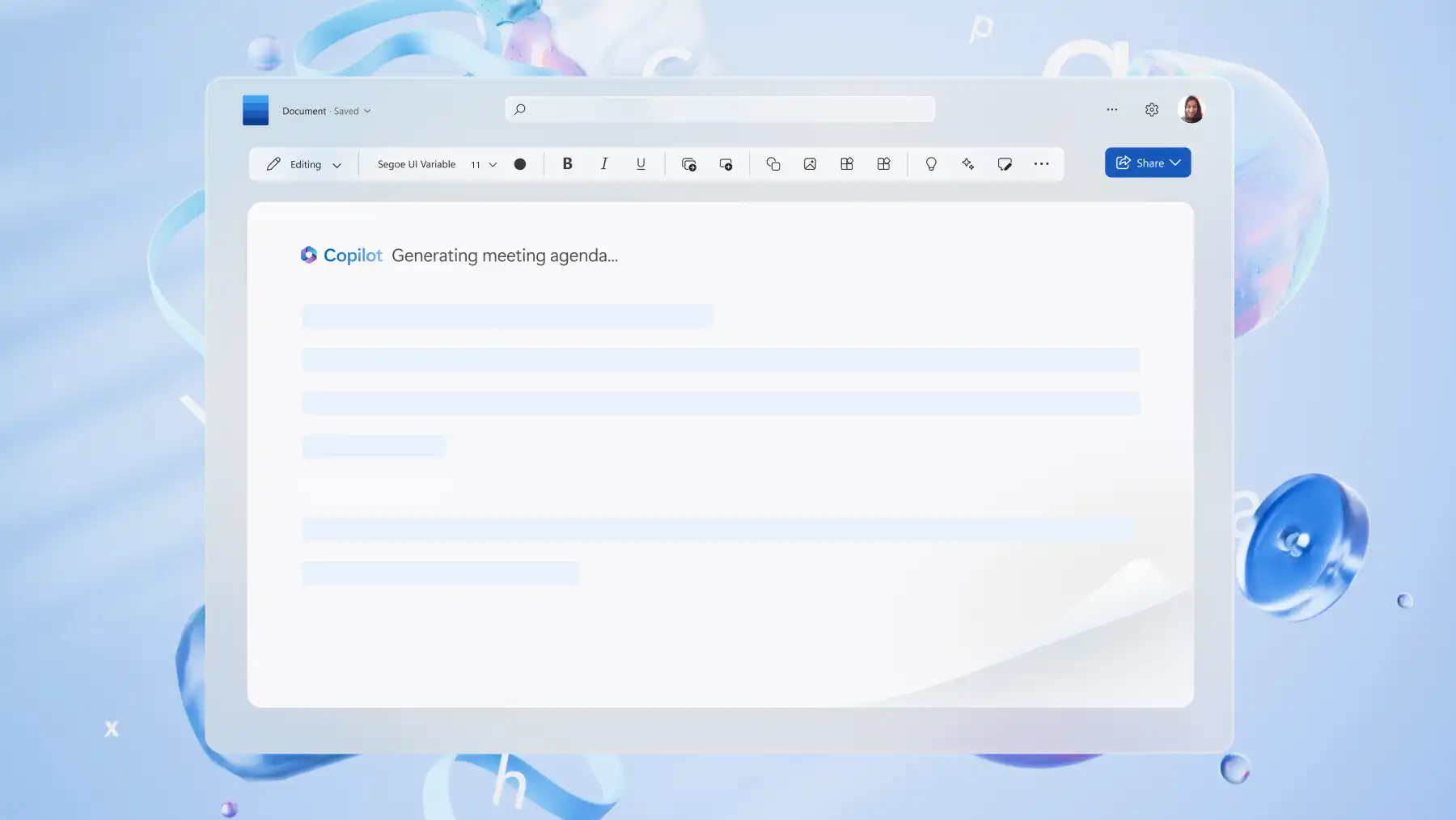
Generate new meeting agendas from rough notes, past Microsoft Teams meetings, or emails in seconds using Copilot. Improve clarity, language, and grammar with AI instantly to refine agendas, from board meetings to one-on-ones. Personalize AI-generated agendas with details like time, date, and location for faster sharing and greater accuracy.
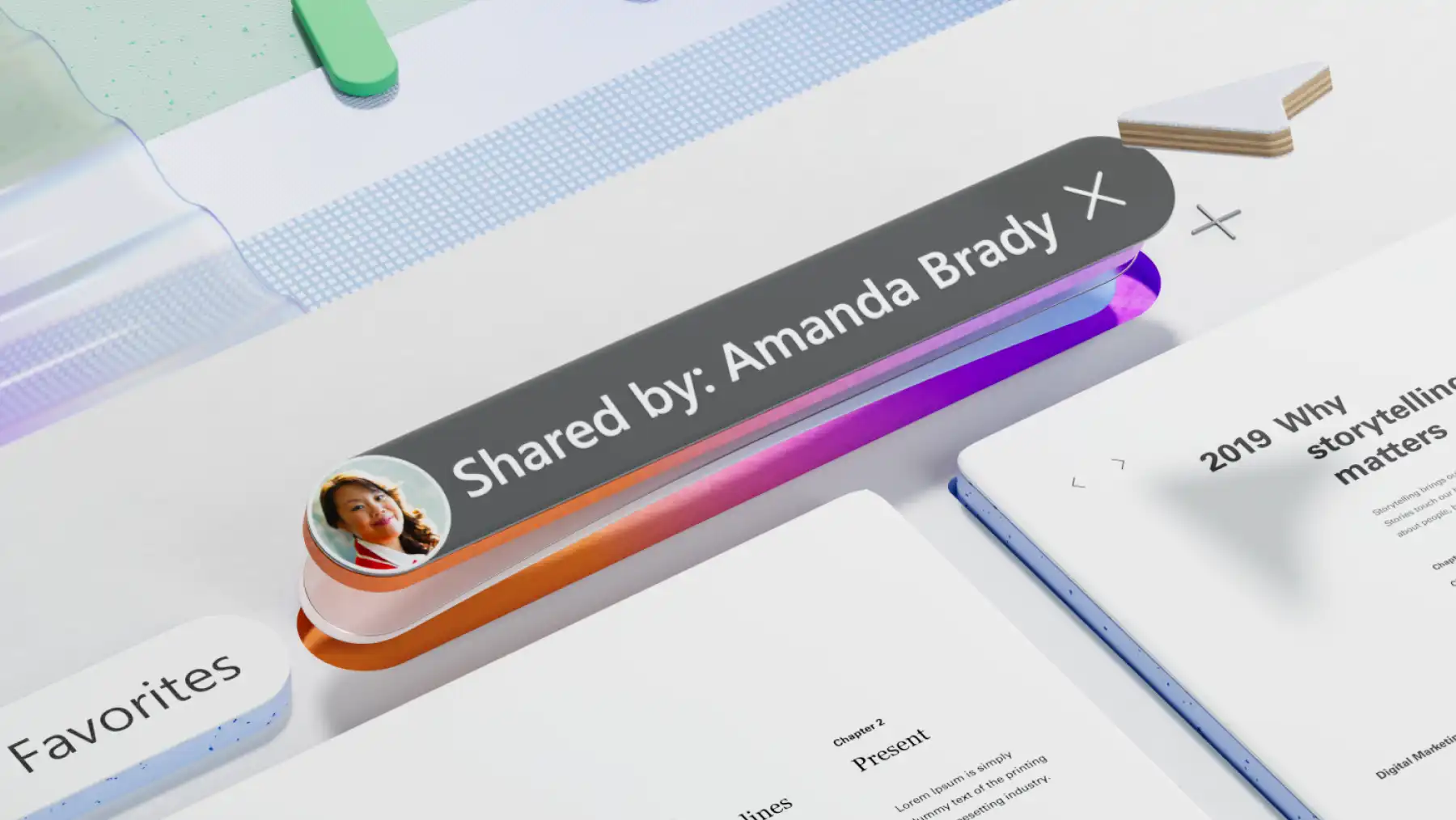
Share agendas directly to a Microsoft Teams meeting so participants can prepare ahead of time. Simplify access and team-wide distribution by sending agendas via a OneDrive link or as an Outlook attachment. Export as a print-ready PDF for meetings like in-person staff syncs or workshops that may require hard copies.
Use organized layouts to set priorities and guide meetings seamlessly from start to finish. Sections and time blocks help capture key information clearly, enabling quicker decisions in fast-paced discussions or one-on-ones. Close agendas with aligned goals and action items to support follow-ups and maintain momentum beyond the meeting.
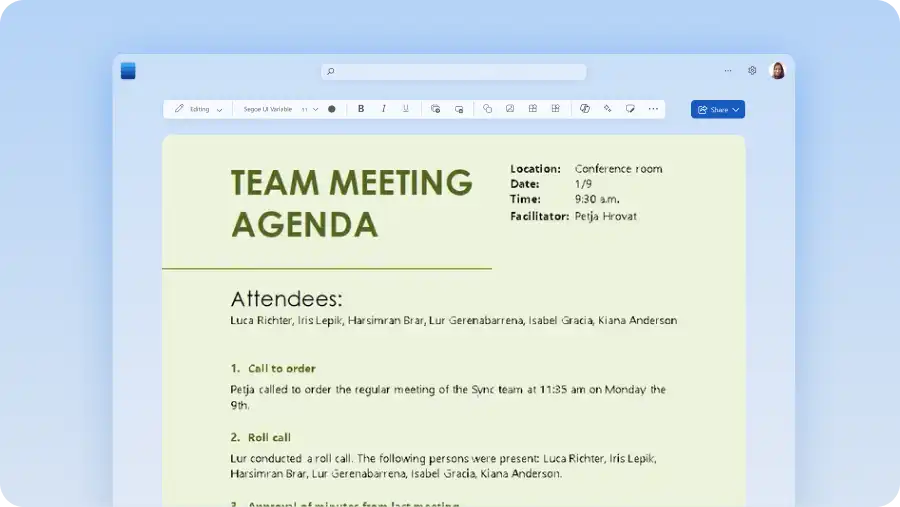
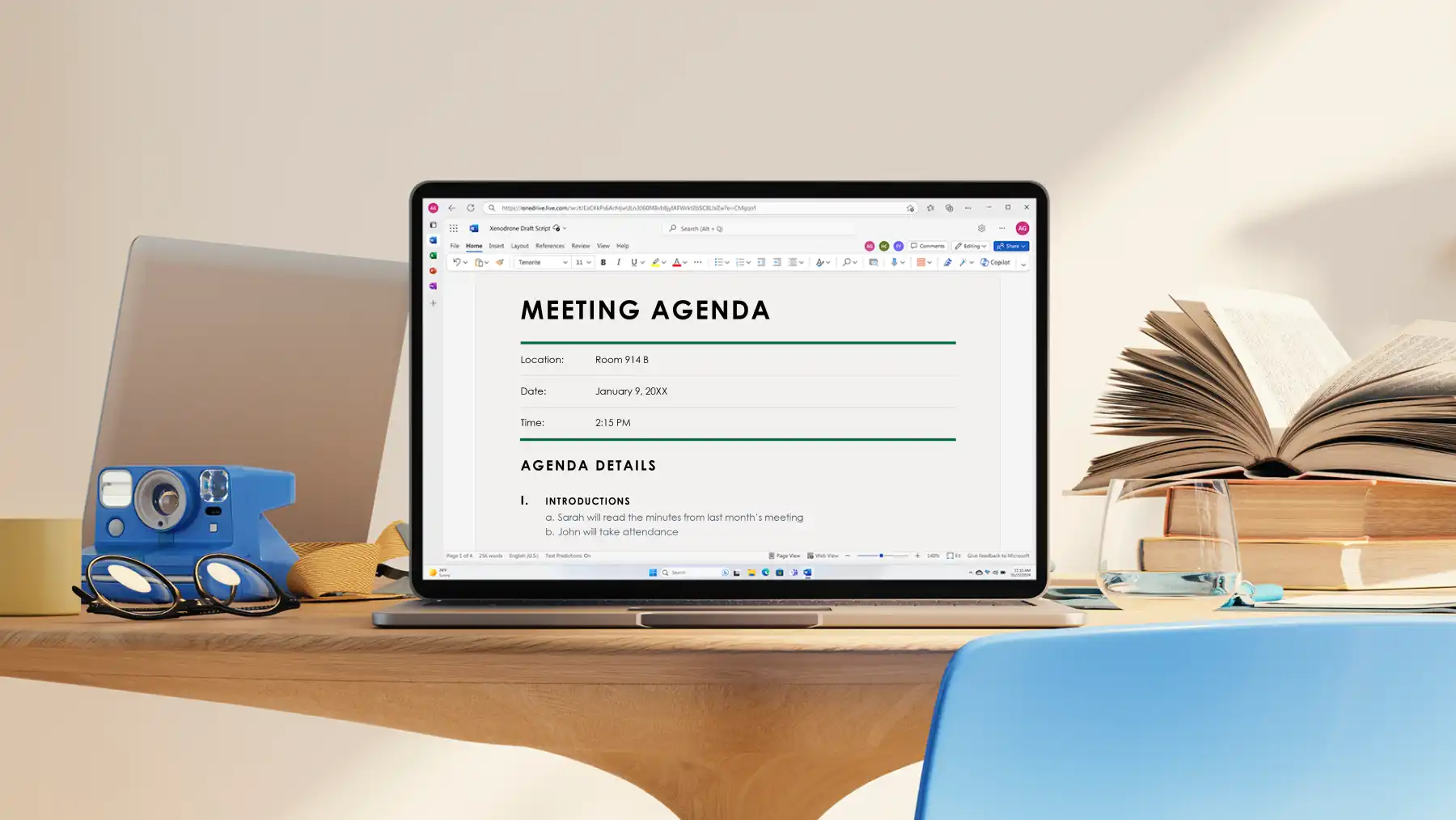
Explore all agenda templates in Word for the web.
Select an agenda template by clicking on the desired agenda layout or style.
Replace text with meeting details like participants, goals, and pre-reads.
Save online, copy and paste in a Microsoft Teams event, or export an agenda as a printable PDF.
An effective meeting agenda is an informative outline of a meeting's purpose and outcomes. Agendas include key details like presenters, location and time, and pre-reads. From board meetings to weekly one-on-one syncs, use a meeting agenda template to ensure a smooth meeting flow.
A meeting agenda typically includes a clear objective, key discussion topics, and time allocated to each item. They also list participants, assign owners for each topic, and include pre-reads or follow-up actions. Follow a meeting agenda guide for more help.
A meeting agenda should match the length and complexity of the meeting. Short meetings focus on a few key topics, while longer or formal meetings use sections and time blocks to stay on track. Follow agenda template length examples in Microsoft Word or use AI writer to condense lengthy notes.
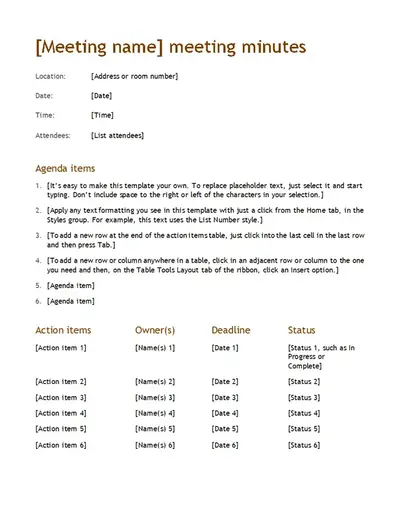
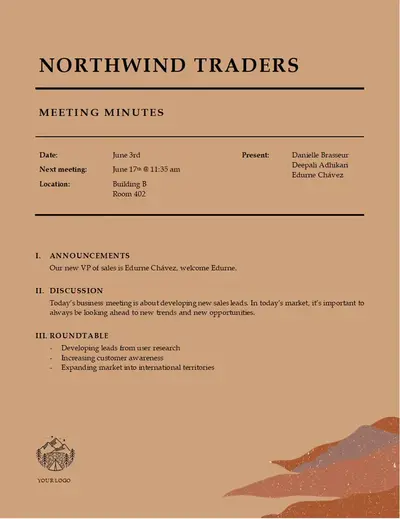
An agenda is the specific outline or plan for the in-person or online meeting, whereas meeting minutes are a record of the discussion during the meeting. Organizers share a meeting agenda before a meeting commences, unlike meeting minutes that are shared after the meeting concludes.