Share updates and reminders within an organization using professionally crafted business memos. From routine policy updates to urgent incident responses, memos communicate clear, direct messages in an easy-to-read format.
This versatile internal communication tool is extremely useful to keep in a library of ready-to-use memo examples so managers, human resources, legal, and other functions can edit and adapt when required. With AI features in Word, there’s no need to write a memo from scratch. Using Copilot in Word, anyone can draft, structure, design, and format a memo template which can be saved and reused.
Learn how to create impactful business memos for the workplace using memo templates and AI with Microsoft Word online.
The best memo format and structure
An effective memo is short, structured, and digestible. The goal is for employees and recipients to read the priority information quickly and be able to act on it. That’s why formatting, such as using structuring with short paragraphs, is key to making it effective. Every good memo template should follow this format and structure:
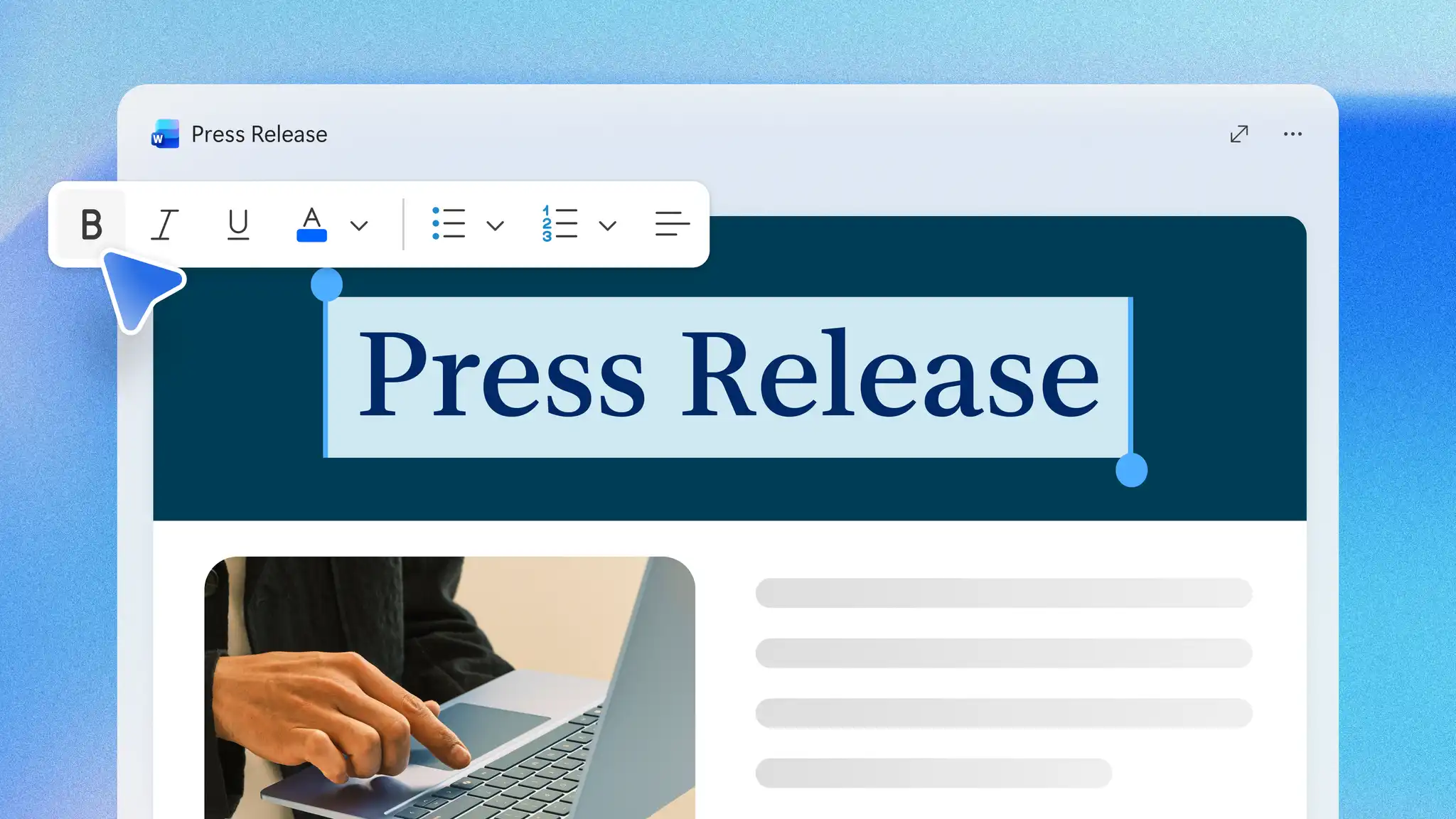
Heading: write the word “MEMO” in the organization’s approved font style at the top of the notice. Traditionally, the title is written in all capital letters to capture the attention of readers and signal urgency when shared, printed, or distributed online.
Recipient: include the name of the group, organizational department, or full name and job title of the person receiving the memo. Ensure team names or employee groups are labelled correctly to avoid any confusion.
Sender: add the name of the writer with the job title specified, so readers know who authored the memo. Some memos can be sent out on behalf of a company function, so include that detail for clarity. This is especially useful if readers need contacts for follow-up questions.
CC or additional recipients (optional): this is an optional section in case there are any additional recipients who need visibility. For example, the legal department could be added to a memo about a new customer refund scheme that the sales team can use.
Date: always mention the full date as it helps file the memo for future reference. Use the date format accepted in the organization to avoid any confusion about deadlines or effective date of announcements.
Subject line: write a clear and specific phrase to summarize the memo’s key topic. The subject line can include terms like “new”, “updated”, “cancelled”, or “reminder” at the start to draw attention to the message type.
Message body: draft the key message, share an update, or write step-by-step instructions to inform recipients in the memo. Maintain brevity and clarity by dividing information into three short paragraphs. Use dot points when the message includes a checklist or list of considerations. Ideally, memo authors should use direct language and action verbs to make memos easy to scan and understand at a glance.
Attachments (optional): some business memos allude to upcoming changes in the organization, such as service changes, contract changes, or organization-wide meeting notes. Such memos can benefit from having supporting documents like meeting agendas, or pre-reads like business proposal plans, presentations, incident reports, among other documents.

How to write a memo with AI in Word
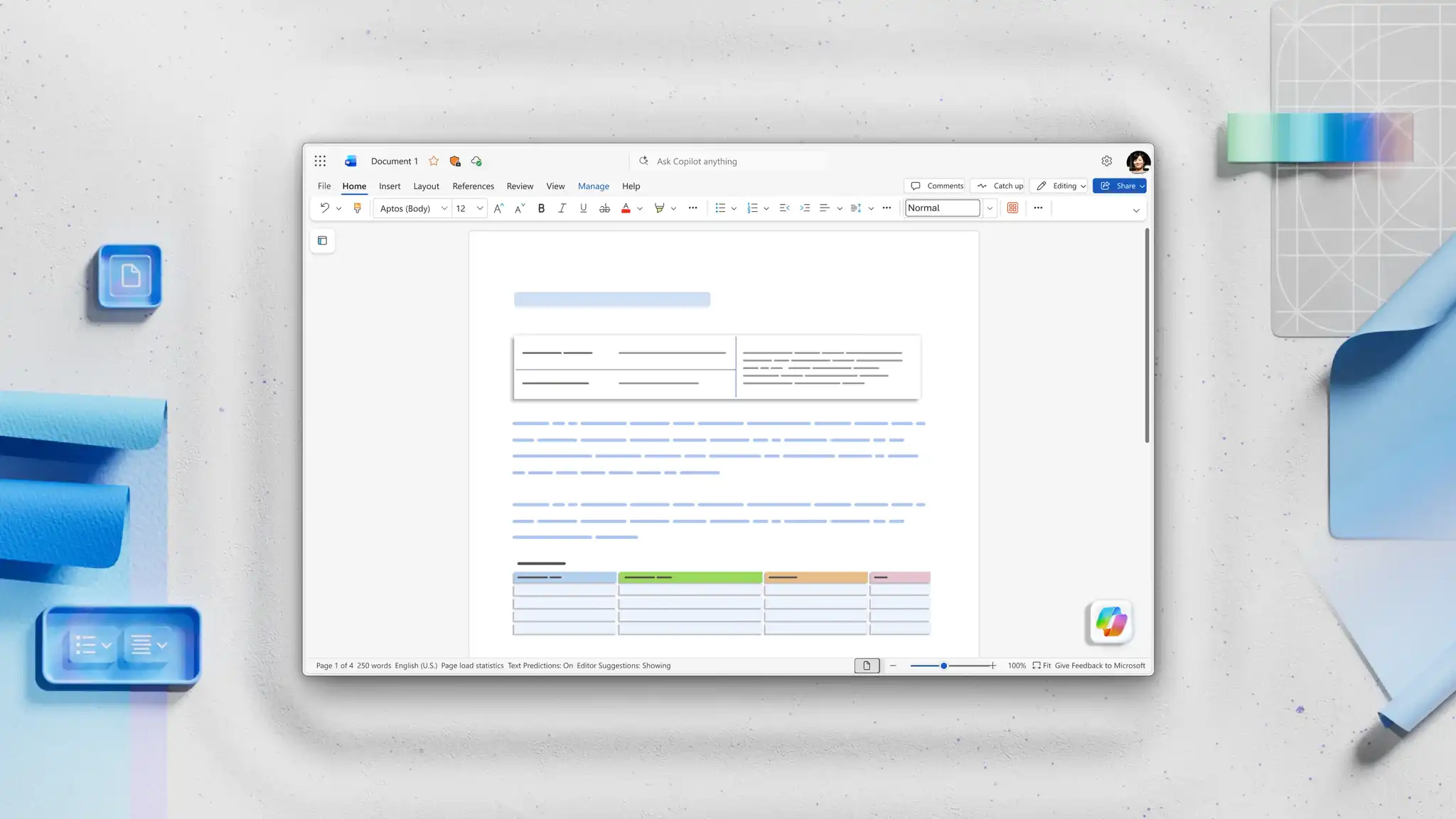
Speed up memo writing using Copilot in Word. Copilot can quickly draft a memo template, turning an urgent business memo or a legal memo into a polished first draft in minutes. Use AI to draft from scratch or condense information with full context about the organization. It automatically includes standard memo elements like To, From, Date, Subject, and organizes information. Here’s how to write a memo using Copilot.
Open a Word document and locate Copilot in Word.
Start chatting to AI to explain memo drafting requirements, sharing information about the topic and message specifics. Further attach reference documents like presentations, technical documents, OneDrive files, and recent emails using the plus button in Copilot chat.
Share the audience or department name so Copilot can use relevant work terms while following the organization’s tone of voice.
Review the memo created and request language or formatting changes if needed.
Share the AI-generated memo draft using email or print to distribute widely. Alternatively, use the share button in Word to generate a secure, shareable link to the document.
Explore different types of memos
The right type of memo depends on the message it needs to carry. Identifying it early shapes the structure, tone, and level of detail before drafting begins.
Share internal updates
Keep teams aligned by circulating a short memo that captures news, changes, or reminders in one place. Internal update memos work best when the main point sits in the first line, so readers grasp the change at a glance.
Announce policy changes
Announce a new or revised policy through a memo that states what is changing, who it impacts, and when it takes effect. Policy memos should always include a firm effective date and a single point of contact for questions.
Request action or approval
Drive a decision by stating what is needed, why it matters, and the date for a response. Approval memos name the exact action required, so readers know what they are signing off.
Communicate project progress
Report on a project by sharing milestones, work in progress, and the next steps. Progress memos pair each update with an owner and a timeframe. A linked meeting agenda or a business report can add fuller context.
Respond to incidents or urgent updates
Flag an incident or operational change quickly so teams can act without delay. Incident memos outline what happened, the immediate impact, and the next steps, with an attached incident report.
View a complete memo example
The memo below shows the standard structure in action, applied to a common workplace scenario. Use it as a model and adapt the details to suit the message.
MEMO
To: All staff
From: Operations team
Date: June 18, 2026
Subject: Updated remote work policy, effective July 1, 2026
The remote work policy changes from July 1, 2026. Staff may now work remotely up to three days each week, with at least two days on site to support team collaboration.
Managers will confirm on-site days with their teams by June 27, 2026. Existing flexible arrangements remain in place until then. Direct any questions to the Operations team before the start date.
Save a memo as a reusable template
Open a finished memo in Word for the web.
Create a copy of the file to preserve the original.
Review styles, headings, and letterhead. Remove anything document-specific.
Replace variable information with placeholders, for example, “[Insert subject]”.
Save the file in a shared Templates folder in OneDrive or SharePoint.
To reuse the template, create a copy of the file and edit the copy with new information.
Four Copilot prompts to draft or refine memos
Copilot works as a writing tool for memos at every stage, from first draft to final polish. Describe what the memo needs, and Copilot builds it, then refine the wording in the same chat by asking AI to rewrite sections, adjust tone, or shorten the message.
Draft a memo
Open Copilot chat and describe the purpose and key details, and a complete memo takes shape from a blank page in one step.
Rewrite a memo
Adjust the tone, length, or structure of an existing memo with AI rewriter. The core message stays intact while the wording shifts to suit the audience.
Summarize a memo
Shorten a long memo to its key points for readers who are short on time. Use AI summarizer to reduce details to a short, scannable list that keeps the key decisions in view.
Build a memo from existing notes
Turn rough notes, emails, or a project update into a finished memo without starting from scratch. Copilot organizes the source material into a logical structure, and a detailed request sets out the sections to include.
How to write a memo using a free memo template
Open Word online and explore professional memo templates.
Select the free memo template like ‘business memo format’ or ‘legal memo format’ to start customizing.
Replace the memo example title and body text with key business details.
Utilize Copilot to enhance the writing by suggesting action verbs and tone improvements.
Upload brand logo, update the color scheme, and add the company letterhead.
Save and share the memo online or print and distribute memos across the organization.
Now that it’s clear how to make a memo template with AI, get started with drafting documents in Microsoft Word.
Continue exploring how to speed up work like writing meeting agendas and creating consistent SOP templates for business in Word.
Frequently asked questions
- Can Copilot rewrite an existing memo?
Copilot in Word can rewrite an existing memo to adjust the tone, length, or structure while keeping the original meaning. Chat with Copilot to make a memo more formal and concise or reshape the wording.
- Can hyperlinks be added to a memo?
Hyperlinks let readers open supporting documents, like business reports and reference material, directly from an online memo. Use hyperlinks within the body of the memo to keep the main message clear while still giving access to additional information. When sharing files that cannot be linked, include them in an attachments section instead. Hyperlinks work best in online memos, where readers can open them with a click.
- What is the difference between a memo and an email?
Memos share information across teams in a fixed, scannable structure, which makes them easier to file and reference than a longer email. A memo suits announcements, policy changes, and updates that readers may need to return to later. Emails work better for quick back-and-forth, while memos create a lasting record.
- What is the difference between a memo and a newsletter?
A memo delivers a single, focused message that asks readers to note or act on something specific. A newsletter gathers several updates, stories, or highlights into one regular roundup for a wider audience. Reach for a memo template when the message is direct and time-sensitive rather than a periodic digest.
- How long should a memo be?
A memo stays on one page wherever possible, with the body running to about three short paragraphs. Lead with the main point, then add only the detail readers need to action. Use a memo template to keep the length consistent across the organization.
- What is a legal memo?
A legal memo sets out a legal question, the relevant facts, and an analysis that leads to a reasoned conclusion or recommendation. It follows a structured format so readers can follow the reasoning and act on the advice. Working from a memo template keeps the structure consistent and professional.
- Can AI write a business memo?
Copilot can help write a business memo when given a short brief with the topic, audience, and key points. Describe what the memo needs, and Copilot drafts a version with the standard header and sections, then adjusts the tone or wording on request.