Marketing and communications teams write a press release whenever an organization has news worth reporting, such as a product launch, a new hire, or a community program. Every release carries approved facts in a structure reporters recognize, and most need legal and brand review before they reach journalists.
Write a press release in Microsoft Word, shaping each section with document editor and formatting tools, or start from an editable draft that Microsoft Copilot can help create from launch notes, fact sheets, and authorized quotes.
Explore the standard press release format, a step-by-step process, and a complete example for writing a press release in Word online, from gathering facts to sharing the approved file.
What is a press release?
A press release is an official statement that shares newsworthy information with journalists and puts the facts they need to check in one place. An advertisement or blog post promotes a product or a point of view, whereas a press release stays neutral and reports only what a reporter can verify. Organizations write press releases for occasions such as:
Product, service, or business launches: announce what is launching, when it becomes available, and who it serves, using details from a small business plan when the news is a new company.
Changes in leadership and milestones: name a new executive, or report an expansion, funding round or award.
Events and community programs: list dates, locations, eligibility, and sign-up information for conferences, fundraisers, or local initiatives.
Start with the right press release structure
Each part of a press release does a specific job, from the headline that carries the news to the contact line that answers follow-up questions. A press release generally follows the inverted pyramid, with the most important news at the top and background toward the end. Apply heading styles, consistent spacing, and links in Word to make press release formatting easy to scan. Adjust the layout when a recipient or distribution service requires a different format.
FOR IMMEDIATE RELEASE [or the date and time journalists can publish]
[Headline that states the news in specific, factual language] [Optional subheadline that adds one extra detail]
[CITY, State, Month Day, Year].
[Lead paragraph that answers who, what, when, where, and why]
[Body paragraphs with facts, context, and links in order of importance]
["Authorized quote that explains why the news matters," said Name, Title, Organization.]
About [Organization]
[Short, reusable description of the organization]
Media contact
[Name, role] [Email address]
[Phone number]
###
How to write a press release in Word
Follow the steps below to write a press release in Word online, from the first fact-check to a file ready for distribution.
Open a blank document in Word or customize a press release template.
Write a concise lead that answers who, what, when, where, and why, opening with the fact a journalist would report first.
Add background in order of importance, followed by an authorized quote that explains what the news means for the people it affects.
Apply press release best practices by checking spelling and grammar, matching each fact against the source, and removing jargon and unsupported promotional claims.
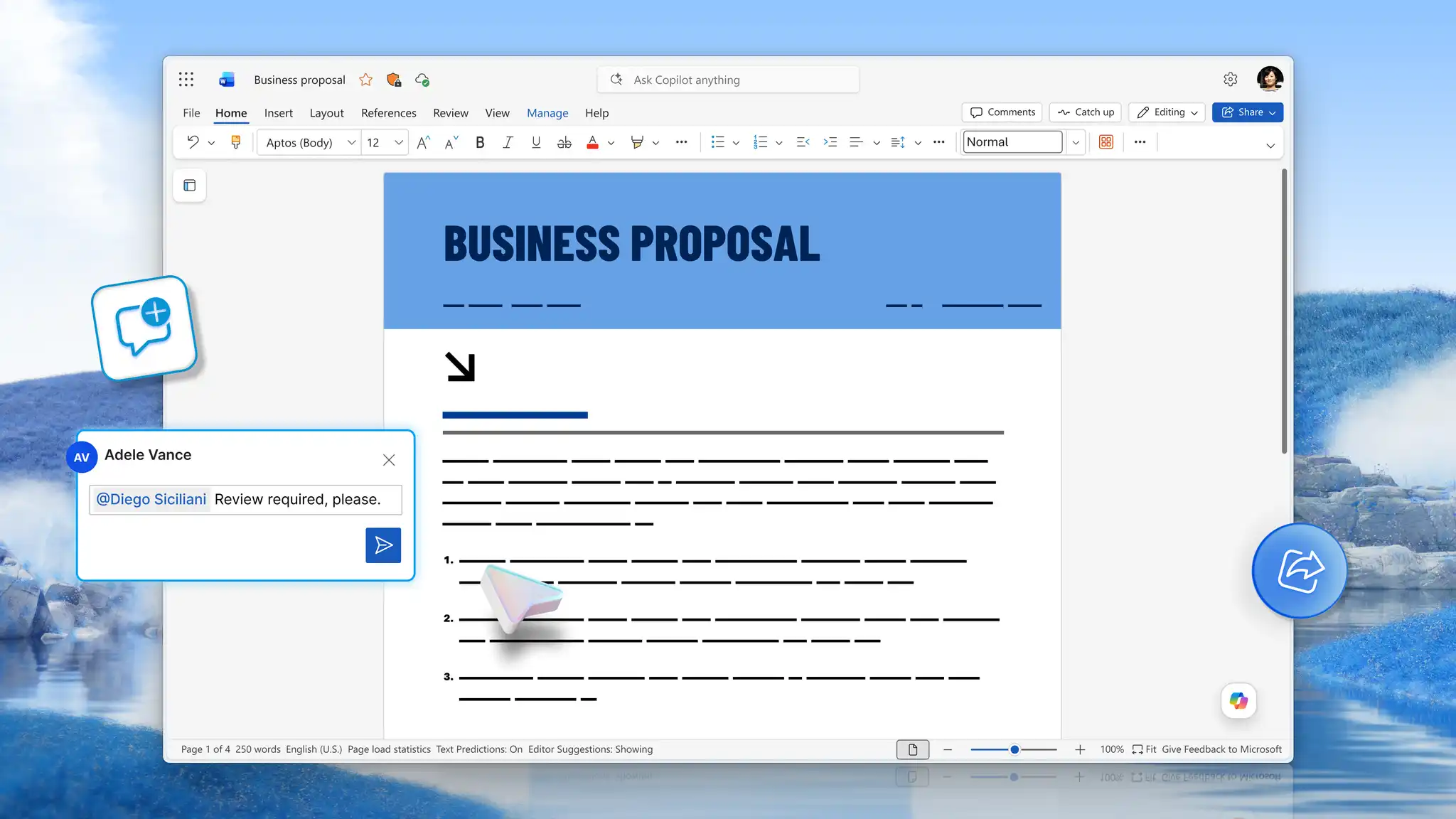
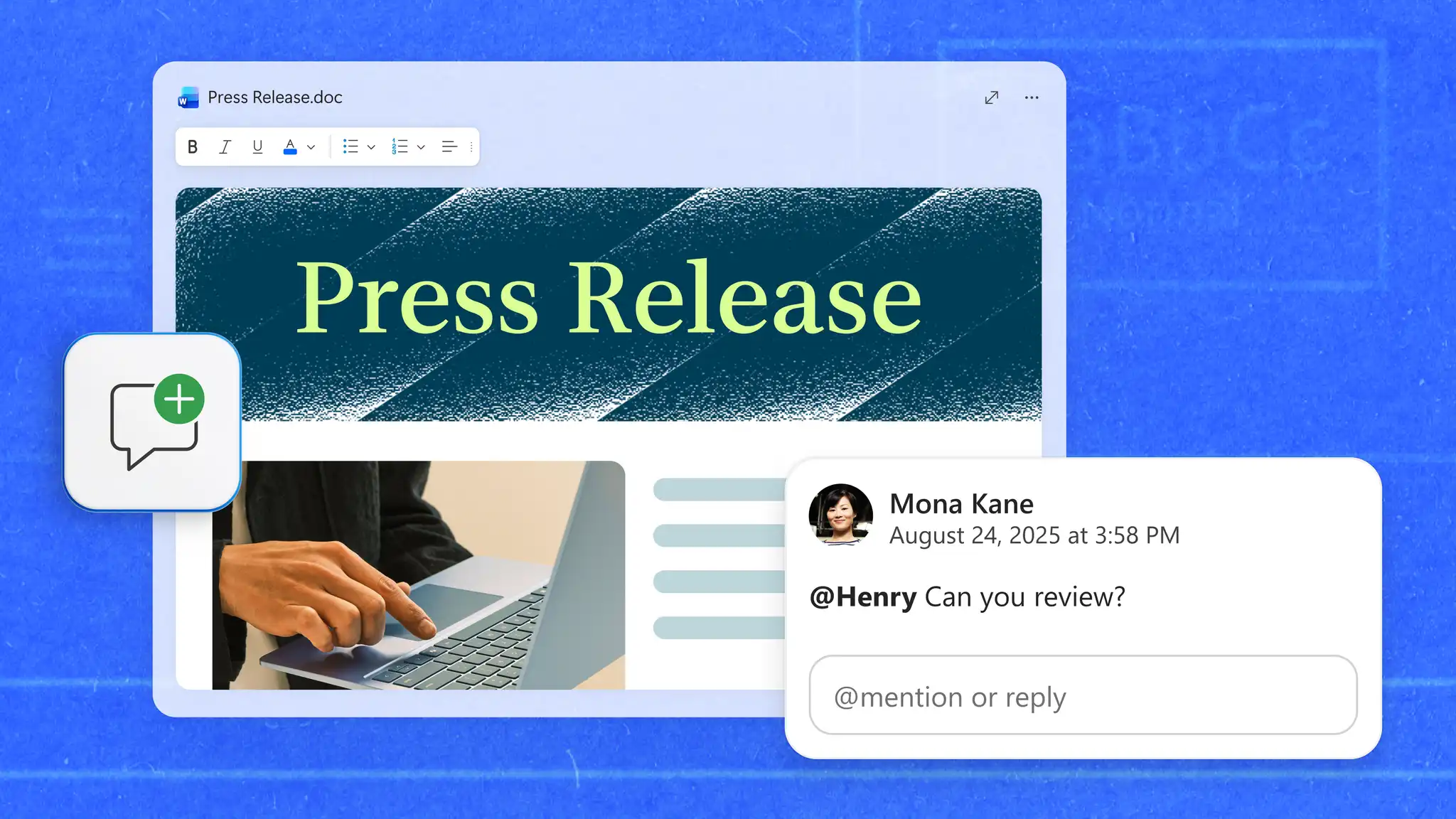
Share the press release with reviewers, using comments and @mentions for questions and track changes for suggested wording edits.
Resolve comments, accept or reject tracked changes, confirm approval, and prepare the Word document or PDF for distribution.
Draft and refine a press release with Copilot in Word
Copilot is the AI assistant built into Word, and it can work from files the team has already checked rather than from a blank page. Attach or reference those documents, such as a product brief, a program fact sheet, or an approved quote list saved in OneDrive. Name the files, the audience, and the relevant dates in the request, and Copilot can help edit a draft around that news rather than a generic outline.
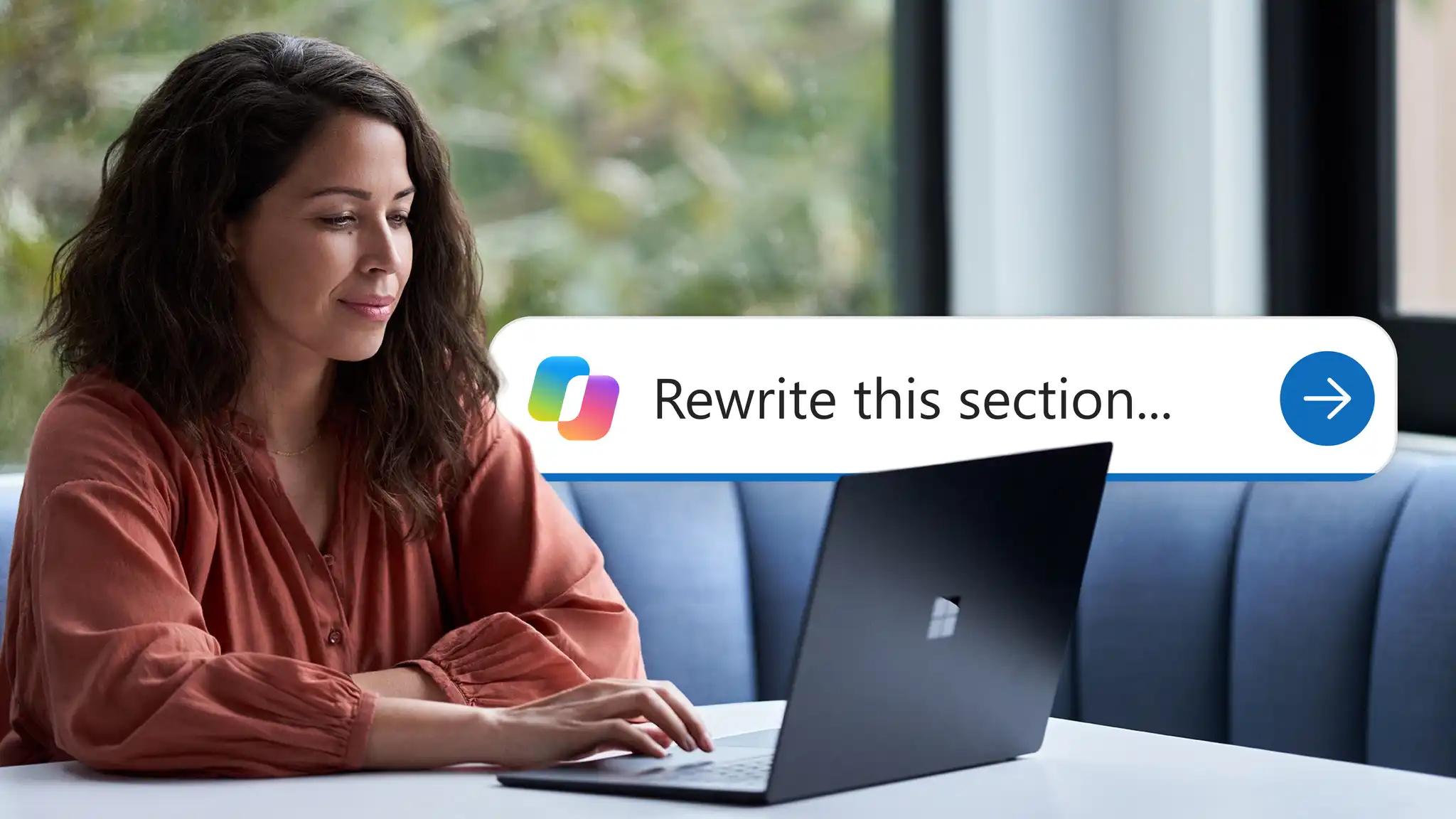
Compare the draft with each source file, then select a headline or lead and use AI rewriter to request clearer versions.
Note: Copilot features in Word depend on the Microsoft 365 subscription, license, and organization settings.
Review and approve a press release in Word
Save the press release to OneDrive and share it to collaborate in Word, where legal, brand, and leadership reviewers edit one working file instead of circulating separate copies.
Collect targeted feedback: add comments and @mentions to attach a question to a specific claim, figure, or quote.
Review suggested edits: turn on track changes in Word to show proposed wording and let the document owner accept or reject each change before final approval.
Revisit earlier drafts: use version history to restore earlier file versions when a reviewer needs wording from a previous round.
Reviewers inside the organization remain responsible for confirming facts, legal wording, approvals, and brand language.
Prepare and share the final press release
Press release publishing requirements vary by organization, newsroom, and distribution channel, so confirm the requested format before sending. Reach outlets that publish in other languages with document translation in Word, which creates a translated copy and leaves the original unchanged. Ask a reviewer who reads that language to check names, job titles, and quotes for accuracy.
Press release example
The example below shows how the communications team at a nonprofit in Portland, Maine, turns an approved fact sheet, quote, and boilerplate into a release announcing a free coding program.
Harbor Point Community Foundation, its staff, and all dates, figures, quotes, and contact information in the release are fictional and appear only to demonstrate the format.
Press release for a community program launch
FOR IMMEDIATE RELEASE Harbor Point Community Foundation launches free after-school coding program for Portland middle school students
Program starts November 2, 2026, with spaces for 120 students at three library branches
PORTLAND, Maine, October 6, 2026. Harbor Point Community Foundation today announced Code After School, a free 10-week coding program for students in grades six through eight. Classes begin November 2 at three neighborhood library branches, and families can register until October 23.
Students attend two 90-minute sessions each week and learn basic programming and web design with volunteer software engineers. A community grant funds the program, and the foundation lends a laptop to every participant.
"Many students in Portland want more chances to explore technology after school," said Dana Reyes, executive director of Harbor Point Community Foundation. "Code After School gives them a welcoming place to build projects and meet mentors who work in technology."
About Harbor Point Community Foundation
Harbor Point Community Foundation is a nonprofit organization that funds education and youth programs across Greater Portland, Maine.
Media contact
Jordan Lee, Communications Manager press@example.org (207) 555-0148
###
What each part of the example does
The notes below match every section of the release to the press release format described earlier.
Headline and subheading: names the organization, program, and audience, and adds the start date and capacity from the fact sheet.
Lead paragraph: covers the program, age group, start date, locations, and registration deadline in two sentences.
Body and quote: explains the schedule and funding, while the executive director describes why the program matters to local students.
Boilerplate and media contact: reuses the approved "About" paragraph and lists one person for journalist questions.
Every announcement deserves a release that reads like news rather than marketing, with the facts checked, the quote cleared, and a named contact for media questions. Open Word for the web to start a new press release, with Copilot in Word ready to draft or rewrite sections from reviewed fact sheets and notes.
Explore more formats for professional writing in the business documents guide, or check wording in contracts and policies with the guide to legal document accuracy and compliance.
Frequently asked questions
- How long should a press release be?
Most press releases run one to two pages, though a detailed announcement can be longer. Length depends on the news and any limits the recipient or distribution channel sets. Include the facts, context, quote, details of the business, and contact information the story needs, then cut anything that does not explain the announcement.
- What should the first paragraph of a press release include?
The first paragraph, also called the lead, covers who, what, when, where, and why. Open with the most newsworthy fact and save the supporting detail for later paragraphs.
- Can Copilot write a press release?
Copilot in Word can generate a press release draft from a prompt or existing files and help refine selected text with rewrite suggestions. Before publishing or sharing the release, review and verify all names, dates, figures, quotes, and other factual details against the source material.
- Should a press release be sent as a Word document or PDF?
Use the format the journalist, newsroom, or distribution service specifies. This is usually listed on the media contact page of the outlet or in the submission guidelines of the service. Keep the editable Word document for later updates and save the document as a PDF when a recipient needs a fixed layout.