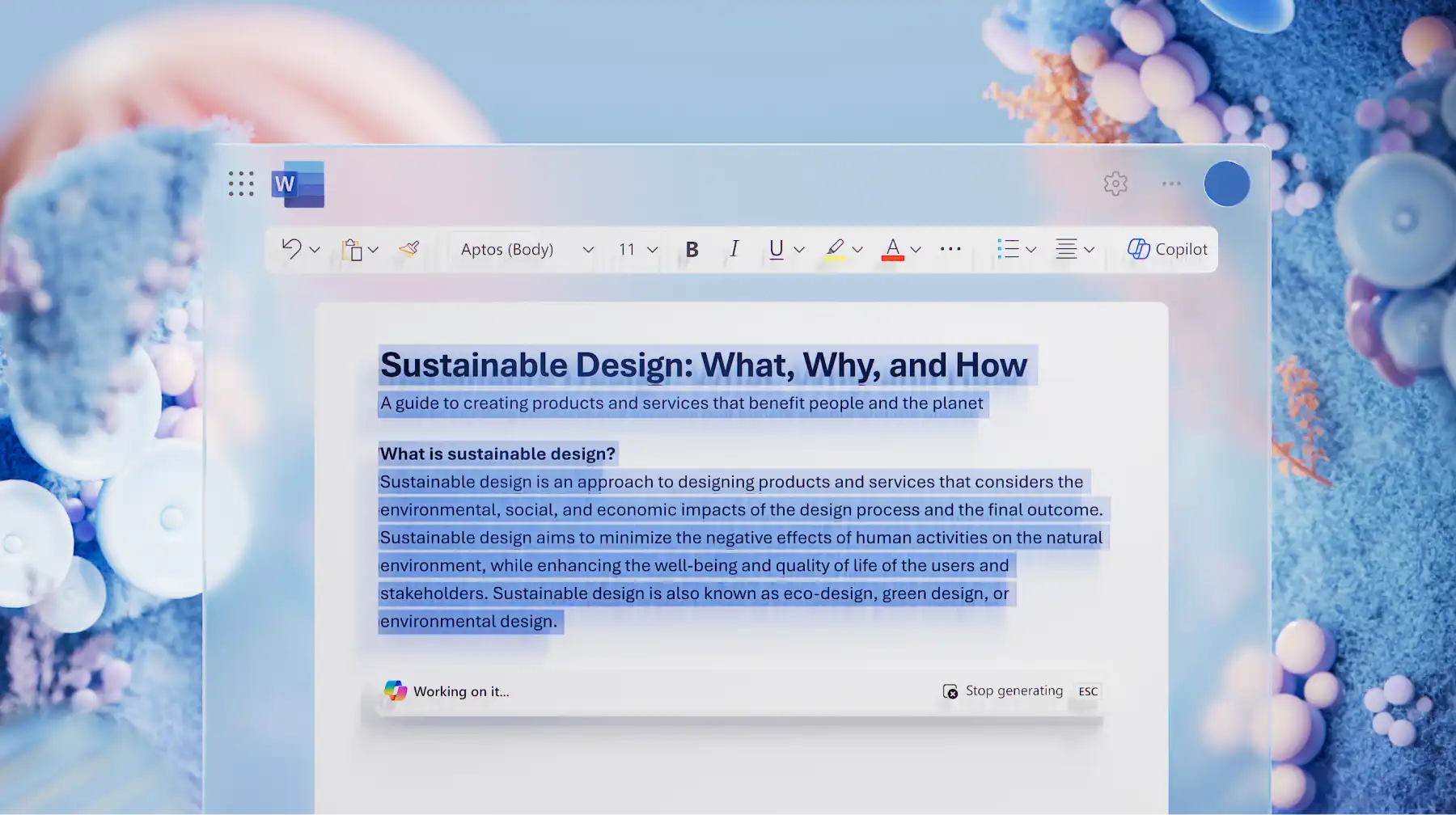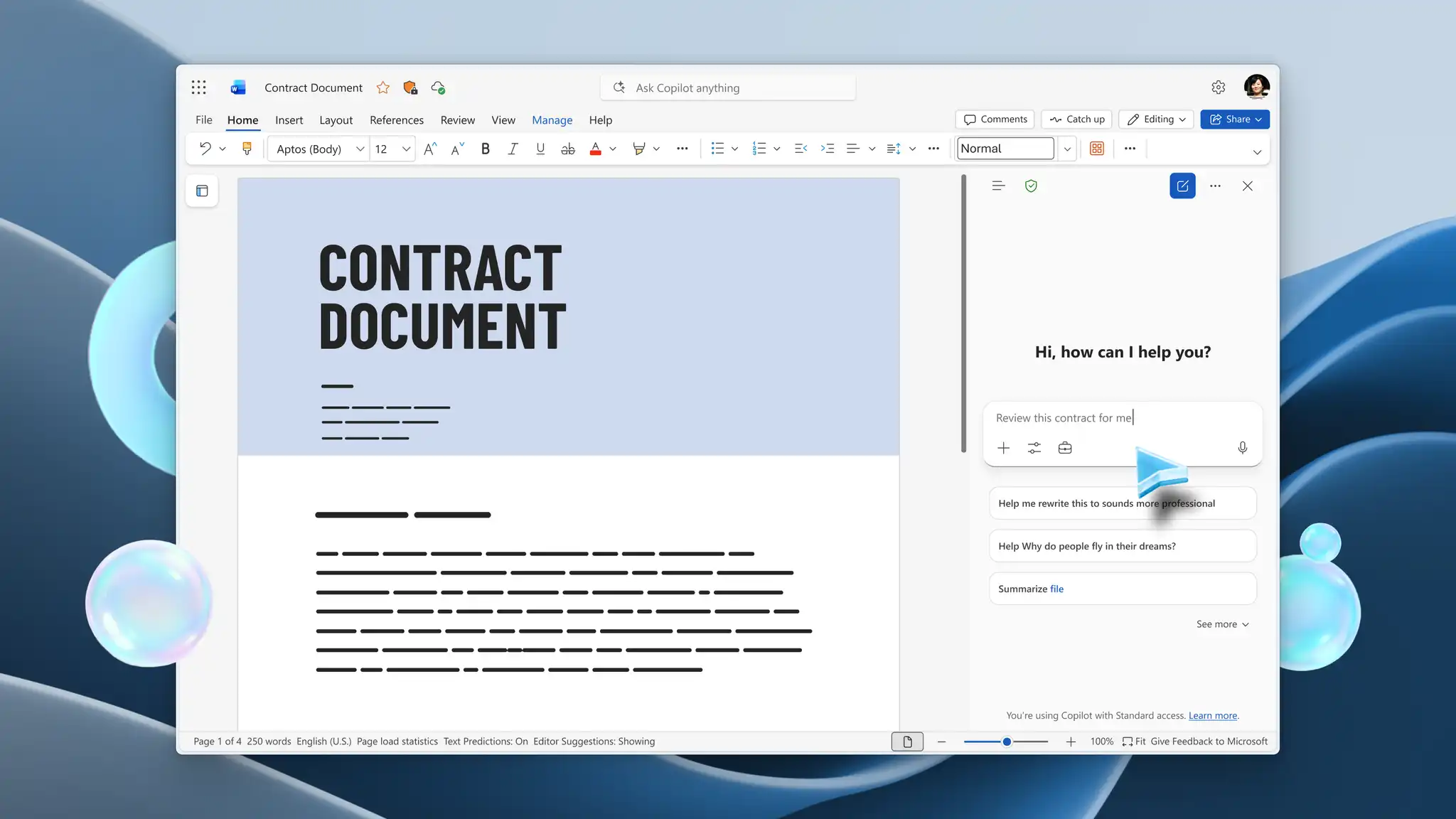
A good contract review requires understanding key details and potential risks clearly, while navigating legal terms. AI tools in Microsoft Word can make preparing and reviewing legal documents more manageable. Copilot in Word can also help simplify legal language, highlight inconsistencies, and summarize text so documents are easier to scan and understand at a glance.
Prepare drafts for final review with practical tools in Microsoft Word. Learn how Copilot in Word can assist with grasping details and polishing text to improve legal document compliance.
Four ways AI can help review contracts faster in Word
With easy-to-use AI tools, contract review can shift from a time consuming task to one that’s easier to complete. Copilot helps move focus to key sections and next steps in these ways.
Summarize lengthy agreements in minutes
Condense long documents with AI summarizer to gather an overview of key obligations, terms, and dates without manually reading every section in detail. High-level summaries show what a document covers to help comprehend new agreements and spot sections that may need further action.
Identify risks and unusual clauses
Copilot can help highlight clauses or sections that may present risks and require additional checks. This can include ambiguous or non-standard phrasing in payment and renewal conditions, where clear terms are important to set expectations. These insights help improve risk analysis, so documents are aligned before signing.
Compare agreements and contract versions
Confirm revisions across versions without comparing them manually by asking Copilot to describe changes in one structured view. Using just a few instructions, AI can also compare contracts against internal standards to highlight differences and enhance consistency.
Generate suggested edits with tracked changes
Review and refine contract language using Copilot suggestions to improve wording, grammar, and structure. Use tracked changes to assess edits, compare revisions, and accept updates during proofreading. Keep edits visible by collaborating with stakeholders in Word to discuss, evaluate, and finalize legal-style documents.
How to use AI contract review in Word
A structured approach to contract review carries each draft from analysis to approval with greater speed and accuracy. The steps below outline a simple workflow to support consistent, compliant outcomes in Word.
Open a contract, agreement, or legal-style document in Word for the web and chat with Copilot to start a review.
Ask Copilot to generate a summary of key terms, obligations, and sections to get an overview.
Chat with Copilot to highlight important clauses, potential risks, or unusual sections that need closer review.
Ask Copilot to improve tone and grammar, or rewrite phrases for clarity.
Review contextual suggestions in a table, and apply approved changes to the document.
Turn on Track Changes from the Review tab to record revisions and make updates visible to stakeholders.
Share the document using a secure OneDrive link for feedback or collaboration, or export as a PDF to distribute a final version externally.
When AI contract review is most useful
AI contract review works best for quickly comparing, evaluating, and polishing legal documents before moving forward on an agreement. From internal documents to external files, find different ways to use AI more effectively.
Vendor agreements: condense key objectives, terms, and dates from agreements into one scannable page to support smooth vendor negotiations and meetings.
Service contracts: verify deliverables, compare changes, and spot any unusual terms for added surety before signing contracts and locking agreements.
Statements of work: extract scope, timelines, and deliverables, so it’s easier to validate expectations and prepare briefing notes without reading the whole document.
Business proposals: compare proposals across versions, identify risks, and summarize key terms to arrive well-prepared to business conferences.
Procurement documents: review contracts against internal requirements before submission, so every document is compliant, aligned, and ready for approval cycles.
Internal policy documents: simplify language or summarize internal rules and obligations to build accurate, consistent operating procedures or technical documentation.
Contract renewals and amendments: understand updates in pricing or timelines to determine impact and recommend actions.
Multi-version document reviews: track revisions across drafts, understand what has changed, then validate updates before approving, for refined contracts.
Tips for reviewing contracts with AI
While AI tools are easy to utilize, use these tips to get more value from Copilot when reviewing contracts.
Review suggestions before accepting: confirm if AI suggestions fit internal guidelines and retain intent prior to accepting and finalizing them.
Compare multiple sources where possible: rely on more than one reference source when editing documents, including previous contracts, company procedures, and training manuals.
Keep tracked changes enabled: ensure tracked changes are enabled as stakeholders share feedback in Word to keep audit trails transparent for easy reference.
Collaborate with stakeholders: invite stakeholders via a secure OneDrive link to provide feedback and co-edit sections, so the legal-style document reaches a finished state sooner.
AI contract review goes beyond proofreading documents to fully analyze sections, provide summaries, and identify gaps for compliant contracts or agreements. Find insights on potential risks, shorten turnaround, and translate documents for stakeholders using built-in AI tools in Microsoft Word.
Explore more ways Copilot in Word can help optimize common workflows for creating technical documentation or standard operating procedures in lesser time.
Frequently asked questions
- What is AI contract review?
AI contract review uses Copilot in Word to summarize agreements, highlight key terms, and flag potential risks. It helps prepare documents for review, but final validation remains a manual step.
- Can AI review contracts automatically?
AI can analyze and summarize contracts, but contract approval and validation still require reviewer approvals. Make sure to check and verify AI-generated suggestions before making any decisions or finalizing text.
- How does AI help identify contract risks?
Copilot can help identify contract risks by flagging unusual or non-standard clauses, including payment terms, renewal conditions, or ambiguous language. This makes it easier to guide focus to areas that may need more attention.
- Can AI compare two contracts?
Easily compare versions and summarize key differences in one view for quicker review or updates with Copilot. AI can also check changes against internal standards to analyze if documents follow guidelines.
- Can AI suggest contract edits?
AI can suggest contract edits to improve wording, clarity, and consistency, including recommendations shown with tracked changes. Copilot marks edit suggestions with redlines, so they’re easy to find and accept.
- Is it required to review AI-generated recommendations?
Manual review of AI-generated recommendations helps confirm accuracy, preserve intent, and check alignment with organizational requirements. While AI can speed up processes, the final assessment and approval call always remain with the team.