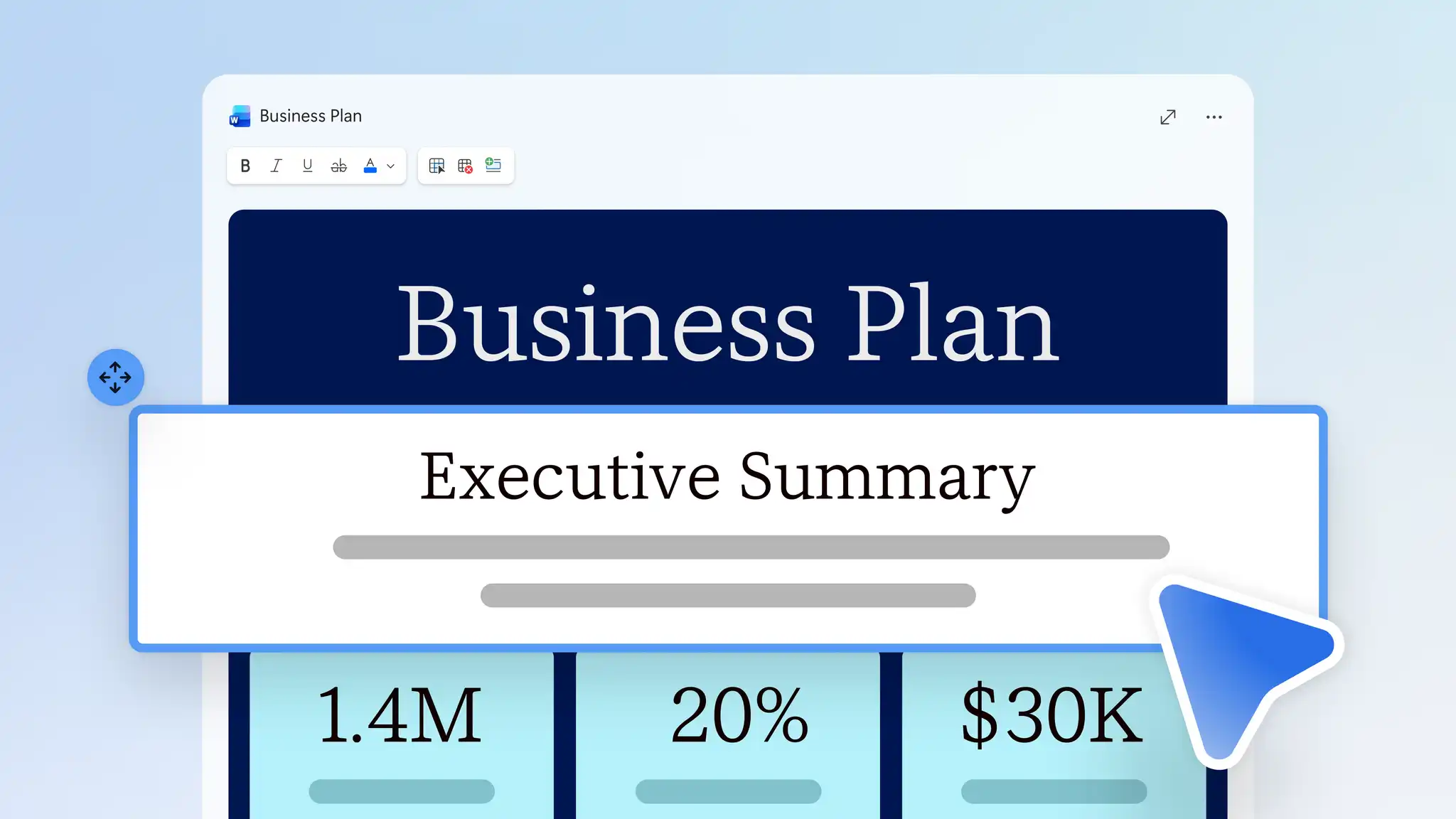
An executive summary is a short overview at the start of a longer document, such as a business plan or annual report. It gives readers the purpose, the main findings, and the expected outcomes.
Write an executive summary in Microsoft Word once a report or plan is complete or ask Copilot in Word to help draft one from a finished document.
Learn what an executive summary includes and how to write and refine a clear summary with help from Copilot in Microsoft Word.
Steps to write an executive summary
An executive summary shares the key point of a longer document and can be written once the rest of the document is finished. Follow these steps to write a clear summary from scratch.
Open a completed document to write the summary from its final findings and figures.
Identify who will read the summary and any action they need to take, such as approving a budget.
Start with the purpose of the document and the recommendations. The answer should be visible in the first two sentences.
Add two or three of the most important findings from the document, such as cost savings or a delay, and include a figure for each one.
Describe the budget, people, timing, and main risk in one sentence each, based on the key points in the document.
Close on the request, naming what the reader needs to approve, who owns the next step, and the deadline.
Keep the summary to approximately one page and read it without the rest of the document to confirm it can be understood without the full document.
Draft an executive summary with Copilot
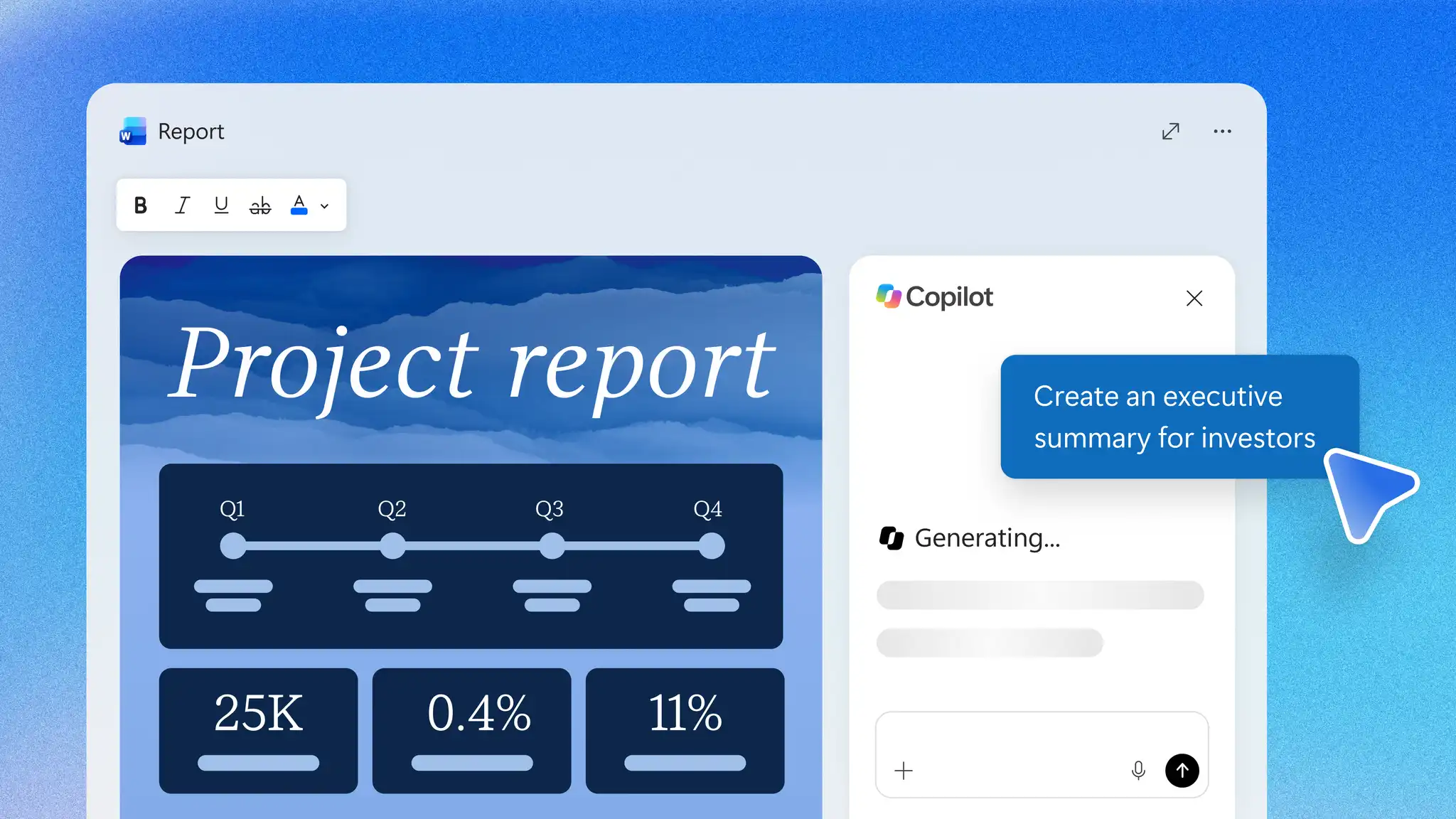
Use Copilot to help identify, summarize, and organize the key information in a finished report, plan, or proposal. Copilot can build the draft from the open document and any related files in the same chat. The final wording and recommendation stay with the author.
Open the finished document and start a chat with Copilot.
Attach related files such as status reports or meeting notes to the same chat, then ask Copilot to create an executive summary using those files for reference.
Add details about who will read the summary and any decision or action required after reading it.
Review the draft from Copilot, insert it at the beginning of the document, and replace any general wording with the specific recommendation and request.
Check every figure, date, and name against the document before sharing the summary.
Improve an executive summary with AI
Use AI rewriter to adapt one executive summary for different readers. Copilot can help change the focus, length, and tone of the summary while the facts stay the same. The following examples show how the focus of each version can change.
Leadership: lead with the recommendation or main finding, the cost, and the main risk.
Delivery team: list each action with its owner and date.
All staff: explain in plain language what changes for employees, such as an updated standard operating procedure.
Compare each version with the original to confirm that every figure and date remains accurate before sharing it in the report or by email.
Executive summary elements checklist
Use this checklist to review an executive summary before sharing it. Most summaries include these five elements.
Purpose: name the problem or opportunity behind the document in one plain sentence.
Recommendations: state the proposed action or decision before the reasons for it.
Key findings: list the main evidence for the recommendations, with figures from the document.
Resources and risks: note the budget, people, and time required, and the main risks.
Next steps: name any decisions or actions required, with an owner and a date.
The length of an executive summary depends on the document it introduces. A long report or plan usually needs one page, while a short proposal or update needs only a paragraph or two.
Executive summary examples by document type
Each type of document needs a different focus in its executive summary. The examples below show the main points for each one.
Business plan executive summary
A business plan starts with the opportunity, the funding the business needs, and when the business expects to make a profit.
For example, a regional landscaping business planning a new commercial service might open its business plan with this summary for the leadership team.
GreenRow Landscaping plans to add a commercial maintenance service for office parks and retail centers across the region. The service requires $180,000 for two crews and equipment, and the finance team expects the service to break even in month 14. The leadership team needs to approve the hiring budget by the end of the second quarter to meet the spring contract season.
Copilot can draft a similar summary from a business plan uploaded to the chat.
Project report executive summary
A project report executive summary should give stakeholders a clear view of progress against the original goals, key outcomes, and any decisions that remain open.
For example, an IT team closing a move to a new customer relationship management, or CRM, system might report back to its steering committee with this summary.
The CRM migration moved 42,000 customer records to the new platform and finished two weeks behind schedule and $35,000 under budget. Sales teams now log every call in the new system, and duplicate records fell by 60 percent. With the old CRM no longer in use, the steering committee needs to approve retiring it before its contract renews.
To compare the results with the original goals, upload the project report to a Copilot chat and ask for a summary like this one.
Proposal executive summary
Begin a proposal executive summary with the problem, followed by the proposed solution, the cost, and the approval required. Place the summary at the start of a business proposal, before the full case. For example, an IT manager asking for a budget to replace an internal help desk tool might open the proposal with this summary for the finance director.
The current help desk tool cannot route requests by team, and staff wait an average of three days for a reply. A new service desk tool costs $48,000 a year and sends each request to the right team on arrival. The finance director needs to approve the annual license before the current contract renews.
Ask Copilot to help draft a proposal summary of a set length from the document in the chat.
Marketing plan executive summary
A marketing plan executive summary starts with the campaign goal, the audience, the main channels, and the budget.
For example, a marketing team at a manufacturing software company might share this summary of its spring campaign plan with the head of sales.
The spring campaign aims to generate 1,200 qualified leads from operations managers at mid-size manufacturers. The marketing team plans to reach them through email, LinkedIn, and two industry trade shows on a $90,000 budget. The head of sales needs to confirm the target accounts before campaign production begins.
Upload the marketing plan to a Copilot chat to help draft a summary built around the campaign's goal and budget.
The next report or plan for leadership is a chance to put the recommendation on the first page. Open Microsoft Word to write an executive summary from the finished document, and use Copilot in Word to draft, shorten, and adapt the summary for different audiences.
For more documents to support an executive summary, explore the business documents guide or learn how to write a business plan.
Frequently asked questions
- Can Copilot in Word write an executive summary?
Copilot in Word can help draft an executive summary from a finished report, plan, or proposal. Copilot can suggest the main findings, a recommendation, and the next action, and can help shorten the draft or adjust its tone. Open the document in Microsoft Word to start a summary with Copilot. Check the draft against the finished document before sharing the summary.
- How to format an executive summary?
Place the executive summary after the title page and use a heading style, such as Heading 2, to add it to the table of contents (opens in a new tab). Set the findings as bullet points and keep each paragraph at two or three sentences.
- Is it safe to summarize confidential documents with Copilot?
Copilot in Word follows the existing privacy, security, and compliance commitments for Microsoft 365 business customers, and works only with content each user already has permission to open. For the latest details, read about data, privacy, and security for Microsoft Copilot (opens in a new tab).
- What is the difference between an executive summary and an abstract?
An abstract describes what a paper or study covers and helps readers judge its relevance. An executive summary outlines the key points of a document and the decisions and actions required. Academic papers use abstracts, whereas business reports, plans, proposals, and technical documents use executive summaries.