Resume builder
Create a resume with the free resume builder in Microsoft Word, and rewrite any section...
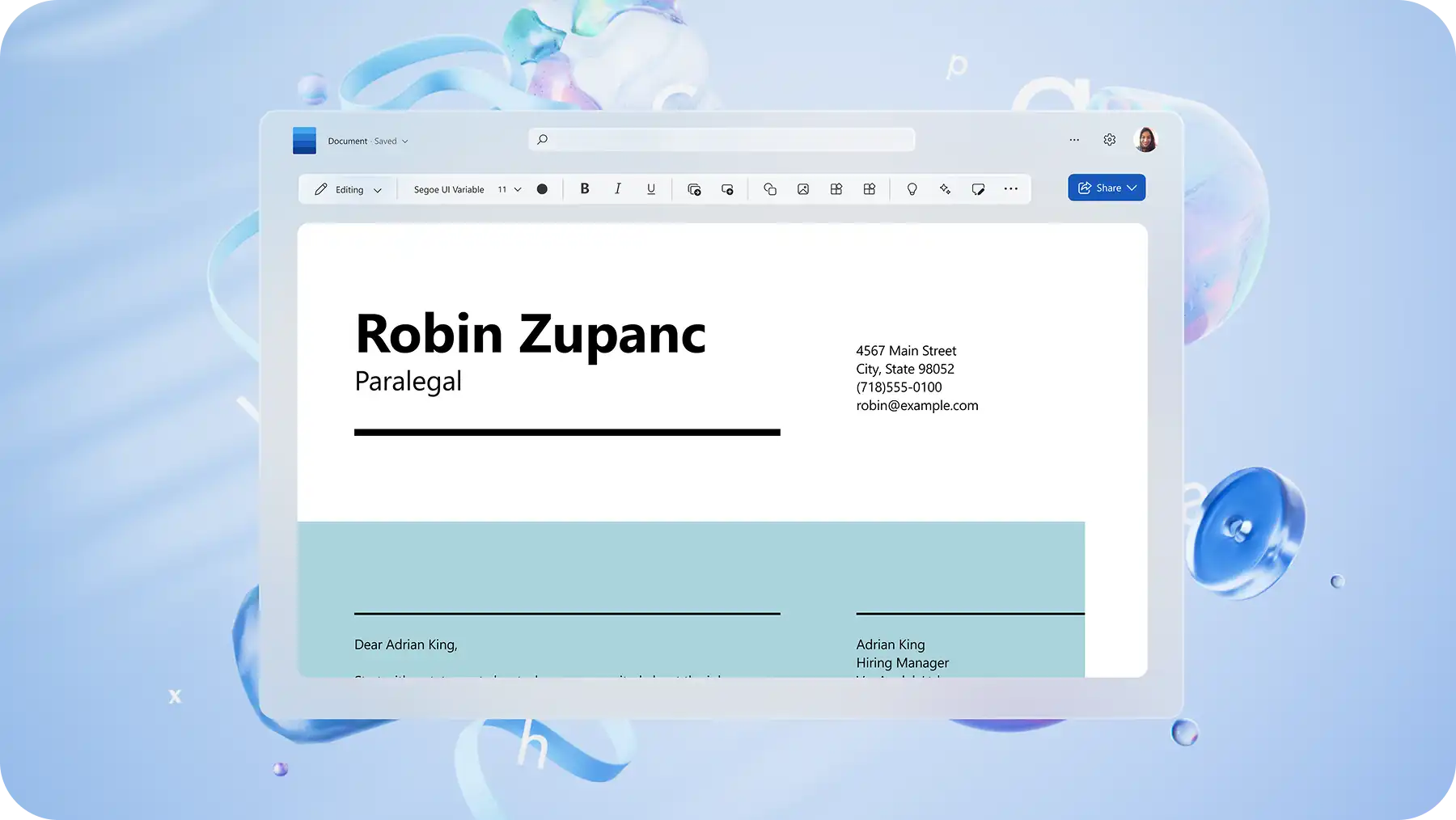
Create standout cover letters faster with Copilot, or start strong with an ATS‑friendly template in Microsoft Word.

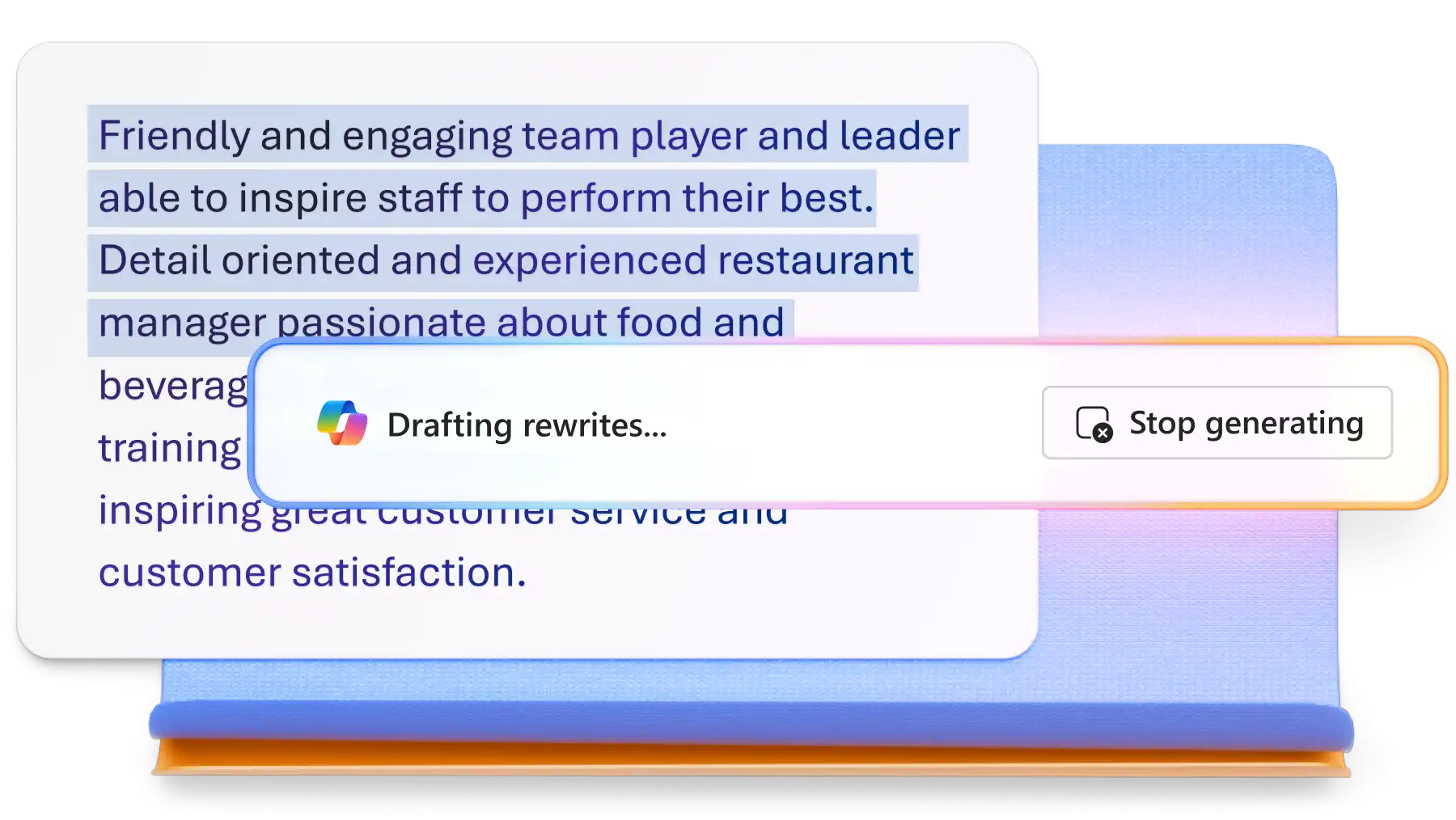
Chat with Copilot in Word to draft a cover letter outline from scratch or rewrite existing paragraphs to suit a new position. AI can even generate ATS-friendly keywords to integrate naturally, improving compatibility with applicant tracking systems and reinforcing relevance for reviewers.

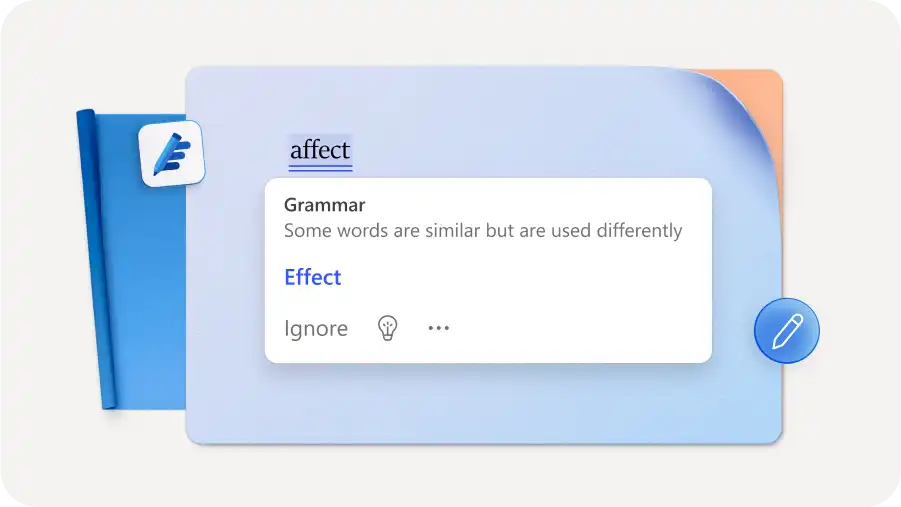
Share well-written cover letters to hiring managers with confidence using advanced proofreading and smart editing tools. Automatically receive instant feedback on spelling corrections and find grammar mistakes as you type. Explore tone refinements and improve writing accuracy using document editor.

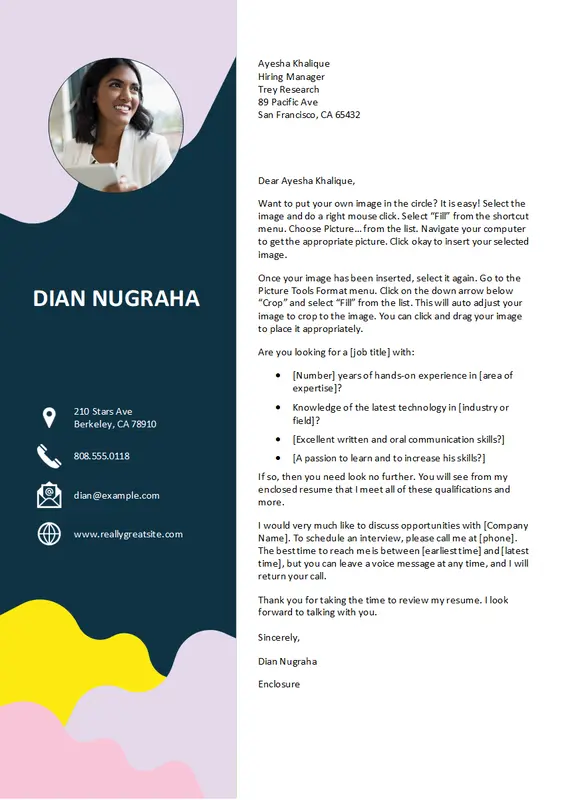
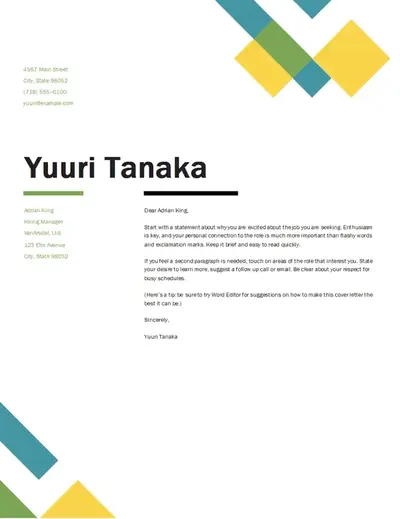
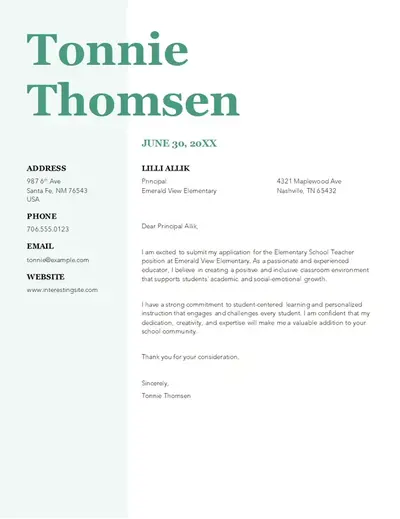
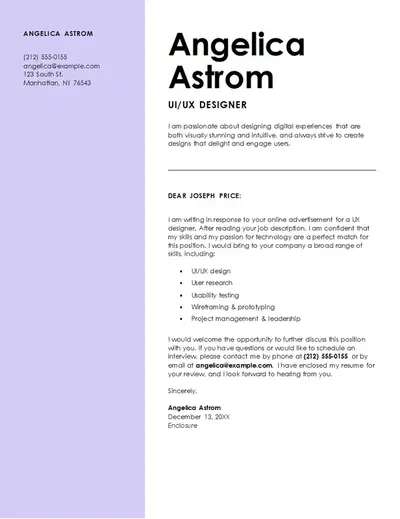
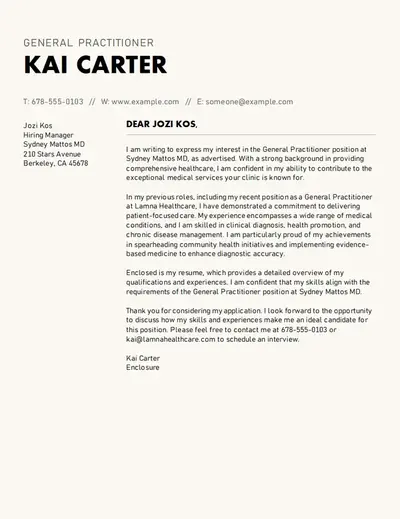
Browse ATS-friendly templates built to help you pass through applicant tracking systems. Choose from a range of cover letter examples to suit a specific role, employer brand, or aesthetic. Create a cover letter that matches a resume perfectly by personalizing fonts, color schemes, and more.
Explore free, ready‑made cover letter examples to get started. Each template follows a clear, consistent structure, so you can write with confidence and share key details every employer expects.
Modify one strong cover letter into multiple customized versions quickly with Copilot in Word. Tailor a cover letter to suit any job application and match each role’s requirements and tone. AI can help refine wording, highlight relevant skills, and incorporate job‑specific keywords without starting from scratch.
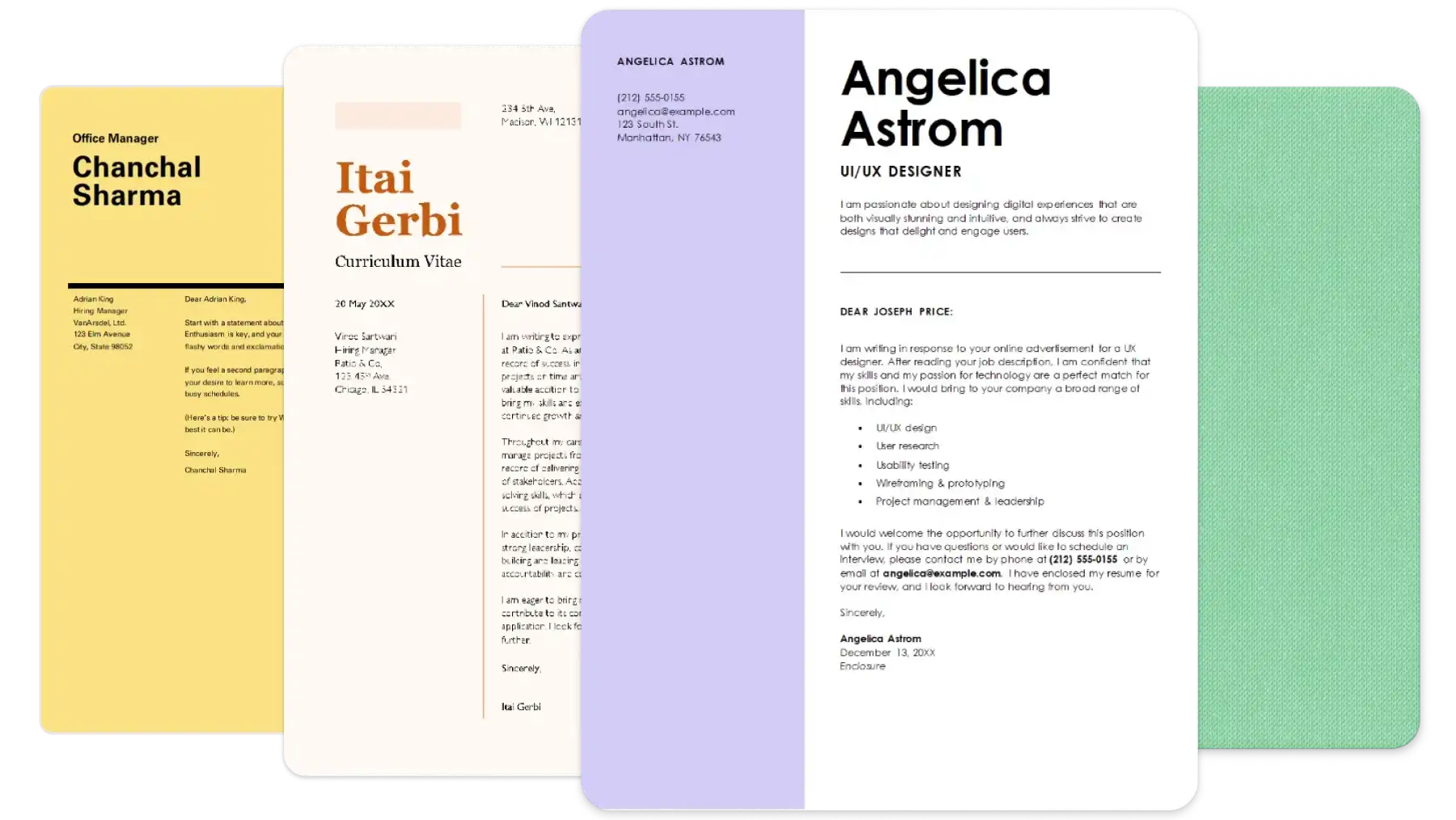
Whether you’re early in your career, changing job roles, or need writing support, starting with a cover letter example can help you land up to 50% more interviews. Choose a professionally designed cover letter template, featuring placeholder text and helpful tips to guide your writing. Add personal details, highlight key achievements, and customize for any job or career level in minutes.
Transform a decent cover letter into a great one using AI rewriter with Copilot in Word. Cut down unnecessary copy and enhance text readability by browsing editorial suggestions. Turn on text predictions for real-time guidance as you type, or refine vocabulary and punctuation instantly.
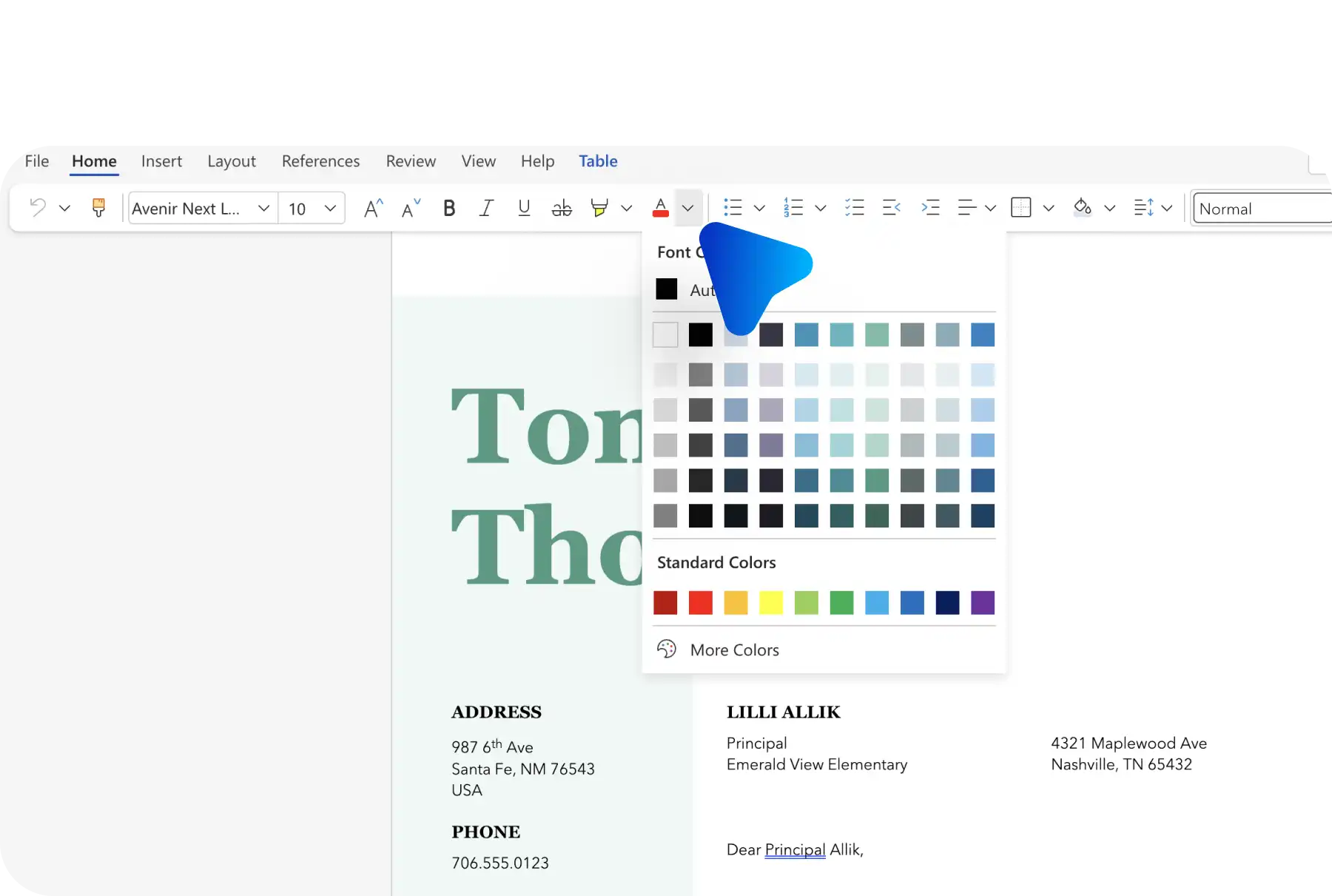
Create an impactful first impression with a cover letter that reflects personal branding. Adjust margins, text alignments, and customize cover letter format to create an ATS-friendly layout. Add a headshot or brand logo to build trust, and match styles to a resume template so both documents feel connected.
From customer service and nursing roles to sales and electrician roles, Copilot can help you stay visible by analyzing the job description, resume, or job application to surface the most relevant keywords. Identify job specific terms that help documents pass automated screening and reach hiring managers. Pair with ATS-friendly templates to improve shortlist ranking.
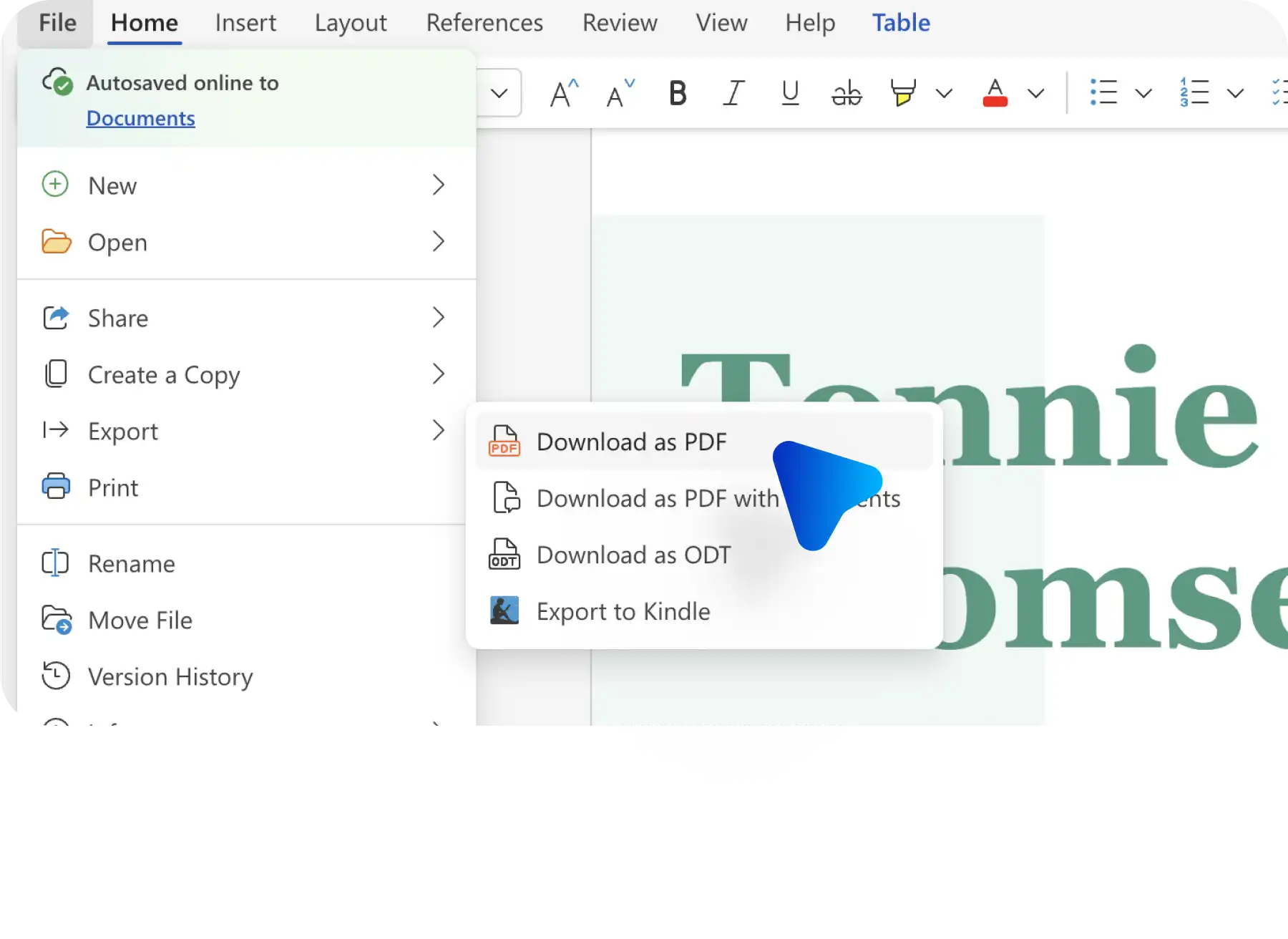
Save cover letters securely online, then export in multiple formats. Download as a PDF for virtual submissions, print for in-person interviews, or share as a document via a secure OneDrive link. Send directly through Outlook to streamline applications and keep job search documents organized.
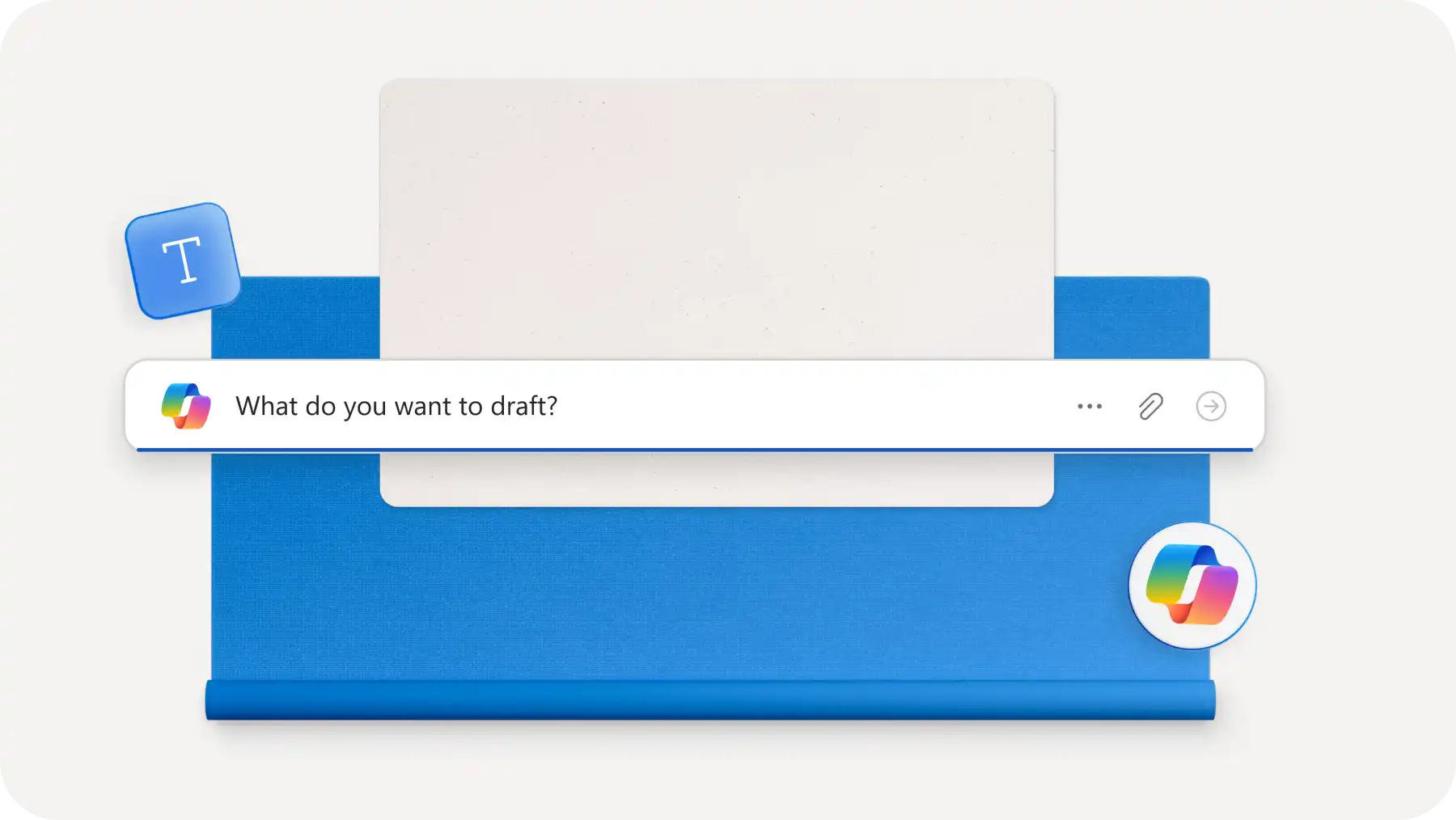
Open a new Word document and chat with Copilot to start drafting AI cover letters.
Attach a resume, CV, or existing cover letter from OneDrive, or include a LinkedIn profile link.
Review the AI cover letter draft, then ask Copilot to refine tone, format, or style if required.
Copy and paste the response into the document or click on the add to doc button.
Download, print, or share the cover letter PDF via Outlook.
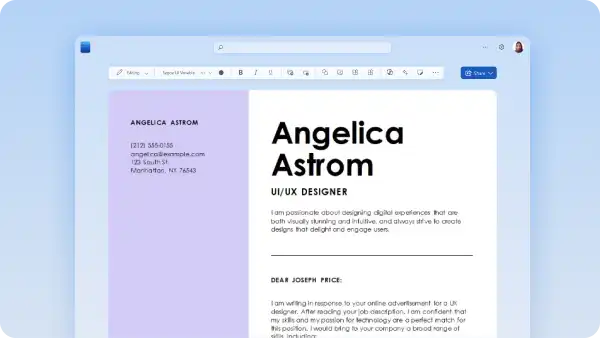
A cover letter is a one-page document that assists a resume or CV, introducing candidates to potential recruiters and job employers. The page usually sits within a job application kit. A cover letter highlights beneficial qualifications like communication skills, experience, and any valuable information to stand out from other candidates. Use a cover letter template to start writing with a clear format, layout, and structure.
Whether you’re drafting a customer service cover letter or a sales cover letter, find helpful cover letter format suggestions in ready-made templates. Writing with a template can help showcase key experiences and skills by following the guided structure. If you want to start with a blank document, use the AI cover letter generator and chat with Copilot to help generate a professional letter.
Address all cover letters to the hiring manager or person of interest. When the name is unknown, use a modern generic term, team, or job title. For example, address a cover letter to "the recruiter" or use an evergreen phrase "to whom it may concern." Using the AI cover letter generator automatically formats and addresses a letter for you.
Cover letters should be between 250 to 400 words to keep copy professional and easy to scan. Take advantage of the clear cover letter format within a template, or suggested by AI cover letter generator, as a writing guide and word limit recommendation. Keep track of word count using the word counter in Word.
Copilot in Word can create an AI generated cover letter that aligns with a resume using AI-powered technology. Copilot can analyze a resume and job advertisement to craft a cover letter that highlights the most relevant experiences and skills. Attach a resume and information about the company to create a personalized write-up. Copilot can also update existing cover letters to better fit new job applications. Start exploring Copilot in Word and the AI cover letter generator today.