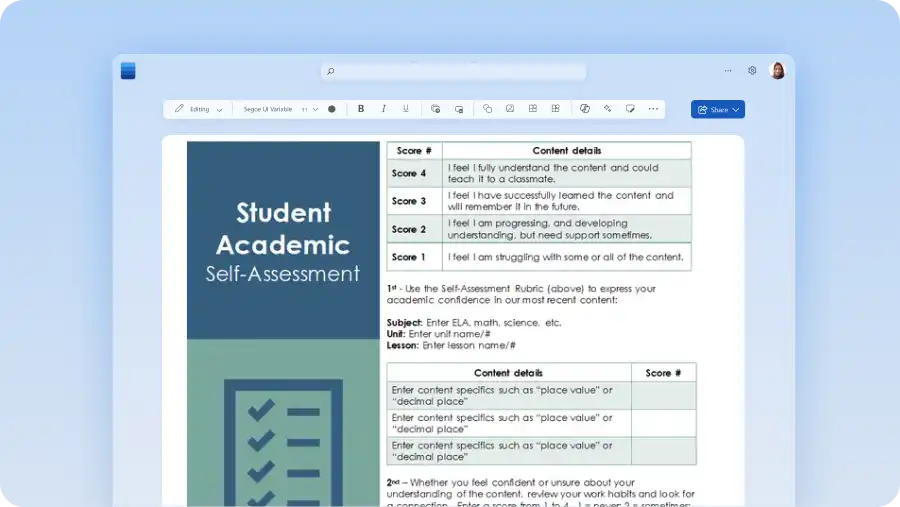
Get the new school year off to an organized start with a set of ready-made templates for every back-to-school task. Find lesson plan and weekly planner templates for teachers, study timetables and reading logs for students, and supply checklists for parents. Together, these templates create a connected back-to-school workflow, helping teachers plan lessons, students stay organized, and families keep routines on track.
Customize any template for a class or routine, then use Copilot in Word to help draft, rewrite, or tailor the details. Chat with AI to draft a lesson outline, adjust the reading level, or pull class notes into a weekly plan, and reuse the same template all year.
Explore teacher, student, and parent templates alongside a simple five-step workflow to make each one ready to use in Microsoft Word online.
Start the school year organized with the right templates
Each task needs a different starting point. Match the document to the job to keep the setup quick and finish in just a few edits.
Teacher templates for classroom setup and communication
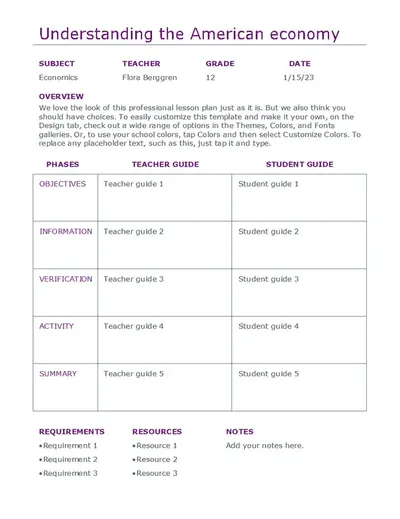
Set up the classroom before the first week with a lesson plan template to map what to teach. Add a class schedule template to organize each day and week. Once teaching is mapped, keep families informed with teacher communication templates for welcome letters and class updates. Each template adapts as plans change and suits any grade or subject. Printable, editable, and weekly variants suit any grade or subject.
Student templates for study and organization
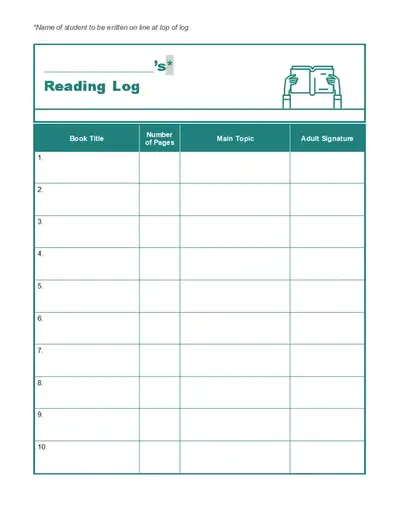
Organize study and coursework with a study timetable and a daily planner template to stay on top of the school term. Track assigned reading with reading log templates, line up class times against a class schedule, and keep assignments in one editable file. Every study document can be printed, edited, and reused across subjects, so classes, reading, and revision all stay easy to follow.
Parent templates for supplies, activities, and routines
Prepare the household for the term with a supply checklist, a family routine document, and an activity tracker. Add school runs, lunches, and after-school activities to a weekly planner, and keep a reading log on hand for at-home reading minutes. A short checklist template covers supplies and school paperwork in one simple place, ready before the first week of school. Consider making a translated version in languages that families need.
Create a study timetable for assignments, exams, and revision
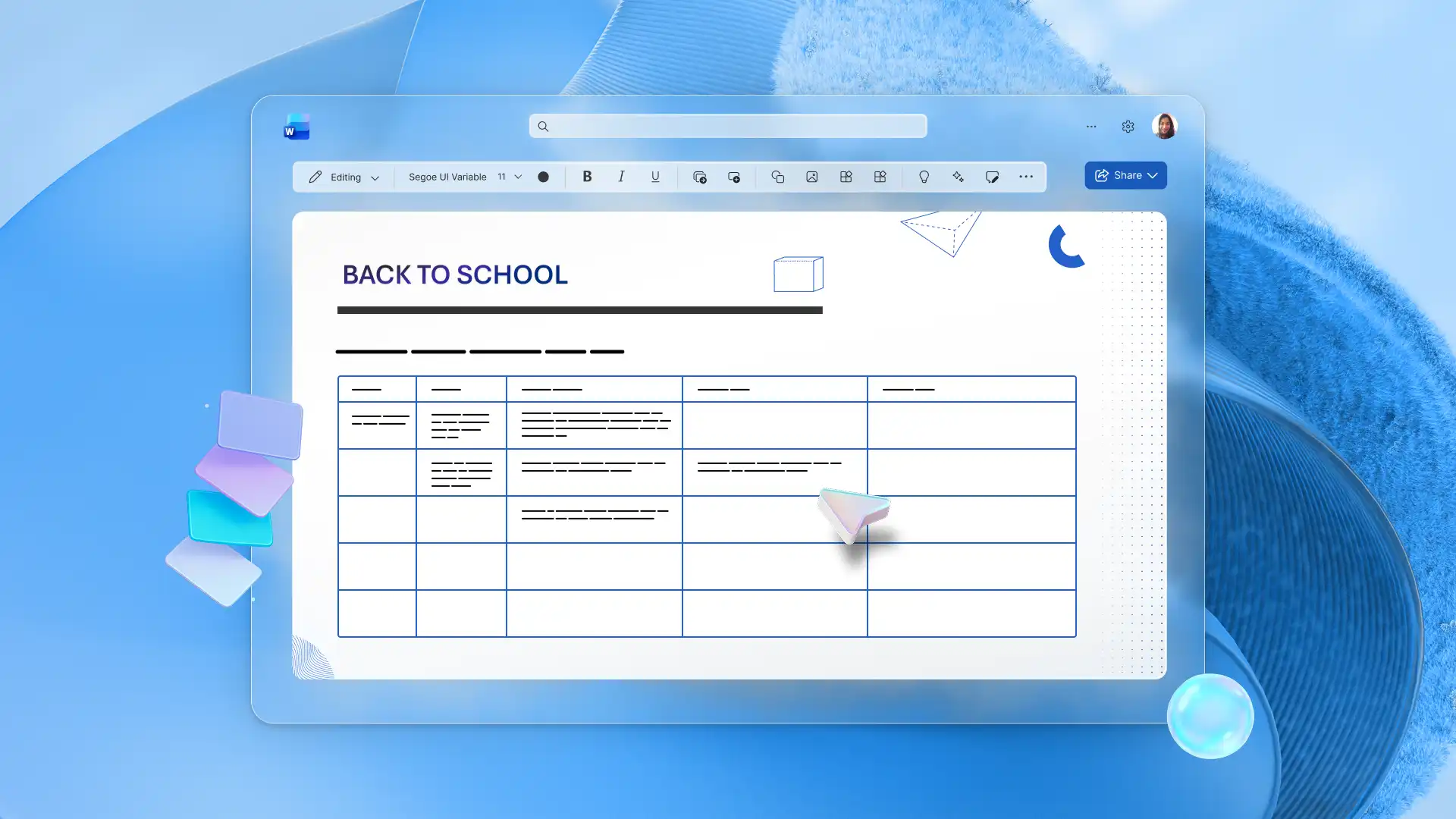
Set up assignments, exams, and revision with a study planner template, using rows for subjects and columns for each day. Upload class information to a Copilot chat and AI can help draft an initial class schedule template or plan sessions around lessons based on assignment due dates. Adjust the blocks as priorities change, then print the timetable or build a fuller routine.

A simple five-step workflow to create and customize templates in Word
Move from blank page to ready-to-use document in five steps. The same workflow applies to any school template, including lesson plans, planners, and reading logs.
1. Choose a school template
Start with the task, then choose the template that fits. Lesson plan, weekly planner, class schedule, study timetable, and reading log templates each open ready to edit in Word for the web.
2. Customize for the class, subject, or schedule
Adapt the template to the specific class, subject, grade, or weekly schedule, so it fits the way each class is taught. Change headings, add subjects, and set the days and times that apply to each classroom or student.
3. Use Copilot to draft or expand content
Draft a lesson outline or expand a rough plan with AI writer, then personalize it for accuracy. Copilot generates a useful starting version, ready to refine and tailor to a specific class, schedule, or routine.
4. Personalize and review
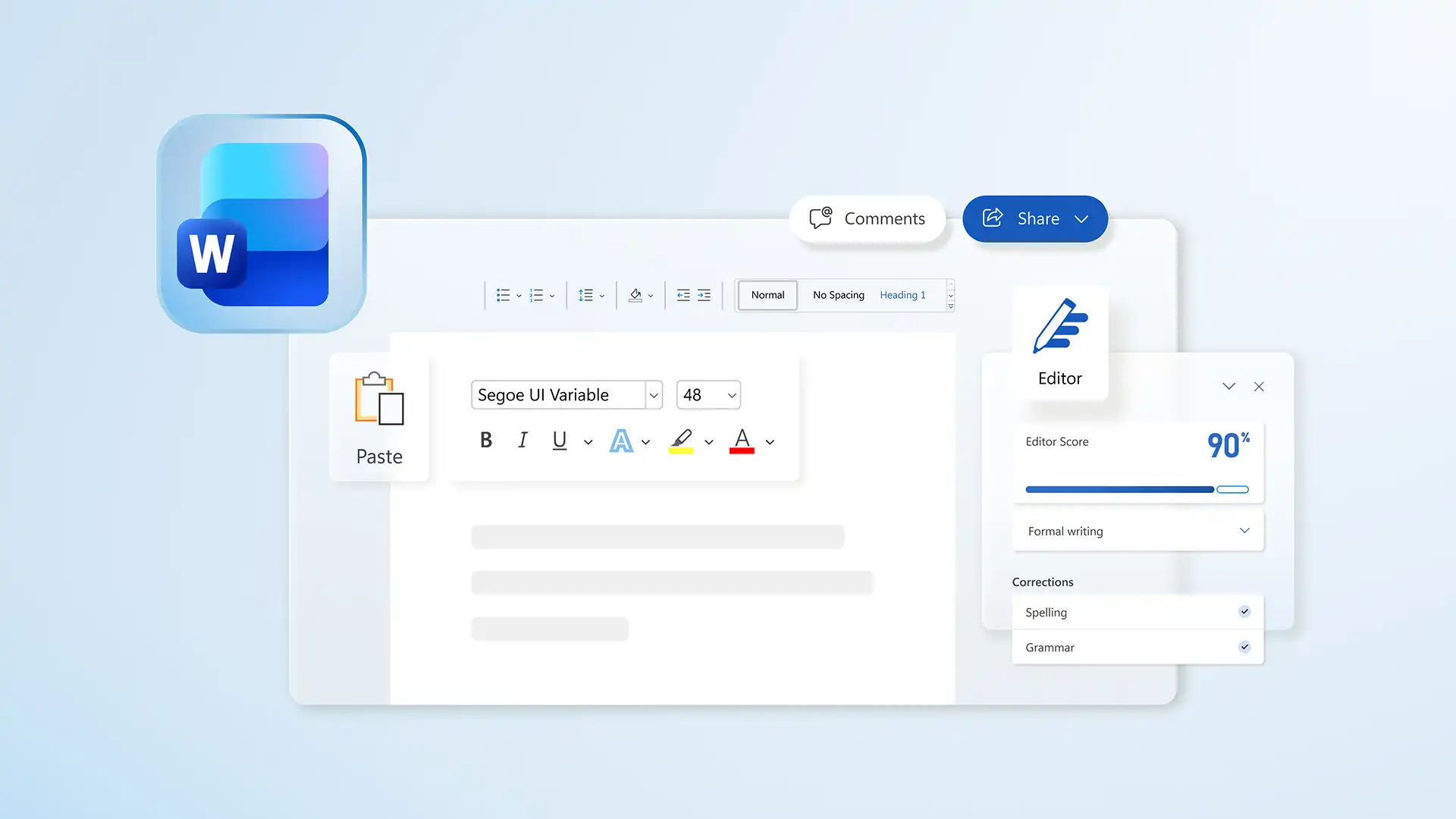
Add personal details to turn a general template into a finished document, including class details, subjects, names, dates, and schedule-specific wording. Run a check with document editor to catch any spelling or grammar mistakes, so every document looks accurate and ready to share.
5. Print, share, or reuse throughout the year
Keep the working file in Word, then print, share using a secure OneDrive link, or save it as a reusable teacher template for the rest of the year. Reopen and adapt the same file each term rather than starting over.
Use Copilot in Word to personalize templates faster
Once a template is open, Copilot can help write the first version. Check and update the result and adjust anything specific to the class or student before sharing.
Draft a first version: Copilot can help generate a lesson outline, welcome letter, supply checklist, or study plan from a few quick details. Review and adjust each draft before use.
Rewrite for clarity or grade level: use AI rewriter to adjust tone, simplify wording, or pitch a passage to a specific year group.
Summarize notes into a plan: condense post-marking notes or class observations into a shorter checklist or weekly plan with AI summarizer.
Back-to-school planning toolkits with templates
Each toolkit groups the templates needed to complete one school task, from planning lessons to organizing study time. Open any template to customize it, then save a copy to reuse all year.
Teacher planning essentials
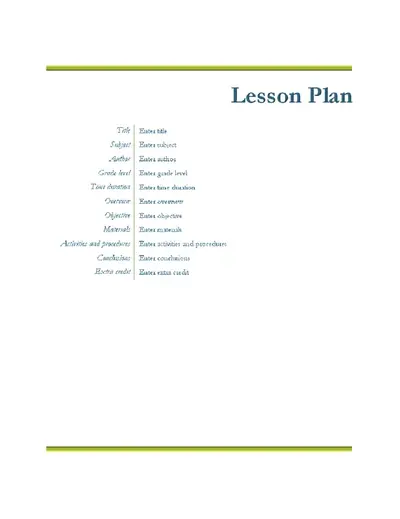
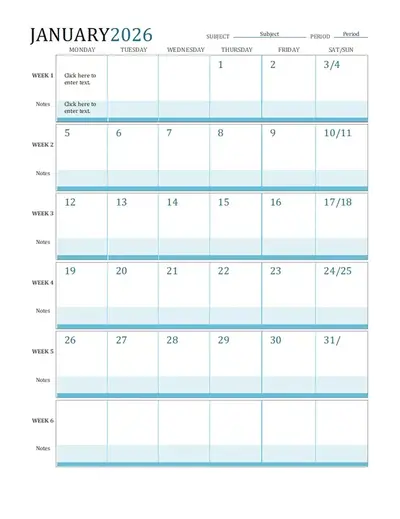
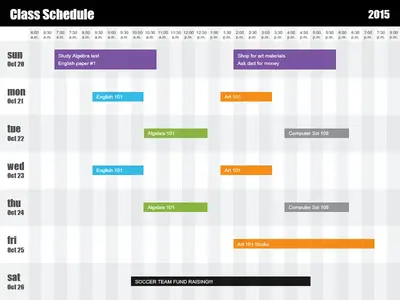
A classroom-setup toolkit with a lesson plan, a matching calendar, and a class schedule for mapping out teaching time.
Student study toolkit
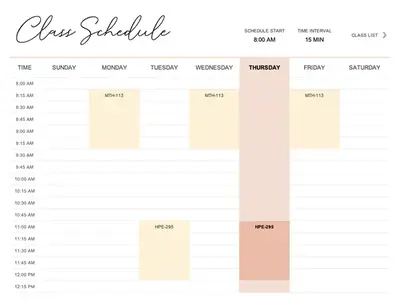
A study and organization toolkit with a student schedule, a daily planner, and a reading log for the school week.
Parent organization
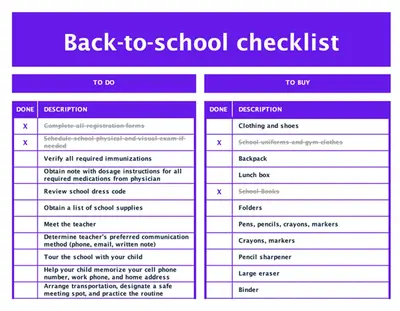
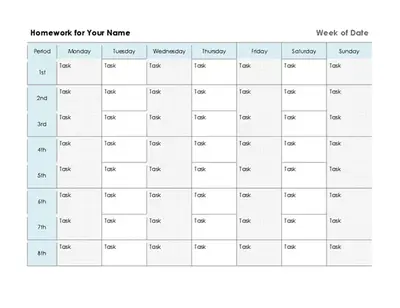
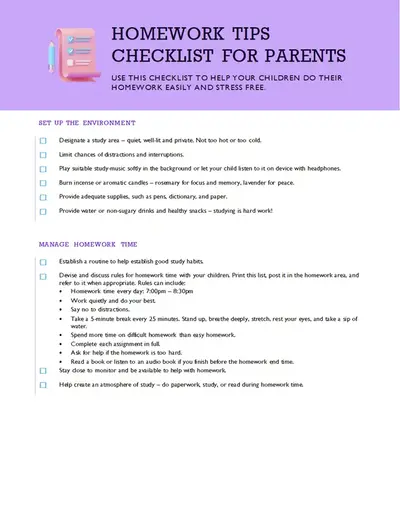
A lighter family-organization toolkit with a back-to-school checklist and a weekly homework schedule for the household.
Everything for a well-planned school year comes together in one place with Microsoft Word. Start with the school templates today and set up lessons, study plans, and family routines for the term. Try Copilot to draft each template, shape the wording, and tailor it to the class, all ready to review before use.
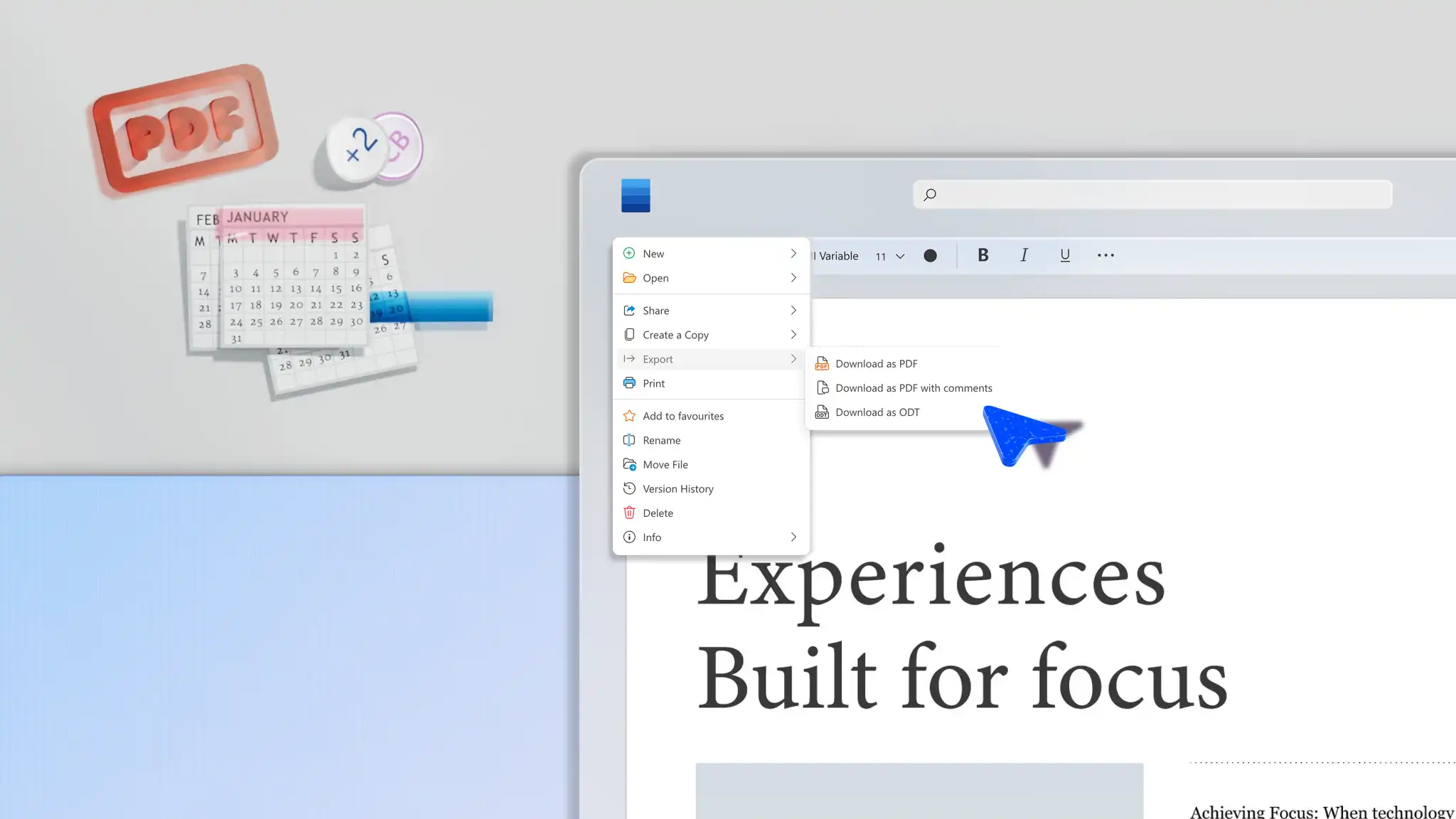
For more ways to work in Word, explore how to save a Word document as a PDF or generate emails from documents with AI.
Frequently asked questions
- What are the best back-to-school templates for teachers?
The best back-to-school templates for teachers are reusable lesson plans, and class schedule templates, which cover the core of classroom setup. Communication templates also help with welcome letters and class updates for families.
- Which templates help students stay organized?
The templates that help students stay organized are a study timetable, a daily planner, and a reading log. A study timetable maps classes and revision across the week, a daily planner tracks assignments, and a reading log records progress.
- What should be in a parent checklist?
A parent back-to-school checklist should include school supplies, uniforms, lunches, activity schedules, and paperwork like permission forms. Listing each item in one document makes the start of term simple to manage. Update the same checklist each year.
- How do templates save time?
Word templates save time by giving every document a ready structure, so filling in a few details replaces building each one from a blank page. Customize a single template in minutes and reuse it all year.
- How can Copilot help personalize a school template?
Copilot helps personalize a school template by drafting outlines, rewriting a passage for a specific grade, and summarizing notes into shorter plans. Copilot speeds up the writing while the teacher, student, or parent keeps full control.