
AI summarizer with Copilot in Word
Find out how Copilot can transform complex documents into concise summaries in Microsoft Word.
Turn text and articles into clear summaries with AI in Word

Condense documents instantly with Copilot
Quickly summarize lengthy documents up to 80,000 words with Copilot in Word. Save hours of manual reading and summarizing by condensing lengthy documents, reports and meeting notes. Copilot can also expand specific sections of the summary for deeper detail, providing the level of insight needed.

Highlight key points and share easily for collaboration
Copilot improves clarity and boosts productivity by pulling key information from any document and turning it into a digestible summary with ease. Sharing summaries is simple, making it easy to keep both internal and external stakeholders aligned and informed.

Combine multiple documents into one summary
Save time by summarizing up to five documents at once with Copilot. Whether reviewing project status reports or team updates, Copilot combines key figures, timelines, and risks into one clear summary. Use these valuable insights to prepare well-planned meeting agendas, presentations, and more.
Learn how to summarize long documents with Copilot in Word

Summarize meeting notes and reports instantly
Extract actionable points from meeting notes and transcripts to plan next steps. Turn market reports and project updates into useful insights for quick decision-making. Make every meeting more productive with instant summaries.

Create clear summaries for faster content reviews
Use Copilot to identify key data points in research material to quickly draft an article. Break down drafts to check clarity, tone and structure, then share these for easy collaboration in Word with the team. Speed up content reviews and keep everyone aligned.
Highlight clauses for fast contract review
Copilot cuts through lengthy agreements by highlighting what matters most. Key obligations, renewal dates, and compliance risks surface in seconds. Accelerate contract progression with clear, actionable insights.

Save time with AI summaries for learning
Condense course notes and papers to prepare for exams faster using Copilot. Condense curriculum documents for easier communication. Turn lecture notes and slides into concise study guides or blogs. Make studying easier with tailored summaries using AI in Word.

How to use Copilot as an AI summarizer assistant
Open a Word document or upload a PDF of what you would like to summarize of what you would like to summarize.
Ask Copilot to highlight key details in a clear, concise format.
Review the AI-generated summary. If you would like to make further refinements or edits, ask Copilot a new request.
Insert the summary into the document or copy it to use elsewhere.

Unlock smarter writing and editing with Copilot in Word
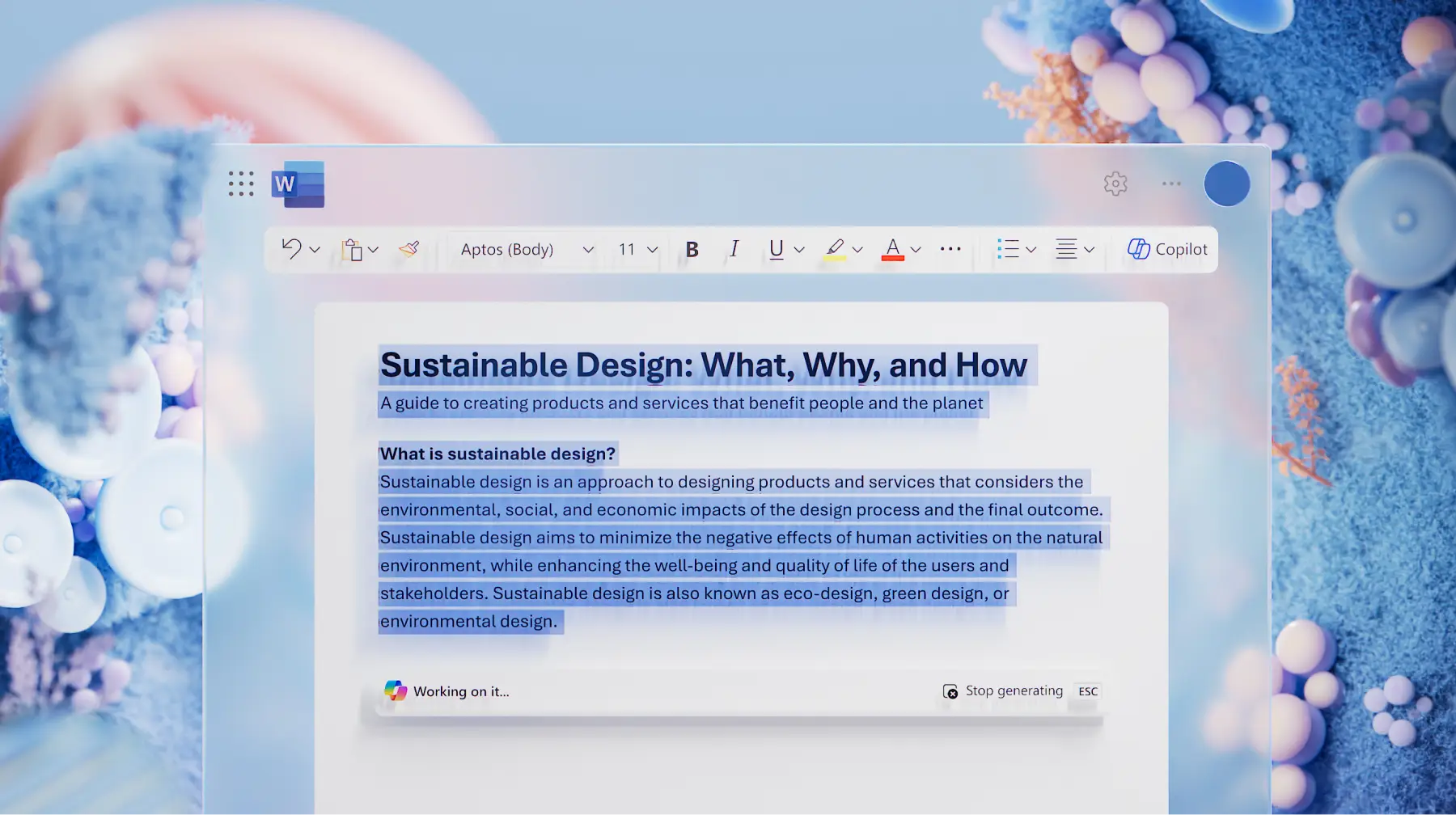
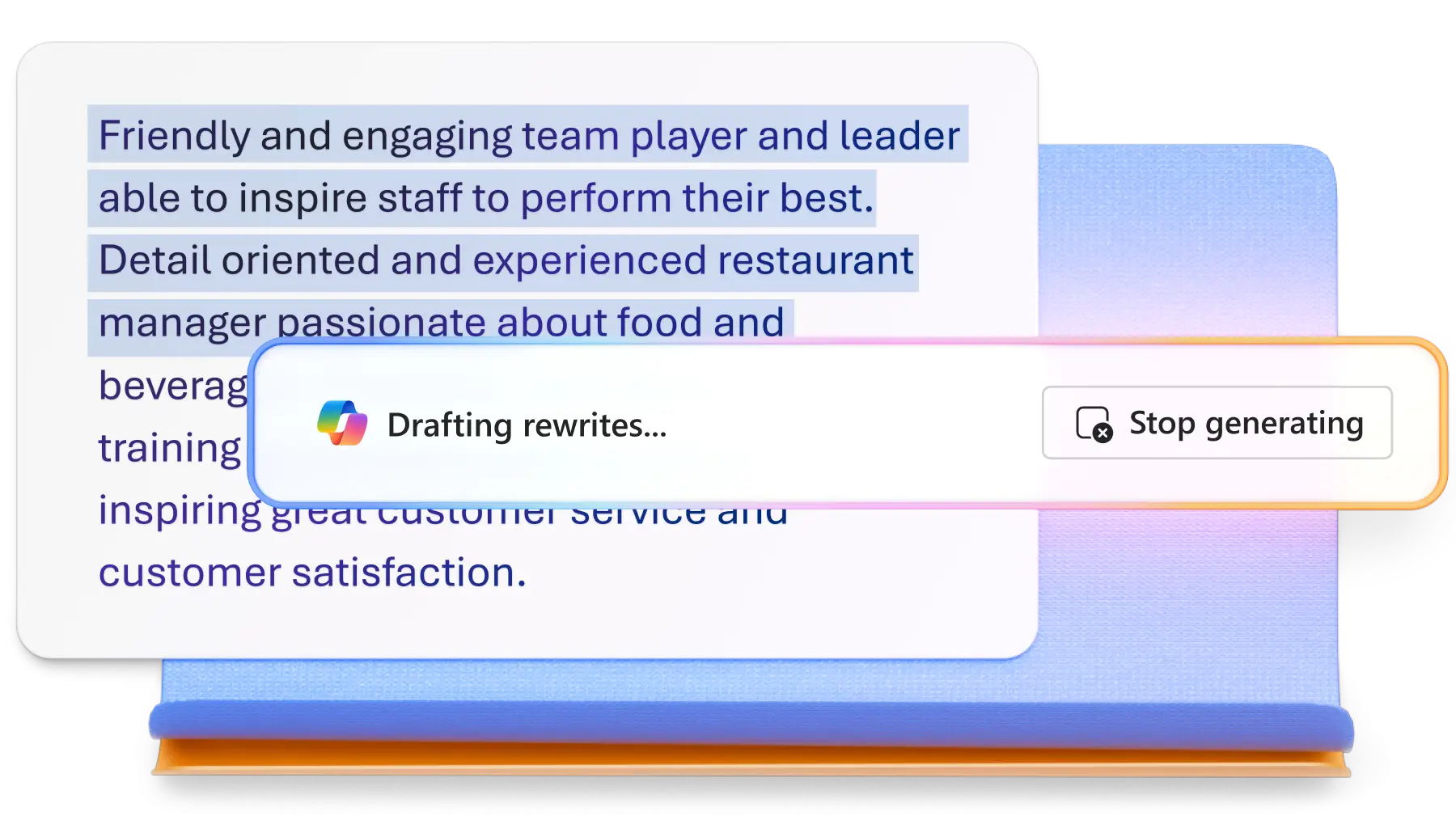
Discover how Copilot can help generate text and rewrite documents with clarity with AI. Lauch projects, refine ideas, and save time by exploring all Copilot features to boost productivity.

Frequently asked questions
What is the maximum document length for summarizing?
Copilot can summarize documents up to 80,000 words, making it easier to extract key points from lengthy reports or articles.
How to summarize multiple documents together in Word?
Up to five OneDrive documents can be summarized in a single request. This is ideal for creating consolidated executive summaries in an email or providing project updates fast.
How can summaries be tailored for specific audiences?
By including instructions such as “focus on risks and next steps” or “make this concise for senior leadership”, Copilot will adjust the level of detail and tone accordingly within the summary output.
How does Copilot handle privacy during summarization?
Copilot does not train on organizational data. It uses Microsoft Graph content only for grounding responses and complies with Microsoft’s privacy and security commitments.