








Copilot in Word
Save time with AI writing assistant tools through Copilot in Word to write new content...

Create professional reports and academic papers in minutes with customizable templates and AI writing tools in Microsoft Word.

Turn long, detailed documents into clear, structured reports faster using ready-made templates. Write with confidence using a refined report framework with consistent headings, appendix sections, and layout to create a logical flow that’s easy to scan and navigate.

Reduce formatting errors and improve readability with report or paper templates. Structure is taken care of, like fonts, spacing, and design, so you can focus on content that matters. Seamlessly replace text and update images, charts, or graphs for a polished finish.

Make complex data easy to digest and highlight valuable information with Copilot in Word. AI can help surface key takeaways, connect related findings, and condenses lengthy information into document summaries. Refine drafts into professional reports ready to present with stakeholders.

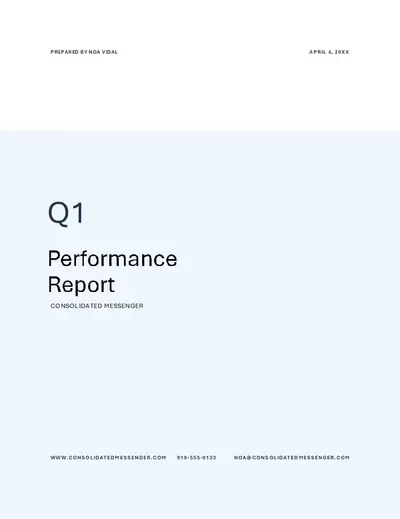
Present annual results, track project milestones, summarize quarterly performance, or outline financial forecasts with business report templates.
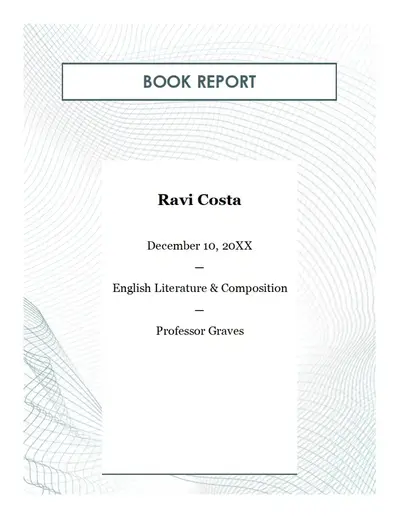
Format research papers, lab reports, book reports, and school essays with templates designed for clear academic structure and submission standards.
Browse Word report templates on Word for the web.
Select a template that fits writing needs like business, academic, or project.
Rewrite placeholder text or use Copilot in Word to draft sections.
Adjust fonts, colors, and headings, then add logos or branding if needed.
Send reports using an online shareable link, or export as a PDF.
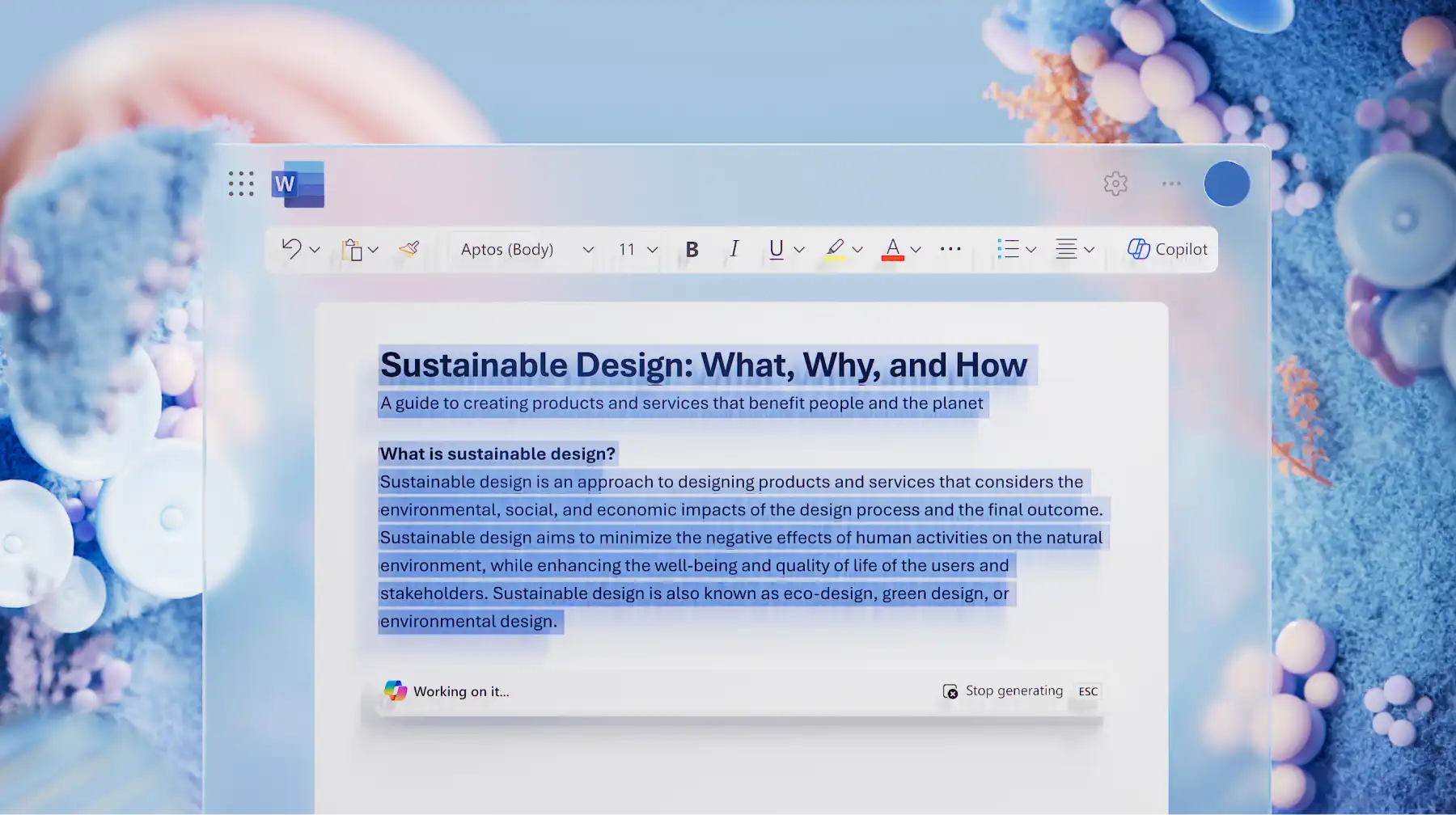
Share a report topic, audience, and purpose with Copilot in Word to generate custom report outline. AI builds out each section with unique headings, subheadings, and draft copy, for you to refine and expand. Polish an annual report or academic paper with spell check and grammar tools so the final document is ready to share, no template required.

Turn quarterly performance data into clear financial summaries, or compile project updates into a presentation-ready status report with AI. Ask Copilot to create a structured report draft from existing files, like PDFs, decks, or raw data. AI extracts and connects information from attachments, generating headings, structured layouts, and an executive summary ready to refine.

Transform detailed documents into clear, purpose‑ready formats with AI summarizer. Condense long operational reports into one‑page briefings or shift meeting notes into formal business report language. Copilot can identify critical points, shorten lengthy sections, and reorganize content for you. Easily restructure copy for stakeholder updates and policy documents to match different audiences in minutes.
Personalize report templates with custom colors, fonts and logos to keep every document aligned with organizational branding. Build polished layouts once, then save as reusable templates so school reports, incident summaries, or progress updates stay consistent across teams and projects. Adjust headings as needed to maintain a professional look without rebuilding the design each time.
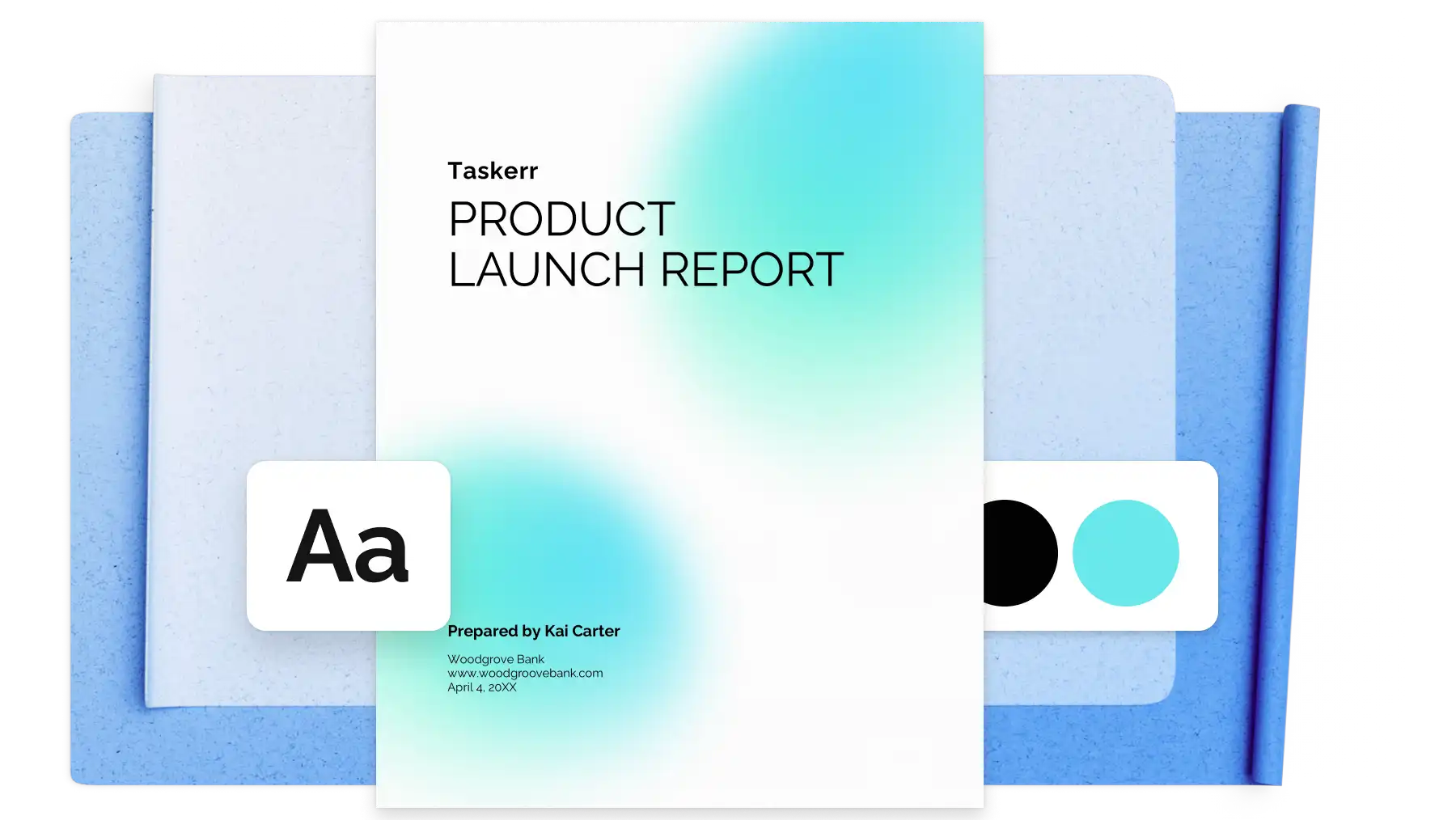
To create a report in Word, browse free report templates and select a design suited to the purpose (business, academic, or project). Open the template online or in the Word desktop app, replace placeholder text, and customize fonts, colors, and headers. Copilot can draft report sections from prompts or summarize data from attachments. Save the document to OneDrive to co‑edit with reviewers in real time, leave comments, use Track Changes, and keep feedback centralized with version history. Export as a DOCX file or PDF for sharing.
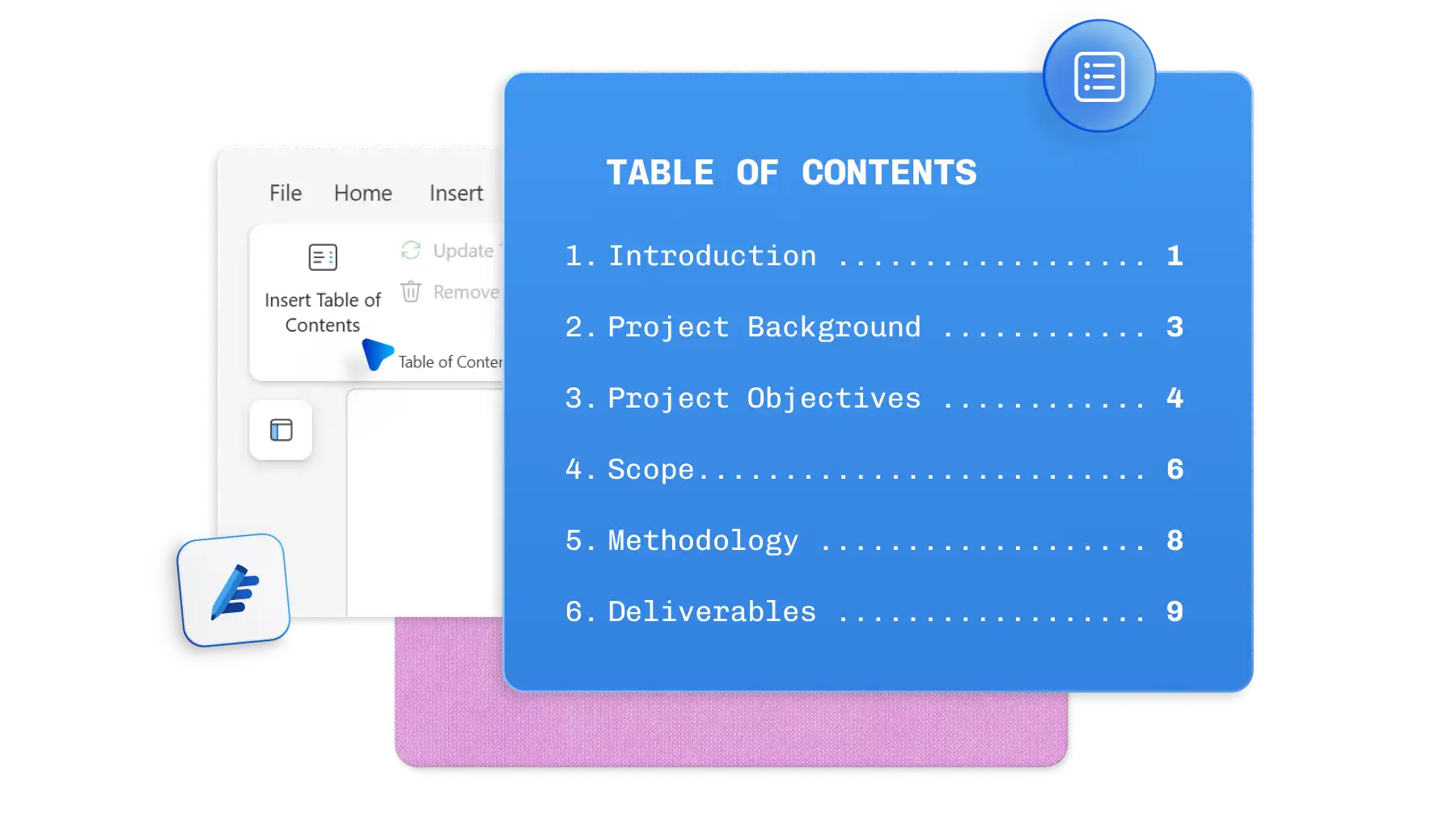
A professional business report format includes a clear title page, executive summary, table of contents, main body sections with headings, data visualizations (charts or tables), conclusions, and recommendations. Report templates in Word provide a pre‑built structure that ensures readability and consistency. Customize the layout to match organizational branding, and use Copilot to generate summaries or improve writing clarity.
Copilot in Word can draft reports faster by generating outlines, writing sections from prompts, and summarizing data from Word, Excel, or PowerPoint files. Copilot can create executive summaries, rewrite content in a business tone, and expand key points. Refine the final draft with spell check and grammar tools, then pair AI writing assistance with report templates for professional formatting.
Word offers free report templates for business (project status reports, annual reports, executive summaries), education (academic reports, research papers), and general use (progress reports, incident reports). Each template includes customizable sections, professional layouts, and placeholders for text, images, and data. Browse templates by category to find the best fit for a specific project.
To format a lab report, start with an academic or science report template in Word that includes sections for title, abstract, introduction, materials and methods, results, discussion, and references. Customize headings, add tables or graphs for data, and use consistent fonts. Copilot can help organize findings or rewrite sections for clarity.
Word covers the full spectrum of business writing, from everyday communications like memos and meeting minutes to structured technical documentation including process guides, system specifications, and policy documents. Copilot in Word can generate a draft or outline for any of these document types from a single prompt.