Showcase valuable experience and skills through a clear, professional cover letter format that communicates strengths with confidence. A well‑structured layout improves readability for hiring managers and helps cover letters stand out, especially since more than 60% of companies expect applicants to include one.
This guide covers best-practice formatting tips, a cover letter format example, job-type formatting examples, and step-by-step instructions for formatting a cover letter in Word or with AI. Get started with the AI cover letter generator in Microsoft Word or explore Copilot in Word to create a well-structured cover letter for you.
The best cover letter format example and outline
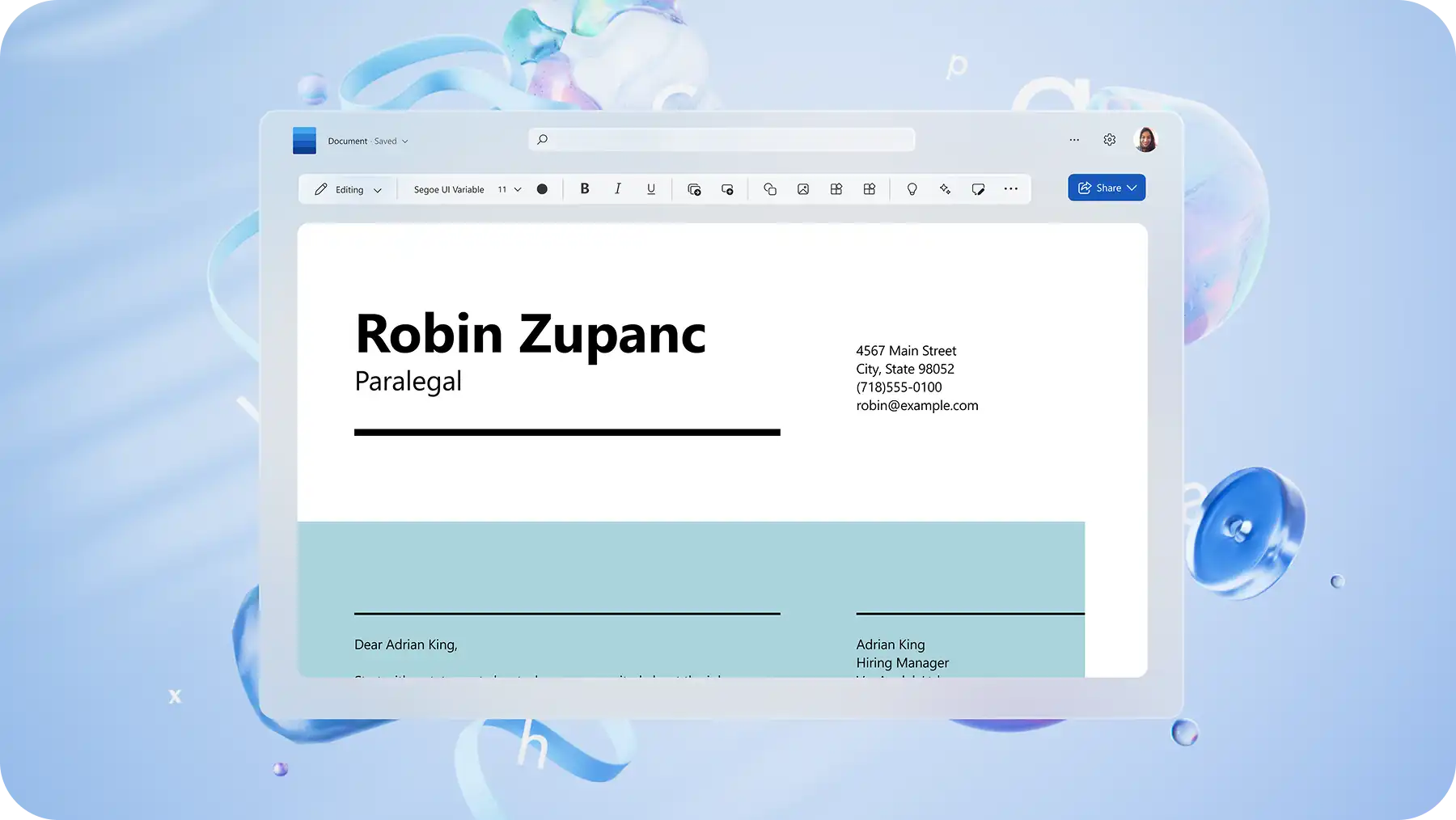
Correct cover letter formatting includes clear sections that guide readers through information, including a header, greeting, opening paragraph, middle paragraph, closing call to action, and professional sign off. Below is the best cover letter outline to follow.
1. Header
The header sits at the top of the letter, including essential contact details. A clear header helps recruiters quickly see who you are and how to contact you. It also keeps cover letters consistent with your resume formatting. Follow the cover letter format example below to write a professional header:
Date: August 20, 2026
Name: Sarah Jane Smith
Contact number: 123 456 7890
Email address: yourname@example.com
LinkedIn profile or website: link to personal website, portfolio, or LinkedIn profile
2. Opening greeting and salutation
Address a cover letter professionally, using a greeting and name. Follow this salutation with a short opening paragraph explaining why you are applying for the role, what appeals to you about the company, and whether you are new to the field. Keep the greeting formatted clearly and consistently.
Appropriate cover letter greeting examples:
Dear Jane Smith
Dear Hiring Manager
Dear Ms. Smith
Dear Head of Human Resources
3. Middle paragraph
Use short, clearly separated paragraphs or bullet points to highlight key achievements. Keep spacing consistent and ensure each point aligns with the job description formatting needs. This is where you can reference a cover letter example or use a cover letter sample for job applications in Word format to guide layout and language.
What to include in a cover letter middle paragraph:
Key accomplishments with measurable outcomes
All relevant skills that relate to the job role
Values or motivations that align with the organization
Remember to write in short and structured points so they’re easy to scan
4. Closing call to action
Close the cover letter by thanking the hiring manager for reviewing your application and expressing interest in further discussion. A confident and polite call to action leaves a strong final impression.
5. Professional sign-off
End a cover letter with a professional closing, avoiding informal closings like 'Cheers' or 'Goodbye now'.
Appropriate cover letter sign-off:
Sincerely
Regards
Respectfully
Thank you
Looking for writing tips instead of formatting guidance? Read how to write a cover letter or explore AI cover letter generator.
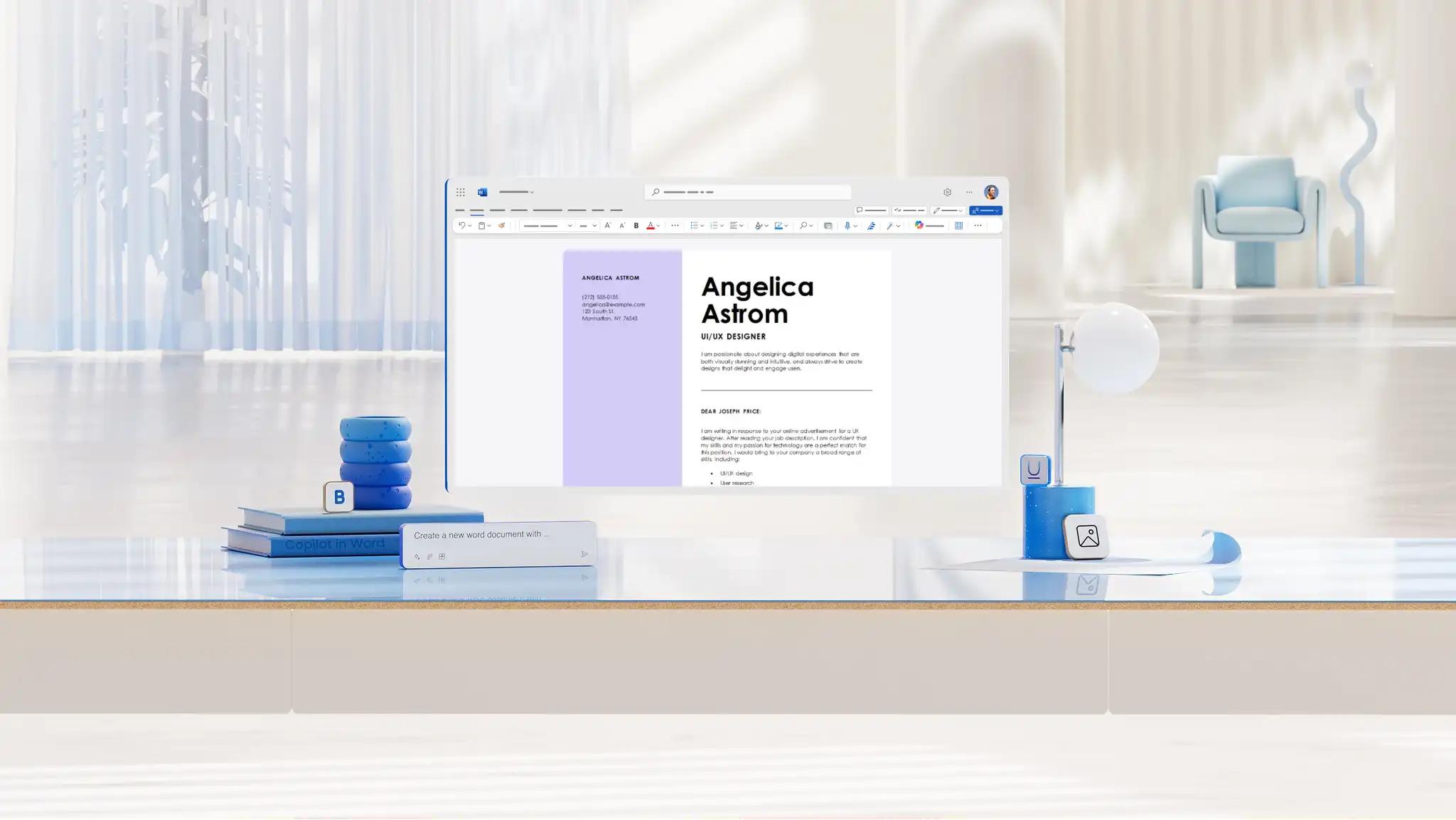
Cover letter formatting best practices
These best practices help create a professional, easy to read cover letter that is consistent, ATS friendly, and aligned with simple formatting guidelines in Word.
Try professional cover letter fonts: choose clear, accessible fonts such as Calibri, Arial, Georgia, Times New Roman, or Helvetica. These options support readability for hiring managers and ATS tools.
Use an appropriate text size: aim for size 11 or 12 for most cover letters. This keeps text readable across devices and print formats.
Format cover letters with margins and spacing: use one inch margins, single or 1.15 line spacing, and left aligned text to create a clean layout. Consistent spacing improves scanning and keeps the structure simple.
Keep within the cover letter length limit: aim for one page and roughly 250 to 400 words. Use the Word counter to quickly check length and ensure the cover letter stays concise.
Label with a clear naming convention: save the file using a straightforward name such as: First name Last name Job Title Cover Letter.pdf. This helps hiring managers identify your document immediately.
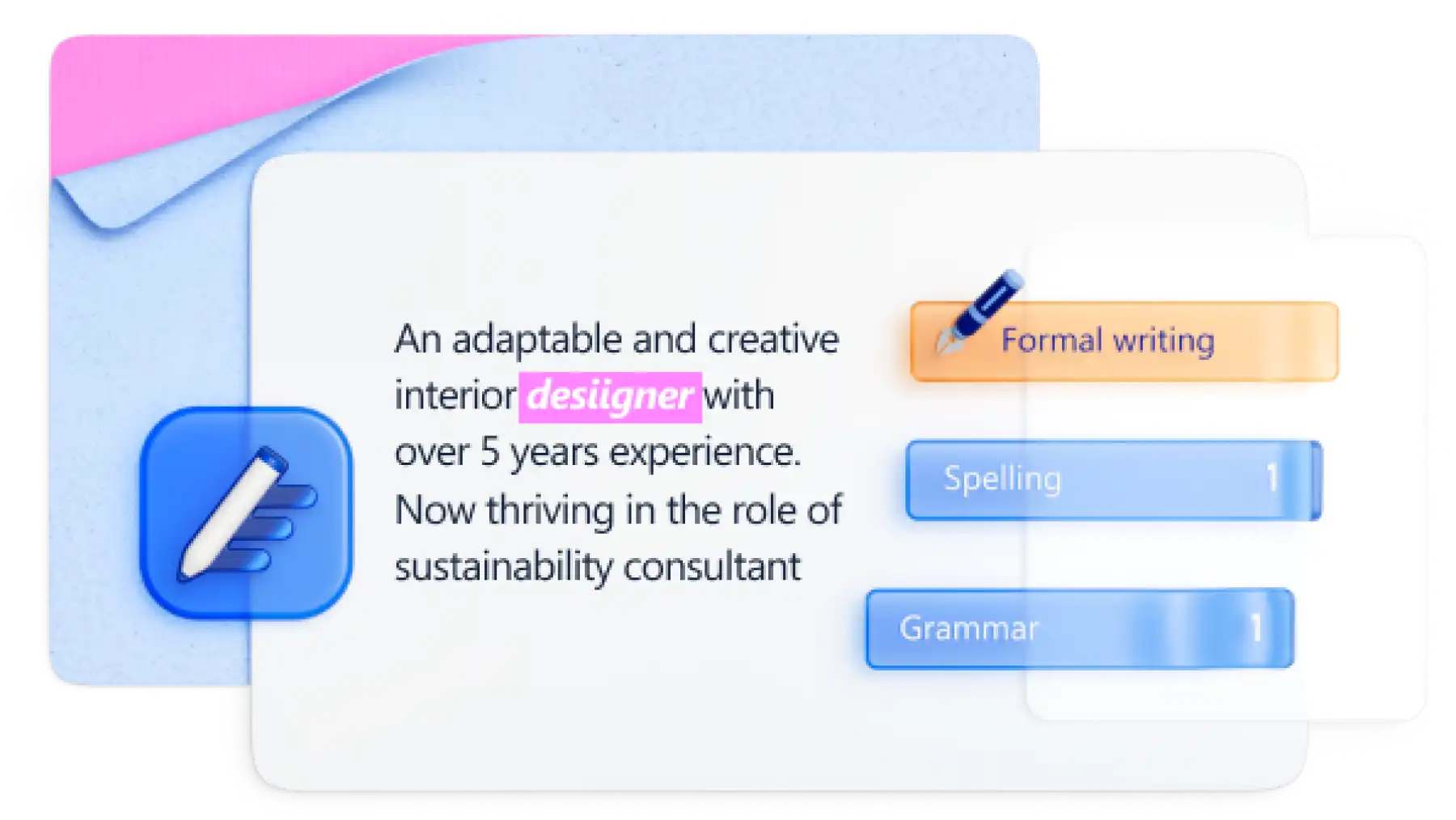
Proofread before sharing: for proofreading and formatting checks, use document editor or AI writer to polish clarity, tone, and consistency.
Export cover letters in PDF format: exporting from Word to PDF preserves formatting and ensures the application displays properly on any device or portal.
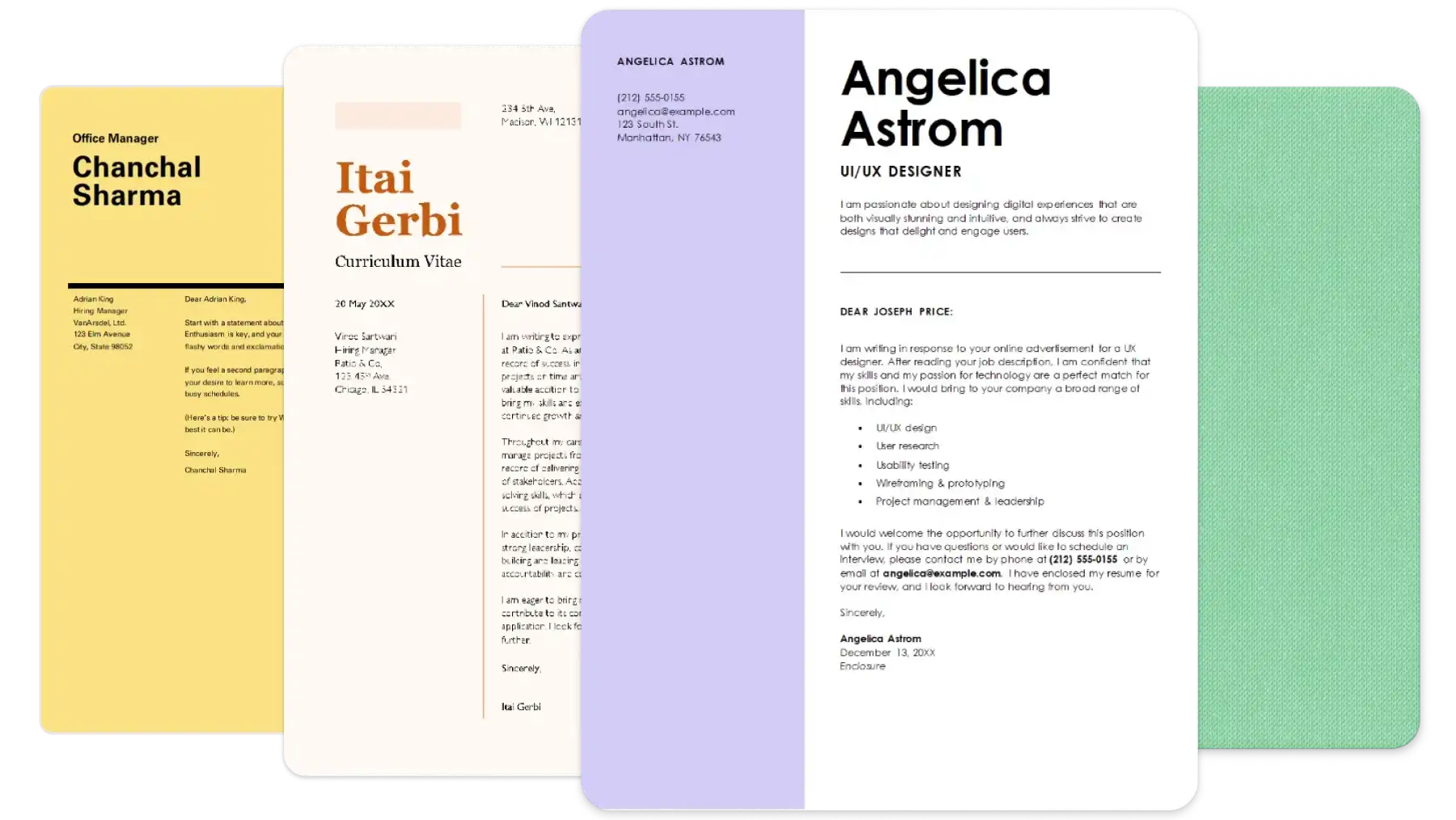
How to format a cover letter in Word
A Word template gives you the structure and formatting needed for a cover letter, so you can focus on tailoring the content. Follow these steps to get started.
Start with a cover letter template by exploring the template gallery.
Double click on the template you would like to use.
Replace the placeholder text and text suggestions with personal details.
Proofread the cover letter using document editor in Word.
Export letters as a PDF to preserve formatting.
New to building documents from templates? Learn how to create a blog post template in Word to get comfortable with the process.
How to generate a cover letter example with AI in Word
Instead of starting from scratch, use Copilot in Word to draft a cover letter based on an existing resume or job description.
To generate a cover letter from a resume, open a new Word document.
Ask Copilot to generate a cover letter for a specific job role.
Attach an existing resume PDF or Word document so Copilot can pull relevant experience and skills.
Review the draft and ask Copilot to adjust tone, structure, or formatting if required.
Export cover letters as a PDF or share a secure sharable link via Outlook.
Cover letter formatting examples for different job types
Create a cover letter that suits a different job type or career path using these popular cover letter format examples. Each example follows a simple and professional layout that is easy to customize in Word. Browse more cover letter designs and refine content with AI writer where needed.
Healthcare cover letter format example
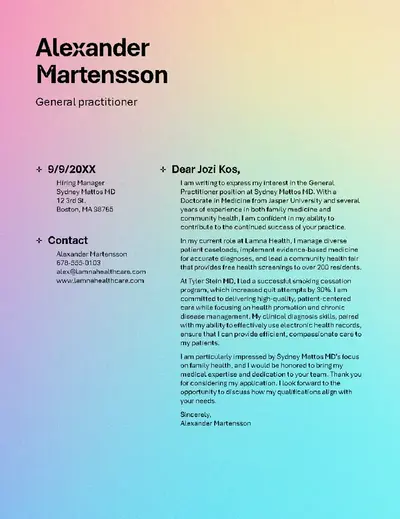
This ATS friendly healthcare template uses a clean and minimalist layout that highlights clinical experience and patient care strengths. It is ideal for nursing, allied health, and medical support roles where clarity and professionalism are essential.
Graphic designer cover letter format example
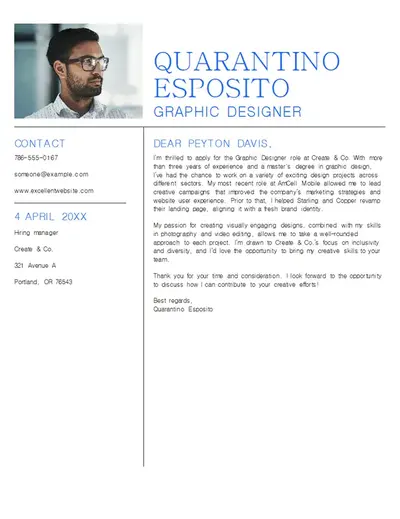
This modern graphic designer template balances color, style, and readability. It features a clean layout with space for visual elements, making it a strong choice for design, creative, or branding roles that benefit from a refined but simple format.
Web developer cover letter format example
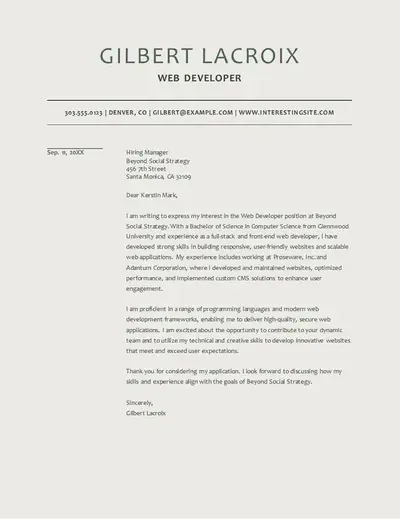
A structured and clearly formatted web developer template that emphasizes technical skills, frameworks, and project results. The clean layout improves readability for engineering, software development, and front or back end roles.
HR cover letter format example
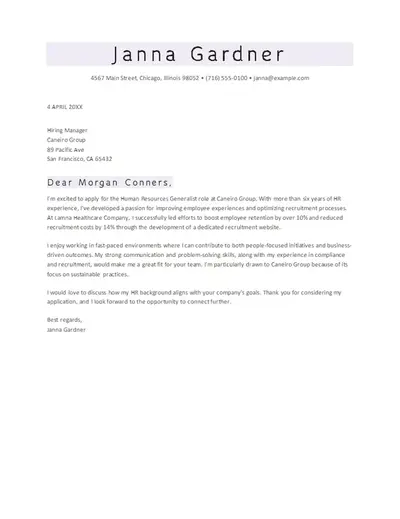
This compact and efficient HR template presents experience, qualifications, and people focused skills clearly. It is suitable for HR coordinators, recruiters, and people operations professionals who want a straightforward and professional layout.
Accountant cover letter format example
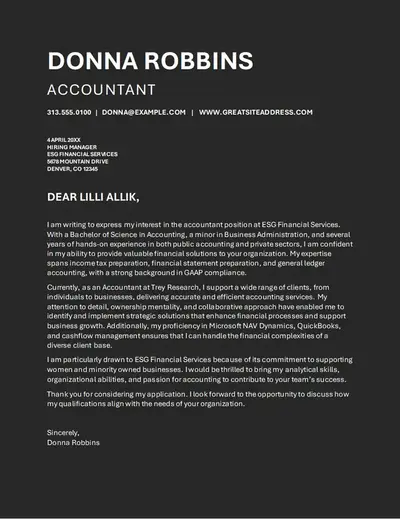
A monochrome and clutter free template designed for financial roles. The clear formatting highlights accuracy, organization, and attention to detail, making it useful for accounting, audit, and financial analyst positions.
Get cover letter formatting right on the first draft with the AI cover letter generator. For more ways to support your job search, explore how to write a resume with AI or learn how to write a letter of interest.
Frequently asked questions
- How to format a cover letter for an internship?
Start with a simple design from the cover letter templates gallery, apply the same formatting principles as a standard cover letter, then add internship-specific details within the structured layout. Focus on coursework, projects, volunteering, or part‑time work that shows relevant skills. You can also ask Copilot in Word to suggest ATS‑friendly keywords based on the internship job description.
- What is a good cover letter example?
A strong cover letter example has a clear structure, short paragraphs, and specific details that match the role. Browse formatted examples in the cover letter templates library and choose a layout that suits your industry, then update the text with your own experience and achievements.
- How to send an email cover letter with example?
Create and format a cover letter using a cover letter template, then export the cover letter as a PDF to preserve formatting before attaching it in Outlook.
- How to write a fax cover letter example?
Choose a fax‑friendly design from the cover letter templates collection and update the contact details, recipient information, and a brief message explaining the purpose of the fax. Keep the formatting simple and easy to read so the information stays clear once printed or scanned.