
AI rewriter with Copilot in Word
Discover how Copilot can rewrite and edit text with AI for clearer, more engaging documents in Microsoft Word.
Rewrite with AI and paraphrase tools in Word

Refine writing style with AI
Use Copilot to instantly improve the tone and clarity of any text. Rewrite rough drafts to sound more professional, persuasive, or friendly while keeping messaging clear and on brand. Copilot helps transform initial ideas into polished, ready-to-share documents in less time.

Enhance text readability
Copilot refines complex or lengthy paragraphs into concise, reader-friendly text. Enhance readability and boost engagement by making documents easier to understand for any audience.

Generate alternate phrase options
Copilot offers multiple paraphrasing options in real time. Pick a version to use immediately or collaborate further by asking Copilot to adjust the language until it matches the required clarity needs.
Learn how to rewrite content drafts with Copilot in Word

Polish business communication with AI
Finalize status reports, board updates, and client communication with Copilot. Rewrite meeting notes into clear, professional updates and emails for stakeholders. Share polished summaries instantly using Copilot to save time and improve clarity.

Refresh marketing content fast
Use Copilot to quickly update campaign briefs, rewrite product descriptions, and adapt social media posts to reflect business strategy changes. Refine messaging to match brand tone and ensure all marketing materials stay aligned with business goals.
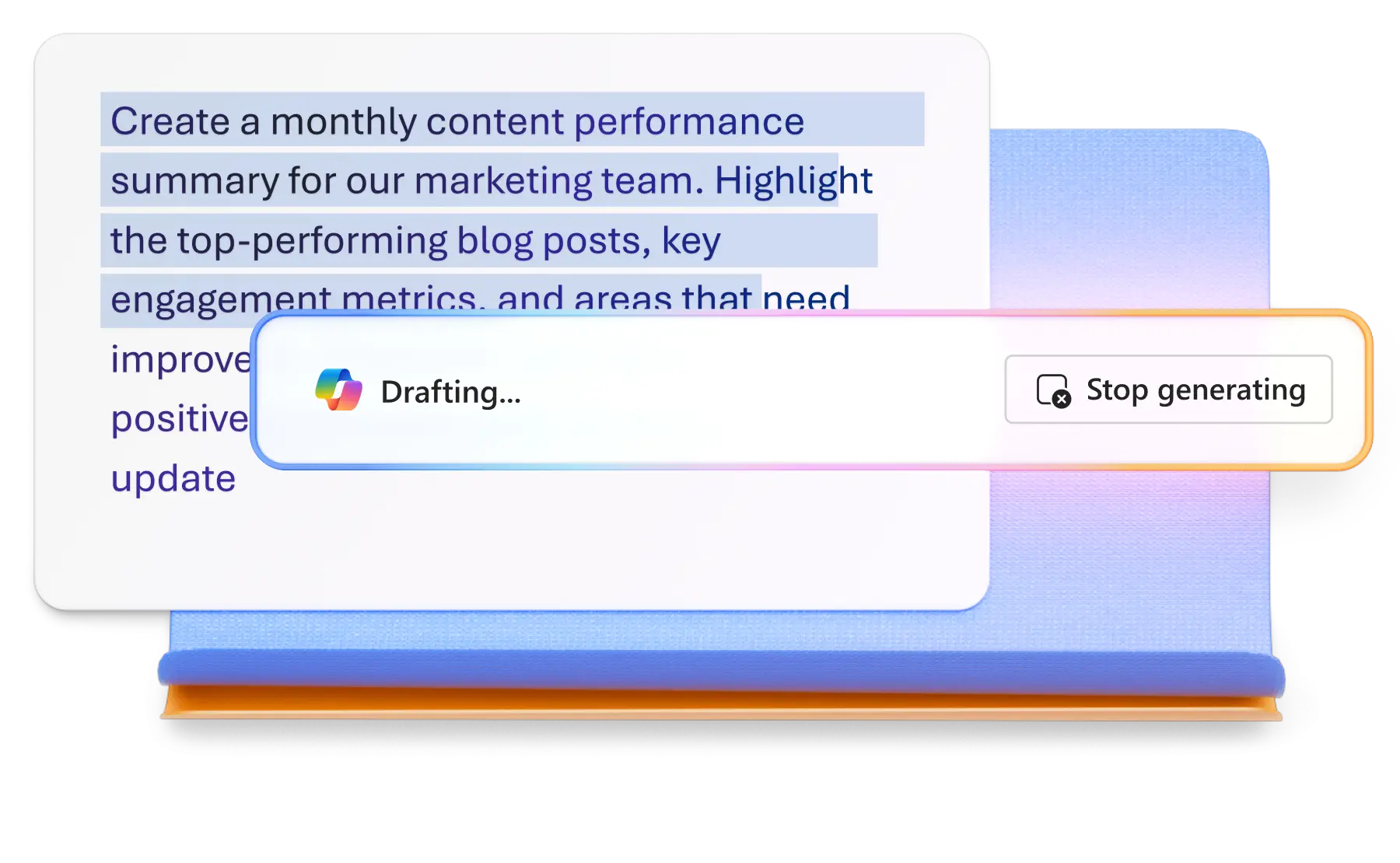
Streamline HR and admin tasks effectively
Rewrite training materials and update job descriptions quickly with Copilot. Attach reference files to help AI generate accurate, polished versions in minutes. Help existing employees and team members perform to their best by providing clear meeting agendas, tailored from internal notes or documents with AI.

Rewrite resumes and cover letters with AI
Use Copilot to refine tone, highlight key achievements, and optimize resume and cover letter documents for Applicant Tracking Systems (ATS) that are written to align with the specific job requirements.

How to use Copilot as an AI rewriting assistant
Open a new Word document and select the text to rewrite.
Ask Copilot to edit text, such as refine document tone, paraphrase text or edit format.
Attach reference files from OneDrive or links for context if needed.
Review AI suggestions and add additional editing instructions if required.
Insert the rewritten text into the document or copy it for use elsewhere.
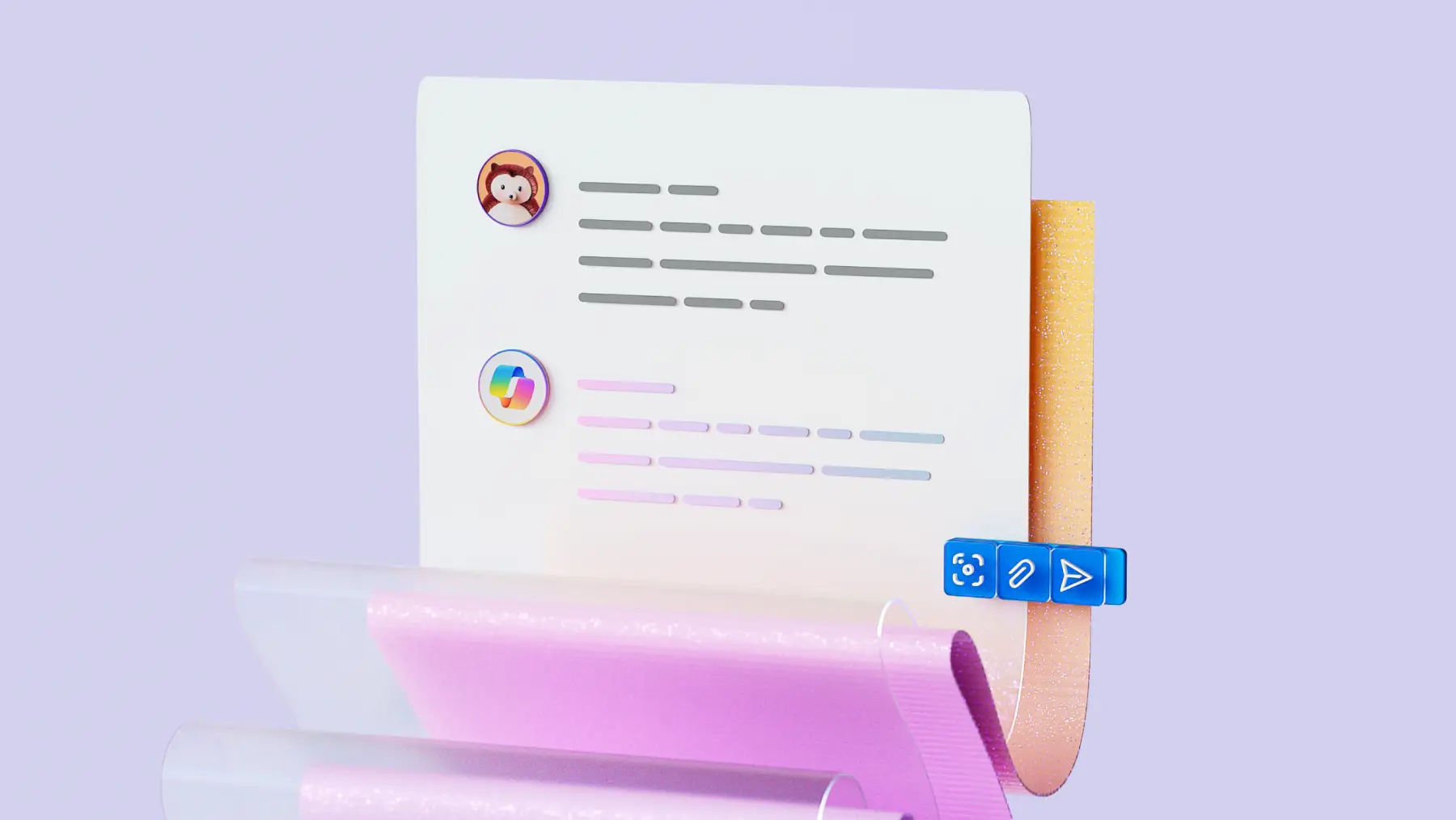
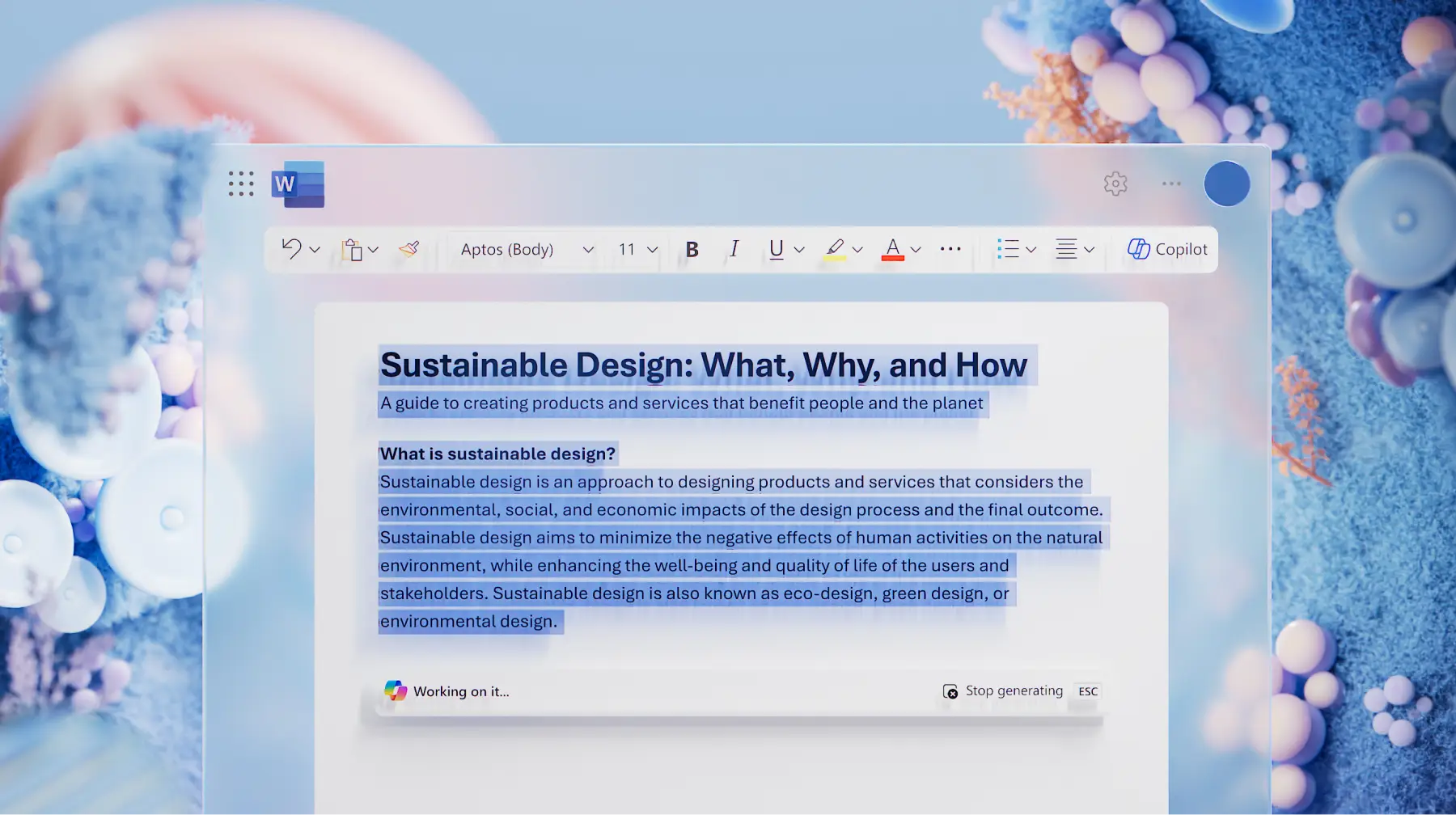
Explore AI writing, editing, and summarizing tools with Copilot in Word
Generate new content, rewrite existing text, and summarize large documents with ease. Whether drafting reports, refining messaging, or condensing complex information, Copilot helps deliver clear, professional results in minutes.


Frequently asked questions
What does the Copilot in Word rewrite feature do?
Rewrite improves clarity and readability by paraphrasing selected text while preserving meaning. It helps refine tone, reduce filler words, and make sentences easier to scan.
How can multiple phrasing options be requested?
Ask Copilot for alternatives like “Suggest three ways to phrase this headline”. Review the options and choose the one that fits the required audience and purpose.
How does Copilot assist with structure changes?
Copilot can reorganize lists or paragraphs into tables, bullet points, or action items for better flow and readability. This is useful for turning dense text documents such as training materials into digestible formats.
How can consistent tone be maintained across documents?
Use Copilot to standardize tone and simplify language. Combine this with Editor for grammar and clarity checks, then review for alignment with brand guidelines before publishing.