Шаблоны, совместимые с ATS
Продемонстрируйте свои навыки и опыт с помощью хорошо оформленных шаблонов резюме и сопроводительных писем в Microsoft Word, совместимых с ATS.
Шаблоны резюме, подходящие для ATS
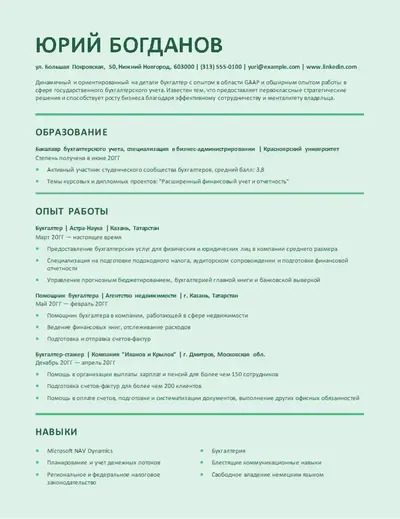
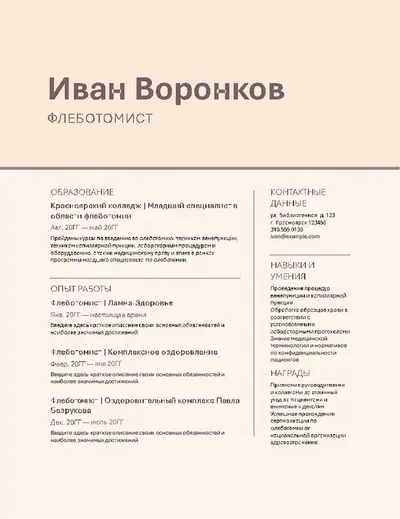
Выберите макет резюме с четкими разделами для контактных данных, опыта работы, навыков и образования. Ознакомьтесь с простыми, совместимыми с ATS, макетами для широкого круга должностей, включая бухгалтерию, здравоохранение и офисное администрирование.
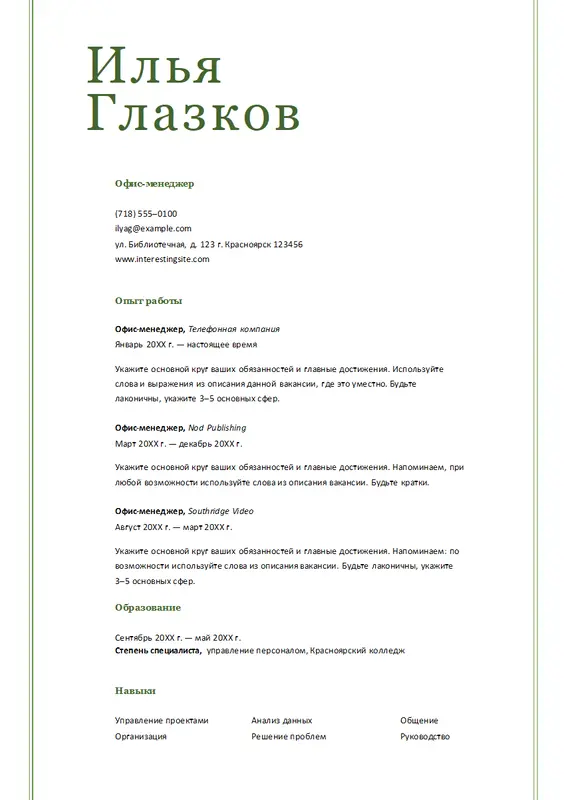
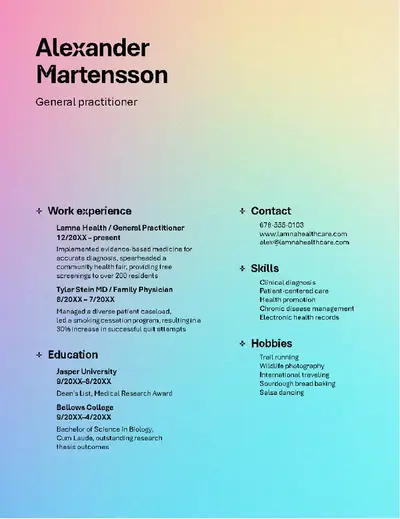
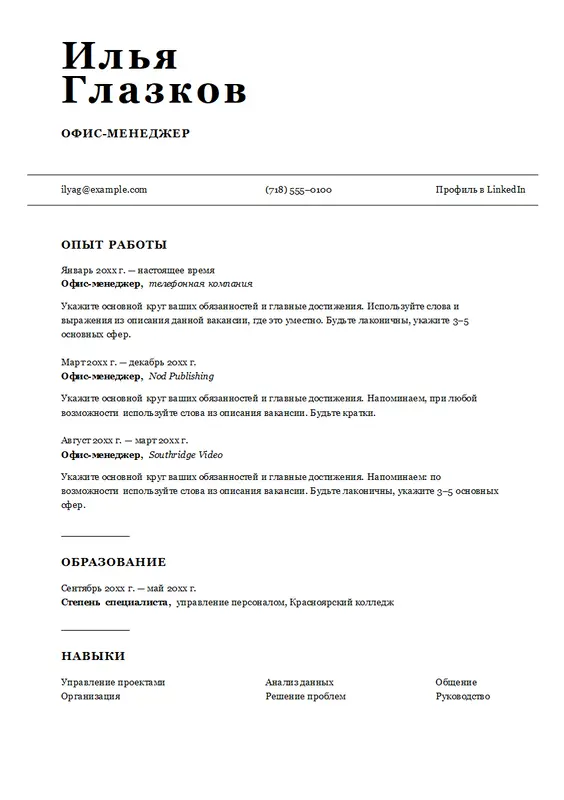
Шаблоны сопроводительных писем, подходящие для ATS
Дополните резюме шаблоном сопроводительного письма с фирменным форматированием, тематическими цветами и профессиональными шрифтами. Ознакомьтесь с редактируемыми шаблонами сопроводительных писем, подходящими для заявок на позиции в сфере обслуживания клиентов, для выпускников и административных должностей.
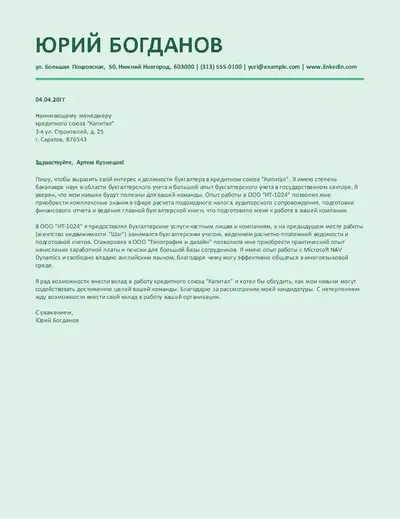
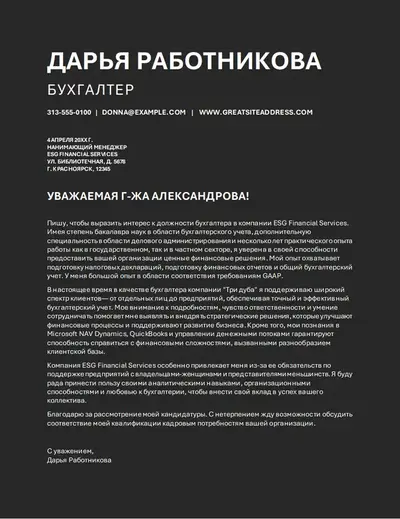
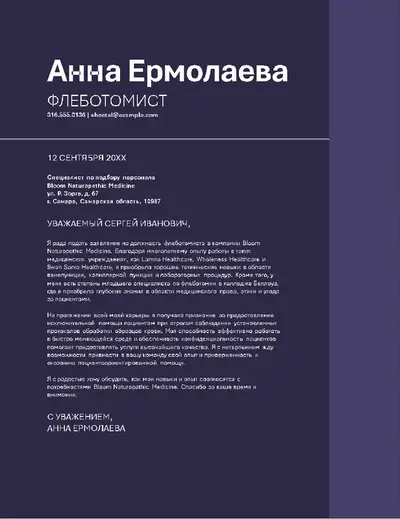
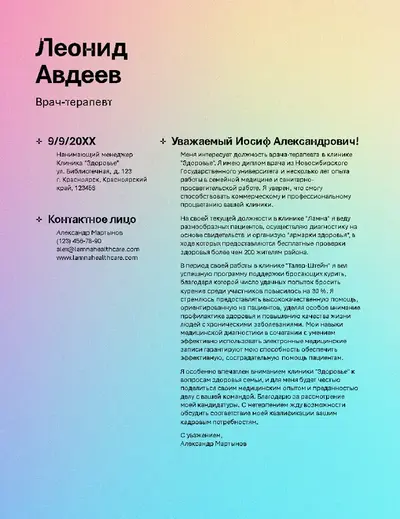
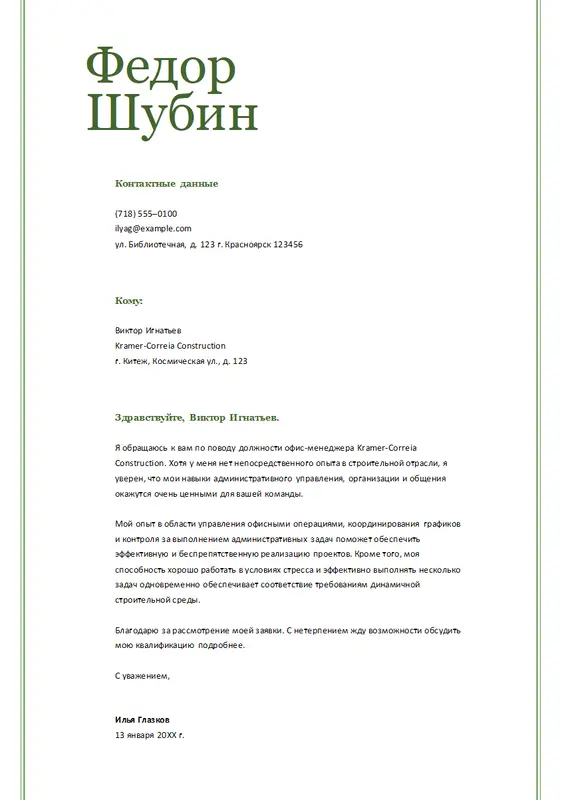
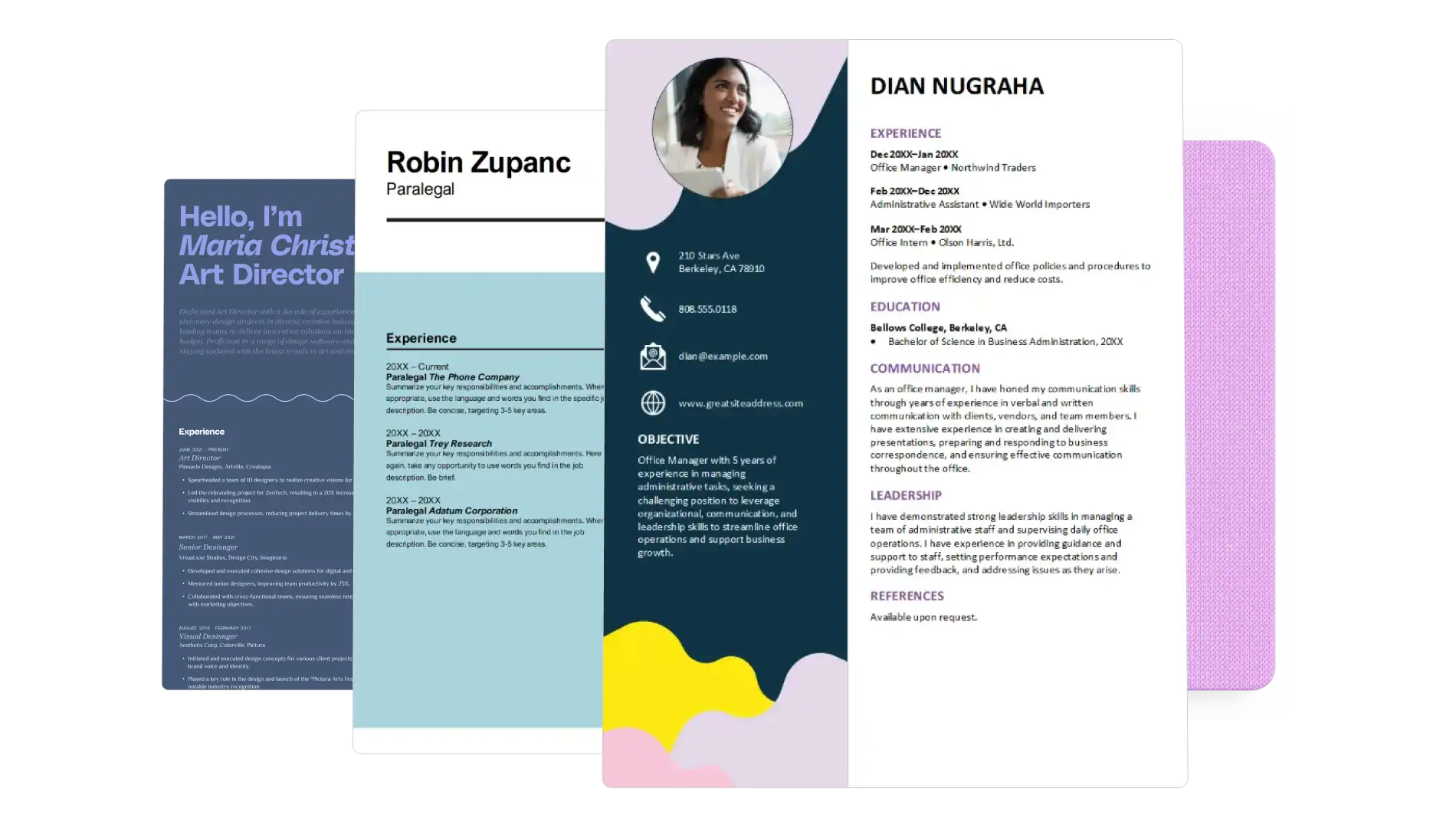
Использование шаблонов оптимизированного для систем автоматического отбора кандидатов (ATS), в Microsoft Word
Откройте Word в Интернете, чтобы изучить шаблоны для ATS.
Просмотрите и выберите шаблон резюме или сопроводительного письма, совместимый с ATS, для редактирования в сети.
Замените замещающий текст контактными данными, опытом работы, навыками и образованием.
Сохраните файл в OneDrive, затем загрузите, распечатайте или поделитесь им в формате PDF.
Отредактируйте резюме и сопроводительные письма, совместимые с ATS.
Превратите шаблон, совместимый с ATS, в персонализированную заявку на работу, заменив замещающий текст соответствующим опытом, навыками, образованием и контактными данными. Сохраните заголовок и форматирование шаблона резюме и сопроводительного письма, а затем используйте функцию редактирования текста с помощью ИИ, чтобы уточнить формулировки, сохранив при этом оптимизированный для ATS макет.
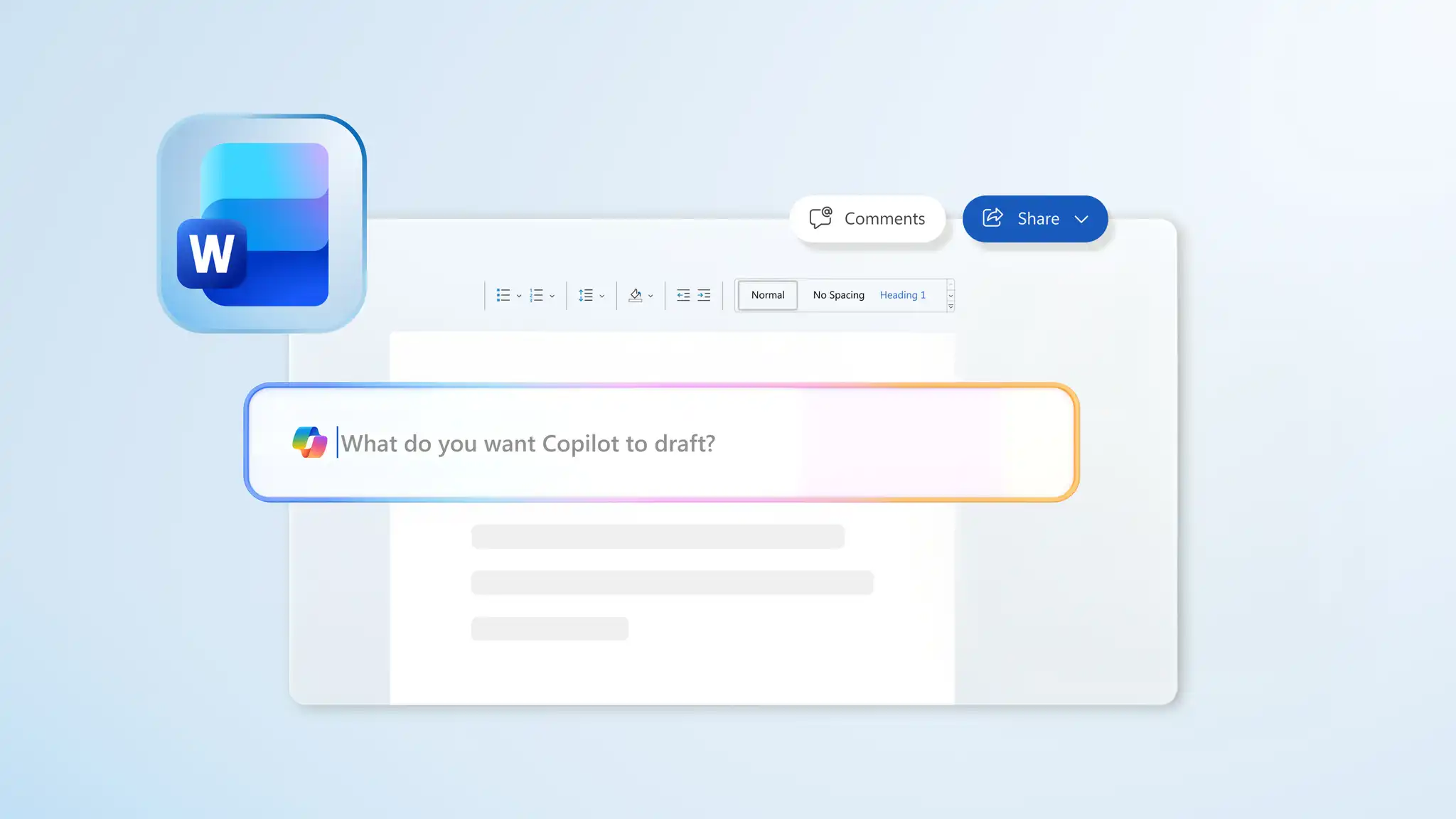
Адаптация шаблонов ATS к должностным обязанностям
Адаптируйте шаблоны резюме и сопроводительных писем, совместимые с ATS, для конкретных вакансий. Используйте должностные обязанности для внесения изменений в разделы с краткими описаниями, опытом работы, навыками и квалификацией. Попросите Copilot в Word проверить должностные обязанности и предложить ключевые слова, затем отредактируйте и проверьте каждый раздел.