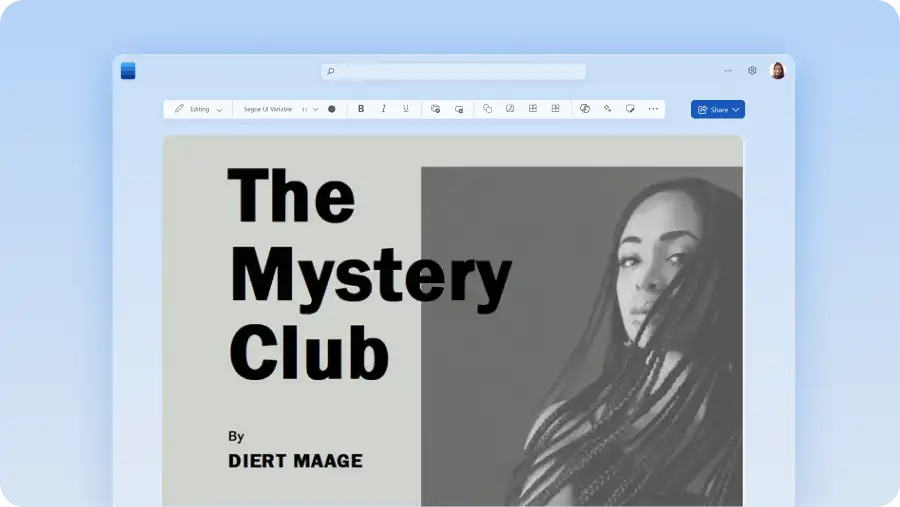
あらゆる文書作成のニーズに対応する無料テンプレート
Microsoft Word では、クリエイティブな文書作成、ジャーナリング、毎日のリストなど、あらゆる文書作成モードに対応した編集可能なテンプレートを見つけることができます。
編集可能な文書作成テンプレートとレイアウト
書式設定ではなくアイデアに集中しましょう。個人の文書作成、学術論文、創作プロジェクト、編集課題など、あらゆる文書作成に対応したテンプレートから選べます。
エレガントなジャーナル作成テンプレート
優れたデザインのジャーナル作成テンプレートを使用して、思考や感情を整理しましょう。美しい日記テンプレートを使用して、自分を明快に表現し、毎日の習慣を記録し、じっくりと振り返ることができます。

Microsoft Word で文書作成テンプレートを使用する方法
Word for Web でさまざまな文書作成テンプレートを参照します。
編集するには、無料の文書作成テンプレートをダブルクリックします。
プレースホルダー テキストをアイデアに置き換えるか、Copilot を使用してコンテンツを生成します。
作成したドキュメントを PDF として保存、オンラインで共有、または印刷して配布します。

テンプレートを使用して自信を持って文書を作成する
紙でも画面でも、アイデアを実現する方法は無数にあります。どのような文書を作成する場合でも、カスタマイズ可能なテンプレートから始めることで、プロセスがより簡単で整理されたものになります。脚本やビジネス プランから学校のエッセイ、ジャーナル、トレーニング教材まで、あらゆるニーズに適合するテンプレートがあります。食事やメニューを計画したり、日記をつけたり、プランナーを使用してタスクを常に把握したりできます。
テンプレートを使用すると、書式設定やデザインを気にせずに文章に集中できます。Word テンプレートを使用して時間を節約し、Copilot in Word を使用してアイデアの生成と最初の下書きを開始します。