
Learning resource templates
Create engaging study and learning content with customizable templates in Microsoft Word.
Explore academic and resource guide templates
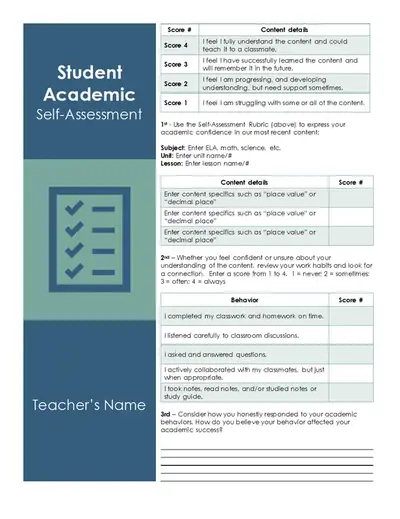
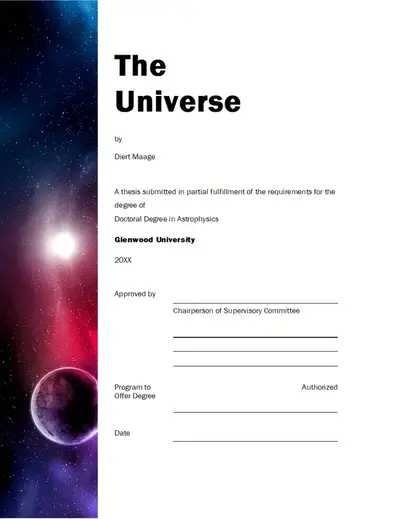
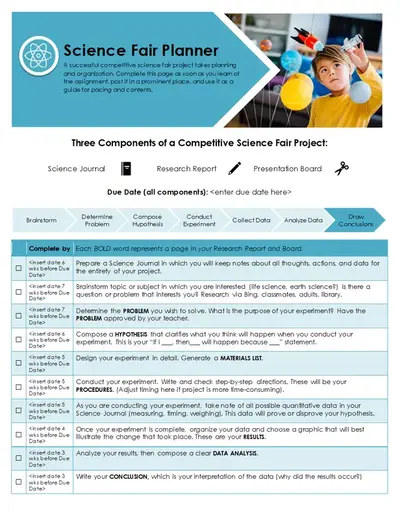
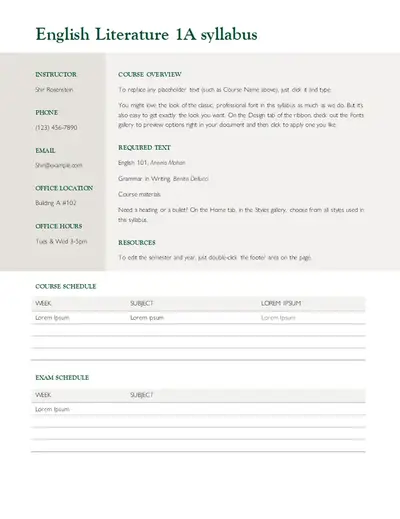
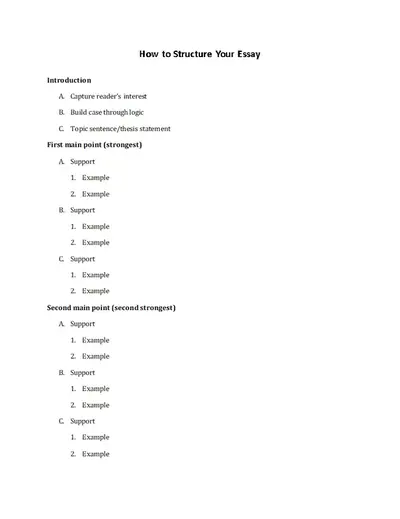
Browse a range of educational resources to organize learning and schoolwork. Create a course syllabus, outline an essay, or plan a fair with these well-designed templates. Start with an editable template, then customize the content for any class, course, or study goal.

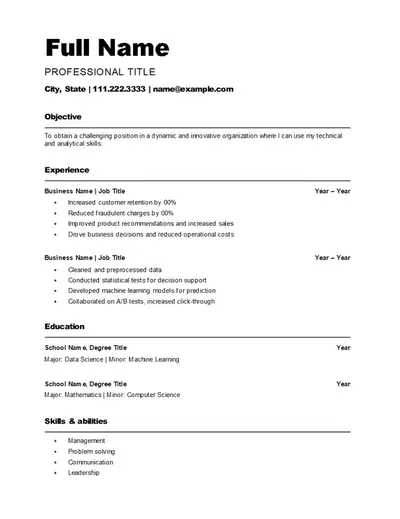


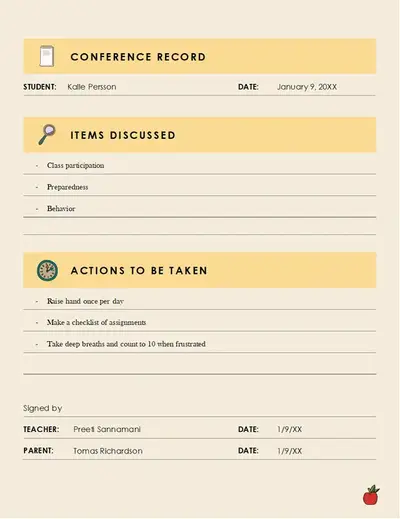
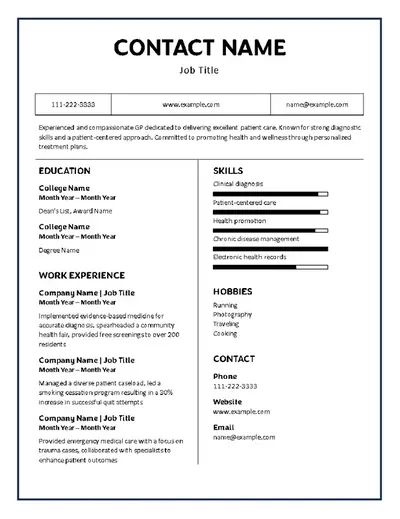
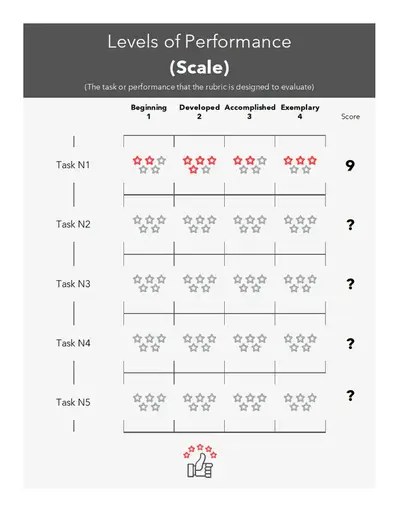


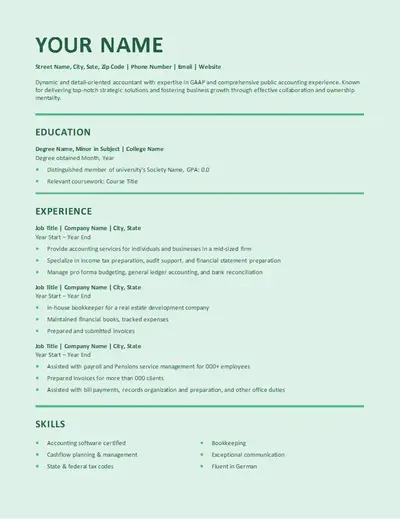
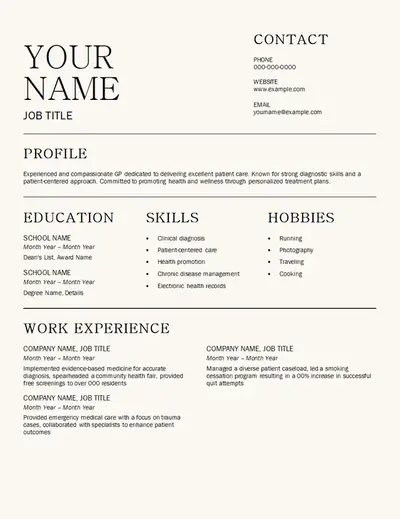
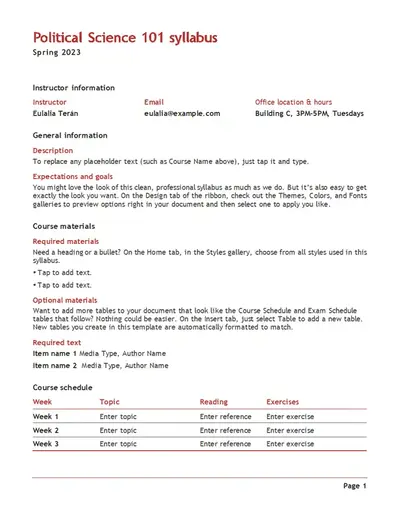


How to use learning templates in Microsoft Word
Open Word for the web to explore learning templates.
Select a learning template to edit online.
Replace the sample text with class, course, or study information.
Use Copilot in Word to draft, rewrite, or refine content.
Print the resource, save it as a PDF, or share an online link.
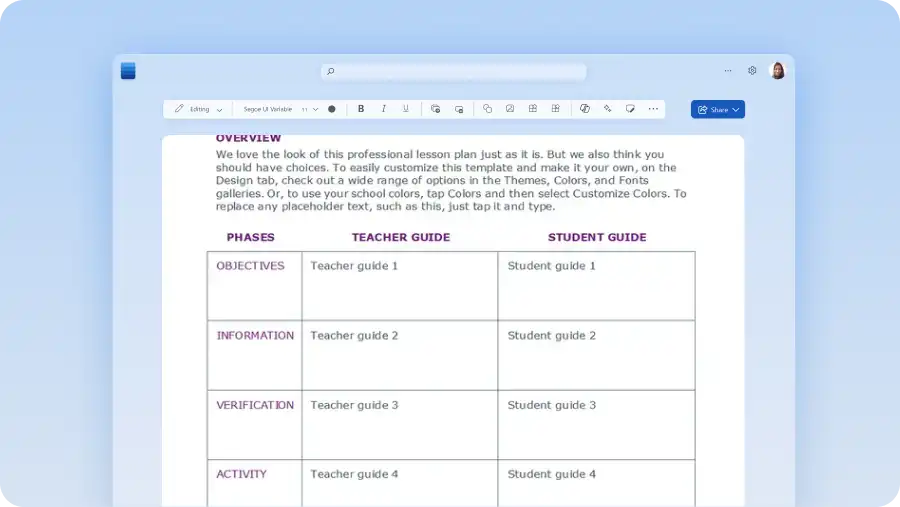
Plan lessons with editable templates
Keep lessons organized with a clear plan. Choose a lesson plan template and fill in learning objectives, lesson topics, and activities. Align assessments with each learning goal, then adapt the structure for different classes or subjects. Save the document structure to reuse for classroom lessons.

Download and print learning resources
Prepare learning resources for use in the classroom or independent study. Teachers can print worksheets, and instructional materials to distribute in the classroom, or save documents as PDFs for students to access digitally. Students can keep academic work organized with templates for reports and study planning.