On this page

Every organization has processes that need to be taught, repeated, and standardized, and a strong training manual is what makes that possible. A training manual is a structured guide designed to teach people how to perform a role, task, or process consistently and correctly. It supports everything from onboarding and upskilling to compliance and professional development. Done well, it saves time, reduces errors, and gets new team members contributing sooner.
Explore popular types of training manuals, key components of a strong outline, and a step-by-step tutorial for building a reusable template with Copilot in Word. Save time by generating a structured outline, populating sections with relevant content, and adapting the template for different roles or teams in Microsoft Word.
Eight types of training manuals with examples
Training manuals come in many forms depending on the audience, purpose, and level of detail required. Below are eight widely used training manual examples used for internal training and customer-facing documentation.
1. Employee onboarding manuals
Employee training manual documents for onboarding introduce new hires to the company, their role, tools, expectations, and essential policies. A new employee welcome guide might cover company history, mission, and key contacts. A first-week onboarding checklist outlines tasks like setting up accounts, attending orientation, and meeting the team. A company values and culture manual helps people understand workplace expectations and norms.
2. Role‑specific training manuals
Role-specific manuals focus on the skills and workflows needed to perform a particular job. They are especially useful for technical or process-heavy roles. A customer service training guide might cover call handling, escalation paths, and tone of voice. A sales training manual could include product knowledge, CRM workflows, and objection handling. A content editor manual would outline editorial guidelines, approval steps, and publishing schedules.
3. Standard operating procedure manuals (SOP)
SOPs provide step-by-step instructions for tasks that must be completed consistently and correctly. They are critical for quality control, audit readiness, and reducing errors across teams. Learn more about how to create SOP templates with AI in Word. Typical examples include an invoice processing SOP that details each step from receipt to payment approval, an incident reporting procedure that standardizes how workplace issues are documented and escalated, and content approval and review workflow that maps out who reviews, edits, and publishes content before it goes live.
4. Technical or systems training manuals
Technical or systems training manuals explain how internal systems, tools, or equipment are set up and managed. They focus on access, configuration, permissions, and maintenance rather than day‑to‑day task execution. A systems training manual might cover login requirements, permission levels, and data standards for internal platforms. A customer relationship management (CRM) or content management system (CMS) setup guide could explain configuration steps and required fields. An equipment setup manual would document installation steps, safety checks, and routine maintenance tasks.
5. Policy and compliance manuals
Policy and compliance manuals help teams understand legal, regulatory, and organizational requirements. They are essential in industries like healthcare, finance, and construction where regulatory adherence is closely monitored. A workplace health and safety manual outlines emergency procedures, hazard reporting, and safe work practices. A data privacy handbook covers handling protocols, breach response, and responsibilities under regulations like General Data Protection Regulation (GDPR). A code of conduct and HR policy guide sets expectations for workplace behavior, anti-discrimination, and grievance procedures.
6. Customer or user manuals
Customer manuals help external users understand how to use a product, service, or system. Clear, well-structured customer documentation reduces support requests and improves the overall user experience. A product setup and installation guide walks customers through unboxing, assembly, and first-time configuration. A mobile app user manual covers account creation, navigation, and key features. A quick start guide for new subscribers provides a condensed overview of how to begin using a product or service immediately.
7. Software training manuals
Software training manuals focus on how to use a specific digital tool or application to complete tasks. These manuals prioritize feature guidance, workflows, and screen‑by‑screen instructions. A project management software guide might explain task creation, timelines, and collaboration features. An enterprise resource planning (ERP) training manual could walk through finance or operations modules. A communication platform guide would cover messaging, meetings, file sharing, and notifications.
8. Safety training manuals
Safety training manuals are essential in jobs with physical risk. They cover procedures for preventing accidents, responding to emergencies, and maintaining a safe work environment. A construction site safety manual might include PPE requirements, fall protection, and hazard assessments. A laboratory safety guide could address chemical handling, spill response, and equipment decontamination. A food safety manual could cover temperature controls, cross-contamination prevention, and cleaning schedules.
Key components of a training manual outline
A strong training manual template follows a logical structure that guides learners from introduction through to reference material. Each component below can be generated and customized with Copilot in Word, making it faster to build a comprehensive outline from scratch.
Introduction
The introduction sets the context for the entire manual. It should explain the purpose of the training, identify who the manual is for, and describe how to use the document effectively. A clear introduction helps learners understand what to expect and why the content matters to their role.
Try this Copilot prompt example
Learning objectives
Learning objectives define what knowledge or skills the reader should gain by the end of the training. Clear objectives help both the writer stay focused and the learner measure progress. Frame each objective around specific, observable outcomes rather than vague goals.
Try this Copilot prompt example
Role or process overview
This section provides the broader context that learners need before moving into detailed instructions. It covers key concepts, terminology, and how the role or process fits within the organization. This context makes the step-by-step sections easier to follow.
Try this Copilot prompt example
Step-by-step instructions
This is the core of the training manual. Lay out detailed processes or workflows using numbered steps, checklists, or layered instructions with sub-steps. For tasks that require strict consistency, consider structuring this section as a standard operating procedure. Include the tools, systems, or resources required at each stage to help readers follow along independently.
Try this Copilot prompt example
Policies, standards, or rules
This section outlines the compliance requirements, permitted and prohibited actions, and organizational standards that apply to the training topic. It ensures learners understand the boundaries and expectations that govern how tasks should be performed.
Try this Copilot prompt example
Examples and scenarios
Practical examples make abstract instructions easier to understand. Include both good and poor practice scenarios so learners can see the difference. Use AI writer in Word to generate scenario drafts, then refine them with real details from the team.
Try this Copilot prompt example
Tips and best practices
A dedicated tips section gives learners practical shortcuts, efficiency techniques, and common mistakes to avoid. This is where experienced team members can share knowledge that helps newer employees progress faster.
Try this Copilot prompt example
Exercises or knowledge checks
Exercises and review questions help learners test their understanding before moving on. These can range from multiple-choice questions to hands-on tasks that simulate real workflows.
Try this Copilot prompt example
Troubleshooting and frequently asked questions (FAQs)
A troubleshooting section addresses the most common issues learners are likely to encounter, along with clear resolution steps and guidance on when to escalate. Including an FAQ section anticipates questions and reduces the need for follow-up support.
Try this Copilot prompt example
Reference material
Close the manual with supporting materials that make it a long-term resource people return to, not a one-time read. A strong reference section typically includes:
Glossary of key terms: define any technical language, acronyms, or role-specific vocabulary used throughout the manual.
Links to related resources: connect to internal policies, related training documents, video walkthroughs, or external reference material.
Supplementary documents: attach templates, checklists, or forms that readers will need when applying what they have learned.
Try this Copilot prompt example
How to write a training manual template with Copilot in Word
The steps below walk through creating a reusable training manual template with Copilot in Word.
Open a new blank document in Word for the web.
Click on Copilot from the toolbar in Word for the web to start a new request.
Ask Copilot to generate a training manual outline. Make sure to include who the training manual is for, what the document will cover, and how it will be used.
Review the AI-generated training manual outline. Prompt Copilot to adjust, expand, or reorganize sections if required. You can ask Copilot to refine wording or rewrite specific sections.
Add final details, then save as a reusable Word template. To save as a reusable template online, save the Word document (.docx) to a dedicated folder in OneDrive or SharePoint. Treat the document as a master file. Alternatively, in the Word desktop app, select File, then Save As Word Template (.dotx).
Try this Copilot prompt example
Training manual best practices
A well-written training manual is only effective if it is easy to read, maintain, and reuse. Apply these guidelines when creating or refining training materials.
Keep content clear, simple, and task-focused: use plain language, avoid jargon, and break instructions into small, manageable steps. Short sentences and active voice make content easier to follow.
Use a consistent structure and layout: maintain the same formatting, heading hierarchy, and visual style throughout the manual. Choose readable font sizes (11–12pt for body text, larger for headings) and apply consistent spacing. Use the formatting tools in Word to keep headings, fonts, and margins uniform.
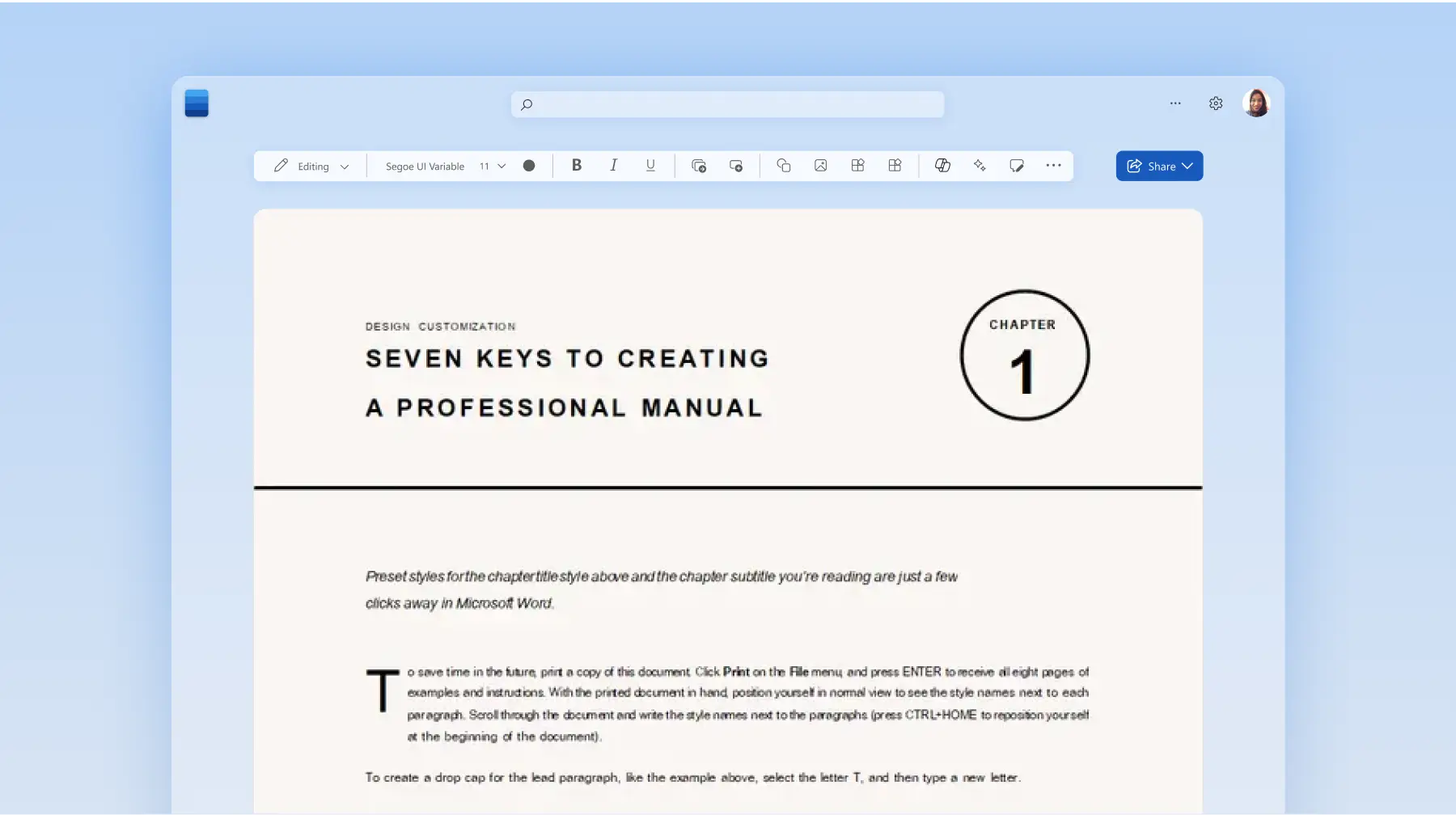
Include visuals to support understanding: add screenshots, diagrams, checklists, or SmartArt to illustrate processes. Visuals break up dense text and make step-by-step instructions easier to follow.
Make it practical with real examples and scenarios: provide sample tasks, realistic use cases, and comparisons of correct and incorrect approaches. Practical examples help connect concepts to actual workplace situations.
Keep it up to date and easy to revise: store manuals in a central, editable location using OneDrive and review them regularly. Use collaboration tools in Word to co-author with subject matter experts and track changes over time.
Apply organizational branding for a professional finish: insert the company logo in the header, apply brand colors using theme settings, and use the official font from the style guide. Set consistent page margins and use white space to improve readability. Save the branded layout as a reusable Word template to maintain consistency across all training documentation.
Create training manuals and employee training materials in Microsoft Word online. Explore additional guides on SOP templates with AI and writing memos.
Frequently asked questions
What is the best format for a training manual?
The best format depends on the subject and audience. Step-by-step manuals work well for tasks that follow a fixed sequence, while checklists suit tasks with many parallel actions. For complex workflows with decision points, a flowchart-based format helps navigate different scenarios. Digital formats stored in cloud-based tools like Word make it easy to update, share, and collaborate on documents in real time.
What is the difference between a training manual and a handbook?
A training manual focuses on teaching specific skills, processes, or tasks, and is often used during onboarding. A handbook is broader in scope and typically covers company-wide policies, employee rights, benefits, and organizational expectations. Some organizations combine elements of both, but a training manual is more instructional and task oriented. Both documents can be created with Word or using AI writer.
Is there a manual template in Word?
Word offers a range of document templates that can be customized for training manuals. To create something more tailored, use Copilot to generate a custom outline based on specific roles, industries, or training goals, then save it as a reusable template.