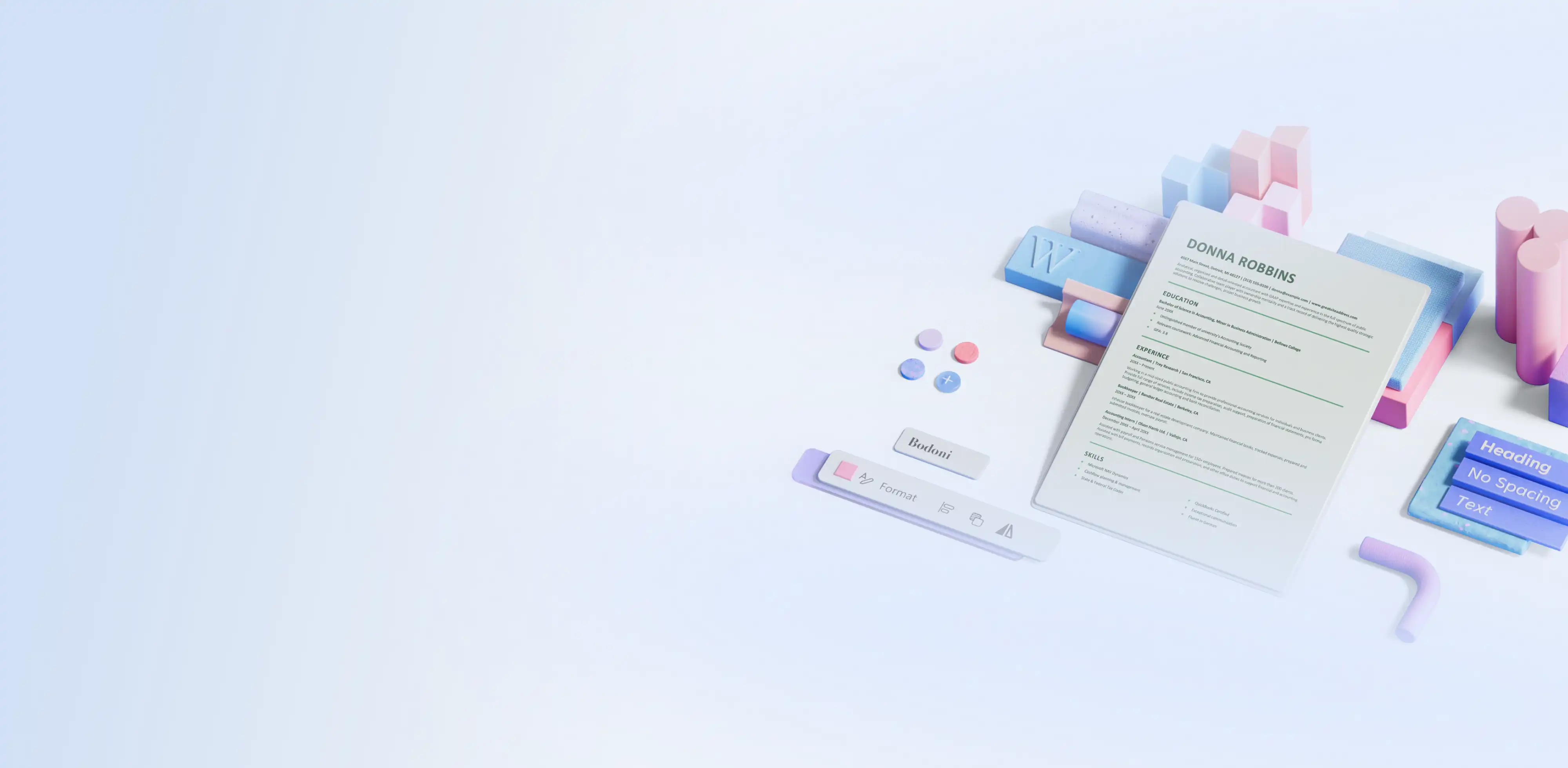
ATS-friendly templates
Showcase skills and experience using well-formatted ATS-friendly resume and cover letter templates in Microsoft Word.

ATS-friendly resume templates
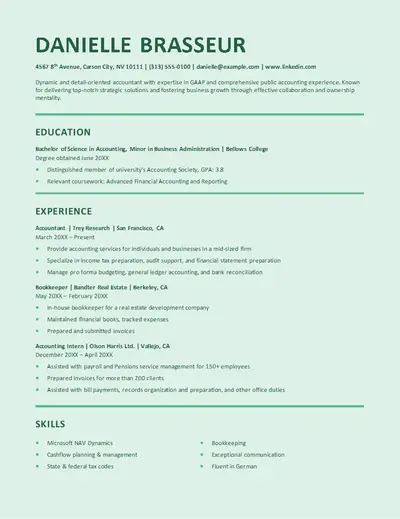
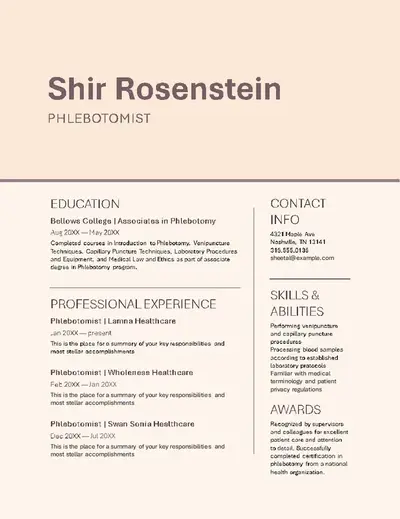
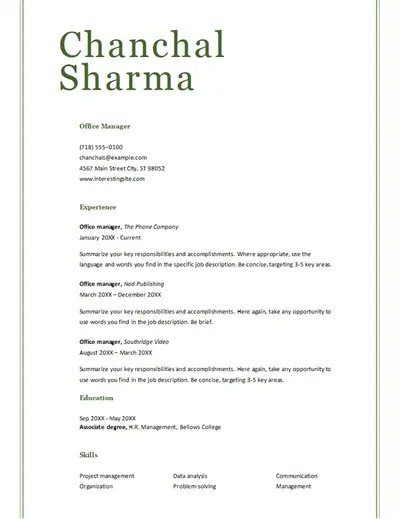
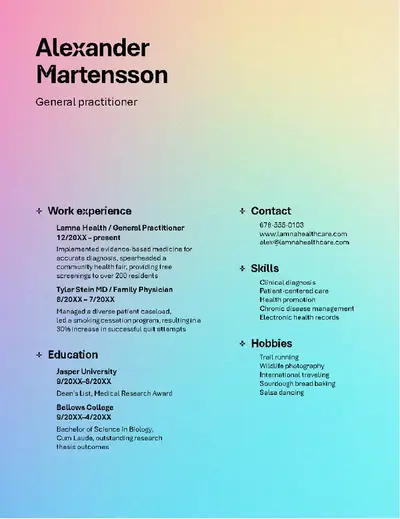
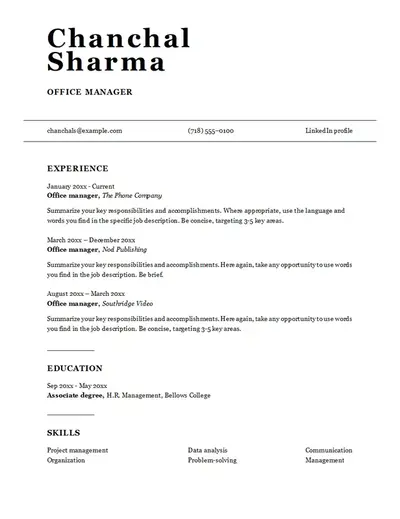
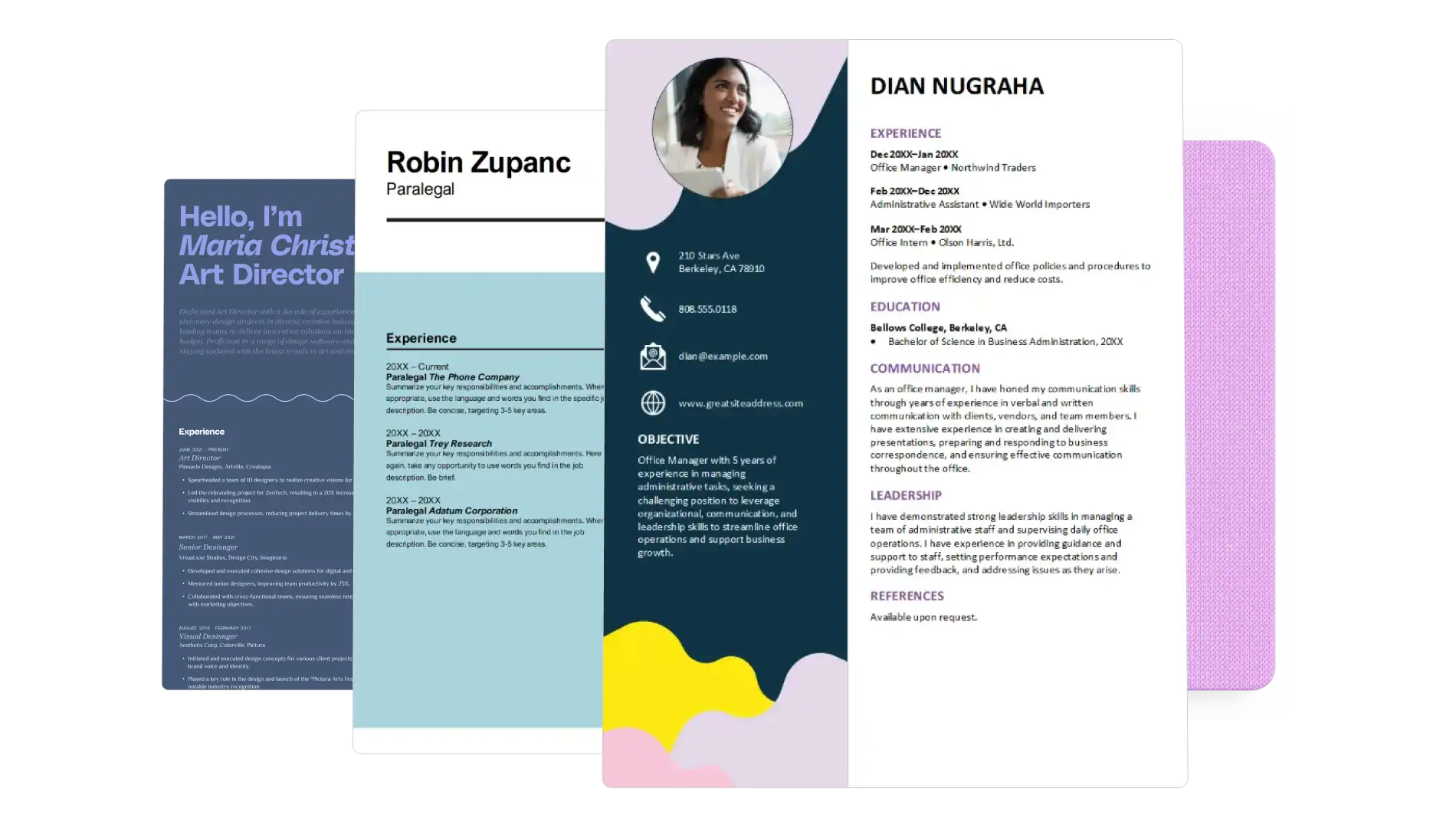
Choose a resume layout with clear sections for contact details, work history, skills, and education. Explore simple, ATS-friendly layouts for a wide range of roles, including accounting, healthcare, and office administration.
ATS-friendly cover letter templates
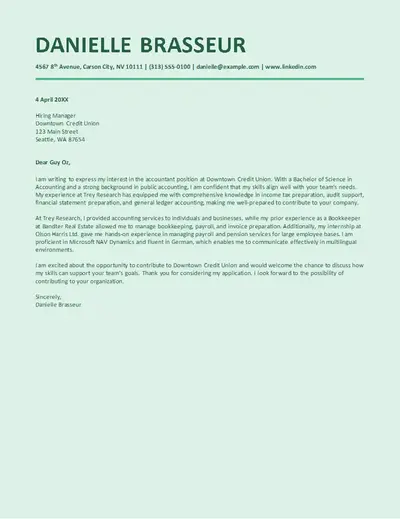
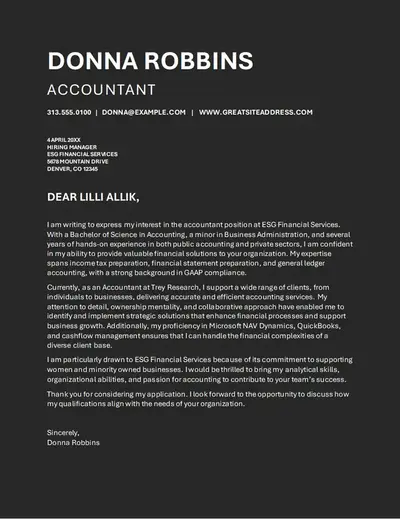
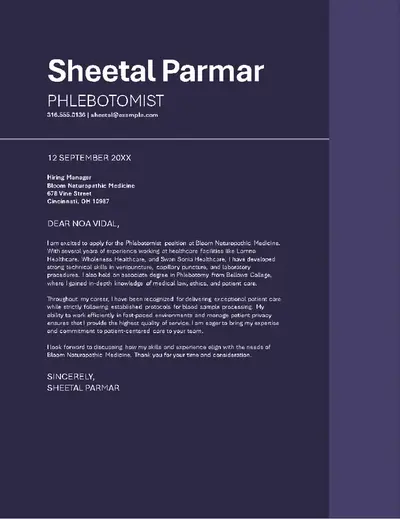
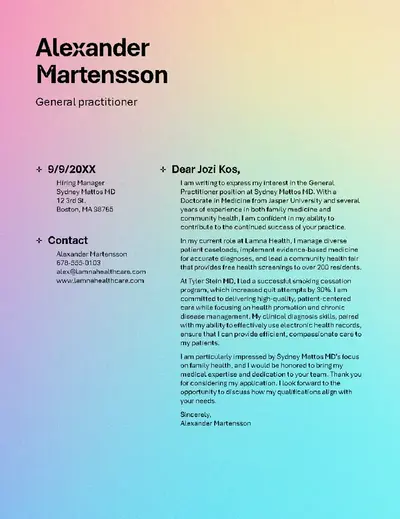
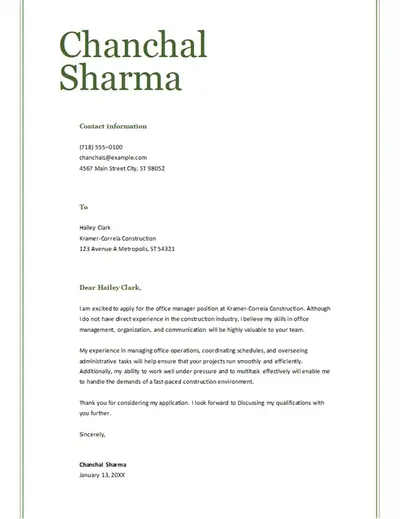
Pair a resume with a cover letter template that uses letter formatting, themed colors, and professional fonts. Explore editable cover letter templates to support applications ranging from customer service, graduate, and administrative roles.
How to use ATS-friendly templates in Microsoft Word
Open Word for the web to explore ATS templates.
Preview and select an ATS-friendly resume or cover letter template to edit online.
Replace the placeholder text with contact details, work history, skills, and education.
Save the file to OneDrive, then download, print, or share as a PDF.
Edit ATS-friendly resumes and cover letters
Turn an ATS-friendly template into a personalized job application by replacing the placeholder text with relevant experience, skills, education, and contact details. Keep the resume and cover letter template heading and formatting, then use the AI rewriter to refine the wording while retaining the ATS-friendly layout.
Tailor ATS templates to job descriptions
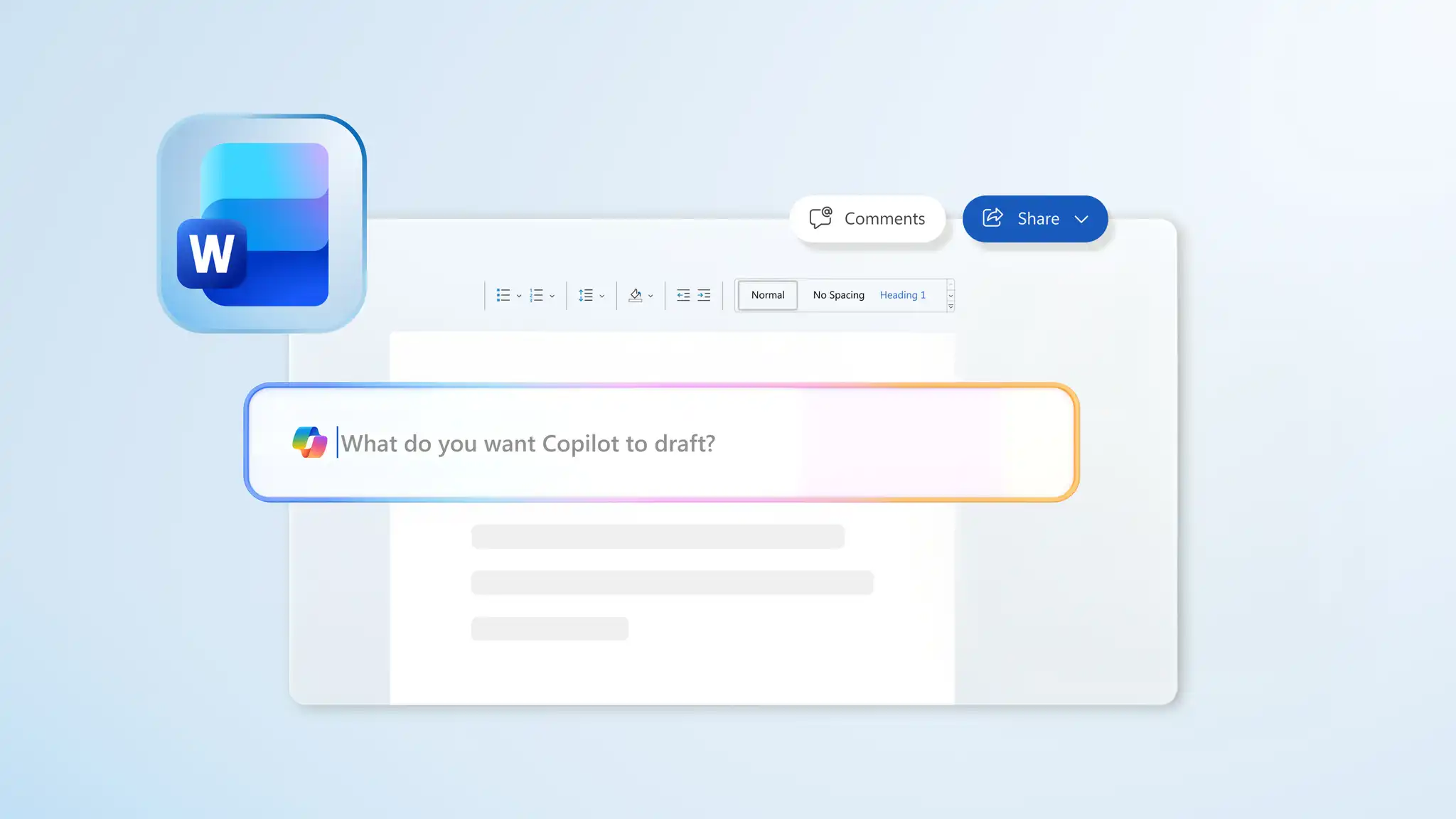
Adapt ATS-friendly resume and cover letter templates for specific roles. Use the job description to guide updates to summaries, experience sections, skills, and qualifications. Ask Copilot in Word to review the job description and suggest keywords, then edit and review each section.