
名片

美观的名片模板

使用 Microsoft Word 中的名片模板,设计精美且引人注目的名片,轻松展示客户需要了解的信息。

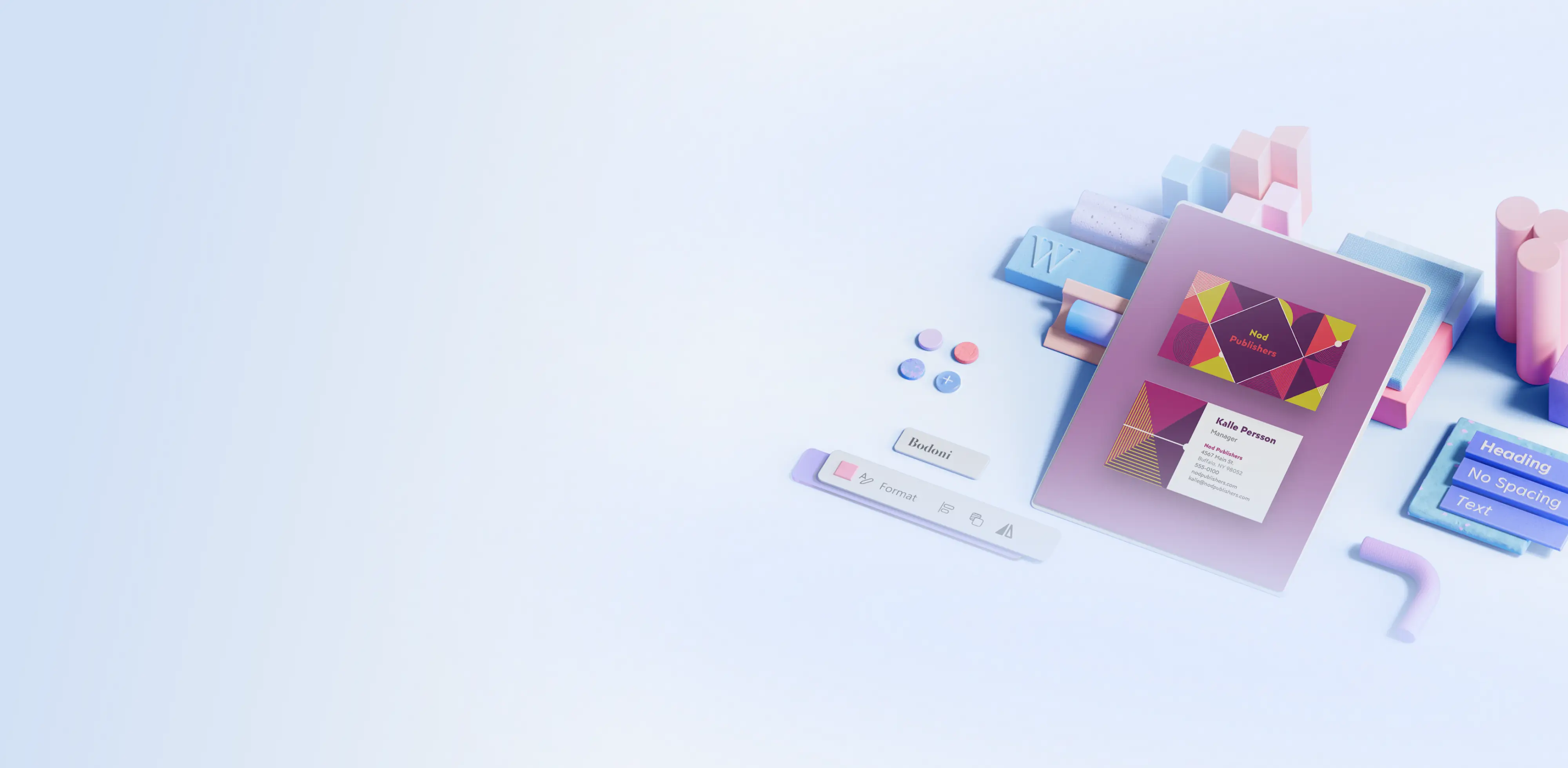
多彩名片模板

使用鲜艳多彩的名片模板展示个性。

How to use business card templates in Microsoft Word

  1. In your browser, explore free business card templates

  2. Double click on the business card template you would like to use

  3. Customize the text with name, job title, and contact details

  4. Upload the business logo and change color-scheme to match branding

  5. Save as a PDF, send digitally, or print to share business cards in-person

显示多个提示类型的Word概念图像中的 Copilot

使用名片自信地建立人脉圈

使用 Word 中这些可自定义的名片模板和设计,公布你的身份和工作内容。自信地展示名片能让你在竞争中领先一步,这些模板确保名片给人留下深刻印象。这些模板采用合适的边距和间距设计,可轻松打印,适合会议、企业活动或入职首日时分享。

融入品牌颜色打造个性化风格,需要时还可生成指向网站的 QR 码。将名片与你的个人品牌、简历标签和其他物料相呼应,提升名片档次。

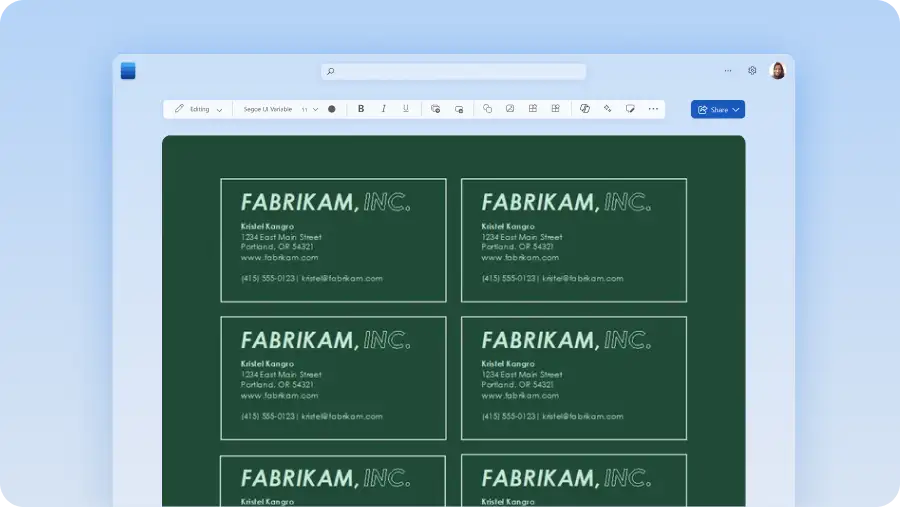
Microsoft Word中的绿色商业卡模板

Make great business cards with Microsoft Word